Branded Email Reports for Clients: A Setup Guide
Your client opens their inbox on a Monday morning. Somewhere in there is a message from you, and next to it are messages from their accountant, their supplier, and a few newsletters they never signed up for. Your report is competing with all of that. If it arrives as a bare forwarding of raw platform data, or from an address they do not recognise, or with a subject line that says nothing, it gets skipped. Not rejected, just skipped. And a skipped report is worse than no report, because you spent the time and got none of the credit.
This post is about the email itself: the envelope your reporting arrives in. Not the design of the report inside it, not what metrics to include, but the specific decisions that make a recurring email report read as yours rather than as machine output. If you want the wider picture of the whole deliverable, the complete guide to branded ads reports for clients covers the full scope. Here we are staying on the email.
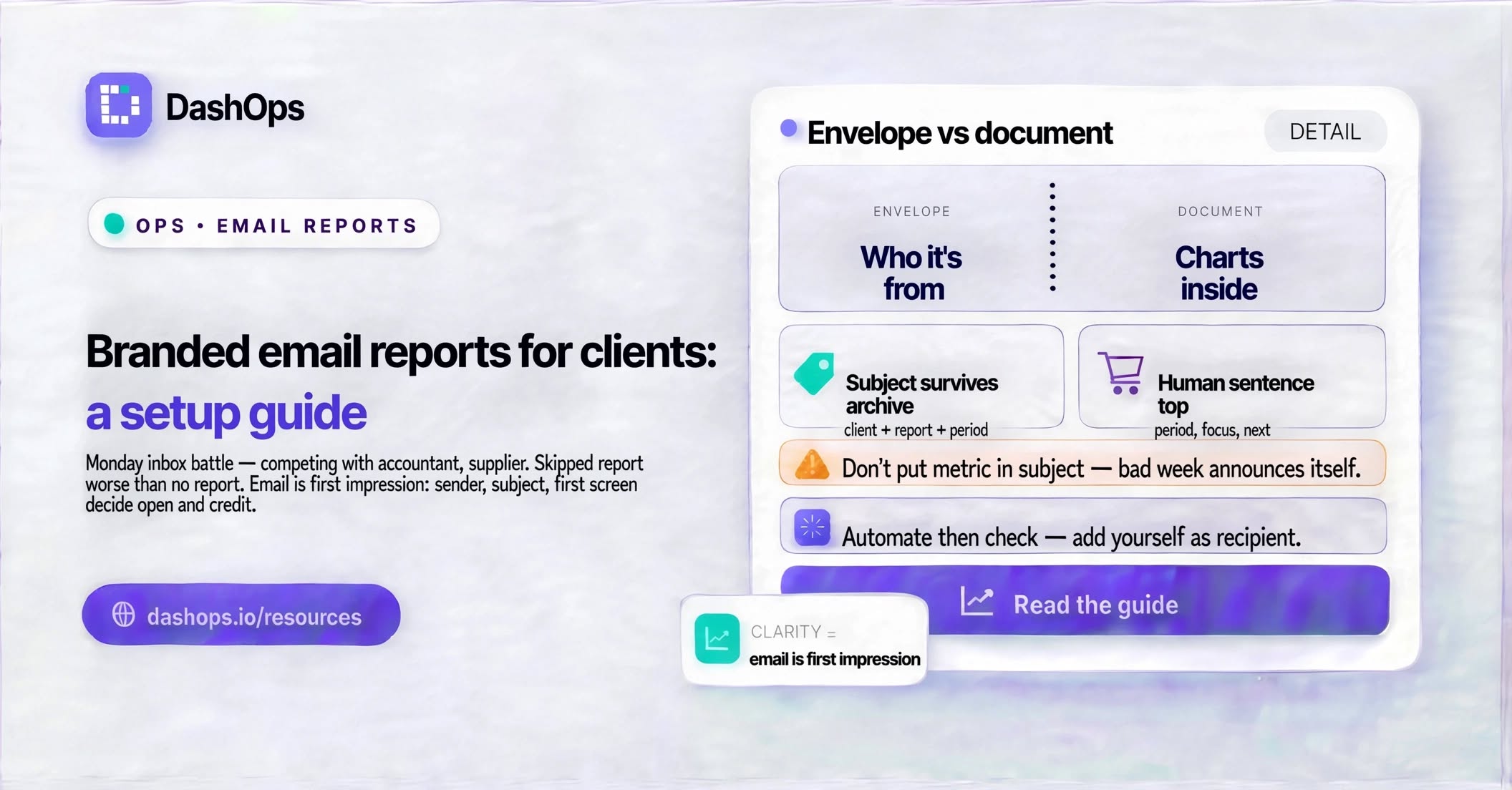
The email is the first impression, not the report
There is a habit among people who send recurring reports of treating the email as plumbing. The work went into the numbers, so the email is just the pipe that carries them. That gets it backwards. Your client sees the sender name, the subject line, and the first screen of the message before they ever see a chart. Those three things decide whether they open it, whether they read it, and what they think of you while they do.
An unbranded report email tends to fail in one of a few recognisable ways:
- The sender is a platform name your client has never heard of, so it reads as spam or as automated noise from a tool you bought.
- The subject line is generic and identical every week, so past reports are impossible to find later when the client wants to compare.
- The body opens with a wall of metrics and no sentence explaining what any of it means.
- There is no logo, no colour, nothing that connects the email to the agency the client is paying.
- The reply address goes nowhere, so a question about the numbers becomes a separate email in a separate thread.
Each of those is fixable. None of them require design skill.
Decide who the email is from
This is the most consequential choice, and the one most easily left on default. When your report lands, the sender name is what the client’s brain processes first.
The weakest option is a generic tool name your client has no relationship with. The middle option, and a perfectly reasonable one, is your agency’s name as the sender with a platform-provided address behind it. The strongest option is your agency’s name sending from your own domain, so the address matches the one you email them from every other day of the week.
Sending from your own domain is a real technical step, not just a label swap. It involves adding records at your DNS provider so the receiving mail server can verify that the message genuinely came from you. In DashOps this is part of the white label setup on the top plan: you add your sending domain, add the records it gives you, and once verified your scheduled client reports go out from your address instead of the platform default. On plans without a custom sender, you still control the display name and the branding inside the message, which covers most of the perception gap.
If you are weighing up how far to take this, the piece on looking established as a small agency is worth reading, because sender identity is one of the highest-leverage signals available to a small team.
Write a subject line that survives the archive
Report subject lines tend to be written for the moment of arrival and never thought about again. But clients search their inbox. Months later somebody asks what happened in the spring, and your client goes hunting.
A subject line that works has three parts: who it is from or about, what it covers, and the period. Something along the lines of the client’s brand name, the words that identify it as their ads report, and the date range. It is not clever, and it should not be. Clever subject lines are unfindable.
Two things to avoid. Do not put a metric in the subject line, because a bad week then announces itself in the inbox preview before you have had the chance to give it context. And do not send every report with an identical subject, because a long run of identical subjects is impossible to navigate.
Put a human sentence at the top
A common structural mistake in a report email is opening with data. Charts, tables, numbers, straight in. Your client is not a media buyer. They opened this while drinking coffee and they need to be told what they are looking at before they look at it.
Two or three sentences at the top does the job. What period this covers, what you were focused on, and one thing that stands out. That is it. If you send weekly, the top of the email is often the only part that gets read, and that is fine, because it is the part that carries the meaning. The detail underneath exists so the numbers are there when someone wants them.
This is also where you say what happens next. A report that ends without a next step reads as a status update. A report that says what you are changing this week reads as work in progress.
Make the branding consistent, not decorative
Branding an email report is not about making it pretty. It is about making it unmistakably yours across every send, so the client stops evaluating whether it is legitimate and starts just reading it.
The pieces that matter:
- The logo, in the same place every time. Top of the message. Not large, not centred over a background image, just present.
- Your colours applied to the structural elements, headings and dividers and the header band. Do not colour the numbers themselves, because a number in your brand colour is harder to read than a number in black.
- The same layout every send. Consistency is what makes it scannable. A client who has read a few of your reports already knows where to look in the next one.
- A real reply address. If they hit reply, it should reach a person.
- Your agency name in the footer, so a forwarded report still identifies you when it lands in front of someone who has never met you.
For the practical setup, logo and colour setup for client reports walks through getting the assets in place, and what to brand in client reporting covers where branding helps and where it just adds clutter.
Pick a rhythm and keep it
An email report that arrives on an unpredictable schedule teaches the client not to expect it. That is the opposite of what you want, because much of the value of a recurring report is the reassurance that it will be there.
Weekly suits accounts with enough activity that a week produces a real story. Monthly suits steadier accounts and pairs well with an invoice cycle. Some agencies run both: a short weekly note to keep the account visible, and a fuller monthly one for the wider conversation. If you are choosing, the case for a weekly digest goes through the trade-off.
Whatever you pick, send it on the same day at the same time. Scheduling in DashOps is set per client and per ad account, so different clients can be on different rhythms without you tracking any of it manually. Once it is configured, it goes.
Automate it, then check it
The reason branded email reports fall apart is almost never design. It is that sending them by hand is tedious, so on a busy week it slips, and then it slips again, and eventually the client stops expecting anything.
Automating removes the failure mode. Set the schedule, set the recipients per client, set the branding once, and the reports go out whether or not you remembered. Automating your Meta Ads reports covers the mechanics, and reducing the time you spend on reporting covers what else you can pull out of the manual pile.
One caveat worth holding onto. Automated does not mean unattended. Put yourself on the recipient list, or check the first send after any change to branding, recipients, or the account setup. An automated report that has been quietly sending a broken logo or an empty period for weeks is a worse outcome than no automation at all, because you did not know.
What to do next
Pick one client and fix their report email this week, rather than trying to redo every client at once. In order:
- Set the sender name to your agency. If your plan supports a custom sending domain, set that up too, since it is the change with the largest effect.
- Rewrite the subject line so it names the client, says what it is, and carries the period.
- Add two sentences of plain-language summary at the top, ending with what you are doing next.
- Add your logo and apply your colours to the headings and dividers, not the data.
- Set the schedule and add yourself as a recipient so you see exactly what they see.
Then leave it running for a few weeks before you change anything else. Once it works for one client, copying the setup to the rest is fast, and the full guide to branded ads reports covers what to build on top of it.
Frequently asked questions
What is the difference between a branded email report and a normal report?
Can I send client reports from my own email domain?
How often should I send email reports to clients?
What should the subject line of a client report email say?
Do I need to check automated reports once they are set up?
See it in your own dashboard
DashOps brings Meta Ads reporting, campaign management, and white-label client portals into one place. Pick the plan that fits how you run ads.