The Branded Ads Report Clients Actually Notice
A client opens the monthly report you sent. Before they read a single number, they have already decided something about you. The file name says “meta_export_final.pdf”. The header says Meta. The email came from a personal address rather than the agency’s, with the subject line “November report”. Nothing in that sequence says the work was done by a company they chose to pay. It says a spreadsheet was exported and forwarded.
That gap between the quality of your work and the quality of the artefact carrying it is worth closing, and it costs less effort than most agency owners assume. A branded ads report for clients is not about vanity. It is about who the client believes did the work, and whether the reporting feels like part of a service or an afterthought.
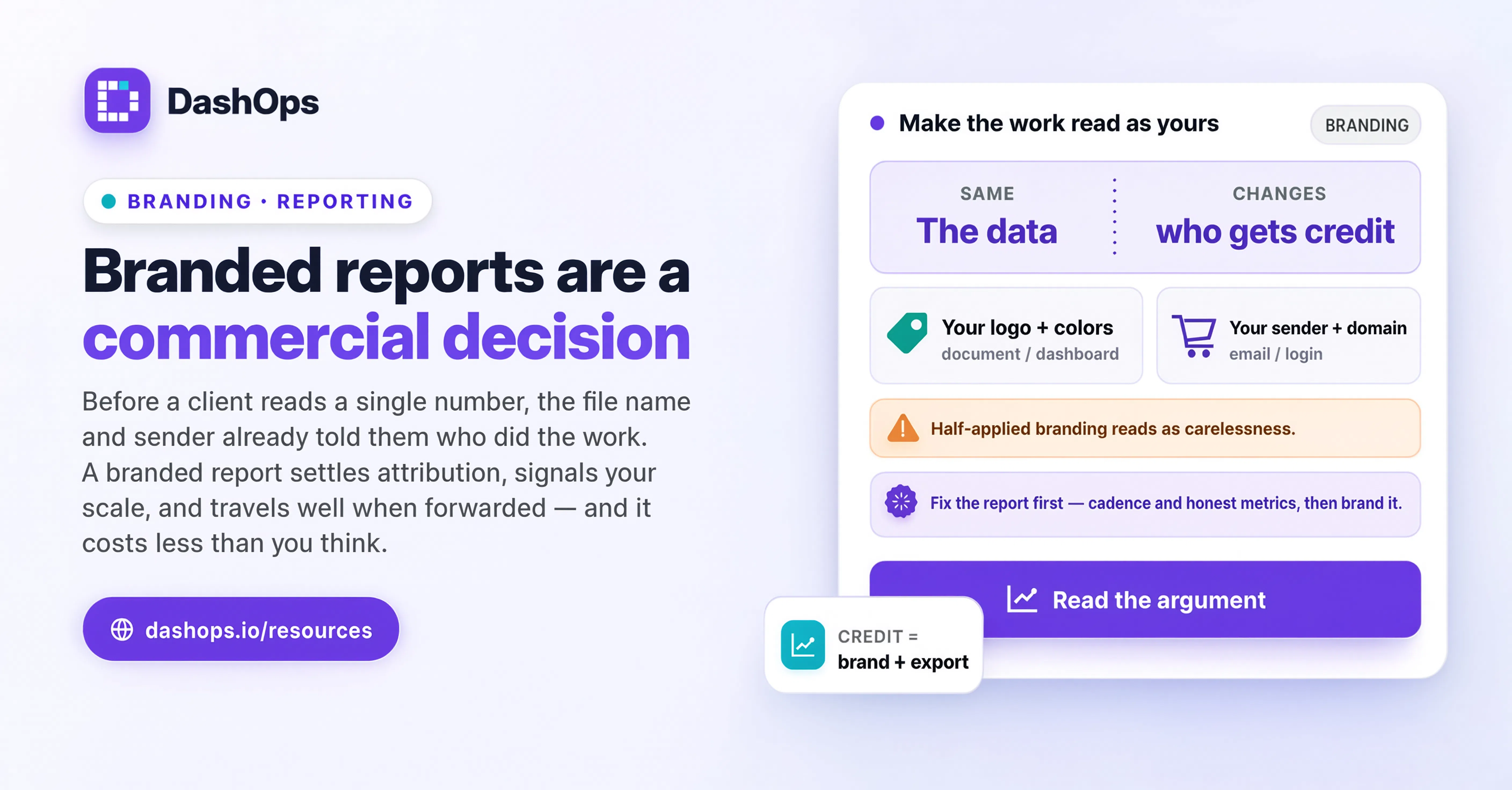
Why branding on a report is a commercial decision, not a cosmetic one
Reporting is often the only regular, scheduled contact a client has with your agency. They may speak to you on a call now and then. They receive a report on a fixed schedule whether or not anything eventful happened. For a lot of clients, the report is the service. It is the tangible thing they can point to when someone internally asks what the agency is doing.
That creates three commercial effects worth naming plainly.
It settles who the client attributes the work to. When a report arrives raw from a platform, the platform gets credit for the reporting and you get credit for forwarding it. When the report carries your mark, your colours and your sender address, the work reads as yours. This matters most at renewal time, when a client is quietly asking themselves what they are paying for.
It changes the perceived size of your operation. A freelancer sending from a personal address and an agency sending from a company domain do not read the same, even when the underlying analysis is identical. This is not deception. It is presenting your business as a business.
It reduces friction when the report gets forwarded. Reports travel. Your contact sends it to a founder, a finance lead, or a board. Those people did not hire you and do not know your name. If your agency identity is on the document, you are introduced by the document itself. If it is not, you are the anonymous vendor mentioned in passing.
None of this replaces good work. A beautifully branded report full of numbers the client does not understand is still a bad report. If presentation of the findings is the weak link rather than the wrapper, start with how to present Facebook Ads results to clients instead.
The five touchpoints that actually carry your brand
Branding a report is not one switch. It is a handful of specific surfaces, each of which a client notices at a different moment. Here is what each one does and when it is worth the effort.
- Your logo on the report itself. The first thing seen when the PDF opens. This is the touchpoint most agencies already do, and the one with the lowest marginal return once it is done, because it is table stakes rather than a differentiator.
- Your colours through the dashboard and report. Consistency between the report, your site and your deck makes the whole operation feel deliberate. A client cannot articulate why the report feels professional, but they register the coherence.
- The sending email address. Underrated and often the highest impact of the five. The report lands in an inbox before it is ever opened. A report from reports@yourdomain lands differently from one sent by a third party’s mail server on your behalf.
- The dashboard domain, if you give clients live access. A client logging into a URL with your name on it is in your product. A client logging into someone else’s URL is a guest in a tool you happen to use. This is the touchpoint that most changes how the relationship feels over time.
- The footer. The smallest one and the easiest to overlook. A footer saying “powered by” a tool you pay for tells every reader exactly which product they could buy directly. Removing it is not about hiding your stack, it is about not advertising a competitor for your service on your own document.
In DashOps, your logo, colours and favicon come with white label, while the custom domain and the custom email sender sit on the top plan. The reason for that split is practical: a domain and a verified sending address need DNS work and ongoing infrastructure, so they belong with the accounts that have a real reason to want them.
The order to do these in
If you are starting from nothing, do them in this order rather than all at once.
Start with the sender address. It requires no design decisions and it affects every report before anyone opens one. If your reports currently arrive from a generic address, changing that is the single highest-value move on this list.
Then the logo and colours. Upload once, and every dashboard, PDF, Excel export and scheduled email inherits them. This is a one-time setup that keeps paying out.
Then the footer. A small toggle, but the difference between a document that looks like your product and one that looks like a tool’s output.
Then the domain, if and when it earns its place. A custom domain matters when clients log in regularly. If your clients only ever receive PDFs and never touch a dashboard, the domain is doing less work and can wait.
Where branding stops and substance starts
There is a failure mode worth flagging. Agencies who discover white label sometimes over-invest in the wrapper and under-invest in what is inside it. A branded report that arrives late, contains metrics the client did not ask for, and offers no interpretation is still a bad report wearing a nice jacket.
Branding earns its return when the underlying report is already good: consistent in cadence, focused on the metrics that map to the client’s actual goal, and honest about what did not work. If the report itself needs structural help before it needs a logo, work through a Facebook Ads client report template first and brand it afterwards.
The other trap is inconsistency. A branded PDF paired with an unbranded scheduled email, or a branded dashboard reached through an unbranded link, is worse than consistently plain. Half-applied branding reads as carelessness, where plain and unbranded simply reads as plain. If you are going to do it, do all the touchpoints that apply to how your clients actually receive things.
What this looks like in practice for a small agency
Take a fictional agency, Contoso Media, running Meta Ads for a handful of clients including Acme Apparel and Tailspin Toys. Before branding, every client gets a PDF named after an export, sent from the founder’s personal address, with the reporting tool’s mark in the header.
After branding: the logo is Contoso’s, the accent colour matches their site, the monthly report and the weekly email digest both go out from a Contoso address, the footer carries Contoso’s name rather than a tool’s, and each client logs into a dashboard on a Contoso subdomain to check performance between reports.
Nothing about the campaigns changed. What changed is that Acme Apparel now experiences a service with a consistent identity rather than a series of forwarded files. When Acme’s founder asks the marketing lead who is running their ads, there is a document with an answer on it.
The same principle applies to anything scheduled. If you already send a recurring summary, brand that too, because it is the touchpoint clients see most often. The mechanics of setting one up are covered in automated Meta Ads email reports.
What to do next
Pick the one touchpoint on the list above that is currently letting you down most, and fix only that this week. Often that is the sending address, because it is the one clients encounter before anything else and the one most likely to still point somewhere generic.
Then check your last three reports as a client would: open the email, look at the sender, open the attachment, read the header, scroll to the footer. Note every point where your agency’s name is absent or someone else’s is present. That list is your branding backlog, in priority order, without needing any further analysis.
If you are setting this up in DashOps, branding lives in your settings and applies across dashboards, PDF and Excel exports, scheduled client reports and email digests at once, so you configure it once rather than per report.
Frequently asked questions
What is a branded ads report for clients?
Does agency branded reporting actually change anything for the client?
Which branding touchpoint should I set up first?
Do I need a custom domain for a custom branded ads report?
Can branding make a weak report look good?
See it in your own dashboard
DashOps brings Meta Ads reporting, campaign management, and white-label client portals into one place. Pick the plan that fits how you run ads.