How to Look Established as a Small Agency
Somebody who has run Meta Ads for years can still lose a pitch to a bigger shop because their proposal arrived as a plain document with a stock header, and the first report went out as a raw platform export with an ad account id in the filename. The work was better. The packaging said otherwise.
That gap is what most small agencies are actually fighting. Not credibility of skill, credibility of surface. A prospect meeting you for the first time has almost nothing to judge you on except the artefacts you hand them: the proposal, the onboarding email, the first report, the login you give them. Every one of those is a signal, and every one of them is fixable this week without hiring anyone.
Here is the part that stings and also frees you up: looking established has very little to do with size. It has to do with consistency, predictability, and whether your client ever has to wonder what happens next. Those three things are cheap. Headcount is not.
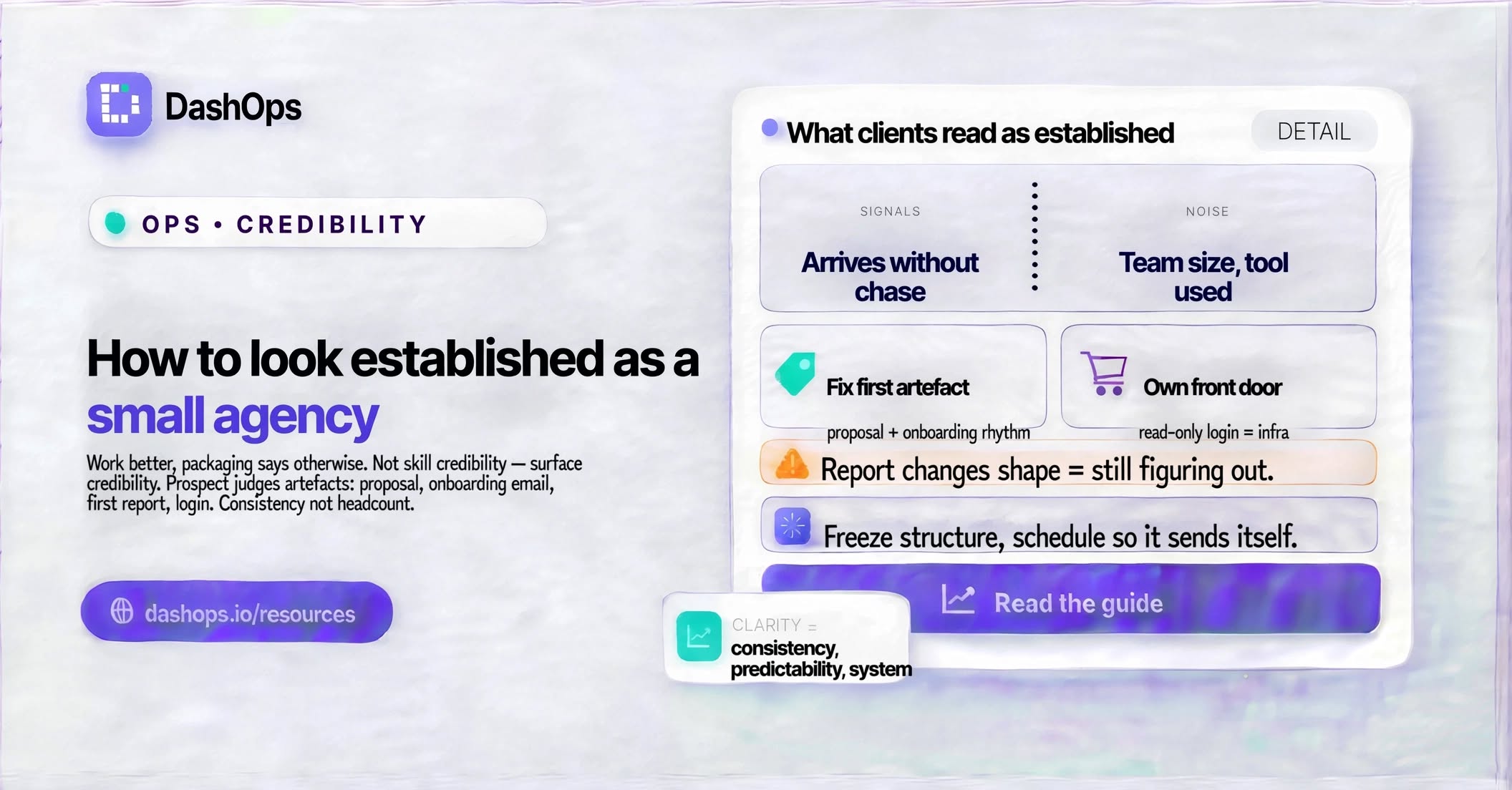
What clients read as “established”
Think about the language a happy client uses when they recommend someone. It is rarely about team size. It is about feeling looked after, always knowing where things stood, and everything looking properly done. Decode that and you get a short list.
- The reporting arrives without being chased. Nothing signals a scrambling operation faster than a report that lands late with an apology attached.
- It looks like it came from a company. Your logo, your colours, your sender address. Not a forwarded platform export.
- The format does not change. Same sections, same order, same metrics, every time. A client who has to relearn your report each month never relaxes into it.
- They have somewhere to look between reports. A login, a link, a place that is theirs. Waiting on you for every number makes you feel like a bottleneck.
- The language is steady. If you called it “cost per lead” in the first month, it is still “cost per lead” in the last one.
What they almost never notice: how many people are on your team, what software you use, whether you built the report by hand or automatically, or whether the person who ran the campaign also sent the invoice. Small agencies burn enormous energy hiding the second list and neglecting the first.
Fix the first artefact a prospect touches
Before a client sees a single result, they see your paperwork. That is where the impression sets, and it is the cheapest thing to raise.
Standardise one proposal structure and use it every time. Not because it is efficient, though it is, but because the second version of anything looks more considered than the first. Same for onboarding: a short welcome note, a list of what you need from them, and a plain statement of what happens in week one, week two, week four. Write it once, reuse it forever.
Then define your reporting rhythm in writing before the engagement starts. “You will get a summary every Monday morning and a full report on the first working day of the month” is a sentence that does an enormous amount of work. It sets an expectation, and meeting it repeatedly is what builds the reputation. An agency that says nothing and reports irregularly reads as improvisational, however good the campaigns are.
Make your reporting look like it came from a company
This is the highest-leverage change most small agencies can make, because reporting is the artefact clients see most often and judge you by most heavily.
A raw platform export tells the client, accurately, that you exported something. A branded report with your mark on the cover, your colours through the charts, and a consistent structure tells them there is a system behind you. The underlying numbers are identical. The perception is not remotely.
In DashOps this is a settings screen rather than a project. You upload your logo, set your brand colours, and every dashboard, PDF, and scheduled email carries them. On the top plan you can put it on your own domain and send from your own email address, so nothing in the client’s inbox mentions a third-party tool at all. There is a full walkthrough in the guide on building a branded ads report for clients, and a more specific one on logo and colour setup for client reports if you want the mechanics first.
The detail that matters most: apply it to everything, not just the PDF. A beautifully branded report followed by a bare-looking email undoes itself. Decide what to brand in client reporting once, apply it across every touchpoint, and stop thinking about it.
Give the client their own front door
Small agencies often keep clients at arm’s length from the data, usually out of a worry that access invites second-guessing. In practice the opposite tends to happen. A client with no visibility asks more questions, not fewer, because uncertainty is uncomfortable and asking you is the only relief available.
Giving each client a read-only login changes the dynamic. They can look whenever they want, which means they mostly do not, and when they do look they arrive at your commentary with context rather than suspicion. It also reads unmistakably as infrastructure. Freelancers send screenshots. Companies give you a login.
DashOps handles this with a Client role: read-only, restricted to the ad accounts you assign, with an option to hide spend if you bill on a retainer. You can also generate a public read-only share link when someone on their side needs a snapshot without an account, which is useful when a marketing manager has to show a founder.
Stop being the bottleneck without adding people
The thing that most often exposes a small agency is not quality, it is throughput. Reports slip when you get busy. Then a client notices the slip, and the whole “established” impression wobbles.
Automation solves the perception problem and the workload problem at once. Scheduled reports go out on their day whether or not you had a good week. A weekly digest reaches the client’s inbox on Monday morning without you touching it. You keep the interpretation, which is the part they are actually paying for, and hand the delivery to a schedule.
Practically:
- Set a recurring client report so the monthly PDF sends itself. The automated Meta Ads email report piece covers the setup.
- Add a lighter weekly digest for accounts where the client likes to stay close. There is a walkthrough on the Facebook Ads weekly digest.
- Reserve your manual time for the commentary layer, the paragraphs explaining what happened and what you are doing about it. That is the part no schedule can write.
Once delivery is automatic, you have room to be responsive on the things clients actually remember, and you stop trading polish for capacity every time you take on new work.
Keep the language and structure identical
A subtle credibility leak: reports that change shape. One month leads are on top, the next month it is reach, then a chart appears that was never there before. Each change is defensible on its own. Together they read as someone figuring it out as they go.
Pick your metric set per client type and freeze it. A lead generation client sees leads, cost per lead, and lead quality signals in the same position every time. An ecommerce client sees purchases, return on ad spend, and cost per purchase. Save the view so it cannot drift. When you add a metric, explain why once, then keep it.
Same for vocabulary. Write a short internal glossary of the terms you use with clients and stick to it across proposals, reports, and calls. Terminology that wanders makes people feel they are being managed by different hands.
What to do next
Pick the artefact your clients see most often, which is almost certainly your monthly report, and fix that one first. Put your logo and colours on it, freeze its structure, and schedule it so it sends without you. That single change touches every client you have and every prospect who asks to see a sample.
Then work backwards: brand the email it arrives in, give each client a read-only login, and write down your reporting rhythm so you can put it in every proposal from now on. If reporting time is what has been stopping you, start with the notes on reducing time spent on Facebook Ads reporting.
None of this requires a bigger team. It requires deciding once what your work looks like when it leaves your hands, and then never letting it leave looking any other way.
Frequently asked questions
Should I pretend my agency is bigger than it is?
What is the fastest single change that makes a small agency look more established?
Should I give clients direct access to their ad data?
How often should I report to clients?
Does changing my report format between months actually matter?
See it in your own dashboard
DashOps brings Meta Ads reporting, campaign management, and white-label client portals into one place. Pick the plan that fits how you run ads.