Madgicx vs a Meta Ads Reporting Dashboard: Optimization Suite or Reporting Tool?
What Madgicx and a reporting dashboard actually do
A Madgicx alternative for Meta Ads reporting makes sense when your real need is clean, shareable reporting rather than in-platform optimization and automation. Madgicx is positioned as an optimization and automation suite: it leans into bid and budget automation, creative tooling, audience features, and AI-driven campaign actions. A focused reporting dashboard like DashOps does one job well: it reads your Meta KPIs, structures them with period-over-period comparison, and turns them into reports you can send. If you mostly want to see what happened, explain it, and share it, you are buying capability you will not use when you pay for a full optimization suite.
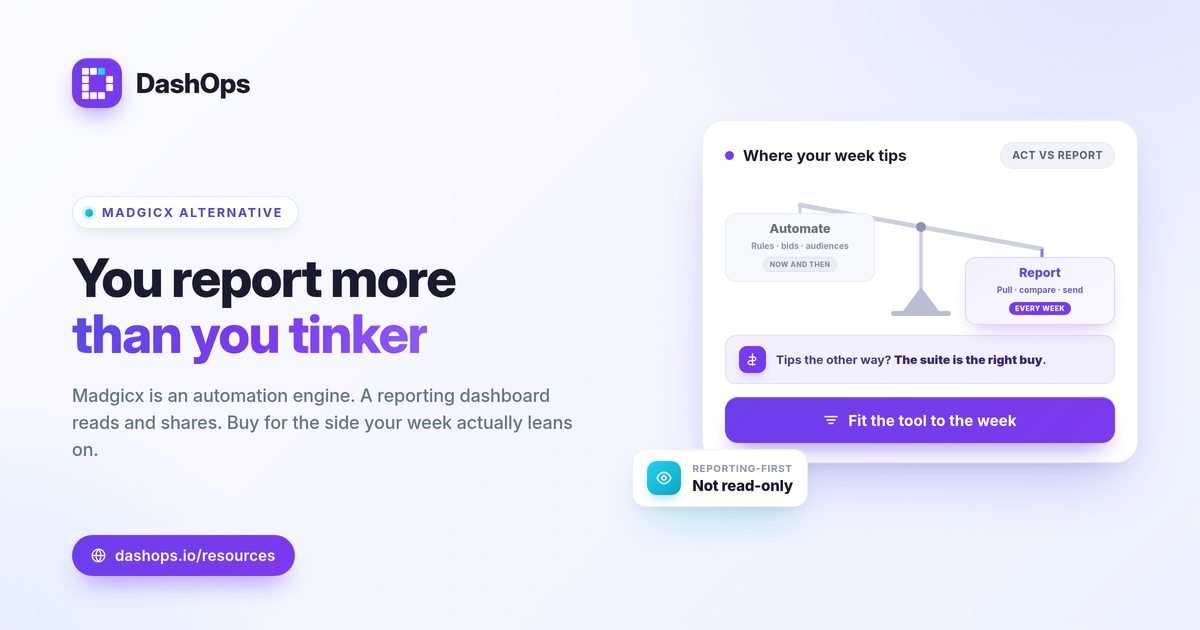
The core difference: acting on ads vs reporting on them
The split between Meta ads optimization vs reporting comes down to where the work happens.
- Optimization suites push you toward taking actions inside the tool: automated rules, bid adjustments, audience building, and creative testing. The value is in changing what the campaigns do.
- Reporting dashboards read the numbers Meta returns and present them clearly. The value is in understanding and communicating performance, not steering it in real time.
Both are legitimate. The mistake is paying for an automation engine when your weekly reality is pulling KPIs, comparing them to last period, and emailing a client or a manager. That is a reporting job.
When a focused reporting tool is the better fit
Choose a Facebook Ads reporting alternative built for reporting when these describe you:
- You report more than you tinker. Most weeks you summarize spend, results, and efficiency rather than rebuild campaigns.
- You manage several ad accounts. You want every account’s KPIs in one place instead of switching between them. See managing multiple Meta ad accounts.
- You send reports to other people. Clients, founders, or stakeholders need a clean PDF or a live link, not raw Ads Manager screenshots.
- You want white-label output. Your reports should carry your brand, not a vendor’s.
- You optimize directly in Meta already. You are comfortable making changes in Ads Manager and do not need a second automation layer on top.
If that is you, an optimization suite is more tool than the task requires.
Capability and approach comparison
This compares approach and positioning, not invented prices or feature limits. Always check each vendor’s current pricing page for exact, up-to-date figures.
| Capability or approach | Optimization and automation suite (Madgicx type) | Focused reporting dashboard (DashOps) |
|---|---|---|
| Primary purpose | Optimize and automate campaigns | Report on Meta Ads performance |
| Campaign actions | Core focus: rules, bids, audiences, creative tooling | Campaign create and edit on Growth and Enterprise plans |
| KPI dashboard | Included, oriented to optimization | 17+ Meta KPIs with period-over-period comparison |
| Breakdowns | Available | Demographic (age and gender) and placement breakdowns |
| Report exports | Available | Native PDF, Excel and CSV exports |
| Client reporting | Varies | White-label reports, client portal, read-only share links |
| Pricing approach | Check vendor pricing page | Per ad account, see pricing |
| Best for | Advertisers who want hands-on automation | People who mainly need clean reporting |
DashOps does include campaign create and edit on Growth and Enterprise, so reporting-first does not mean read-only. The difference is where the product’s center of gravity sits: reporting and sharing rather than automation.
What you give up, and what you gain
Moving from an optimization suite to a reporting dashboard is a deliberate trade.
- You give up the automation layer: AI rules, bid scripts, and audience tooling that live on top of Meta.
- You gain focus and clarity: a dashboard sized for reporting, with exports and sharing as first-class features rather than add-ons.
For many solo advertisers, in-house teams, and agencies, the automation features of a full suite go mostly unused while the monthly reporting still has to be done by hand. A reporting tool fixes the part of the job you actually repeat.
How to judge the numbers either way
Whatever tool you pick, the metrics mean the same thing, and “good” depends on your own goals and margin, not a universal benchmark.
- Efficiency. Cost per lead is spend / leads. Cost per purchase is spend / purchases. Judge each against your target and your prior period.
- Return. ROAS is conversion value / spend. Break-even ROAS is 1 / profit margin, so a thin margin needs a higher ROAS to break even.
- Reach quality. Watch frequency and period-over-period trends to spot fatigue, where the same people see your ads repeatedly and results soften.
One reporting caveat applies to every Meta tool: iOS privacy changes cause conversion undercounting, so Meta-reported numbers can trail your real sales. A good report shows the Meta-native figures and lets you reconcile them, rather than pretending the gap does not exist. For a deeper KPI list, see the Meta Ads KPIs to track.
Reporting dashboard vs Ads Manager
If you are weighing whether you even need a separate reporting layer, that is a fair question. Ads Manager is built for managing and optimizing campaigns; a dashboard is built for reading, comparing, and sharing them. The two are complementary, and the Facebook Ads Manager vs reporting dashboard comparison walks through where each one earns its place. White-label needs in particular are easier to meet with a dedicated tool, as covered in white-label client reporting.
Where DashOps fits
DashOps is a Meta-specialized reporting dashboard, not an all-in-one optimization suite. It connects your Meta ad accounts, presents 17+ KPIs with period-over-period comparison, breaks performance down by demographics and placement, and exports to PDF, Excel and CSV, with white-label reports and read-only share links for clients. Growth and Enterprise also add campaign create and edit if you want some hands-on control. See what each plan includes on the pricing page, and the help center covers connecting accounts and building your first report.
The practical takeaway: if your week is mostly reporting and sharing rather than automating campaigns, pick the tool built for reporting and stop paying for an optimization engine you do not use.
Frequently asked questions
Is Madgicx a reporting tool or an optimization tool?
What is the best Madgicx alternative for Meta Ads reporting?
Can a reporting dashboard also edit campaigns?
See it in your own dashboard
DashOps brings Meta Ads reporting, campaign management, and white-label client portals into one place. Pick the plan that fits how you run ads.