White-Label Client Reporting: Put Your Brand on Every Meta Ads Report
If you run Meta Ads for clients, your reports are part of your product. They are often the main thing a client sees between calls, and they shape whether the client feels like they are in good hands. So it matters whose brand is on them.
White-label reporting means the dashboard, the reports, and even the emails carry your brand instead of the software vendor’s. Done well, the client never sees the tool underneath. They just see your company doing great work. Here is how it works and what to look for.
Why white-label matters
It is easy to dismiss branding as cosmetic. In client work it is not. White-label reporting does three concrete things:
- It builds trust. A polished, branded report signals that you are an established operation, not someone forwarding raw exports.
- It protects the relationship. When the client logs in to a portal at your domain, the value is clearly coming from you. There is no third-party logo inviting them to wonder who is really doing the work.
- It makes you look bigger than you are. A solo freelancer with a clean, branded client portal looks every bit as professional as a large agency. That is a real competitive edge.
In other words, white-label is not about hiding the tool. It is about keeping the spotlight on the relationship you have built.
The layers of white-label
White-label is not one switch. It is a set of layers, and different tools unlock different depths. From lightest to fullest:
- Your logo and colours. The dashboard, login page, and reports use your logo and brand palette instead of the vendor’s.
- Hide the vendor mark. The small “powered by” line disappears, so there is no third-party branding anywhere the client looks.
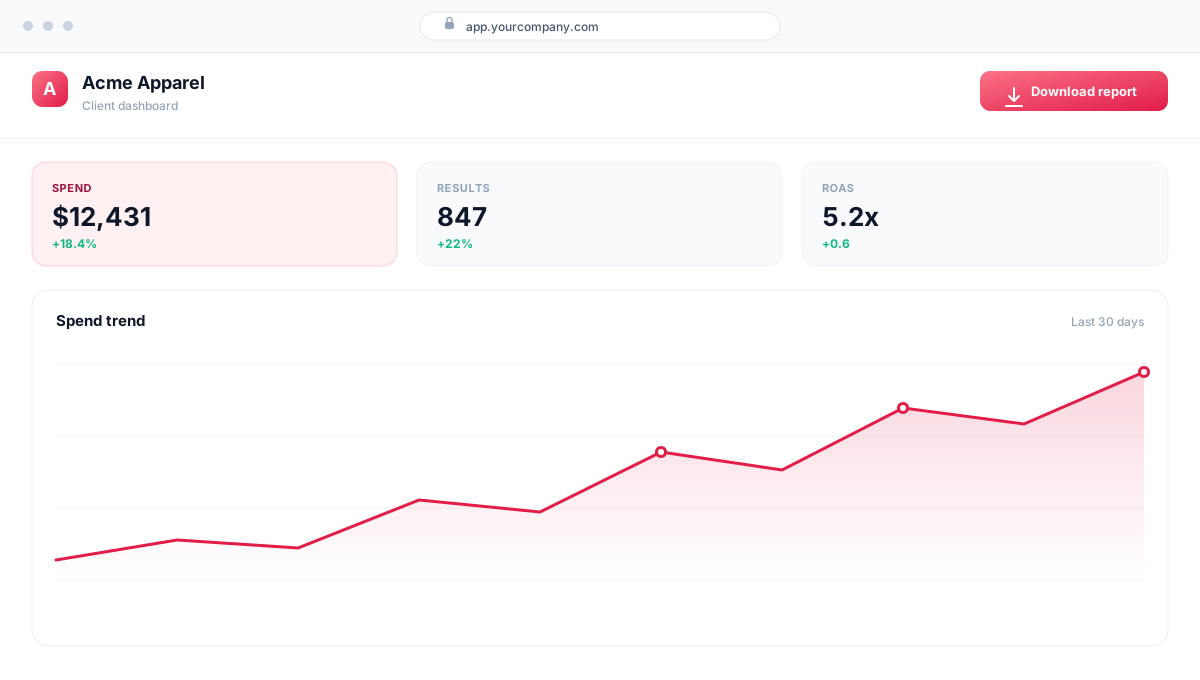
- Your own domain. Clients log in at a URL you own, for example app.yourcompany.com, rather than the vendor’s address. This is the layer that makes the experience feel truly yours.
- Your own email sender. Automated report emails and digests go out from your domain, for example reports@yourcompany.com, so even the inbox looks like you.
The first two are about appearance. The last two are about ownership, and they are what separate a lightly skinned tool from a genuinely white-label experience.
What to look for in a tool
When you evaluate a Meta Ads reporting dashboard for client work, check how far the white-label goes and how much work it is to set up:
- Does branding flow everywhere? Logo and colours should appear on the dashboard, the client portal, PDF and Excel reports, and email digests, not just one of them.
- Is there a real client portal? Clients should get a simplified, read-only view of only their accounts, in plain language, not a copy of your full operator dashboard.
- Can you control what clients see? Good tools let you hide cost figures from clients when you need to, while still showing results.
- How hard is the custom domain? It should be a guided set of DNS records and an automatic SSL certificate, not a support ticket.
How DashOps handles it
DashOps builds white-label in as tiers, so you only pay for the depth you need:
- White-label Lite (on the Growth plan) covers your logo, brand colours, and hiding the DashOps footer mark. The dashboard, client portal, reports, and digests all pick up your brand.
- White-label Full (on the Enterprise plan) adds a custom domain, so clients log in at app.yourcompany.com, and a custom email sender, so digests arrive from your own address. DashOps walks you through the DNS records and provisions the SSL certificate automatically.
Either way, clients get a clean, read-only portal showing only the accounts assigned to them, and you decide whether spend figures are visible. The result is reporting that looks and feels like your company, end to end.
See the full breakdown of what each plan includes on the pricing page, or read how branding, portals, and reports fit together in the help center.
Frequently asked questions
What does white-label reporting mean?
Can clients log in and see only their own accounts?
Do I need a custom domain for white-label?
Is white-label only for agencies?
See it in your own dashboard
DashOps brings Meta Ads reporting, campaign management, and white-label client portals into one place. Pick the plan that fits how you run ads.