The 17 Meta Ads KPIs Every Advertiser Should Track
Meta Ads Manager can show you hundreds of columns. That is the problem. When everything is a metric, nothing is a priority, and it is easy to stare at a wall of numbers without knowing whether your ads are actually working.
This guide cuts it down to the 17 KPIs that matter for almost every advertiser, whether you run Facebook and Instagram ads for your own business or for clients. We have grouped them so they tell a story: how your budget gets delivered, how people engage, and what you get back.
Delivery: where your budget goes
These five tell you how efficiently Meta is putting your ads in front of people.
- Amount spent. The total you paid in the period. Every other cost metric is built on this, so it is always the starting point.
- Impressions. How many times your ads were shown. One person can generate many impressions.
- Reach. How many unique people saw your ads. Reach is always lower than impressions.
- Frequency. Impressions divided by reach, so the average number of times each person saw your ad. Rising frequency with falling results is the classic sign of creative fatigue.
- CPM (cost per 1,000 impressions). What it costs to show your ad a thousand times. A useful gauge of how competitive your audience and placements are.
Engagement: are people responding
Delivery only matters if people act. These four measure interest.
- Link clicks. Clicks that send someone to your website or destination. More meaningful than generic “clicks,” which include likes and expands.
- CTR (click-through rate). Link clicks divided by impressions, as a percentage. A strong CTR usually means your creative and offer match the audience.
- CPC (cost per link click). What you pay for each click to your destination. The fastest read on whether traffic is getting expensive.
- Landing page views. People who clicked and actually waited for your page to load. A big gap between link clicks and landing page views points at a slow page or a broken link.
Conversions and revenue: the bottom line
This is what the budget is really for. The exact set depends on your goal, so track the ones tied to your objective.
- Results. The conversions you optimized for, whatever you chose: purchases, leads, messages, installs. This is your headline number.
- Conversion rate. Results divided by link clicks. Tells you how well your page or form turns interest into action.
- Leads. For lead-generation campaigns, the number of leads captured. With Meta Instant Forms this includes on-platform leads.
- Cost per lead (CPL). Spend divided by leads. The single most-watched number for most lead-gen advertisers.
- Purchases. For e-commerce, the number of completed purchases attributed to your ads.
- Cost per purchase (CPA). Spend divided by purchases, sometimes called cost per acquisition. Compare it to your margin to know if a campaign is profitable.
- Conversion value. The total revenue your ads drove, pulled from your pixel or conversions data.
- ROAS (return on ad spend). Conversion value divided by spend. A ROAS of 4 means four dollars back for every one spent. The clearest profitability signal for sales campaigns.
How to read them together
No single KPI tells the truth on its own. The skill is reading them as a chain:
- Start at the goal: results, CPL, or ROAS, depending on what you sell.
- If results are weak, walk backward. Is CTR low? The creative or audience is off. Is CTR fine but conversion rate low? The page or offer is the problem.
- Watch frequency over time. When it climbs and CTR drops, refresh the creative before performance falls off a cliff.
- Compare every period to the one before. A number is just a number until you know whether it went up or down.
That last point is where most advertisers lose time. Pulling the same columns in Ads Manager every week, then copying them into a spreadsheet, is slow and easy to get wrong.
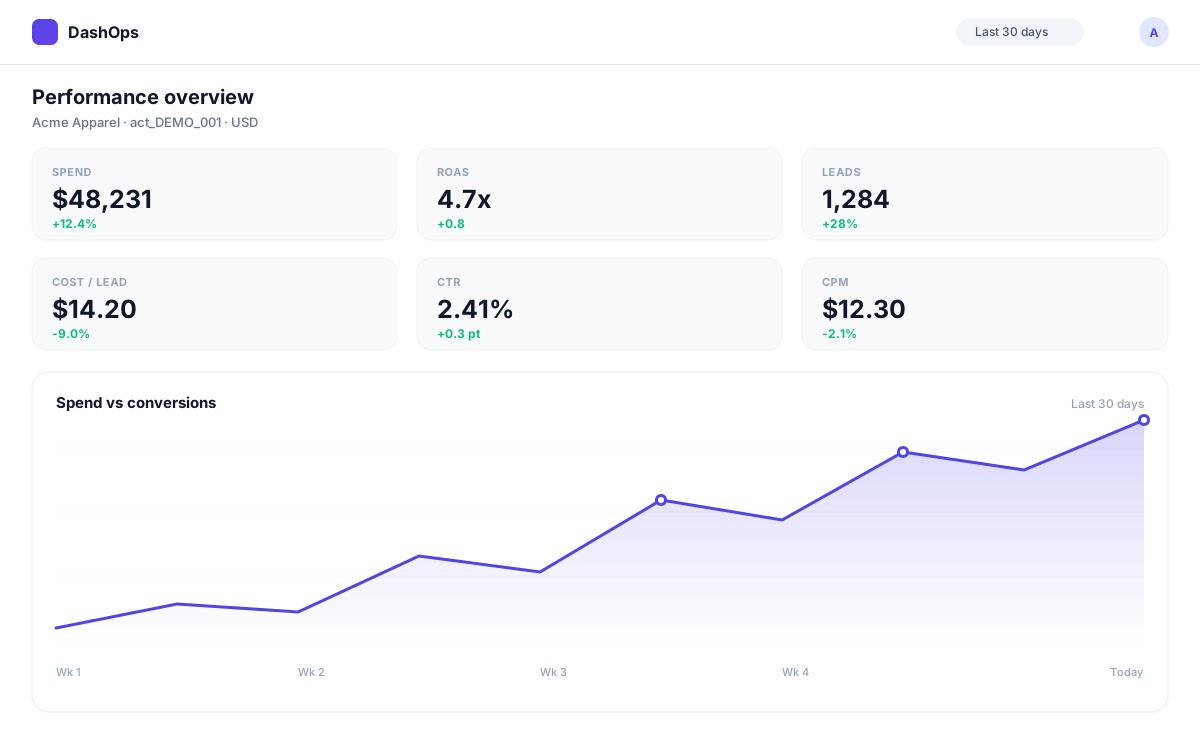
A dedicated Meta Ads reporting dashboard keeps all 17 of these KPIs in one view, with period-over-period comparisons built in, so you can see at a glance what changed and why. DashOps adapts the metrics it leads with to your campaign goal, so lead-gen accounts surface leads and CPL while e-commerce accounts surface purchases and ROAS, instead of burying the number you care about.
Want a walkthrough of how reporting, digests, and white-label client reports fit together? The help center covers it end to end.
Frequently asked questions
What is a good ROAS for Meta Ads?
What is the difference between reach and impressions?
How many Meta Ads KPIs should I actually track?
Where can I see all these KPIs in one place?
See it in your own dashboard
DashOps brings Meta Ads reporting, campaign management, and white-label client portals into one place. Pick the plan that fits how you run ads.