Managing Multiple Meta Ad Accounts Without Losing Your Mind
One ad account is straightforward. Five is a juggling act. Once you run Meta Ads across several accounts, whether for different brands, locations, or clients, the work stops being about the ads and starts being about the overhead: switching context, re-exporting numbers, and trying to remember which account you were just looking at.
Here is how to keep that overhead small.
The real problem is context switching
Ads Manager is built to show one ad account at a time. That is fine when you have one. When you have many, every comparison means leaving where you are, loading another account, and rebuilding the mental picture. Multiply that by a weekly reporting routine and it adds up fast.
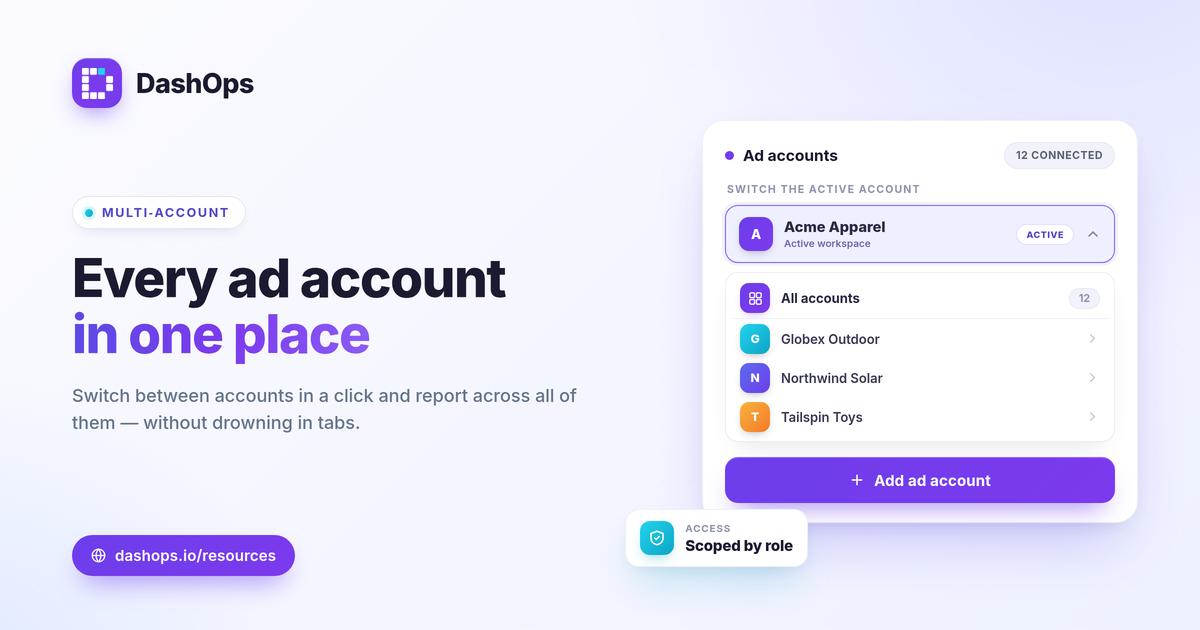
The fix is not discipline, it is tooling. You want a single place that holds every account, so switching is a click and reporting does not mean re-exporting.
Keep a consistent structure
The accounts you can compare are the ones that are named and organized the same way. A little consistency upfront saves hours later.
- Use a clear naming convention for campaigns across accounts, so the same thing means the same thing everywhere.
- Decide on a small set of KPIs you track for every account, so reports are comparable.
- Note each account’s objective mix, since a lead-gen account and an e-commerce account should not be judged by the same headline number.
Report across accounts, not one at a time
The slowest part of managing many accounts is usually reporting. If you are exporting each account by hand, you are spending the time you should be spending on the ads. A dashboard that aggregates accounts, or lets you flip between them without re-exporting, turns a half-day into a few minutes.
Give the right people the right access
When more than one person is involved, access control stops being optional. A team member who handles two brands should see those two, not all of them. A client should see their account, not everyone else’s. Role-based access keeps the data tidy and the boundaries clear.
How DashOps handles it
DashOps is built around running Meta Ads across many ad accounts. You connect once through secure sign-in, and every ad account you enable shows up in one dashboard. A header control switches the active account instantly, so you are never hunting through Ads Manager.
Roles keep it organized. An Admin runs the workspace, Team members can be scoped to the accounts they manage, and Client users get read-only access to just their own. Pricing is per ad account, so you only pay for what you actually manage, and you can add or remove accounts as your roster changes. The pricing page explains how that works, and the help center covers connecting accounts and assigning access.
Managing multiple ad accounts will never be zero effort, but it should not be a daily tax. Get the structure and the tooling right once, and the accounts stop fighting for your attention.
Frequently asked questions
Why is managing multiple ad accounts so hard in Ads Manager?
Can I see all my ad accounts in one place?
Can different people see only certain ad accounts?
See it in your own dashboard
DashOps brings Meta Ads reporting, campaign management, and white-label client portals into one place. Pick the plan that fits how you run ads.