Facebook Lead Ads Reporting: The Complete Guide to Tracking and Exporting Your Leads
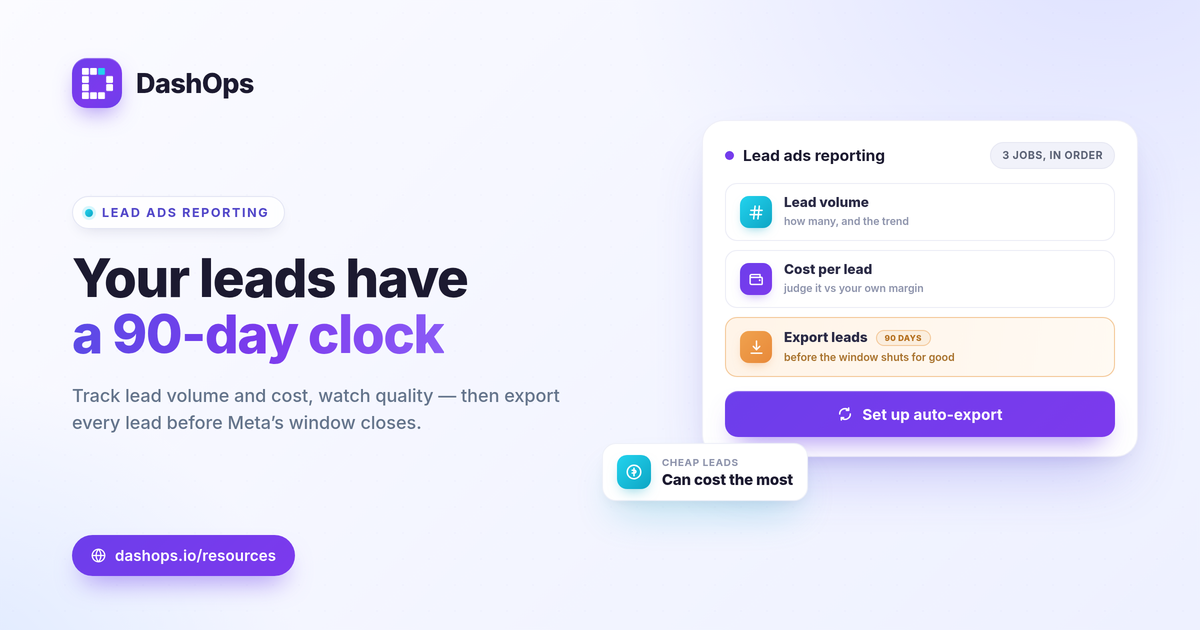
Facebook lead ads reporting comes down to three jobs done in order: track how many leads you are getting, judge whether each one is costing you a sensible amount, and get every lead out of Meta before the platform deletes it. The first two live in a dashboard. The third is a deadline, because Meta only keeps Instant Form leads available to download directly for a limited window, about 90 days. This guide walks the full path, from connecting your ad account to exporting your last lead, so nothing slips through and your reporting actually reflects what your spend produced.
Connect your ad account first
Everything starts with a clean connection to the Meta ad account running your lead campaigns. Once it is linked, your spend, results, and form submissions flow into one place instead of living only inside Ads Manager.
- Authorize the account. Connect the Meta ad account that owns the lead campaigns. If you run several, connect each one so you can report on them together.
- Confirm the objective. Lead ads usually run on a leads objective with Instant Forms. Your reporting should adapt to that, surfacing cost per lead and lead volume rather than purchase metrics.
- Check the date range. Set the period you care about, then compare it to the period before so you are looking at a trend, not a snapshot.
A dashboard that adapts to lead gen will show the metrics that matter for forms automatically. If you want the full reasoning behind which numbers to surface, the guide on Meta ad KPIs to track covers it.
Track the metrics that tell the real story
Meta lead ads reporting is not about every number the API returns. It is about the handful that answer whether your lead flow is healthy and affordable.
- Lead volume. How many form submissions you got, and whether that count is rising or falling against the previous period.
- Cost per lead. Spend divided by leads. This is the headline efficiency number. There is no universal good figure, so judge it against your own margin, what a lead is worth to you, and last period’s result.
- Click-through rate. CTR is clicks divided by impressions. A soft CTR points to a creative or targeting problem upstream of the form.
- CPM. Spend divided by impressions, times 1000. Rising CPM raises your cost per lead even when the form converts the same, so it is worth watching separately.
- Frequency. How often the same person sees your ad. Climbing frequency alongside a rising cost per lead is a classic fatigue signal.
Reading these together prevents the wrong fix. If cost per lead jumps but CTR held steady, the form or the audience changed, not the creative. For a deeper split between cost-based metrics, ROAS vs CPL vs CPA explained lays out when to lean on each.
Watch lead quality, not just lead count
Volume and cost only tell you the front half of the story. A flood of cheap leads that never convert is more expensive than a smaller batch that closes. Reporting should help you spot that gap early.
- Demographic breakdowns. Age and gender breakdowns show whether your cheapest leads come from a segment that rarely becomes a customer.
- Placement breakdowns. Comparing placements reveals where a low cost per lead hides low intent, so you can shift budget toward the placements that produce real conversations.
- Trend over time. A period-over-period view tells you whether quality is holding as you scale, which a single number never can.
Cost per lead and lead quality are different questions, and treating them as one is where lead gen budgets quietly leak. Track both side by side rather than optimizing for the cheapest possible lead.
Export every lead before Meta deletes it
This is the step that gets skipped and then regretted. Meta lets you download Instant Form leads directly from the Page for roughly 90 days. After that window, the leads are no longer there to grab from the Page and must be pulled through the API or a connected tool. If you wait, you lose them.
- Export on a schedule. Pull your leads regularly, weekly for steady campaigns and daily for high-volume ones, so nothing ages past the window.
- Choose the right format. CSV and Excel exports drop straight into a spreadsheet or your CRM. Keep the raw export as your system of record.
- Connect before the deadline matters. A dashboard that reads leads continuously means the 90-day clock stops being a risk, because the leads are already captured outside the Page.
DashOps captures Instant Form leads and lets you export them to CSV or Excel on demand, so your follow-up list never depends on a window that is about to close. Treat the export as part of reporting, not an afterthought.
Report on multiple accounts and share the result
If you manage lead campaigns across more than one ad account, or report to clients and stakeholders, the last job is getting these numbers in front of the right people without manual assembly.
- One dashboard for every account. Pulling all your ad accounts into a single view removes the account-switching that eats time in Ads Manager.
- Scheduled and shareable. Send a PDF or Excel report, schedule an email digest, or hand over a read-only share link so a stakeholder sees the live picture without a login.
- White-label for clients. If you report on behalf of clients, white-label reports keep the focus on the work, not the tool.
For why a purpose-built view beats living in the native interface, see Facebook Ads Manager vs a reporting dashboard. And if client delivery is your main use case, white-label client reporting covers how to present it cleanly.
DashOps brings these steps together: connect one or more Meta ad accounts, see lead volume, cost per lead, demographic and placement breakdowns, and period-over-period trends in one lead gen reporting dashboard, then export your Instant Forms leads to CSV or Excel before Meta’s window closes. See what each plan includes on the pricing page, and the help center walks through connecting your account and setting up exports.
The single habit that protects a lead gen program is exporting your Instant Form leads on a regular schedule, so the work of generating them is never lost to a deadline you forgot about.
Frequently asked questions
What metrics matter most in Facebook lead ads reporting?
How long can I download Facebook lead ads data from Meta?
Can I report on lead ads across several ad accounts at once?
See it in your own dashboard
DashOps brings Meta Ads reporting, campaign management, and white-label client portals into one place. Pick the plan that fits how you run ads.