ROAS vs CPL vs CPA: Which Meta Ads Metric Should You Optimize?
ROAS, CPL, and CPA get used interchangeably in a lot of conversations, and that causes real confusion. They measure different things, and optimizing for the wrong one quietly steers your budget in the wrong direction. Here is what each one means and how to choose.
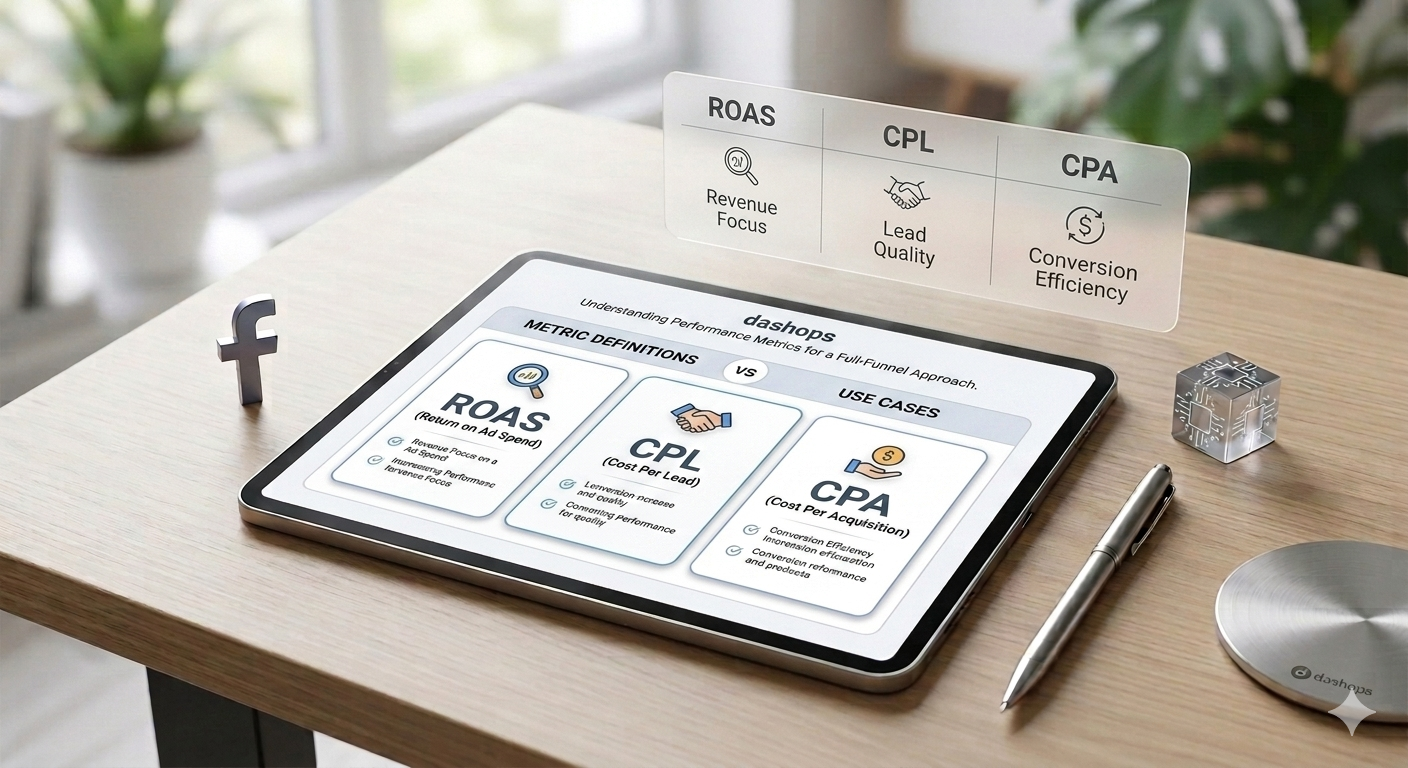
ROAS: return on ad spend
ROAS answers a money question: for every dollar you spent, how many dollars of revenue came back. A ROAS of 4 means four dollars of revenue for every dollar of ad spend.
It is the natural metric for e-commerce and anywhere revenue is tracked per purchase. The trap is treating a single ROAS number as good or bad on its own. A high-margin product can be profitable at a lower ROAS, while a thin-margin product needs a higher one just to break even. Always read ROAS against your own margins, not a benchmark you read somewhere.
CPL: cost per lead
CPL is the cost to capture a lead, like a form fill, a quote request, or a newsletter signup. It is the go-to metric for lead generation, where the sale happens later and offline.
CPL is useful because it is immediate and easy to act on. The catch is that not all leads are equal. A low CPL feels great until those leads never convert. CPL tells you how cheaply you are capturing interest, not how good that interest is, so pair it with a sense of lead quality.
CPA: cost per acquisition
CPA is the cost of a meaningful outcome, usually a sale or a qualified customer rather than just an inquiry. If CPL measures interest, CPA measures results.
CPA is the most business-relevant of the three for many advertisers, because it ties spend directly to outcomes you can bank. It does require tracking the conversion, through a pixel, the conversions API, or your own back end, so it takes a little more setup than CPL.
How to choose
You do not need all three driving decisions at once. Pick the one that matches how your business makes money.
- Use CPL when the win is an inquiry and the sale happens later.
- Use CPA when you can track the actual sale or signup.
- Use ROAS when revenue per conversion varies and you care about the value, not just the count.
Choose one primary metric per campaign and let the rest play a supporting role. Switching the number you optimize against mid-flight is how budgets drift.
See them together, in context
The real insight comes from watching your chosen metric over time and against the previous period, not from a single snapshot. A rising CPL with steady spend is a creative or audience problem. A falling ROAS after a budget increase is often just the learning phase resetting.
DashOps puts ROAS, CPL, CPA, and the supporting metrics in one dashboard across every ad account, with period-over-period comparisons so you can see what changed and when. If you are deciding which numbers to track in the first place, our guide to the Meta Ads KPIs that matter is a good next read, and the pricing page shows what each plan includes.
Frequently asked questions
What is the difference between CPL and CPA?
Is a higher ROAS always better?
Which metric should I optimize for?
See it in your own dashboard
DashOps brings Meta Ads reporting, campaign management, and white-label client portals into one place. Pick the plan that fits how you run ads.