When Not to Automate Ads Reporting (And What to Send Instead)
Most of the advice you will read about Meta Ads reporting pushes in one direction: automate everything, get the time back, stop copying numbers into slides on a Sunday evening. That advice is mostly right. But there is a version of it that quietly hurts you, and it happens when a report goes out on a schedule at a moment when the honest answer to “how is this account doing?” is complicated, unfinished, or genuinely bad news that needs a human voice attached to it.
If you have ever had a client reply to an automated report with “so what does this actually mean?”, or worse, “why did nobody tell me about this earlier”, you have already met the problem. The report was accurate. It was also the wrong thing to send that week.
This post is about the specific situations where you should hold the automation back, and what to do instead. It assumes you already know how to set the reports up. If you do not, start with the complete guide to automating Facebook Ads reports and come back to this once your schedule is running.
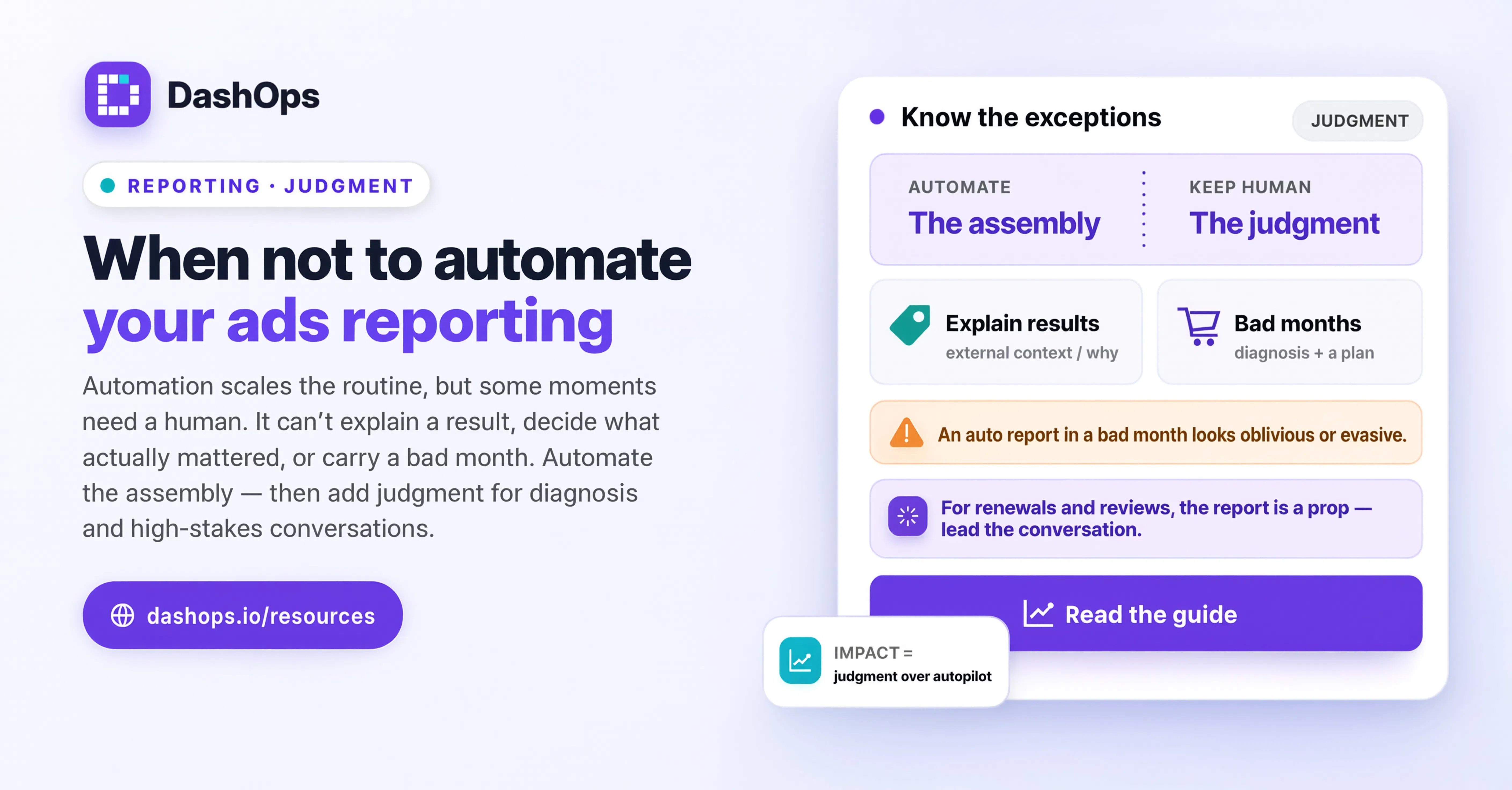
Automation reports state, it does not report change
An automated report answers one question extremely well: what happened in this period compared to the last one. Spend, results, cost per result, the trend line, which campaigns did what.
What it cannot do is explain why the state changed, or tell the reader whether the change matters. Those two things live in your head, not in the ad account. When the “why” is obvious and boring, automation is perfect, because nobody needed your explanation anyway. When the “why” is the entire story, an unannotated report is a set of numbers looking for someone to interpret them, and the client will interpret them without you.
That is the whole test, and it is worth writing down somewhere you will see it before your reports go out:
- Would this report make sense to the client without me on the call?
- If they only read the first block of numbers and nothing else, would they draw a fair conclusion?
If either answer is no, send something else this week.
The situations where you should pause the schedule
The account is in learning after a structural change
You relaunched the campaign, consolidated ad sets, swapped the conversion event, or moved from ad set budgets to campaign budgets. Meta needs to work out delivery again, and the numbers during that window describe the transition, not the strategy.
An automated report here shows a cost per result that has moved and gives the reader no reason for it. Even if it moved in a good direction, you have just taught the client that the number is volatile and that you do not comment on it, which sets you up badly for the week it moves the other way.
Hold the report, or send it with a written note at the top explaining what changed and when you expect delivery to settle. A scheduled report cannot write that note for you.
Tracking is broken or you suspect it is
Pixel firing twice, a purchase event that stopped, a form that changed on the client’s site, a domain verification issue, an offsite conversion that has gone quiet. Whatever the cause, when you do not trust the conversion numbers, sending them on a schedule is worse than sending nothing.
The client will act on those numbers. They will tell their board. Once a wrong figure has been repeated in a meeting you did not attend, correcting it costs you far more credibility than a one line email saying “holding this week’s report while we confirm a tracking issue, here is what we know”.
Something went badly wrong and they have not heard it from you yet
An account got restricted. A creative was disapproved and the whole ad set stopped. Budget ran somewhere it should not have. A campaign was left live over a weekend when it should have been paused.
Bad news should arrive from a person, in a message that also contains what you are doing about it. If the automated report gets there first, the conversation starts with the client feeling ambushed, and every sentence you write afterwards reads as defensive rather than as a plan.
The period is too short or too strange to mean anything
A weekly report covering a week with public holidays sitting in the middle of it. A monthly report on an account that only launched part way through the month. A period where the client paused spend for their own reasons and the trend arrows all point down for a reason that has nothing to do with the work.
Comparison is the engine of most reports, and comparison against a period that is not comparable produces a confident looking chart that is simply not about anything. The difference between automated and manual reporting is sharpest here: automation is excellent at applying the same shape to every period, and terrible at noticing that this period does not fit the shape.
The client relationship is new, or currently tense
In the first weeks of an account, the report is not really a report. It is you establishing what you measure, why those metrics and not others, and what you will do next. That is a conversation, and a scheduled email is a poor substitute for it.
The same is true when a renewal is close or the client has been questioning results. Automation is a great way to be consistent with a client who trusts you. It is a poor way to rebuild trust that has slipped, because a scheduled send reads as an absence, not as a rhythm.
The report would go out unreviewed and nobody has looked at the account
This is the one that catches busy teams. The automation is fine. The account has simply not been opened by a human since the last send, and the report is about to imply that it has.
If your process does not include a person opening the dashboard before the send, you do not have automated reporting, you have unattended reporting. Building a habit of a quick pass first is covered in more detail in reviewing an automated report before it sends.
What to send instead of pausing entirely
Pausing does not have to mean silence. In most of the cases above, the right move is to keep the data flowing and change what surrounds it.
- Send the numbers to yourself, not the client. Keep the schedule, change the recipient. You still get the rhythm and the record, the client gets your version.
- Send a short written update with no report attached. Three sentences: what happened, what you are doing, when the next full report lands.
- Send the report with a note at the top. Most of the value of a report survives if the first thing the reader sees is a human sentence framing it.
- Give them a read-only link rather than a document. A share link to the dashboard lets the client look at the account themselves, which is often all they were really asking for, and it does not commit you to a written narrative before you are ready to give one.
In DashOps, the schedule for client reports is set per client, so pausing one account’s send does not touch anyone else’s. You can also generate the same report on demand as a PDF or Excel file, which is what you want when the timing needs to be yours rather than the calendar’s, and hand over a read-only share link when the client would rather look than read.
The rule underneath all of this
Automate the reports where your commentary would be predictable. Hold the ones where it would not.
That is a smaller carve-out than it sounds. On a stable account doing steady work, most weeks are predictable, and automating them is exactly right. It is the handful of unusual weeks that need you, and the failure mode of automation is not that it reports those weeks badly. It is that it reports them at the same confidence as every other week, so nothing signals to the reader that this one was different.
If you find yourself pausing the schedule more often than you send it, the problem is usually the report itself rather than the automation. A report built around the metrics that actually drive the decision needs less explanation, and there is a good breakdown of that in what to include in an automated ads report.
What to do next
Open your list of scheduled client reports and go through it once with a specific question in mind: for each account, has the last month been ordinary?
For the accounts where it has, leave the schedule alone and stop thinking about them. For the ones where something structural changed, tracking is uncertain, or the relationship needs attention, take them off the automatic schedule this cycle and send a written update instead. Put a date in your calendar to turn the schedule back on once the account settles.
Then add one step to your own process: before any client report sends, someone opens the account. Not a full audit, just enough to notice if this is one of the weeks that needs a human sentence at the top. Whether your reports run in DashOps or somewhere else, that single habit is what keeps the automation an asset rather than a liability.
Frequently asked questions
When should you not automate ads reporting?
Should I turn automated reporting off completely if I keep pausing it?
What do I send a client when I pause their automated report?
Can I keep the schedule running but send the report only to myself?
How do I know if a reporting period is comparable enough to send?
See it in your own dashboard
DashOps brings Meta Ads reporting, campaign management, and white-label client portals into one place. Pick the plan that fits how you run ads.