Automated vs Manual Ads Reporting: How to Decide
Every reporting cycle, you make the same choice without really making it. The Meta Ads report goes out because someone sat down, opened Ads Manager, filtered to the right date range, copied the numbers into a spreadsheet or a slide, wrote a paragraph of context, and sent it. Or it goes out because a system built it and sent it while you were doing something else. Most people drift into whichever one they started with and never reconsider, which is how an agency ends up spending its best hours on data entry, or a client ends up with a beautifully formatted PDF nobody read before it left.
This post is about that specific decision. Not how to set automation up, which is covered in the guide to automating Facebook Ads reports, but which approach is right for a given report, a given client, and a given moment in an account’s life.
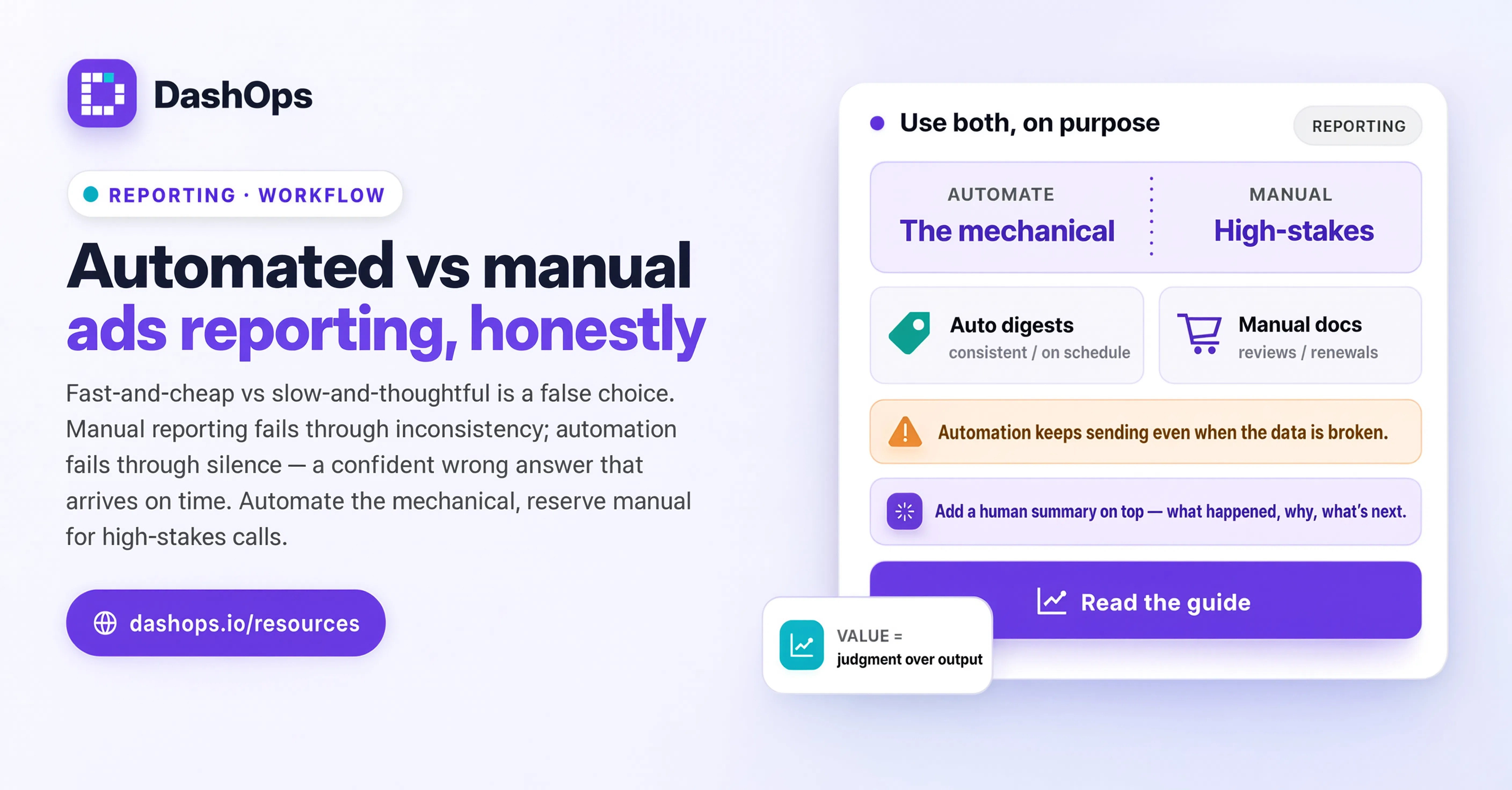
The comparison people think they are making
Framed as “fast and cheap” versus “slow and thoughtful”, the answer looks obvious and it is wrong. Automation is not a lesser version of manual reporting, and manual reporting is not automation with more care applied. They fail differently, and that is the useful distinction.
A manual report fails through inconsistency. Someone is ill, someone is on a client call, someone pulls the wrong date range, someone forgets that this client’s month runs to the 25th. The failures are irregular and human, which makes them unpredictable but usually caught, because a person was in the loop and something felt off.
An automated report fails through silence. It keeps sending. If the ad account was disconnected, if a campaign was renamed, if a conversion event stopped firing, the report still arrives on time looking exactly as convincing as it did last month. Nobody notices, because arriving on time is what it was supposed to do. The failure mode of automation is a confident wrong answer delivered reliably.
Once you see it that way, the choice stops being about effort and starts being about which failure you can afford in this particular case.
What automation is genuinely better at
Automation wins on the parts of reporting that are mechanical and repeated, where a person adds no judgement and only adds the chance of a slip:
- Pulling the same figures for the same date range every cycle. A person will eventually mis-set a date. A system will not.
- Formatting. Fonts, ordering, currency, decimal places, the client’s logo in the corner. Identical every time, across every client, forever.
- Volume. Reporting on a single ad account by hand is fine. Reporting on a full roster by hand becomes work that produces nothing a client would pay extra for.
- Timing. A weekly digest that lands before the Monday meeting is more useful than a better one that lands on Wednesday.
- Coverage of the accounts nobody looks at. The quiet, steady, small-budget accounts are the ones manual reporting silently drops first. Automation does not get bored.
- A permanent record. Reports generated on a schedule create a history you can go back to. Reports assembled ad hoc live in someone’s Downloads folder.
There is a second, less obvious benefit. With the mechanical work off your plate, the time you spend on a client account goes on the account rather than on describing it. That is usually where the value is.
What manual work is still genuinely better at
The parts that require a person are the parts where the answer depends on things the data does not contain:
- Explaining a result. A system can report that cost per lead moved. It cannot know that the client paused their sales team, or that a competitor launched, or that the landing page broke on Thursday.
- Deciding what matters this month. A recurring report shows the same metrics each cycle by design. That consistency is its strength, but it also means the report cannot promote the one thing that actually mattered.
- Handling a bad period. When results are poor, the client needs a diagnosis and a plan, not a chart. An automated report sent into a difficult month with no human note attached reads as oblivious or evasive.
- Anything that has consequences. Renewals, budget increase requests, a pitch, a quarterly business review. These are conversations, and the report is a prop in the conversation, not a substitute for it.
- Onboarding a new account. Early on you do not yet know what normal looks like for this account, so you cannot tell an automated report what to flag. There is more on this in the piece on when not to automate ads reporting.
The version that actually works
In practice almost nobody who is happy with their reporting sits at either pole. They automate the assembly and keep the judgement, which sounds like a compromise and is really the point.
The shape looks like this. The system pulls the data, builds the report, and holds it. A person opens it, reads it as the client would, and either sends it or adds context first. On a stable account in a quiet month that review is short and the report goes out unchanged. When something moved, the review is where the value gets added, and the report goes out with a note at the top explaining what happened and what you are doing about it.
The important part is that the review is a habit, not a decision. Review only when you suspect something is wrong and you will miss the months when something is wrong quietly, which are the months that matter. There is a short checklist in reviewing an automated report before it sends.
In DashOps this maps onto two separate things, which is deliberate. Scheduled client reports and email digests go out on their own cadence and carry the routine load. The dashboard, with period-over-period comparison and drill-down from campaign to ad set to ad, is where you go when a digest shows something you want to understand. The automation handles the reporting. You handle the reading.
Choosing per report, not per agency
The most common mistake is treating this as one decision for the whole business. It is a decision per report. Ask three questions about each one you send:
Who reads it, and what do they do with it? A client checking that work is happening needs a consistent, on-time summary. A client making a budget decision needs analysis. The first is a good automation candidate. The second is not, though an automated report can feed it.
Would the answer surprise you? On a mature account running steady campaigns, you can usually guess the numbers before you look. Automate that one. On a volatile account, or one mid-test, the numbers are the interesting part and a person should be looking at them anyway.
What happens if it is wrong and nobody notices? For an internal weekly glance, not much. For a report a client forwards to their board, a great deal. The higher the stakes, the more human attention the report needs before it leaves, however it was assembled.
Run those three questions over your current report list and it usually turns out that most should be automated with a review step, a handful should stay fully manual, and a few are going to nobody and can be switched off. That last category is more common than people expect.
What to do next
Take your current list of recurring reports, in whatever form it exists. For each one, write down who reads it and what decision it supports. Anything you cannot answer for is a candidate for deletion.
For the ones that survive, sort them by how predictable the account is. Automate the assembly of the most predictable first, since those give you the most time back for the least risk. Keep a standing review before they send, and treat a skipped review as a real miss rather than a shortcut.
Leave the difficult accounts and the high-stakes conversations manual for now. You can automate them later, once you know what a normal month looks like. Automating early, before you know what to flag, is how you end up with a system reporting confidently on an account it does not understand.
The tool matters less than the sorting. Whether you build this in DashOps or elsewhere, the decision list above is what makes the output useful; the setup is the straightforward part. For the practical steps once those decisions are made, the full guide to automating Facebook Ads reports covers the build, and what to include in an automated ads report covers what belongs in one.
Frequently asked questions
Is automated reporting less accurate than manual reporting?
Which reports should I automate first?
Does automating reports make an agency look lazy to clients?
How much attention does an automated report need before it goes out?
Can I mix automated and manual reporting for the same client?
See it in your own dashboard
DashOps brings Meta Ads reporting, campaign management, and white-label client portals into one place. Pick the plan that fits how you run ads.