Switching Between Ad Accounts Safely: A Practical Habit
You are in Acme Apparel’s ad account. A message comes in about Globex Outdoor. You tab across, glance at what looks like the right campaign, change a budget, and go back to what you were doing. A few days later somebody asks why Globex’s daily spend jumped and Acme’s is flat. The change went into the wrong account, and nothing in the interface told you at the time.
This is the failure mode that comes with managing several ad accounts, and it is not carelessness. The interface gives you a small account name in a dropdown, and everything below it looks identical whichever account you are in. The same column headers, the same campaign table, the same buttons in the same places. Your eyes have nothing to catch on. Switching between ad accounts safely is a habit you build deliberately, because the tool will not build it for you.
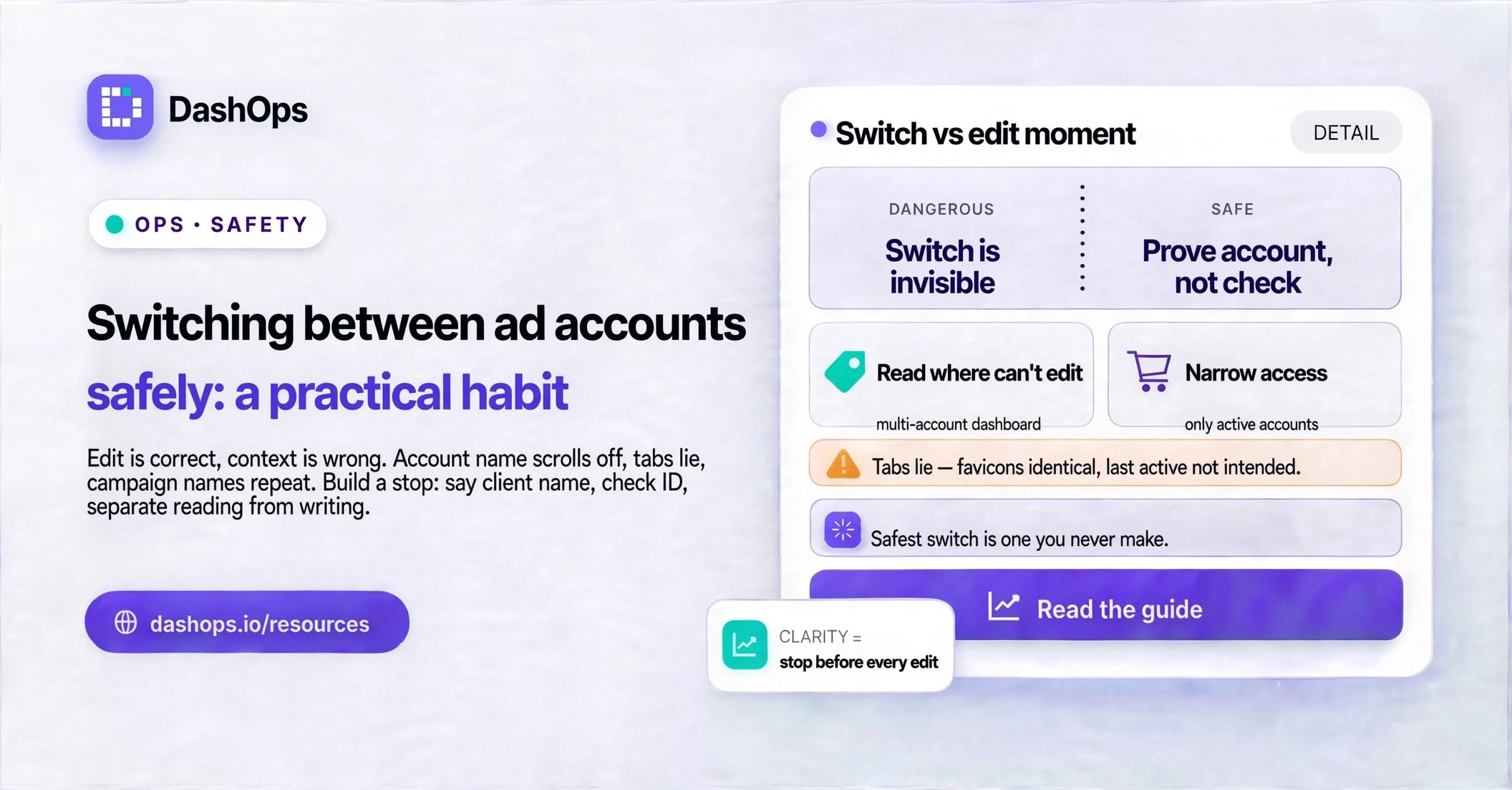
Why the switch is the dangerous moment, not the edit
The edit itself is usually correct. You genuinely meant to raise that budget. What went wrong happened earlier: the account context was not what you assumed when you started typing.
Three things make this worse than it sounds:
- The context is invisible while you work. Once you scroll down past the header, the account name leaves the screen. Everything you do after that happens in a context you can no longer see.
- Tabs lie. If you keep several ad accounts open in browser tabs, the tab titles look similar and the favicons are identical. Coming back from Slack or email, you land on whichever tab was last active, not the one you think you left open.
- Campaign names repeat across accounts. If your naming is generic, “Retargeting - Broad” exists in several accounts and looks the same in all of them. This is one reason naming conventions for Facebook campaigns matter more once you pass a couple of clients.
The switch is where the mistake is made. The edit is only where it becomes visible.
Build a stop before every edit
The habit that actually works is boring: before you change anything, prove to yourself which account you are in. Not check, prove. Reading the account name at the top does not count, because you will read it and see what you expect.
Try one of these instead:
- Say the client name out loud, or type it. Before you touch a budget, a status toggle, or a creative, name the client. If the name you say does not match what the screen says, you have caught it.
- Check something only that account has. The currency. The pixel name. A campaign only that client runs. One account-specific detail is a stronger proof than the account label, because you cannot pattern-match past it.
- Look at the account ID, not the name. Names get edited and duplicated. The ID does not. If you keep a note of each client’s account ID, the ID is the thing to match against.
The stop is quick. It is worth building because the cost of skipping it is uneven: usually nothing happens, and occasionally you pause a live campaign for the wrong client.
Reduce how often you have to switch at all
The safest switch is the one you never make. A lot of account switching happens because you are gathering information, not because you are making changes. Checking spend, checking whether anything is off, checking what yesterday looked like. Every one of those trips puts you inside a live account for no reason, with the edit buttons right there.
Separate reading from writing:
- Read from a place where nothing can be edited. If you can see spend, results and cost per result for every client on one screen, you stop opening accounts to answer questions. In DashOps this is what the multi-account view is for: every connected ad account in one dashboard, with drill-down from campaign to ad set to ad when you need detail.
- Let reports come to you. A scheduled report or an email digest answers “how is Contoso doing” without a login. That removes a whole category of account switching from your day. There is more on this in how to automate Facebook Ads reports.
- Only open the live account when you have decided to change something. Entering an account with a specific edit already in mind is much safer than entering it to browse, because you know what you came for.
Cutting down on browsing trips is the single biggest reduction in risk, and it costs you nothing operationally.
Make the accounts look different from each other
You cannot repaint Meta Ads Manager, but you can give yourself visual anchors.
Inside Business Manager, keep the account naming boringly explicit. “Acme Apparel - Meta” beats “Acme”. Put the client name first so it is readable when the field is truncated. If you inherited a set of accounts with vague names, renaming them is a short job with a long payoff. The same logic applies to how you organise the layer above: a deliberate Business Manager structure for agencies means fewer near-identical entries in the same dropdown.
If you use browser tabs for different clients, pin them in a consistent order and keep that order stable, so the same client is always in the same position. Better still, use separate browser profiles or windows per client, so a stray tab cannot sit next to an unrelated account.
Control who can switch into what
Not everyone on the team needs access to every account, and broad access multiplies the chance of a wrong-account edit. Someone who can only reach the accounts they work on cannot mistakenly edit one they do not.
This is a permissions job, and it is worth doing properly:
- Give each team member access only to the accounts they actively work on. Remove access when a client leaves or a project ends.
- Give clients a read-only view of their own account and nothing else. A client who can see their numbers stops asking for screenshots, and cannot change anything.
- Keep a record of who changed what. When a budget looks wrong, an audit log turns an argument into a lookup.
DashOps handles this with roles: Managers are restricted to the ad accounts assigned to them, Clients get read-only access to their own accounts with the option to hide spend, and every change is recorded in an audit log. The point is not the tool, it is that access scoping is a safety control and not just admin tidiness.
When you think a wrong-account edit happened
Speed matters, but so does not making a second mistake while fixing the first.
- Stop editing. Do not undo from memory. You will guess the previous value wrong.
- Find the record. Check the audit trail or change history to see the exact change, the exact time, and the previous value. If you have a written record of the client’s agreed budgets, check that too.
- Restore the old value, do not approximate it. “Roughly what it was” is not the old value.
- Check what the change touched downstream. A budget change affects delivery and pacing. A paused ad set affects learning. Note what was affected so you can explain it.
- Tell the client if it touched their spend or delivery. A short factual note lands better than a discovered discrepancy later.
There is a fuller walkthrough of the prevention side in avoiding edits in the wrong ad account.
What to do this week
Pick the two changes with the best ratio of effort to protection. First, rename your ad accounts so the client name comes first and none are confusable at a glance. Second, decide where you will read numbers from, and make that a place where nothing can be edited, so routine checking stops taking you into live accounts.
After that, review who has access to which accounts and remove anything nobody uses. Then build the stop: name the client before every edit, every time, until you stop having to think about it.
If you are setting up your workflow for several clients from scratch, the wider picture is in the guide on how to manage multiple Facebook ad accounts, which covers structure, reporting and team access together.
Frequently asked questions
Why do wrong-account edits happen even to experienced media buyers?
What is the fastest way to confirm which ad account I am in?
Should I keep multiple ad accounts open in browser tabs?
How does reporting reduce the risk of editing the wrong account?
What should I do first if I have edited the wrong ad account?
See it in your own dashboard
DashOps brings Meta Ads reporting, campaign management, and white-label client portals into one place. Pick the plan that fits how you run ads.