A Facebook Campaign Naming Convention That Scales
You open an ad account you have not touched since last month, and the campaign list reads like a ransom note. There is a campaign called “New Campaign - Copy”, another called “TEST FINAL FINAL”, one that just says “leads”, and two more that appear to be the same thing launched by two different people. You know one of them is the winner. You have no idea which. So you open each one, check the ad sets, check the creatives, and by the time you are done you have rebuilt a decision you already made once.
That is the real cost of loose naming. Not tidiness, but the time you spend reconstructing context that should have been readable at a glance. It compounds badly when you run more than one account, because every ad account has its own version of the same mess and none of them agree with each other.
A naming convention fixes this, but only if it is boring, mechanical and identical everywhere. Here is one that holds up.
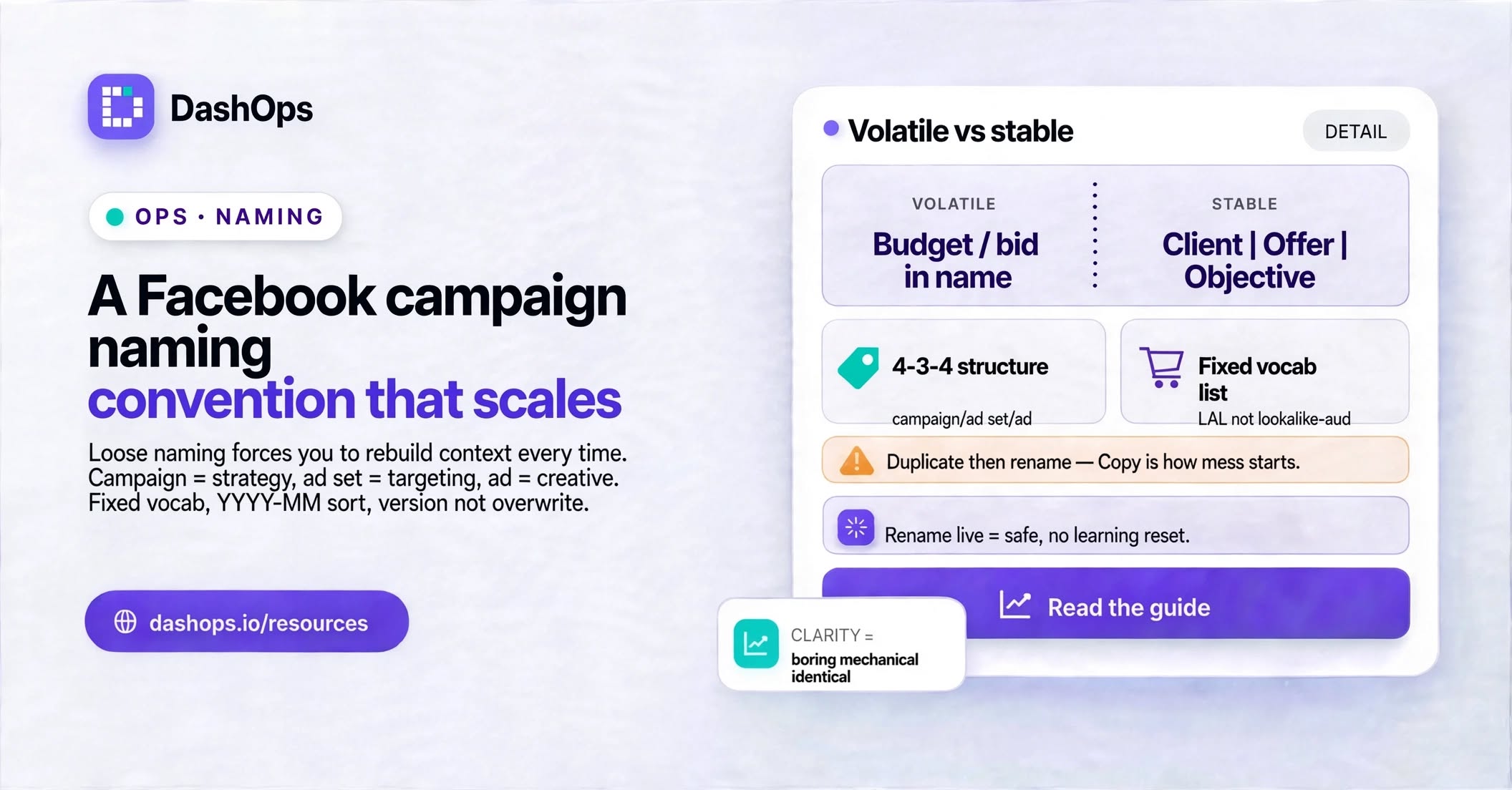
Name the thing that will not change
The single most common naming mistake is putting volatile information at the campaign level. A campaign named “Acme - Lookalike Women - Video” is useless once you have added an interest ad set, a retargeting ad set, and swapped the video for a carousel. The name now describes a fraction of what is inside it and actively misleads whoever reads it next.
The fix is to match each level of the hierarchy to the information that stays stable at that level:
- Campaign holds the strategy: the client, the offer, the objective, and when it launched. These do not change while the campaign lives.
- Ad set holds the targeting decision: audience type, geography, and anything about placement or budget structure you actually vary between ad sets.
- Ad holds the creative decision: format, the specific asset, the angle or hook, and a version marker.
Read top to bottom and you get a sentence. Acme, lead magnet, leads objective, launched in March. Lookalike audience built from purchasers, United States. Static square image, testimonial angle, second version. Nobody needs to open anything.
A structure you can apply today
Use a single separator between fields and a different one inside a field. This example uses a pipe between fields and a hyphen inside them, but underscores work just as well. The rule that matters is picking one and never deviating.
Campaign: Client | Offer | Objective | YYYY-MM
Example: Acme | Spring-Guide | Leads | 2026-03
Ad set: Audience-Type | Audience-Detail | Geo
Example: LAL | Purchasers-Seed | US
Ad: Format | Asset | Angle | Version
Example: Static | Kitchen-Hero | Testimonial | v2
Four fields at campaign level, three at ad set, four at ad. Short enough to type without thinking, long enough to tell you everything you need. If you find yourself wanting a fifth field, ask whether it belongs a level down instead.
The date format is deliberate. Writing the year first and the month second means an alphabetical sort is also a chronological sort, which matters the moment you have more than a handful of campaigns in an account.
Fixed vocabularies beat free text
The structure is only half the job. The other half is agreeing on the actual words, because “LAL”, “Lookalike”, “lookalike-aud” and “LLA” are four different strings to a search box and four different columns to anything that groups by name.
Write down the allowed values for every field and keep the list somewhere the whole team can see it. Something like:
- Objective:
Leads,Sales,Traffic,Awareness,Engagement - Audience type:
LAL,Interest,Broad,Retarget,Custom - Format:
Static,Video,Carousel,Collection
Keep the list deliberately short. A vocabulary with dozens of approved values is a vocabulary nobody memorises, and the moment someone has to guess, the convention has already broken. If a value genuinely does not fit, add it to the list on purpose rather than inventing it inline at launch time.
Case matters too. Decide whether you write Leads or leads and stick to it, because Ads Manager searches and any spreadsheet you paste into will treat them as different.
Where the convention actually earns its keep
Three moments make the effort worthwhile.
Filtering. Search a campaign list for Leads | 2026-03 and you have every lead campaign launched that month, across every offer in that account. Search for a client name and you have their whole footprint. This only works if the fields sit in a fixed order, because you are effectively searching a substring.
Reporting. When names are structured, a campaign-level report is already grouped the way a client thinks. They see their offer name, not an internal code, and you are not rewriting labels by hand before sending. If you are pulling reports regularly, this is the difference between an export you can send and one you have to clean first. It pairs directly with automating your Meta Ads reports rather than assembling them each week.
Handover. Someone leaves, someone joins, or you take over an account from another agency. A structured account explains itself. An unstructured one leaves the new person doing archaeology, and they will get some of it wrong.
The rules that keep it from rotting
A convention decays the first time someone launches in a hurry. A few habits stop that.
- Duplicate, then rename immediately. Meta appends “Copy” to duplicated objects. Fix the name before you touch anything else, because “Acme | Spring-Guide | Leads | 2026-03 - Copy” is how the mess starts.
- Never encode budget, bid or spend in the name. Those figures change constantly and a stale figure in a name is worse than none at all, because people trust names.
- Do not put the ad account or client into the ad set and ad names. It is already in the campaign name and repeating it makes every string longer without adding information. Keep the identity at the top of the tree.
- Rename freely on live objects. Renaming a campaign, ad set or ad in Meta does not affect delivery or reset the learning phase, so tidying a running account is safe. What is not safe is renaming while you are in the wrong account, which is a separate discipline worth reading about in avoiding edits in the wrong ad account.
- Version, do not overwrite. When you swap a creative, bump the version marker rather than editing the existing ad’s label. You want the history readable.
Rolling this out across many accounts
If you manage a handful of accounts, apply the convention to everything you launch from today, rename anything still actively spending, and leave the archive as it is. Backfilling old campaigns rarely pays back, because your old reports and screenshots reference the old names anyway.
Write the pattern into a launch checklist so it is applied at creation rather than remembered afterwards. If you work in DashOps, the audit log of who changed what is a useful backstop here: when a name drifts from the pattern, you can see when it happened and who to ask. And if your ad accounts are grouped sensibly in the first place, the convention has far less work to do, which is why naming and Business Manager structure tend to be solved together.
Structured names also pay off inside DashOps because each connected ad account’s campaign list is searchable and sortable, and the drill-down from campaign to ad set to ad reads as the sentence you designed. Saved views let you keep a filter like one client’s lead campaigns pinned, so you land on the right slice instead of scrolling. The same names then flow through to the PDF and Excel reports your clients receive, which is the point at which sloppy naming becomes visible to someone outside your team.
What to do next
Open your busiest ad account and read the campaign list out loud. Every name that does not tell you the client, the offer, the objective and roughly when it started is a name that will cost you time later. Draft your four campaign fields, three ad set fields and four ad fields, write the allowed values underneath, and put that page somewhere your team will actually see it. Then rename the campaigns currently spending, and apply it to the next thing you launch.
Naming is one part of keeping a multi-account setup sane. The wider workflow, including how to structure accounts and move between them without mistakes, is covered in the full guide to managing multiple Facebook ad accounts. If switching between accounts is where your errors tend to happen, switching between ad accounts safely goes deeper on that specific risk.
Frequently asked questions
What should a Facebook campaign name actually contain?
Should I use underscores, hyphens or pipes as separators?
Is it worth renaming campaigns that are already running?
How do naming conventions help with client reporting?
Do I need a different convention for each client?
See it in your own dashboard
DashOps brings Meta Ads reporting, campaign management, and white-label client portals into one place. Pick the plan that fits how you run ads.