How to Avoid Editing the Wrong Ad Account in Meta Ads
You paused a campaign, refreshed, and the numbers did not move. Then you noticed the account name at the top of the screen belonged to a different client. The campaign you paused was theirs, it was running fine, and nobody asked you to touch it. Now you have to unpause it, work out how much delivery was lost, and decide whether to tell them.
Every agency that runs Meta Ads for more than one client has a version of this story. The uncomfortable part is that it is almost never carelessness. It happens to people who are paying attention, because the interface gives you very little to hold on to. Ad account names look alike, campaign names look alike, and the only thing separating Acme Retail from Contoso Studios in that moment is a small piece of text you stopped reading weeks ago.
This post is about the specific habits and setup choices that make a wrong-account edit unlikely, rather than the broader question of running many accounts. If you want the wider picture, the guide to managing multiple Facebook ad accounts covers structure, access and reporting. What follows is narrower: how to stop yourself editing the wrong thing.
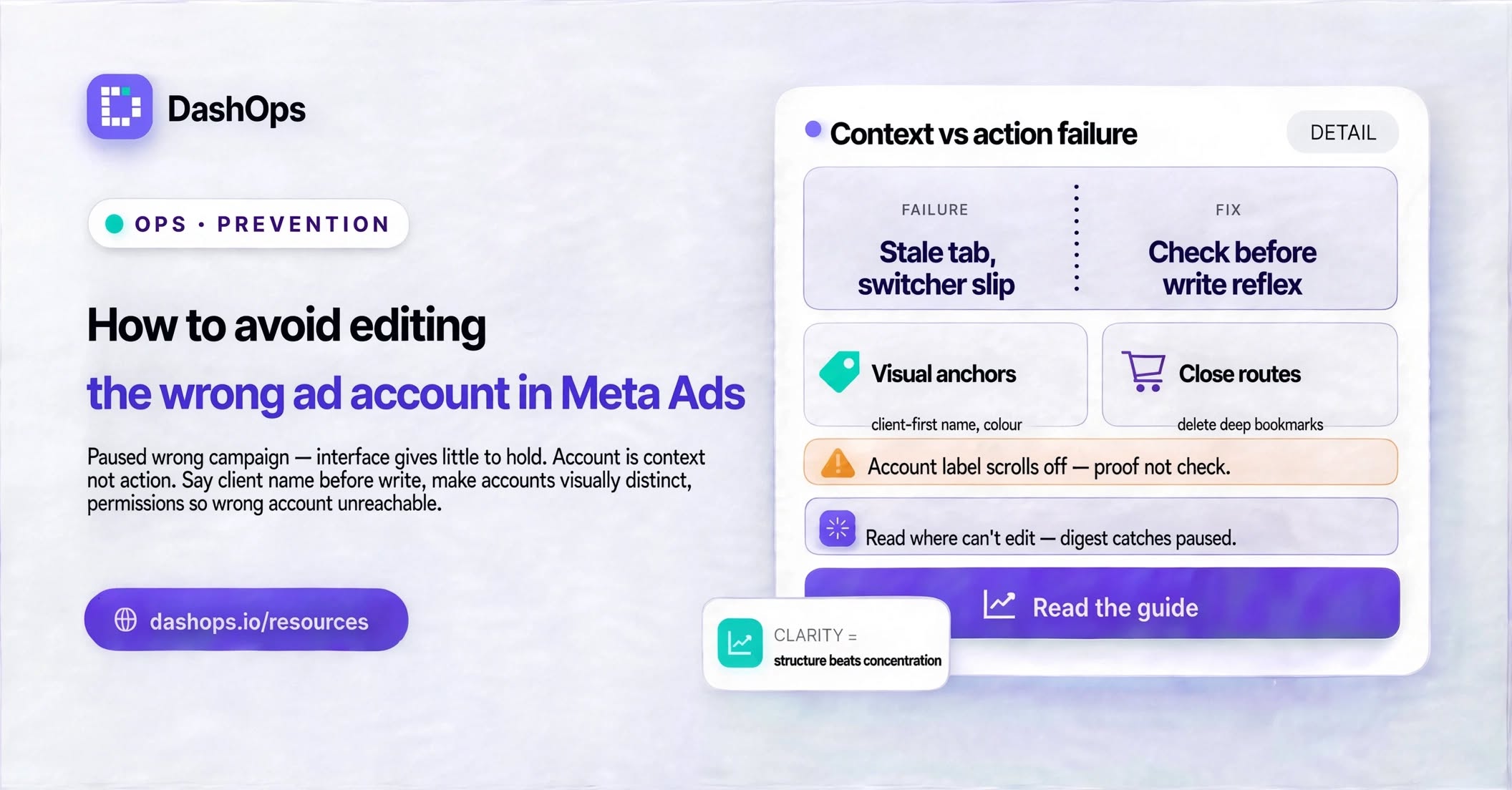
Why the wrong account gets picked in the first place
It helps to be precise about the failure, because the fixes follow from it. There are four common paths.
- The stale tab. You opened an account this morning, went to a call, came back, and started working in a tab you thought was showing something else. Nothing on screen changed while you were away, so nothing prompted a re-check.
- The switcher slip. The account picker is a dropdown of similar-looking rows. You clicked one line above or below the one you wanted, and the page reload looked like success.
- The identical name. Two clients both have a campaign called “Retargeting Q4”. You searched for it, found it, and opened it without confirming which account you were in.
- The bookmark that outlived its purpose. You saved a direct link to a campaign months ago. The link still resolves, the account context comes with it, and you never chose an account consciously at all.
Notice what these have in common. The account was selected once, silently, while you were thinking about something else, and everything downstream inherited that choice without ever asking you to confirm it. The account is context, not an action, so it does not feel like a decision.
The single habit that prevents most of these
Before any change that alters delivery, say the client’s name out loud or in your head, then read the account label on screen and check the two match. Pausing, unpausing, editing a budget, changing an audience, publishing an ad. Not before reading a report, not before scrolling a dashboard. Only before writing.
This sounds too simple to be worth naming, which is exactly why it works. Reading the account label is an optional step nobody has attached to anything. Attaching it to the moment before a write turns it into a reflex, and a reflex survives the days when you are tired and rushing, which are the days this goes wrong.
Two things make the habit easier to keep. First, know the client name you intend to work on before you look at the screen, so you are checking against an expectation rather than reading a label and accepting whatever it says. Second, do it at the write, not at the start of the session, because the session start is exactly when you were most sure and most likely to be wrong later.
Make the accounts visually distinguishable
You cannot check a label that all your clients share a shape with. Some setup work removes whole categories of confusion before they occur.
- Give every ad account a name that reads as a client, not a code. “Acme Retail” beats “Ad Account 4” and beats a raw id. If your billing or Business Manager conventions force a code, put the readable client name first and the code after it.
- Never let two accounts differ only in a suffix. “Acme” and “Acme 2” will be confused. “Acme Retail” and “Acme Wholesale” will not.
- Use a naming convention that carries the client into the campaign name itself. If every campaign is prefixed with the client, then even a campaign name glanced at in isolation tells you where you are. Our naming conventions for Facebook campaigns post covers a structure you can adopt as is.
- Where your tools allow a colour or logo per client, use it. Colour is read faster than text and survives peripheral vision, the state you are usually in when the mistake happens.
- Keep archived and dormant accounts out of the picker. Every row you do not need is a row you can mis-click.
Cut down the number of ways to arrive at the wrong place
The stale tab and the old bookmark are both the same problem: a route into an account that bypasses the moment of choosing one. You can close those routes.
Work in one tab per client, and close it when you finish rather than leaving it open for later. If you need several clients open at once, use separate browser windows kept on different parts of the screen, so physical position becomes a second signal alongside the text.
Delete direct links to individual campaigns from your bookmarks. Bookmark the account list or the client dashboard instead, so every session starts by choosing a client deliberately. The extra click is the point.
Treat a page reload as a warning rather than a confirmation. The screen redrawing is not evidence that you switched to the right account. That is the exact moment to read the label. The habit of switching between ad accounts safely is worth building deliberately rather than assuming.
Use permissions so the wrong account is not reachable at all
The most reliable protection is structural. If a person cannot open an account, they cannot edit it by accident, and tiredness changes nothing.
For most agencies this means giving each team member access only to the ad accounts they actually work on, rather than everything for convenience. Someone who handles a small set of clients should see only those accounts in their picker. The list stays short enough to read properly, and every account they might otherwise have mis-clicked is simply absent.
DashOps supports this directly through its roles. A Manager is restricted to the ad accounts assigned to them, and a Client is read-only on the accounts assigned to them, with the option to hide spend. The account picker only ever shows what that person is scoped to, so the failure mode shrinks with the list. Getting the underlying Business Manager structure for agencies right makes this easier to maintain as you add clients.
Read-only access deserves its own mention. Anyone who only needs to look at performance should not have edit rights at all. That covers most account managers, most client contacts, and often the agency owner outside a working session. Removing edit rights from people who never intended to edit anything eliminates a whole class of accident with no downside.
Give yourself a way to spot it quickly if it does happen
Prevention is not perfect, so the second question is how fast you find out. A mistake caught quickly is an inconvenience. The same mistake caught weeks later is a conversation with a client about why their campaign was off.
The practical answer is a regular look at every account you manage in one place, rather than only opening an account when you have a reason to. A campaign paused by accident on Tuesday shows up on Wednesday as that client’s delivery running flat against the days before it. A weekly digest across your accounts is a low-effort version of this: it arrives whether or not you remember to go looking, and an unexpected drop in one account is easy to notice when the others look normal.
The audit log matters here too. When something has clearly changed and nobody remembers changing it, a record of who edited what and when turns an argument into a quick lookup. DashOps keeps one per agency for exactly this reason.
What to do this week
Pick the cheapest of these and do them now, rather than planning a full overhaul.
- Rename any ad account whose current name would not tell a tired person which client it is. It is quick work and the payoff is permanent.
- Review who on your team has edit rights, and downgrade anyone who only ever reads to a read-only role.
- Delete every bookmark that points straight into a campaign.
- Adopt the check-before-write habit and use it for a week. It will start to feel unnecessary long before it catches anything, and then it will catch something.
None of this is glamorous, and none of it makes your campaigns perform better. It just means the next time you reach for pause, you pause the thing you meant to.
Frequently asked questions
Why do experienced media buyers still edit the wrong ad account?
What is the single fastest habit to adopt?
Should I rename my ad accounts, and how?
Can permissions actually prevent this rather than just reduce it?
How do I catch a wrong-account edit quickly if one slips through?
See it in your own dashboard
DashOps brings Meta Ads reporting, campaign management, and white-label client portals into one place. Pick the plan that fits how you run ads.