Sharing Ads Results Without a Meeting: A Practical Guide
You have a standing call with a client every month. Most of it goes on reading numbers aloud that they could have read themselves, a stretch on a question that could have been an email, and a short burst on the one genuinely useful exchange. Multiply that by every client on your roster, add the prep time and the rescheduling, and the recurring check-in becomes one of the most expensive habits in the agency. The obvious fix is to stop having the call. The reason most people do not is that they are not sure what replaces it, and a cancelled meeting with nothing in its place reads as an agency that has gone quiet.
Sharing ads results without a meeting works, but only if you understand what the meeting was actually doing. It was rarely about the numbers. It was about reassurance, about the client feeling they could ask something and get an answer, and about you showing that someone is watching the account. All of that can be delivered in writing. None of it is delivered by a dashboard link with no words attached.
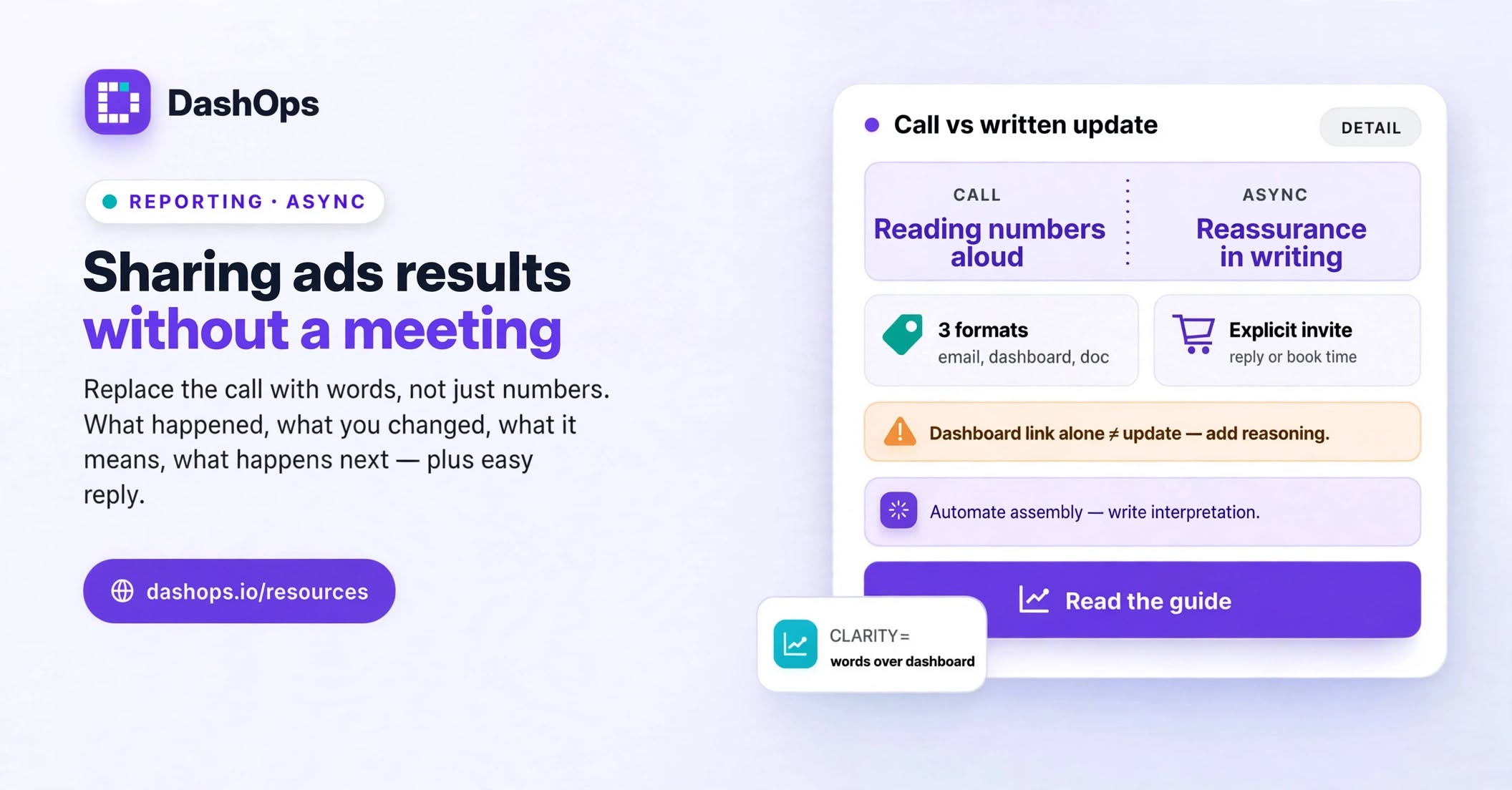
What the meeting is really for
Before you replace it, work out which of these jobs your call is doing:
- Delivering the numbers. Fully replaceable, and better in writing, because the client can reread it.
- Explaining what the numbers mean. Replaceable, but this is the part people cut first and should not.
- Answering questions. Mostly replaceable, as long as the client knows they can reply and get a quick answer.
- Deciding something together. Not replaceable. Budget changes, new offers, a shift in strategy, a bad month that needs a real conversation.
- Relationship maintenance. Partly replaceable. Some clients want the human contact and will resent losing it, and you should know which ones before you cancel anything.
If your call is mostly the first two, it should not be a call. If it regularly hits the fourth, keep it but make it shorter and stop using it to read figures aloud. Our walkthrough of how to present Facebook Ads results to clients covers the presentation side. This post is about the case where nobody is presenting, because nobody is in the room.
The three async formats, and when each fits
There is no single correct replacement. There are three, and picking the wrong one is what makes async reporting fail.
The scheduled email summary. A recurring email with the headline figures and a few paragraphs of interpretation. This is the default and it suits most clients. It lands where they already work, needs no login, and is forwardable to whoever they report to internally. In DashOps it arrives on the schedule you set, per ad account, with the numbers and a spend chart already in it, so what you add is the thinking rather than the assembly. There is a fuller breakdown in our piece on the automated Meta Ads email report.
The always-on dashboard. A live view the client can open whenever they want. This suits the client who checks things at odd hours, the one who asks unprompted questions mid month, and the in-house marketer who has to answer their own boss on short notice. Give them read-only access scoped to their own ad accounts, or send a share link if you would rather they had no login at all. The trap is treating the dashboard as the whole update. It is where the numbers live so your written update does not have to carry them.
The document. A PDF or spreadsheet, sent monthly or quarterly. This suits formal relationships, boards, and anyone who files things. It is the heaviest format and the one worth automating first.
Most agencies run two of these together: a recurring email or weekly digest for rhythm, plus a dashboard the client can open when curiosity strikes. The document follows the client’s own reporting cycle.
Write the update the client would have asked for
Here is where async reporting usually goes wrong. The numbers get automated beautifully and the interpretation disappears, so the client receives a wall of figures with no author. That is the failure described in our post on why clients ignore ads reports, and it is worse in async, because on a call you would have narrated it without thinking.
A written update that stands in for a meeting needs four things, in this order:
What happened, in one plain sentence. Not a metric dump. Something like: results held steady, cost per lead moved up a little, and we know why. The client should be able to stop reading here and still know how the month went.
What you changed. This is the most valuable line in the update and the one most often missing. Clients cannot see your work. If you paused an ad set that had gone stale, launched a new creative, tightened an audience, or shifted budget between campaigns, say so. Without it, a flat month looks like nobody touched the account.
What it means. Connect the change to the outcome. If cost per lead rose because you deliberately widened targeting to test a new audience, that is a decision with a rationale, not a problem. If it rose and you do not yet know why, say that too, and what you are doing to find out.
What happens next. One or two specific actions with a rough timeframe. This is what makes the client feel that the account has a direction rather than just a history.
Everything else, the full campaign table, the placement breakdown, the demographic split, belongs in the dashboard or the attachment. Do not open with it.
Make it easy to reply
The strongest objection to dropping the call is that the client loses their chance to ask, so give it back to them explicitly. End every update with a real invitation, not a formality. Something closer to “if you want to go deeper on the creative test, reply and I will send the breakdown, or grab a slot here” than “let me know if you have any questions”, which everyone reads as a sign-off.
Then honour it. An async rhythm collapses the first time a client replies with a real question and waits days for an answer. If you remove the standing monthly slot, the replacement promise is that you answer quickly when they reach out. That is a fair trade: answers arrive while the question is still live, instead of being saved up for a date in the diary.
Keep the call for the cases that need it
Async is the default, not the rule. Put a standing exception in place for a handful of situations and you avoid almost every awkward moment.
Get on a call when the month went badly enough that tone matters. A bad month delivered in writing can read as colder than you intend, and the client’s imagination fills the gaps. Our guide on explaining a bad month of ads to a client covers how to frame it, but the short version is that a genuine downturn deserves a voice.
Get on a call when you need a decision. Budget increases, a new offer, a change in what you are optimising for. Written proposals get read, agreed to vaguely, and then relitigated later.
Get on a call at the start of a relationship. New clients need the reassurance of contact more than established ones do. Run calls for the first stretch, then propose written updates once they trust the rhythm. Framed as an upgrade rather than a withdrawal, most clients welcome it, because they did not enjoy the meeting either.
Where the time actually goes
One warning before you restructure everything. If you switch to written updates and keep assembling the numbers by hand, you have moved the work rather than removed it. Exporting figures, screenshotting Ads Manager, rebuilding the same layout for each client: that is where the effort sits, not in the talking. Automating the assembly is the prerequisite, and we cover the mechanics of it in how to automate Facebook Ads reports.
DashOps handles that half: scheduled email digests per ad account, on-demand PDF and Excel reports, and a live dashboard your client can open under your own branding. What it deliberately does not do is write the interpretation for you, because that is the part they are paying you for and the part that makes an async update land as well as a meeting.
What to do this week
Pick one client, ideally a steady one where the call has become routine. Send them a written update in the shape above, with a dashboard link attached and an explicit invitation to reply or book time. Then ask them directly whether they would rather keep the call or the written version. Most will pick the written one. The ones who do not have told you something useful, and you keep their meeting.
Do that client by client rather than announcing a policy change to everyone at once. Async reporting is a relationship decision, not an operations decision, and it works best when each client feels they chose it.
Frequently asked questions
Will clients think I am hiding from them if I stop doing calls?
How often should I send an async update instead of meeting?
What should I do when the results are bad? Do I still avoid the call?
Is a live dashboard enough on its own?
How do I stop async reporting from taking longer than the meeting did?
See it in your own dashboard
DashOps brings Meta Ads reporting, campaign management, and white-label client portals into one place. Pick the plan that fits how you run ads.