Why Clients Ignore Your Ads Reports and How to Fix It
You block out part of a morning to build the report. You pull the numbers, tidy the columns, write a summary at the top, attach it, and send it. Then nothing happens. Either silence, or a “thanks, looks great” that lands so fast the client cannot possibly have opened the file. A few weeks later the same client asks you something the report answered on the second page.
It is tempting to read that as a client problem. It almost never is. The real reasons why clients ignore ads reports have very little to do with the accuracy of the numbers or the neatness of the layout. Reports get ignored because of what they are about, who they are written for, and when they turn up. All three are fixable, and none of the fixes require more data.
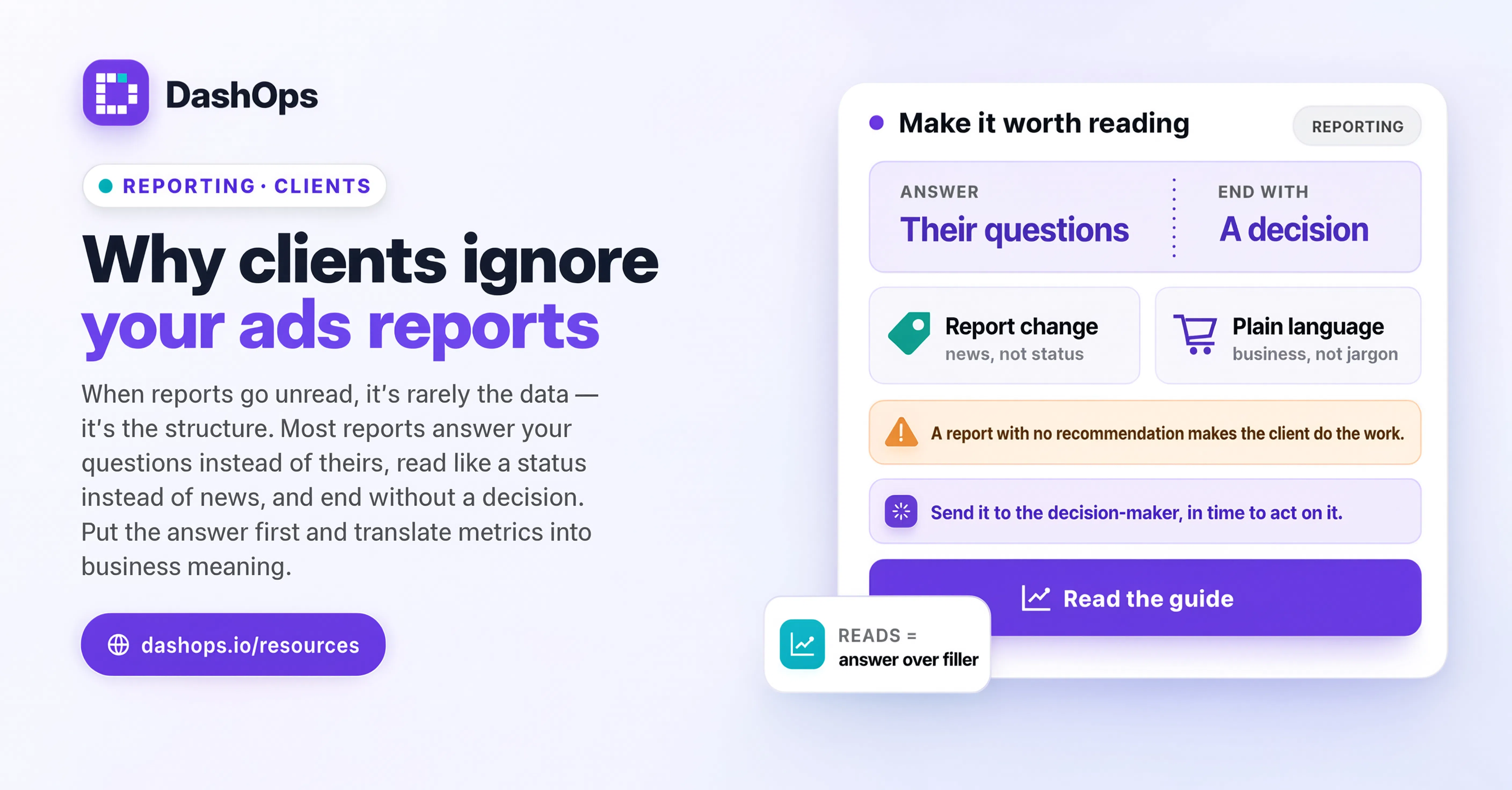
It answers your questions instead of theirs
This is the cause that hides best, because the report itself looks fine. You built it around the things you look at every day, because those are the levers you pull: impressions, reach, cost per click, frequency, breakdowns by placement and by age. To you, those feel like the story.
Your client does not pull those levers. They are thinking about a small number of things, usually some version of: are we getting more customers than last period, is it costing more or less to get each one, and should I keep spending at this level. If the report opens with delivery metrics and buries the answers to those three questions in a table halfway down, the client stops reading before they reach them.
The fix is structural, not cosmetic. Put the answer first and the evidence after it. Everything the client needs in order to feel informed should be visible before they scroll. There is a fuller breakdown of what belongs in that opening section in what clients actually want in an ads report.
Nothing in it reads like news
A report that says the same thing every period teaches the client that nothing in it needs their attention. If January’s summary and April’s summary could be swapped without anyone noticing, you have trained them not to open either one.
Reports get ignored when they describe a state rather than a change. “Spend was steady, leads came in, campaigns are running” is a state. “We moved most of the budget into the two ad sets producing the cheapest leads, and here is what happened after we did” is a change. The second gets read because something happened and the client is being told about it.
If a period genuinely was uneventful, say so in one line and spend the rest of the report on what you are doing next. A short honest report beats a long padded one, and the padding is what teaches people to skim.
It is written in the platform’s vocabulary
CPM, ROAS, frequency, attribution window, learning phase. You use these words fluently. Your client hears them as noise, and people skim past noise without deciding to.
This is not about dumbing anything down. It is about translating once. Write the metric, then write what it means for their business in the same breath. Return on ad spend is the classic offender, because the number looks self explanatory and is not, and because clients frequently compare it against the wrong benchmark in their own head.
A quick test: read your last report out loud to someone outside marketing. Every place they interrupt to ask what a word means is a place your client silently stopped reading.
It arrives when nobody can act on it
Timing quietly undoes reports that are otherwise good. A monthly report landing on the last day of the month describes decisions that have already been made. A report that arrives as an attachment late in the evening gets marked as read and never opened.
Two things help here. First, make the arrival predictable, so it becomes a habit rather than a surprise. Same day, same time, every period, without the client ever having to chase you for it. Second, make the numbers available at the moment the client thinks of them, not only at the moment you choose to send. When a client wonders on a Tuesday afternoon how last week went, they should be able to look rather than email you and wait until Thursday.
Those are two separate jobs and both are worth covering. In DashOps, scheduled client reports go out on a fixed rhythm by email, and a client login or a read-only share link handles the “I just want to check something” moment in between. Putting the recurring send on a schedule also removes the temptation to skip a quiet period, which is exactly when a client starts to wonder what they are paying for.
There is no decision anywhere in it
A report full of numbers and no recommendation hands the burden of interpretation to the client. Most clients will not pick that burden up. They hired you so they would not have to.
Every report should end with something you are going to do, or something you need the client to decide. A neutral menu of options with no preference attached does not count, because that is the same burden in a different shape. Give them a recommendation, with the reasoning visible so they can push back on it if they disagree.
This matters most when the period went badly. A weak period with a clear plan attached gets read. A weak period presented as a flat table gets ignored, and then gets raised as a complaint months later. That specific conversation has its own write-up in explaining a bad month of ads to a client.
Nobody agreed who the report is for
Sometimes the report is ignored because it is going to the wrong person, or to several people with different jobs at once. The founder wants the money question answered. The marketing manager wants the campaign level detail. The finance contact wants the spend reconciled against the invoice. One document written for all three satisfies none of them, and each reader learns to skip it.
Ask at the start of the engagement who reads this and what they need to see. Then either write for that person specifically, or give different people different levels of access. Role-based access solves it cleanly: in DashOps you can give a client a read-only login scoped to their own ad accounts, with spend figures hidden when the commercial arrangement calls for it, while your own team keeps the full campaign detail on the same data.
A short checklist before your next send
- Does the very first thing on the page answer whether the money is working, in a sentence a non marketer would understand?
- Would this report be noticeably different from the last one? If not, why are you sending it?
- Is there one clear recommendation or decision in it, with your reasoning attached?
- Have you translated every platform term the first time it appears?
- Does the client know exactly when it arrives, without having to ask?
- Can they check the numbers themselves in between reports, or must they email you?
- Is it going to the person whose questions it actually answers?
What to do next
Pick the single reason above that stung the most and fix only that one on your next report. Do not redesign everything at once, because then you cannot tell which change moved the response.
The order that usually works is: fix the opening so it answers the client’s question before it answers yours, then add a real recommendation at the end, then fix the timing so it lands on a schedule the client can predict. Those three cover most cases of a report going unread, and none of them require you to collect anything new.
If you want the whole structure rather than a list of fixes, the complete guide to presenting Facebook Ads results to clients walks through a report from the opening line to the closing recommendation.
Frequently asked questions
Why do clients say the report looks great but never mention it again?
Should I make my ads reports shorter so they get read?
How often should I send a Meta Ads report to a client?
Does giving clients dashboard access make the report redundant?
What if the client only cares about one number?
See it in your own dashboard
DashOps brings Meta Ads reporting, campaign management, and white-label client portals into one place. Pick the plan that fits how you run ads.