How to Present Meta Ads Results to Stakeholders and Win Buy-In
A stakeholder who does not run ads cares about one thing: did the money work, and what should we do next. To present Meta Ads results to stakeholders and win buy-in, frame everything around outcomes and trends instead of raw platform metrics. Start with what the spend achieved, show whether it improved over the prior period, and only then offer the detail behind it. This how-to walks through structuring the story, translating metrics into business terms, handling the questions that derail meetings, and using a share link so the data tells the story for you.
Lead with the outcome, not the metrics
The fastest way to lose a non-marketer is to open with CTR, CPM, and frequency. Those are diagnostics, not headlines. Open instead with the result tied to their goal.
- Spend and results side by side. What you spent and what it produced, whether that is purchases, leads, or revenue.
- Efficiency. Cost per result: cost per purchase or cost per lead, calculated as spend divided by results.
- Return. ROAS for e-commerce (conversion value divided by spend), or pipeline value for lead gen.
Put these three at the top. A stakeholder can absorb “we spent this, we got that, it cost this much each, and it is trending up” in one breath. Everything else is supporting evidence you bring out only if asked.
Translate every metric into a business outcome
When presenting Facebook Ads results to people outside marketing, do the translation work yourself so they never have to. Each platform metric maps to a plain-language outcome.
- Clicks and CTR become “how many people were interested enough to engage.” CTR is clicks divided by impressions.
- CPC and CPM become “what it cost to reach and pull in those people.” CPC is spend divided by clicks; CPM is spend divided by impressions times 1000.
- Purchases or leads become “what we actually got for the budget.”
- ROAS becomes “for every dollar in, this many dollars back.”
If you want a deeper reference on which numbers matter and what they mean, the guide on Meta Ads KPIs to track breaks each one down. For a stakeholder meeting, though, pick the three or four that map to the goal and leave the rest in a backup section.
Show the trend, because a single number has no meaning
One number on its own invites the wrong question: “is that good?” There is no universal answer to that. A result is good or bad relative to your own goal, your margin, and what happened last period. So never present a metric without its trend.
A period-over-period comparison answers the real question: did this period beat the last one, and by how much. That framing moves the conversation from “is 4 leads per day good” to “we went from 3 to 4 leads per day at the same cost, and here is why.” Trend charts do this visually, which lands far better with a non-technical audience than a table of figures.
This is also where you set expectations honestly. If results dipped, show the dip and the reason next to it. A frequency KPI climbing alongside a falling CTR over several periods points to ad fatigue, and demographic or placement breakdowns can show where it is concentrated. Naming a problem before the stakeholder spots it builds far more trust than hiding it.
Get ahead of the “your numbers are wrong” question
The single most common derailment in a Meta Ads stakeholder report is someone comparing your figures to their CRM or sales system and finding a gap. Address it before it is raised.
- Meta reports its own attributed conversions. It counts what its pixel and systems can attribute, which is not always what the CRM records.
- iOS privacy changes cause undercounting. Apple’s tracking prompts mean some real conversions never get attributed back to Meta, so the platform often shows fewer than the business actually got.
- Pick one source and stay on it. Report Meta-native numbers consistently within the meeting rather than switching between Meta and the CRM mid-sentence.
State this once, plainly, near the top: “These are Meta’s attributed numbers, which tend to undercount because of iOS privacy changes, so treat them as a directional floor.” That sentence prevents a dozen confused follow-ups. If you want the longer version of why dashboard figures and Ads Manager can differ, Ads Manager versus a reporting dashboard covers the reconciliation in detail.
Let a share link carry the data
The cleanest way to explain ad results to your boss is to stop reading numbers aloud and let them see the story. Walking a stakeholder through a screen-shared spreadsheet rarely lands. A read-only link to the same dashboard you read from does.
- It is always current. A live share link reflects the latest data, so there is no stale PDF floating in an inbox.
- It is read-only and simple. A client portal or public share link shows the trend charts and headline KPIs without exposing settings or letting anyone change anything.
- It removes the back-and-forth. Instead of fielding “can you pull last month too,” you point them at the link and they explore the periods themselves.
For recurring stakeholders or clients who want something branded and consistent every cycle, white-label reporting gives them a report that looks like it came from your team. The walkthrough on white-label client reporting covers when that is worth setting up.
Structure the meeting itself
A buy-in meeting has a shape. Follow it and you rarely lose the room.
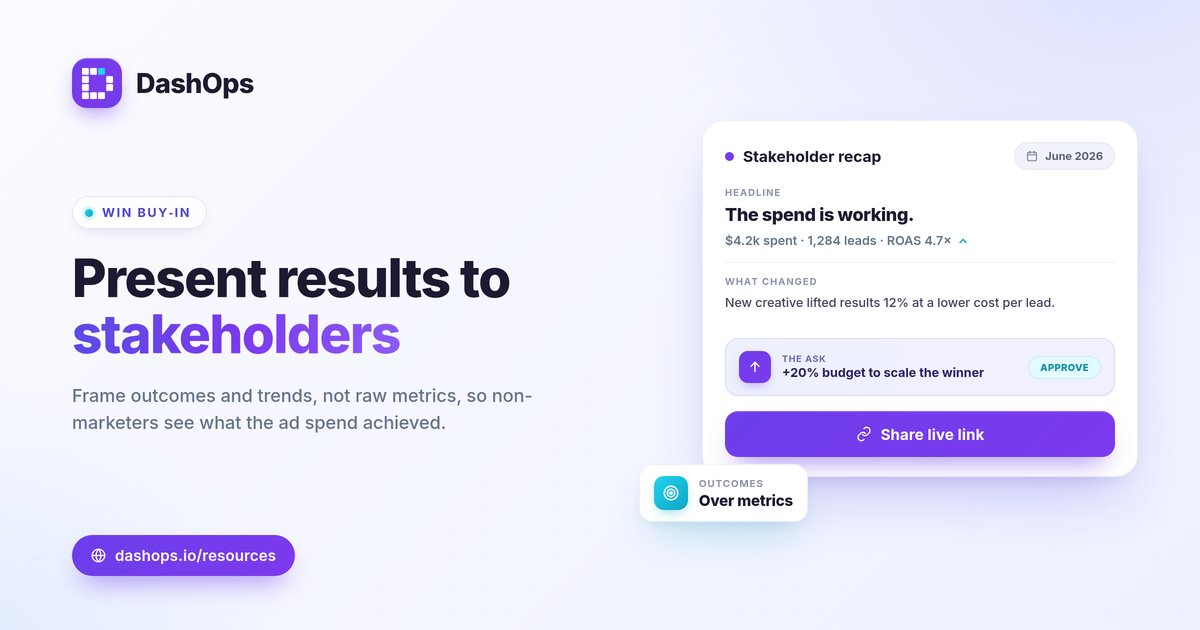
- Headline. Spend, results, cost per result, and the trend, in three sentences.
- What changed and why. One or two drivers behind the trend, good or bad.
- The ask. What you want approved next: more budget, a new test, a campaign change. Tie it directly to the trend you just showed.
- Backup detail. Demographics, placements, and full KPI tables, ready only if someone asks.
The ask is the part advertisers skip. A report without a recommendation makes the stakeholder do the thinking. Tell them what the data means you should do next, and you turn a status update into a decision.
DashOps is built around this way of presenting. It reads 17 plus Meta KPIs across your ad accounts into one dashboard with period-over-period comparison and trend charts, and its read-only share links and simplified client portal let a stakeholder see the outcome without a spreadsheet. See what each plan includes on the pricing page, and the help center covers connecting accounts and setting up share links.
The takeaway: present the outcome and the trend first, name the attribution gap before anyone else does, and end with a clear recommendation tied to what the numbers showed.
Frequently asked questions
What should I show stakeholders first in a Meta Ads update?
How do I explain Meta Ads results to a boss who is not a marketer?
Why do my numbers not match what the stakeholder expected from their CRM?
See it in your own dashboard
DashOps brings Meta Ads reporting, campaign management, and white-label client portals into one place. Pick the plan that fits how you run ads.