Facebook Ads KPI Calculator: CPM, CPC, CTR, ROAS
Work out your Meta Ads numbers
Type the numbers from your Ads Manager report. Each result appears as you type, with its formula beside it. This tool does not send or keep what you type.
Link clicks only, not all clicks.
Your own result, such as leads or purchases.
The sales value your ads brought in.
CPM (cost per 1000 impressions)
Type your amount spent and impressions to see this.
CPM = amount spent ÷ impressions × 1000
CPC (cost per link click)
Type your amount spent and link clicks to see this.
CPC = amount spent ÷ link clicks
CTR (link clicks, not all clicks)
Type your link clicks and impressions to see this.
CTR = link clicks ÷ impressions × 100
Frequency (times seen per person)
Type your impressions and reach to see this.
Frequency = impressions ÷ reach
Cost per result
Type your amount spent and results to see this.
Cost per result = amount spent ÷ results
ROAS (return on ad spend)
Type your conversion value and amount spent to see this.
ROAS = conversion value ÷ amount spent
Conversion rate from link clicks
Type your results and link clicks to see this.
Conversion rate from link clicks = results ÷ link clicks × 100
Conversion rate from landing page views
Type your results and landing page views to see this.
Conversion rate from landing page views = results ÷ landing page views × 100
- Use numbers from one report, for one date range and one currency.
- CPC, CTR and the conversion rate from link clicks count link clicks, not all clicks.
Type the numbers from your Ads Manager report into the calculator at the top of this page, and CPM, CPC, CTR, frequency, cost per result, ROAS and two conversion rates appear as you type, each with its formula and your own sum beside it. This Facebook Ads KPI calculator opens with empty boxes and no preloaded averages, so every answer comes from your numbers.
You only need the boxes for the results you want. A result with a number missing stays blank and says which box it needs, so to use it as a frequency calculator alone, fill in Impressions and Reach and stop there.
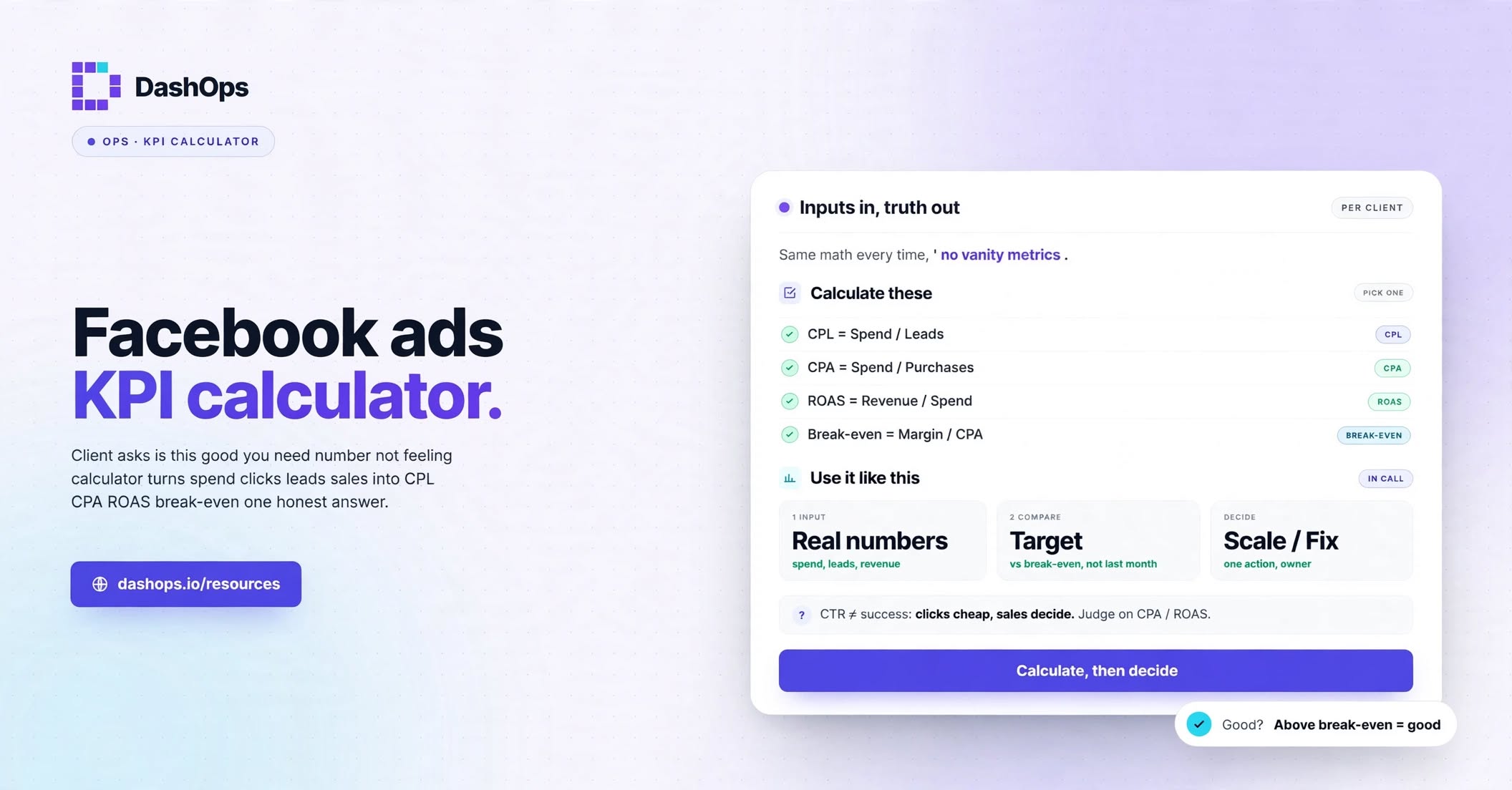
The formulas, with one worked example
These are the sums printed beside each result. For example, if you spend 300 and the report shows 25,000 impressions, 10,000 reach, 500 link clicks, 400 landing page views, 20 results and 900 in conversion value, the calculator gives the answers in the last column.
| Result | Formula | Your sum | Answer |
|---|---|---|---|
| CPM | amount spent / impressions x 1000 | 300 / 25,000 x 1000 | 12.00 |
| CPC | amount spent / link clicks | 300 / 500 | 0.60 |
| CTR, as a percent | link clicks / impressions x 100 | 500 / 25,000 x 100 | 2.00 |
| Frequency | impressions / reach | 25,000 / 10,000 | 2.50 |
| Cost per result | amount spent / results | 300 / 20 | 15.00 |
| ROAS | conversion value / amount spent | 900 / 300 | 3.00 |
| Conversion rate from link clicks, as a percent | results / link clicks x 100 | 20 / 500 x 100 | 4.00 |
| Conversion rate from landing page views, as a percent | results / landing page views x 100 | 20 / 400 x 100 | 5.00 |
On screen the rates carry a percent sign and ROAS reads 3.00x. The CPM sum is the one Meta’s CPM page uses: “For example, if you spent USD 50 and got 10,000 impressions, your CPM would be USD 5.”
Meta Ads metrics explained goes through what each term means, if you need that first.
Where to find each number in Ads Manager
Take every number from one report, for one date range and one currency. If a column is missing from your table, Meta’s help page on columns gives these steps today. Menu words can change, so look for the nearest wording if yours differ.
- Click Campaigns, Ad sets or Ads, depending on the level you want to check.
- Open the Columns drop-down and select Customize columns.
- Tick the columns you want. To keep the set for next time, also tick the box that saves it as a column preset.
- Click Apply.
Then copy one row into the boxes:
| Box in the calculator | Column to read | Watch out for |
|---|---|---|
| Amount spent | Amount spent | Type a plain number with no currency sign |
| Impressions | Impressions | Can include repeat views by the same account |
| Reach | Reach | Read it from one row and never add rows together |
| Link clicks | Link clicks | Not Clicks (all) |
| Landing page views | Website landing page views on Meta’s help page, and your column may read differently | Leave it empty if your ads open an instant form rather than a website |
| Results | Results | Whatever your campaign counts as its outcome, such as leads or purchases |
| Conversion value | Purchases conversion value, or your own sales figure | Leave it empty if the ads do not sell anything |
A copied number such as 1,250.50 is read correctly. If one could mean two things, such as 1,250 in the Amount spent box, the calculator asks you to retype it instead of guessing.
What each answer helps you decide
Cost per result is the money number, and the rates tell you why it moved, because they chain together:
- CPC = CPM / (CTR x 10), which in the example is 12.00 / (2.00 x 10) = 0.60
- Cost per result = CPC / (conversion rate from link clicks / 100), which in the example is 0.60 / (4.00 / 100) = 15.00
So when cost per result changes, run the calculator twice, once for each date range, and see which number moved:
- CPM went up. You are paying more for delivery while the ad may be doing the same job. CPM vs CPC shows how to read the two together.
- CTR went down. A smaller share of impressions led to a link click, so look at the ad itself.
- Conversion rate from landing page views went down. People reach the page and do not act, so look at the page and the offer.
- Conversion rate from link clicks went down while the rate from landing page views held. More clicks may not have become a page load. Meta says you can compare landing page views to link clicks “to understand how many times people may have clicked on your ad but left before your website loaded”, and link clicks vs landing page views covers what to check.
- Frequency went up while results fell. Meta’s frequency page says your audience may be experiencing ad fatigue, and that it may be wise to change your ad creative or targeting.
ROAS sits apart from that chain. It compares sales value with spend and leaves out what the goods cost, so on its own it cannot tell you whether the ads made money.
When your answer does not match the column
CTR or CPC look wrong. The calculator counts link clicks only. Clicks (all) can also count post likes, comments and shares, clicks to a Page or profile, and clicks that expand a photo or video. Compare with the columns named CTR (link click-through rate) and CPC (cost per link click).
Frequency is off by a little. Meta says reach and frequency are estimated and can rely on sampled data, so do not chase a small difference.
Frequency is far too low. Check that you have not added reach across rows. Reach counts each account once, so the rows overlap. Meta’s page on metrics that do not add up gives this case: “If ad set 1 reached persons A and B, and ad set 2 reached persons B and C, each ad set would have a reach of 2 and the campaign would have a reach of 3.” Read reach from the row at the level you want, such as the campaign row.
The rows do not add up to the total. The same page says the default view leaves out deleted ad sets and ads, and that the Delivery filter can include deleted ads in the report.
Your store shows different sales. Meta says statistical modelling may be used where events cannot be counted directly, so treat ROAS here as what Meta reports, and check your own orders for the same dates before a close decision.
The calculator also flags two mix-ups by itself. Link clicks higher than impressions, or reach higher than impressions, gets a line asking you to check those two numbers, and results higher than the clicks or views gets a note asking you to check they came from the same report.
Retyping a report is fine for a one-off check. In DashOps, each ad account has a dashboard of key numbers and trend charts, and you can pin the numbers you watch and drag them into your own order.
Frequently asked questions
What are the formulas for CPM, CPC and CTR on Facebook ads?
How do I calculate frequency for Facebook ads?
Why is my CTR different from the one in Ads Manager?
Do I have to fill in every box?
Does the calculator keep my numbers?
See it in your own dashboard
DashOps brings Meta Ads reporting, campaign management, and white-label client portals into one place. Pick the plan that fits how you run ads.
