Custom Domain for a Client Dashboard: Setup and When It Matters
Your client clicks the reporting link you sent and lands on a URL that has your software vendor’s name in it. Or worse, a URL with your name in it that looks nothing like the agency they thought they hired. The logo at the top is right, the colours are right, and then the address bar quietly says something else entirely. For most agencies this is the last visible seam in an otherwise clean white label setup, and it is the one clients notice without ever mentioning it.
A custom domain for a client dashboard closes that seam. Instead of sending clients to a shared platform address, you send them to something like reports.youragency.com or dashboard.youragency.com, an address that belongs to you and reads as part of your business. This post covers what that actually involves, what it does and does not change, and when it is worth setting up.
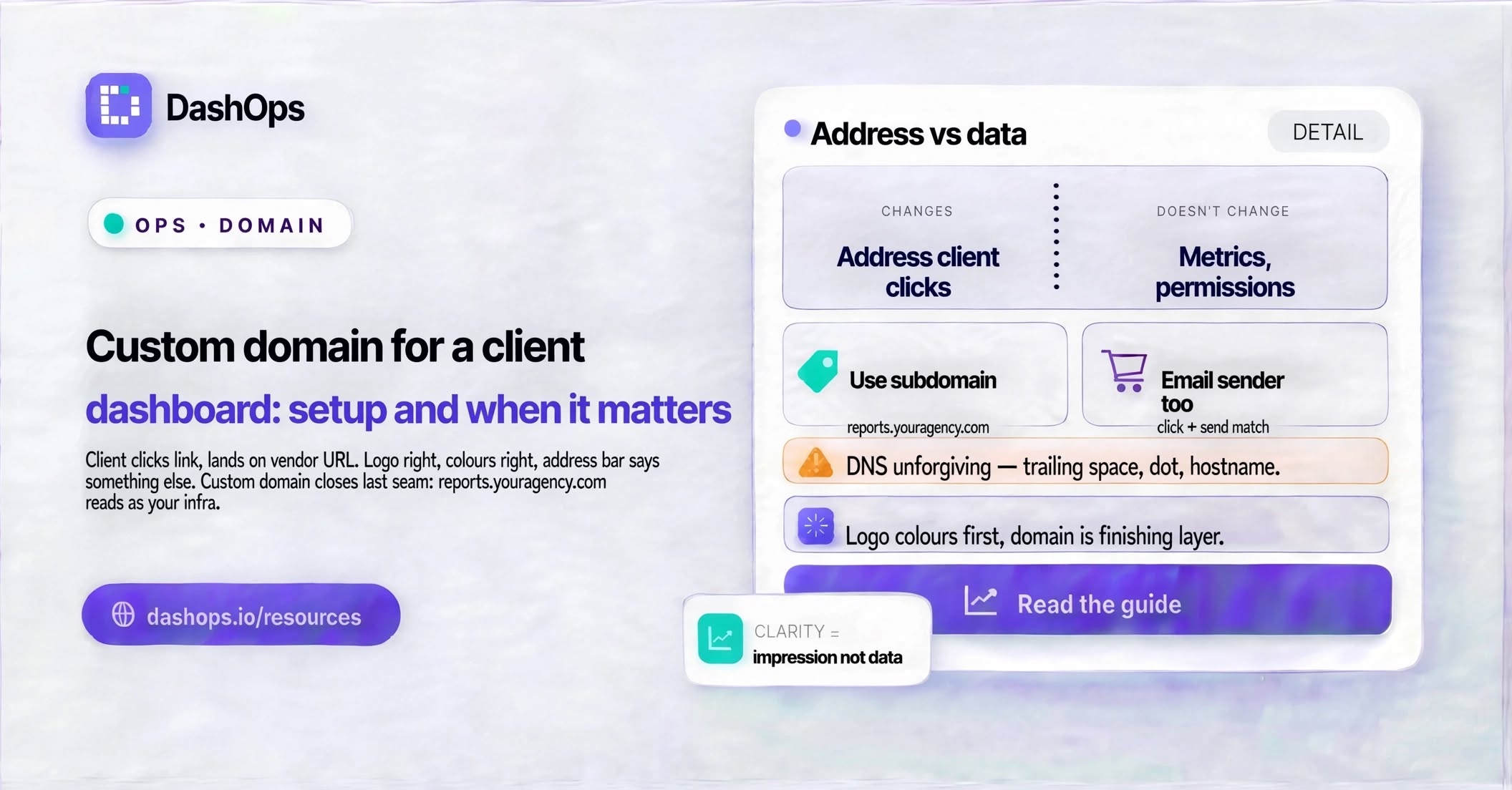
What a custom domain actually changes
It helps to be precise, because the phrase gets used loosely.
A custom domain changes the address your client types or clicks. That is it. It does not change the data, the metrics, the permissions, or anything about how the dashboard behaves. Your client sees the same live Meta Ads numbers either way.
What it does change is the impression. Consider the difference between these two things landing in a client’s inbox:
- A link to a platform address with a vendor’s brand in it, which invites the client to look up that vendor and see the pricing page
- A link to
dashboard.acmemarketing.com, which reads as infrastructure the agency built
Same dashboard. Very different signal. Whether that signal is worth paying for depends on your positioning, which is exactly the argument laid out in white label or your own branding. Some agencies genuinely benefit from naming their stack. Others sell an end-to-end managed service and the vendor name breaks the story.
A custom domain sits at the top end of white labelling. Logo, colours and favicon are the entry level and cover most of what a client actually looks at. The domain and the email sender are the finishing layer. For the full picture of how the layers fit together, the complete guide to white label Facebook Ads reporting covers all of them.
Subdomain or root domain
This is the first real decision and it is easy to get wrong.
Almost always, use a subdomain. Something like reports.youragency.com, dashboard.youragency.com, or clients.youragency.com. Your main website stays exactly where it is on youragency.com, untouched, and the dashboard lives on its own branch.
Pointing your root domain at a client dashboard means your marketing site has nowhere to live. Nobody does this on purpose, but it comes up when someone owns a spare domain and thinks about repurposing it. If you do own a second domain and want to use it, that works too, though it slightly weakens the effect: acme-reports.com is less obviously yours than reports.acmemarketing.com.
On naming, keep it boring and predictable:
reportsreads as “the place my reports live” and is the safest choicedashboardreads as a tool, which suits agencies positioning the dashboard as part of the deliverableclientsis fine but can feel odd to the client, who does not think of themselves as being in a clients folder- Avoid anything cute or internal. Your client should be able to guess the address without checking their email.
What the setup involves
The mechanics are the same everywhere, and they are less frightening than they look from the outside. There are three moving parts.
The dashboard side. You tell your reporting tool which domain you intend to use. It gives you back a set of DNS records to add. In DashOps this lives in the branding settings and is available on the top plan.
Your DNS provider. This is wherever your domain is registered or wherever its DNS is managed. You add the records exactly as given. There are usually two kinds: one that proves you control the domain, and one that points the subdomain at the dashboard.
The wait. DNS changes propagate. This is normally quick and occasionally not. Then you click verify, and the platform issues an SSL certificate so the address loads over HTTPS with a padlock and no browser warning.
Things that trip people up:
- Copying the record value with a trailing space or a missing dot at the end. DNS is unforgiving about this and the error message will not tell you.
- Entering the full hostname where the provider only wants the subdomain part, or the other way round. Providers differ. Read the example text in the field.
- Having an old record for the same subdomain still sitting there. Two conflicting records for one name give unpredictable results. Delete the old one.
- Testing on a phone still on mobile data, or in a browser tab that cached the failure. Try a fresh browser and give it a moment.
If DNS is not something you touch, this is a reasonable job to hand to whoever built your website. It is a short task for someone who has done it before.
The email sender, which matters more than people expect
A custom domain solves the click. It does not solve the send.
If you have scheduled client reports going out by email, or a weekly digest, the client sees the sender address before they see anything else. A dashboard on reports.acmemarketing.com that sends its reports from a generic platform address is only half dressed. The automated Meta Ads email report is often the most visible touchpoint you have with a client, because it arrives whether or not they log in.
Custom email sending needs its own DNS records, separate from the domain ones, so that mail providers can verify the mail genuinely came from you. On DashOps this sits alongside the custom domain on the same plan tier, which is deliberate: the two belong together, and doing one without the other leaves the seam visible in the place clients look most.
When it is worth it, and when it is not
Be honest about your situation.
It is worth it when your clients are other businesses who will judge your professionalism by details, when you are competing against larger agencies, when your pricing is at a level where clients expect polish, or when you genuinely position the reporting as part of what they are buying rather than a side effect.
It is worth less when your clients are small local businesses who open the report, look at the lead count, and close it. When your relationship is built on phone calls rather than logins. Or when you are early and your time is better spent on the ads themselves. The question of whether any of this actually moves the needle is worth sitting with, and does white label reporting win clients is a more sceptical look at it than most agencies give themselves permission to take.
There is a middle path a lot of agencies land on and it is a good one: put your logo and colours on the dashboard, which is a quick job and is available on lower plans, and skip the custom domain until either a client comments on it or you win the kind of account where it clearly matters. Branding without a custom domain still reads as yours to most people. The address bar is the last thing a client looks at, if they look at all.
One thing to think about before you commit
Once clients have a domain bookmarked, changing it is a small piece of admin: old links break, bookmarks go stale, and you get a round of confused messages. So pick the subdomain you can live with long term, not the one that sounds good today.
Related to that, keep the domain registered somewhere you control directly rather than through a client, a former developer, or an account only one person can access. A dashboard address that stops resolving because a domain quietly lapsed is a bad conversation to have with a client.
What to do next
If you have already got your logo and colours on the dashboard and clients are logging in regularly, a custom domain is the natural next step and it is a short job.
Start by picking the subdomain and checking who controls the DNS for your domain. Then set up the custom domain and the custom email sender in the same sitting, so the click and the send match. Send yourself a test report first, open it on a phone, and look at it the way a client would: sender address, then subject, then the link, then the page.
If you have not done the easy branding yet, do that first. The logo, colours and favicon are what a client actually sees, and they are the easier win by a wide margin.
Frequently asked questions
Should I use a subdomain or my main domain for a client dashboard?
Do I need technical skills to set up a custom domain for a client dashboard?
Does a custom domain change what my client sees inside the dashboard?
Do I also need a custom email sender to go with the custom domain?
Is a custom domain worth it for a small agency?
See it in your own dashboard
DashOps brings Meta Ads reporting, campaign management, and white-label client portals into one place. Pick the plan that fits how you run ads.