White Label Facebook Ads Reporting: What You Actually Get
Your client opens the monthly report and the first thing they see is your logo. Good. Then they click through to the live dashboard you gave them and the tab says something else entirely. The email that delivered the report came from an address they do not recognise, so it landed in promotions. The login page carries somebody else’s mark. You have paid for “white label” and your client has just been walked through four different brands on the way to one set of numbers.
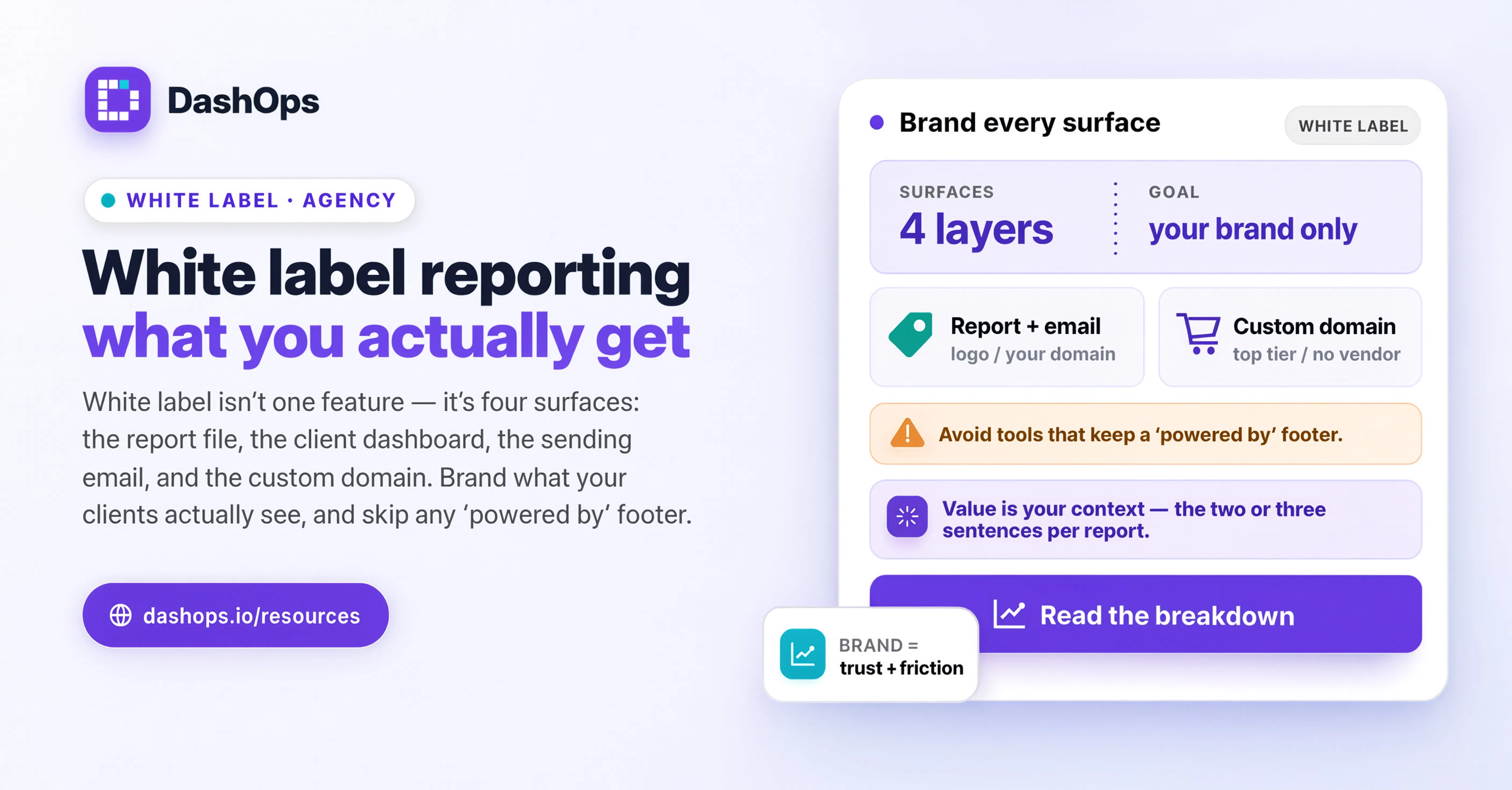
White label is not one feature. It is at least four separate surfaces, each with its own cost, its own setup effort, and its own real value. Some of them genuinely change how a client perceives your agency. Some are decoration you are paying for because it appeared on a comparison table. This post separates them so you can decide which ones you actually need.
The four surfaces, ranked by how often a client sees them
Every tool that sells white label facebook ads reporting is really selling some subset of these:
- The report file itself. The PDF or spreadsheet you attach to an email or drop in a shared folder. Your logo on the cover, your colours in the charts and table headers, your agency name in the footer.
- The dashboard the client logs into. The live view where they check numbers between reports. Your logo in the sidebar, your colours across buttons and links, your favicon in the browser tab, and the option to hide the platform’s own footer credit.
- The sending email address. Whether the scheduled report arrives from
reports@youragency.comor from a generic platform address the client has never seen. - The domain. Whether the client visits
dashboard.youragency.comor a subdomain of the vendor’s site.
The order matters. A client who receives one report a month and never logs in only ever sees surface one. A client with a login who checks numbers on a Tuesday afternoon sees surface two far more often than the report. A client who forwards your report to their finance team exposes surface three to people you have never met.
Surface one: the report file
This is the one everybody gets and the one that matters least strategically, because a document is easy to brand and nobody is surprised when it carries your mark. A PDF with your logo is table stakes.
What actually makes a report feel like yours is not the logo. It is whether the structure reflects how you talk about performance. Does it lead with the metric this client cares about, or with a generic spend summary? Are campaigns nested under the structure you built, so the client can follow the story from campaign down to ad set to individual ad? Is the comparison against the previous period sitting right next to the current number, so nobody has to do arithmetic?
DashOps generates PDF and Excel reports on demand and carries the agency’s logo and colours through the cover, the table headers and the charts. But if you are choosing a tool purely on whether a PDF can carry a logo, you are choosing on the easiest thing to build. Look at what the report says before you look at what it looks like. There is more on structuring the document itself in our Facebook Ads client report template walkthrough.
Worth paying for? Yes, but assume every serious tool does it. Do not let it be a differentiator in your evaluation.
Surface two: the dashboard the client logs into
This is the one that is undervalued, and it is the one clients see most often.
The moment you give a client a login, you are no longer sending them a document. You are sending them into a product. If that product looks like somebody else’s product, you have introduced a third party into a two-party relationship. The client now knows there is a vendor between you and the numbers, and a curious client will go and look at that vendor’s pricing page.
That is not necessarily fatal. Plenty of agencies are relaxed about clients knowing they use tools. But it changes the conversation. A client who sees a branded dashboard thinks about your agency. A client who sees an unbranded one thinks about the tool, and the next thought is sometimes “could we just do this ourselves”.
What proper dashboard branding covers:
- Your logo in place of the platform’s, in the sidebar and on the login screen
- Your primary and secondary colours applied across buttons, links, charts and highlights
- Your favicon, so the browser tab is yours too
- The ability to hide the platform’s own footer credit
That last point is worth checking specifically. Some tools let you upload a logo but keep a “powered by” line at the bottom of every page. That single line undoes most of the work.
In DashOps this sits on the branding settings, and the colours flow through the interface rather than sitting only on a header strip. Clients get read-only access scoped to the ad accounts you assign them, with the option to hide spend if you bill on a retainer and would rather not surface the raw media cost.
Worth paying for? Yes, if your clients log in. If you only ever send files, skip it and put the money elsewhere.
Surface three: the sending email address
This one is quietly the most practical of the four, because it is the only surface with a deliverability consequence attached.
When a scheduled report arrives from a generic platform address, three things happen. The client does not recognise the sender, so it is more likely to sit in a promotions tab or a spam folder. If they do open it and want to reply with a question, the reply goes to a vendor’s no-reply address rather than to you. And if they forward it internally, the person receiving it sees a name that has nothing to do with your agency.
Sending from your own domain fixes all three. The report arrives from an address the client has already whitelisted because it looks like every other email you send. Replies come back to you. Forwards carry your name.
The catch is that this is the surface with real setup work behind it. You are asking a mail provider to send on behalf of your domain, which means DNS records: an SPF entry so receiving servers know the sender is authorised, and a DKIM record so the message is cryptographically signed as yours. Neither is difficult, but both require access to your domain’s DNS settings and a small amount of care, because a mistake in an SPF record can affect the delivery of your ordinary business email as well.
Do it once, verify it, and it runs quietly forever. If you are setting up scheduled delivery for the first time, our guide to automated Meta Ads email reports covers the sending side in more detail.
Worth paying for? Yes, and this is the one people underrate. Deliverability is not cosmetic.
Surface four: the custom domain
Your client visits dashboard.youragency.com and never sees the vendor’s domain at all. It is the most complete version of white label meta ads reports, and it is usually the most expensive tier.
It is also the one where the honest answer depends entirely on who your clients are.
If you sell to owner-operators and small businesses, a custom domain is close to invisible. They click the link in your email, they see your logo, they read the numbers, they close the tab. Whether the URL bar said your domain or a subdomain of a platform is not a thing most people register.
If you sell to marketing directors at larger companies, or you are pitching against agencies who present themselves as having proprietary technology, it starts to matter. Procurement teams look at URLs. A client who is evaluating whether to bring media buying in-house will notice which parts of your stack are bought.
The setup is a DNS record pointing your chosen subdomain at the platform, plus a verification step to prove you control the domain. In DashOps this sits on the top plan alongside the custom email sender, because the two are the same category of thing: they both put your domain in front of the client instead of the vendor’s.
Worth paying for? Situational. Buy it when a specific client relationship or a specific pitch demands it, not because it is on the feature list.
What white label does not fix
A branded dashboard does not make a bad report good. If the numbers are unexplained, if the client cannot tell whether a change is meaningful, if there is no comment on what you are doing next, then your logo is sitting on top of a document that still leaves them confused.
The branding layer is the frame. The picture is the analysis: which campaigns moved, why, what you changed, and what you are testing next. Clients renew because they understand what they are buying, not because the PDF header matched their expectations. Our note on presenting Facebook Ads results to clients goes into what belongs in the commentary.
Nor does white label solve access. If Acme Retail and Globex Industrial both have logins, the branding is the easy part. The harder part is making sure each of them sees only their own ad accounts, that a team member you hire next month gets scoped access to the right subset, and that you can prove who changed what when a client asks. That is roles and permissions, and it sits underneath branding rather than beside it.
A quick way to decide what you need
Work through it in this order.
- Do your clients log in, or only receive files? If only files, budget for report branding and the sending address. Skip the dashboard and domain tiers.
- Do reports get forwarded inside the client’s company? If yes, the sending address matters more than you think, because people who have never spoken to you will see it.
- Are you ever in a competitive pitch where the client is comparing agencies? If yes, the custom domain earns its cost. If no, it does not.
- Is the platform’s own credit visible anywhere after you have branded it? Check the footer, the login page and the report cover specifically. Ask before you buy.
- How much setup does the email and domain work require, and are you the person who will do it? Both need DNS access. If you do not have it, factor in the time to get it.
What to do next
Open your own client dashboard in a private browser window and click through it the way a client would. Land on the login page, sign in, look at the report, look at the tab title. Note every place a name that is not yours appears. Then check the last scheduled report that went out and look at the sender address as it appears in an inbox, not as it appears in your settings.
That short audit will tell you which of the four surfaces you are actually missing. Fix the ones your clients see most often first, which for most agencies means the sending address and the dashboard, and leave the custom domain until a relationship genuinely calls for it.
If you want to see how the branding settings and client access work together, the features overview covers what is included at each level.
Frequently asked questions
What does white label facebook ads reporting actually include?
Is a custom domain worth paying extra for?
Why does the sending email address matter so much?
Does white label branding hide that I use a third-party tool?
What should I fix first if I can only do one thing?
See it in your own dashboard
DashOps brings Meta Ads reporting, campaign management, and white-label client portals into one place. Pick the plan that fits how you run ads.