Break-Even ROAS Calculator: Find Your Minimum ROAS
Find your break-even ROAS
Type the price, costs and fees for one sale. This tool does not send or keep what you type.
Such as the product and delivery. Type 0 if there are none.
Such as payment fees. Type 0 if there are none.
Margin before ads
Type your selling price, costs and fees to see this.
Margin before ads = (price minus costs minus fees) ÷ price
Break-even ROAS
Type your selling price, costs and fees to see this.
Break-even ROAS = 1 ÷ margin
The most you can pay for a sale
Type your selling price, costs and fees to see this.
The most you can pay for a sale = price minus costs minus fees
- At the break-even ROAS the ad spend uses up all the margin, so that sale makes no profit and no loss.
- This works on one sale at one price. It leaves out repeat buys and refunds.
- Use one currency in every box.
Your minimum ROAS is your break-even ROAS, which is 1 / margin. Type the Selling price of one sale, Costs for one sale and Fees for one sale into the break-even ROAS calculator at the top of this page, and it shows that figure, your Margin before ads and The most you can pay for a sale, which is the same limit written as money instead of a ratio.
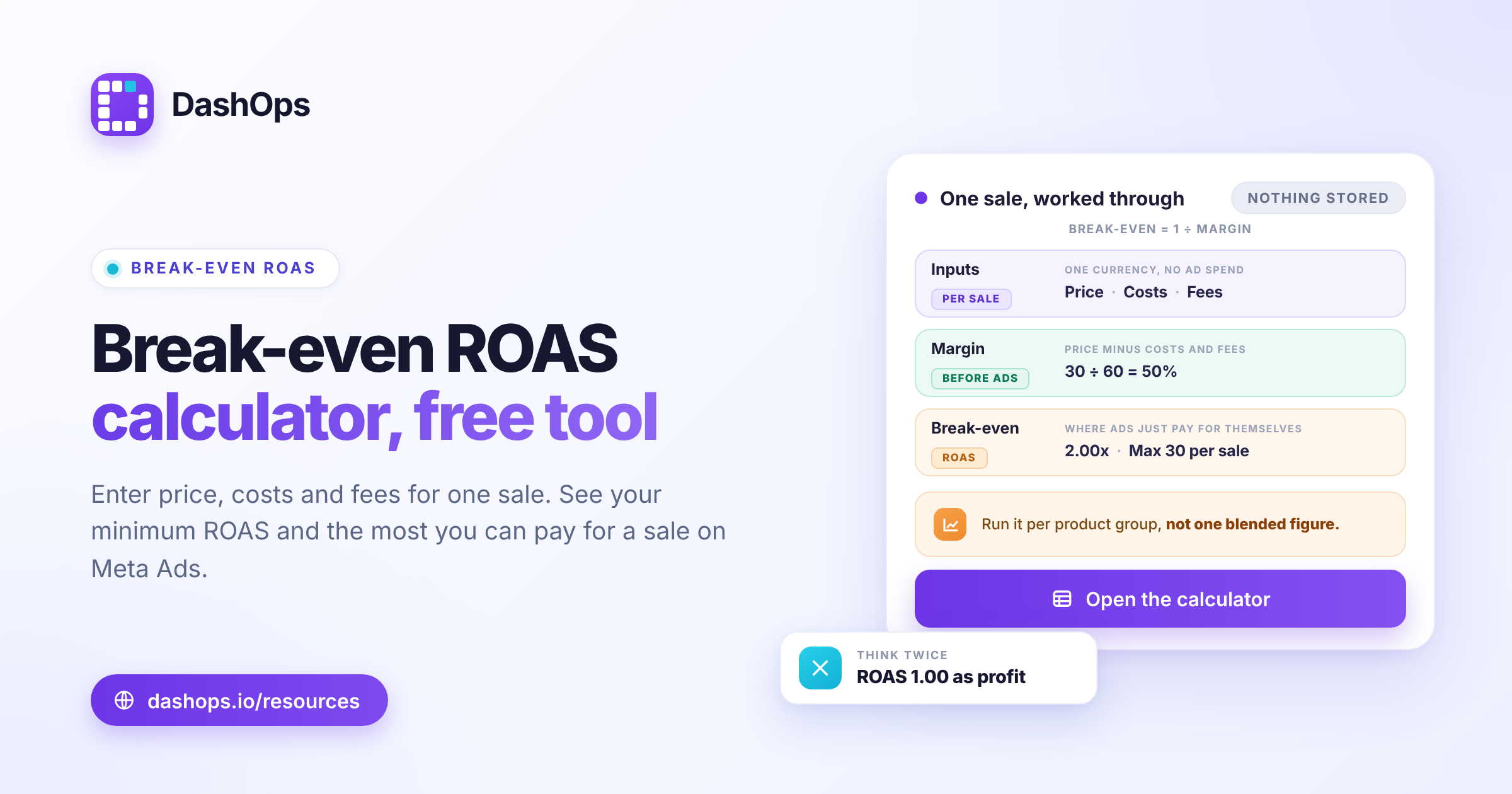
One sale, worked through
For example, if you sell a product for 60, with costs of 24 and fees of 6, the calculator shows these three results:
- Margin before ads: 30 / 60 = 50.00%
- Break-even ROAS: 1 / 0.50 = 2.00x
- The most you can pay for a sale: 60 minus 24 minus 6 = 30.00
Read that as one order. The customer pays 60, 30 goes on the product, delivery and fees, and 30 is left. If winning that order costs 30 in ads, the sale brought in twice what the ad cost, which is the 2.00x, and nothing is left over: no profit and no loss. A ROAS of 1.00 only means the ads brought in what they cost, with the product and fees still unpaid.
What to type in each box
- Selling price of one sale. What the customer pays for one order, without any sales tax you pass on. If your orders vary, use your average order value.
- Costs for one sale. Such as the product and delivery. If you dropship, this is what you pay your supplier plus any shipping you cover. Type 0 if there are none.
- Fees for one sale. Such as payment fees, and any marketplace fee on the order. Type 0 if there are none.
Use one currency in every box, and leave ad spend out, since ad spend is what the answer is for.
If costs and fees take up the whole price, the screen says no ROAS breaks even at that price. That is a real answer: there is nothing left to pay for ads, so the price or the costs have to move before any campaign can work.
The calculator works on one sale at one price and leaves out repeat buys and refunds. If refunds are a regular cost, add what they cost you per order to the Costs box. If customers come back and buy again, paying more than this limit for a first sale is a decision you can make, and the calculator will not make it for you.
How margin moves the number
These are plain sums at a price of 100, with no opinion on what a store should aim for:
| Margin before ads, as a percent | Break-even ROAS | The most you can pay for a sale |
|---|---|---|
| 20 | 5.00 | 20.00 |
| 25 | 4.00 | 25.00 |
| 40 | 2.50 | 40.00 |
| 50 | 2.00 | 50.00 |
| 80 | 1.25 | 80.00 |
A thin margin pushes the number up fast, so run this before you launch. Work out the break-even ROAS for the product you plan to advertise and put it beside the ROAS your account has reached before. If the break-even figure is one you have never reached, change the price, the costs or the offer first, because a better ad still has to clear the same line.
What to do with the answer
- Compare it with your ROAS. Meta calculates Purchase ROAS as purchase conversion value divided by amount spent. For example, if your break-even ROAS is 2.00x, a ROAS of 2.50x is past it and a ROAS of 1.60x is short of it. The KPI calculator gives you ROAS from your raw report numbers.
- Compare the money limit with what you pay per sale. Put The most you can pay for a sale beside your cost per purchase. For example, if the limit is 30 and your cost per purchase is 34, each sale costs 4 more than its margin can pay. It is the same test as ROAS, and easier to read if a client thinks in cost per sale.
- Run it per product group. One figure across a store with different margins can hide the products that lose money. Run the calculator for each group you advertise separately, and compare each answer with the campaign that sells that group.
- Check Meta’s number against your store. Meta says statistical modelling may be used where purchases cannot be counted directly, so compare the sales Ads Manager reports with your own orders for the same dates before you act on a close call.
For another worked example, and for setting a target above break-even, read how to calculate break-even ROAS for ecommerce.
The same sum in Excel
To keep this beside your other numbers in Excel, put the price in B1, the costs in B2 and the fees in B3, then use these formulas:
- Margin before ads:
=(B1-B2-B3)/B1, shown as a percent - Break-even ROAS:
=B1/(B1-B2-B3) - The most you can pay for a sale:
=B1-B2-B3
Margin here is a share of the price. Markup divides by the cost instead, so for example, if a product costs 24 and sells for 60, margin before fees is 36 / 60 and markup is 36 / 24, and only the first belongs in this sum.
Once you have your number, you need ROAS by campaign to hold it against. In the DashOps campaign list, until you choose your own columns, a lead campaign shows leads and cost per lead, and a sales campaign shows purchases and ROAS. There is no target line in DashOps, so compare your break-even figure with the ROAS column yourself.
Frequently asked questions
What is the break-even ROAS formula?
Does a ROAS of 1 mean I broke even?
How do I work this out for dropshipping?
Can I work out break-even ROAS in Excel?
Does the calculator count refunds and repeat buys?
See it in your own dashboard
DashOps brings Meta Ads reporting, campaign management, and white-label client portals into one place. Pick the plan that fits how you run ads.