When to Stop Using Spreadsheets for Ads Reporting
You built the spreadsheet because it was the fastest way to give a client a straight answer. Export the campaign data from Ads Manager, paste it into a tab, rework the columns so the numbers match how you talk about performance, and send it. For a while that is genuinely the right tool. Then one month you notice you have blocked out most of a morning for it, you have caught a stale cell that had the wrong date range applied, and a client has asked for a mid-month check-in that means doing the whole thing again. The question stops being whether spreadsheets can do ads reporting, because they obviously can. The question becomes whether yours is still earning its keep.
This post is about that specific decision. Not spreadsheets versus dashboards in the abstract, which is covered in our spreadsheet vs ads dashboard comparison, but the practical signals that your particular workflow has crossed over. If you are still deciding what kind of tooling you need at all, start with the wider guide to Facebook Ads reporting tools and come back here when you want to judge your own setup.
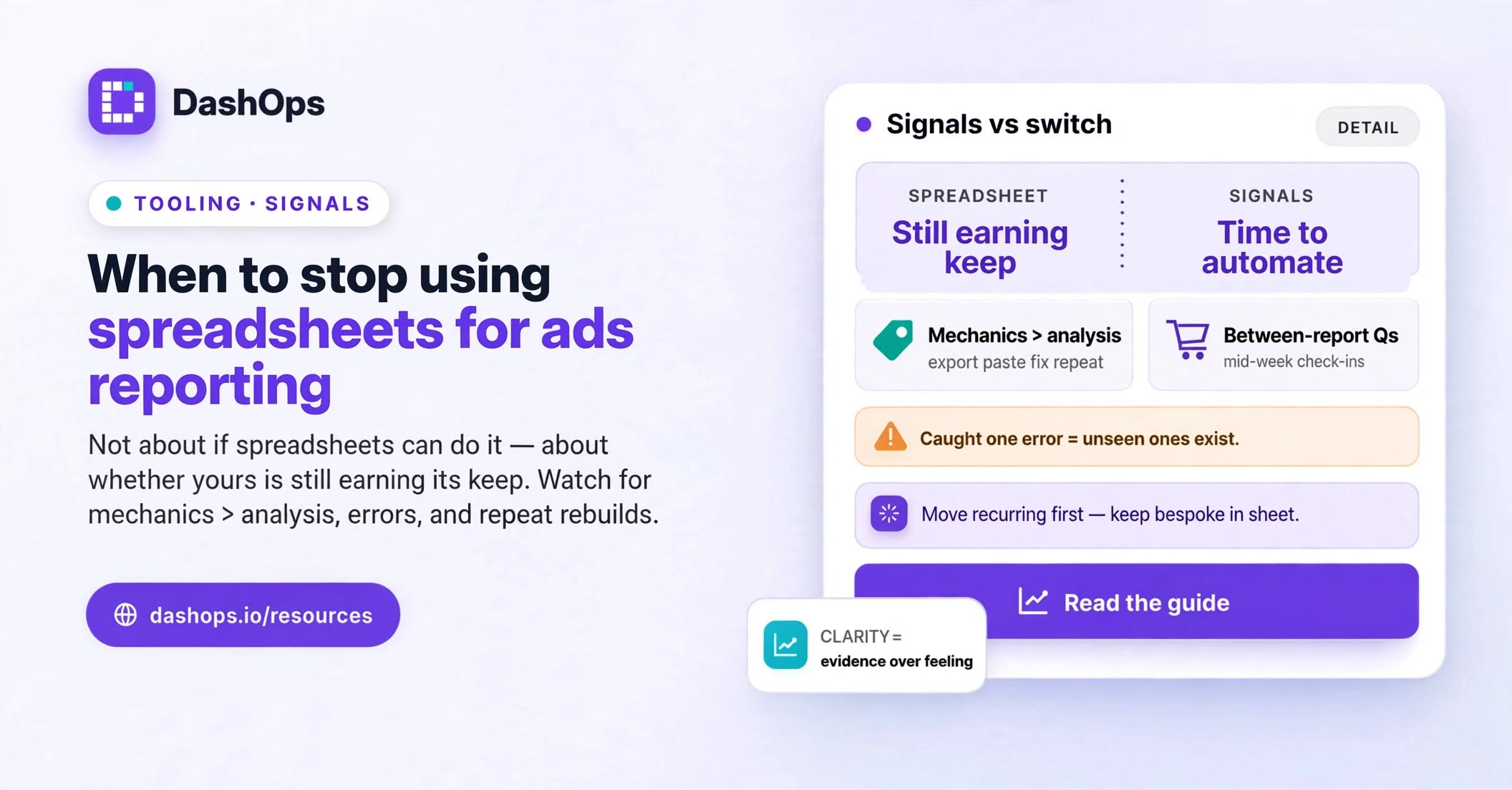
The wrong reason to switch, first
Plenty of people abandon a working spreadsheet because they feel they should be using something more sophisticated. That is not a reason. A spreadsheet you built yourself has real advantages that are easy to undervalue once you start shopping for tools.
You control the calculations completely. If you blend Meta spend with retainer costs to show a client their true cost per acquisition, that logic lives in a formula you wrote and can explain. You control the layout, so the report looks exactly like the way you and that client talk about the account. There is no subscription, no onboarding, and no dependency on a vendor staying in business. If your reporting takes a short slot once a month and nothing goes wrong, the correct answer is to leave it alone and go do something that grows the business.
Switch when the spreadsheet is costing you something specific. Here is what that looks like.
Signal one: the export is no longer the small part of the job
Watch yourself do a report and split the time honestly into two buckets. Bucket one is analysis: looking at what happened, forming an opinion, writing the commentary that makes the report worth reading. Bucket two is mechanics: exporting, pasting, fixing column alignment, reapplying formatting, checking the date ranges match across tabs.
When the mechanics bucket is bigger than the analysis bucket, the tool has inverted its purpose. You bought a spreadsheet to help you think about the data and you are now spending most of your reporting time moving the data around. That inversion tends to creep rather than arrive, which is why it needs deliberately measuring rather than sensing.
Signal two: you have started making errors you can catch
Not errors you might be making, errors you have actually found. A date range left on last month in one tab. A campaign that was renamed in Ads Manager and now sits as a duplicate row because the lookup no longer matches. A total that quietly excluded a new ad set because the range was fixed and the new row landed outside it.
Every one of these is a normal spreadsheet failure and every one is invisible until someone questions a number. The dangerous version is not the error you caught, it is what the caught error implies about the ones you did not. Once you have found errors like these in your own reports, you are no longer reasoning about a hypothetical risk. You have measured your own error rate and it is not zero.
Signal three: the same numbers get rebuilt more than once a period
A monthly report is one build. A monthly report, plus a mid-month client email asking how things are tracking, plus an internal review where you pull the same figures for a team discussion, is three builds of substantially the same thing.
This is the signal that most reliably tips the balance, because the cost of a manual process scales with how often you run it while the cost of an automated one mostly does not. If you find yourself saying “I’ll just pull that quickly” more than once between formal reports, you are running the pipeline more often than you think. Our post on reducing time spent on Facebook Ads reporting goes deeper into finding those hidden repeat builds.
Signal four: clients ask questions between reports
The spreadsheet is a snapshot. It was true on the day you built it and it starts aging immediately. When a client emails on a Wednesday asking whether the new creative is working, you have three options: tell them to wait for the report, go into Ads Manager and answer from memory of what you see there, or rebuild the relevant slice of the spreadsheet.
None of those is good. The first frustrates the client, the second bypasses the reporting layer you built precisely so numbers would be consistent, and the third is unpaid work. A dashboard the client can open themselves, or a read-only share link like the ones DashOps generates, removes the question entirely. If between-report questions are a regular part of your week, that is a strong signal.
Signal five: someone else needs to be able to do it
This is the one that catches agencies rather than freelancers. A spreadsheet built by one person carries a lot of undocumented knowledge: which tab feeds which, why that column is calculated the way it is, what to do when a client adds a second ad account.
The moment you want a junior team member to run reporting, or you want to take a holiday without reporting stopping, that knowledge becomes a problem. You either document the whole thing properly, which is real work, or you accept that reporting is permanently attached to one person. Neither is a great outcome for a business you want to grow.
Signal six: the client list has genuinely outgrown one file
Multiple ad accounts per client, multiple clients per file, and a separate tab for each combination all work right up until they do not. The tell is usually not the number of clients, it is when adding a new one stops being a copy-paste and starts requiring you to restructure something.
Signal seven: you cannot answer “what changed” quickly
Good reporting answers two questions: what happened, and what changed. Spreadsheets are naturally good at the first and quite bad at the second, because comparing this period to the previous one means holding two versions of the data at once and setting up the comparison by hand.
If your reports show current-period numbers but the period-over-period comparison is something you do in your head or skip entirely, you are shipping half a report. That is a capability gap rather than a time cost, and it is a legitimate reason to move even if the time cost is still manageable.
What to do next
Run one honest observation cycle before you change anything.
- Time yourself on the next full reporting cycle, split into mechanics and analysis. Write down both numbers.
- Log every time you pull ad data outside a formal report. Include quick client answers and internal checks.
- Note any number you had to correct, re-check, or explain a discrepancy in.
- Ask yourself honestly whether anyone other than you could run the process this week if they had to.
If the mechanics time is small, the ad-hoc pulls are rare, and nothing needed correcting, keep the spreadsheet. You have evidence, which is better than a hunch either way.
If two or more of the signals above are clearly present, the next step is not to buy the biggest tool you can find. It is to move the repetitive part first and keep the bespoke part where it is. That usually means getting the recurring client report onto something automated, which is what automating your Facebook Ads reports walks through, and keeping your spreadsheet for the custom analysis it is genuinely good at.
DashOps connects your Meta ad accounts directly, so the campaign, ad set, and ad numbers are already in one place with period-over-period comparison built in. You can send a client a read-only share link so between-report questions answer themselves, schedule a PDF or Excel report to go out on a fixed day, and give team members access to only the ad accounts they should see. The spreadsheet does not have to disappear. It just stops being the thing you rebuild every month.
Frequently asked questions
Is there a client count where spreadsheets stop working?
Can I keep my spreadsheet for some things and use a dashboard for others?
What happens to my historical data if I stop using spreadsheets?
Do clients notice the difference between a spreadsheet and a dashboard?
What is the risk of switching too early?
See it in your own dashboard
DashOps brings Meta Ads reporting, campaign management, and white-label client portals into one place. Pick the plan that fits how you run ads.