Spreadsheet vs Ads Dashboard: Which One Fits Your Agency
It is Monday morning and the client report is due. You open Meta Ads Manager, set the date range, pick your columns, export the CSV and paste it into last month’s sheet. Then the pivot table returns errors, because someone renamed campaigns over the weekend and the lookup no longer matches. You spend the next stretch of your morning repairing formulas instead of reading the numbers. Whether to keep doing this in a spreadsheet or move to a dedicated ads dashboard is a real decision with a real answer, and it depends less on which tool is better in the abstract and more on what your reporting has to survive.
This post compares the two directly for Meta Ads reporting. For the wider landscape of what else is out there, see our guide to Facebook Ads reporting tools.
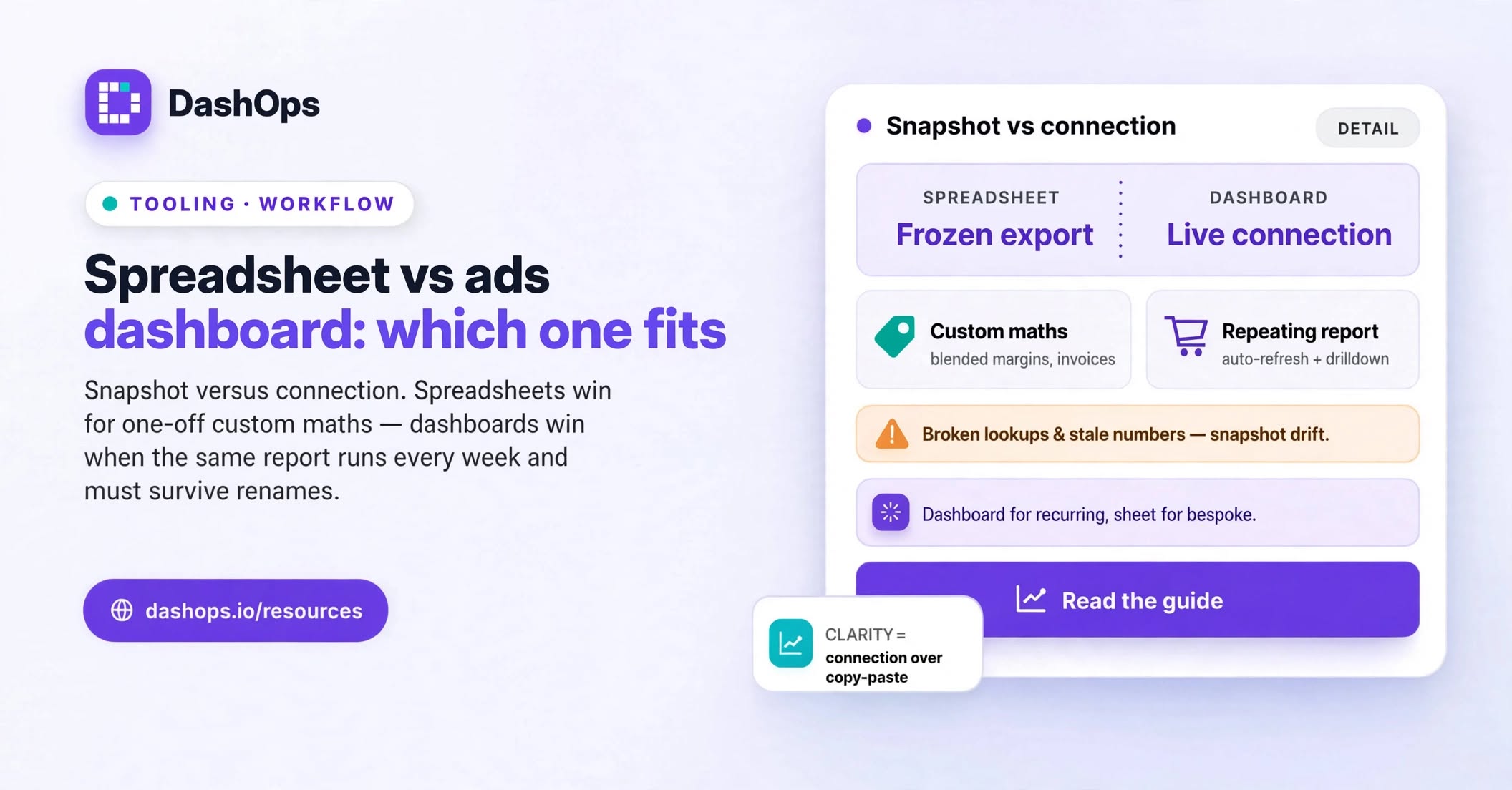
What the two things actually are
A spreadsheet workflow means this: export from Ads Manager, land the rows in a spreadsheet, then build the presentation layer yourself with formulas, pivot tables and charts. The data is a snapshot. The logic is yours.
An ads dashboard means a tool connected to your ad account by OAuth that reads campaign, ad set and ad data on a schedule and renders it as a live view. The data refreshes on its own. The logic ships with the tool, so you configure rather than build.
That difference, snapshot versus connection, is the whole comparison. Everything below follows from it.
Where the spreadsheet genuinely wins
Spreadsheets get dismissed too quickly by people selling dashboards. They are still the right tool when:
- You need arbitrary maths. Blending Meta spend with revenue from an invoicing export, a client’s own margin figures, or a retainer calculation. No dashboard knows your commercial model. A sheet does whatever you type into it.
- The output is a one-off. A pitch deck, a board paper, a post-campaign wrap that nobody will ask for again. Building a repeatable view for a report you run once is wasted setup.
- The shape is unusual. Contoso wants results grouped by their internal product line rather than by campaign, or you have invented a blended metric that Meta does not report.
- The client insists. Some clients want the raw grid so they can poke at it themselves. Give them the raw grid.
Where a dashboard genuinely wins
A dashboard earns its place when the same report happens again and again:
- The data is current without you. Nobody has to remember to re-export. When a client asks a question mid-week, the answer is already on screen.
- Drill-down is built in. Campaign to ad set to ad, without rebuilding a pivot for each level.
- Comparison is a setting, not a formula. This period against the previous one, already calculated and already labelled.
- Access is controlled properly. A client sees only the ad accounts assigned to them, read-only, and you can hide spend if your commercial arrangement calls for it. In a shared sheet, access control is a link setting and a hope.
- Nothing breaks when Meta changes. Renamed campaign, new ad set, paused ad: the connection follows it. A lookup formula does not.
DashOps sits in this second category. You connect your Meta ad accounts once, and campaign, ad set and ad performance stays current across every client you manage.
The failure modes nobody mentions until they happen
This is the part of the spreadsheet vs ads dashboard question that only surfaces after a few months of running the sheet.
Broken references. Campaign renames, a new naming convention, an ad set that gets deleted. Every one of these can quietly break a lookup, and a broken lookup does not always announce itself. Sometimes it just returns the wrong row.
Stale numbers presented as current. Meta restates recent data as it attributes conversions and filters invalid traffic. A CSV pulled on Monday and re-sent on Thursday is not the same as what Ads Manager shows on Thursday. If a client checks both, you are explaining a discrepancy you did not create.
Bus factor. The person who built the sheet knows which tab feeds which chart. When they are on holiday or they leave, that knowledge leaves too. We wrote separately about the signals that it is time to stop using spreadsheets.
Copy-paste drift. Every manual step is a place where a wrong date range or the wrong ad account can enter the report. Nobody catches it, because the sheet looks exactly as it always looks.
Time that never reaches an invoice. Report assembly rarely appears on a bill. It is also the work that expands quietly as you add clients.
Where a dashboard is the wrong answer
Be honest about the limits, or you will buy the wrong thing:
- If your reporting genuinely needs custom maths on data that lives outside Meta, a dashboard alone will not do it. You will still export.
- If you run a single ad account and report to nobody but yourself, a sheet is fine and a subscription is overhead.
- If a client requires their data inside their own systems, you need an export path regardless of what you look at day to day.
The pragmatic answer for an agency is usually not either-or. It is a dashboard for the recurring view and the client-facing report, and a spreadsheet for occasional bespoke analysis. Good tools support that by exporting cleanly. In DashOps that means PDF and Excel reports on demand, plus scheduled client reports by email when the client simply wants something to land in their inbox.
A quick way to decide
Answer three questions honestly.
How often does this exact report run? Once, and a spreadsheet wins. Every week for the foreseeable future, and a dashboard wins.
How many ad accounts are involved? One is fine in a sheet. Several clients across several accounts means the manual effort scales with account count, while the dashboard setup cost is paid once.
Who else needs to see it? If it is just you, a sheet is fine. If it is clients, or teammates who should only see their own accounts, you need real permissions rather than a share link.
If two of your three answers point at a dashboard, the spreadsheet is already costing you more than it saves.
What to do next
Pick your single most repetitive client report, the one you rebuild on the same day every week. Time yourself building it once, end to end, including the formula repairs. That figure is the honest cost of staying where you are, and it is the only number in this decision that matters, because you measured it yourself.
Then run the same report through a connected dashboard and compare two things: how long it took, and whether the client came back with fewer follow-up questions. If the automation side is what you care about most, our walkthrough on automating Facebook Ads reports covers the setup step by step.
Keep the spreadsheet. Just stop using it for the work that repeats.
Frequently asked questions
Is a spreadsheet ever better than an ads dashboard for Meta reporting?
Do I lose the ability to do custom calculations if I move to a dashboard?
Why do my spreadsheet numbers not match what Ads Manager shows?
Can clients see my reporting spreadsheet safely?
How long does switching from a spreadsheet actually take?
See it in your own dashboard
DashOps brings Meta Ads reporting, campaign management, and white-label client portals into one place. Pick the plan that fits how you run ads.