The Four Types of Facebook Ads Reporting Tools
You have a Meta ad account for each client, a report due at the start of the month, and no obvious place to build it. Ads Manager holds the numbers, but not in a shape anyone outside your team wants to read. The spreadsheet you built works fine, right up until the client with a different objective needs a different set of columns. So you go looking, and a search for facebook ads reporting tools returns a long list of product names making near identical claims.
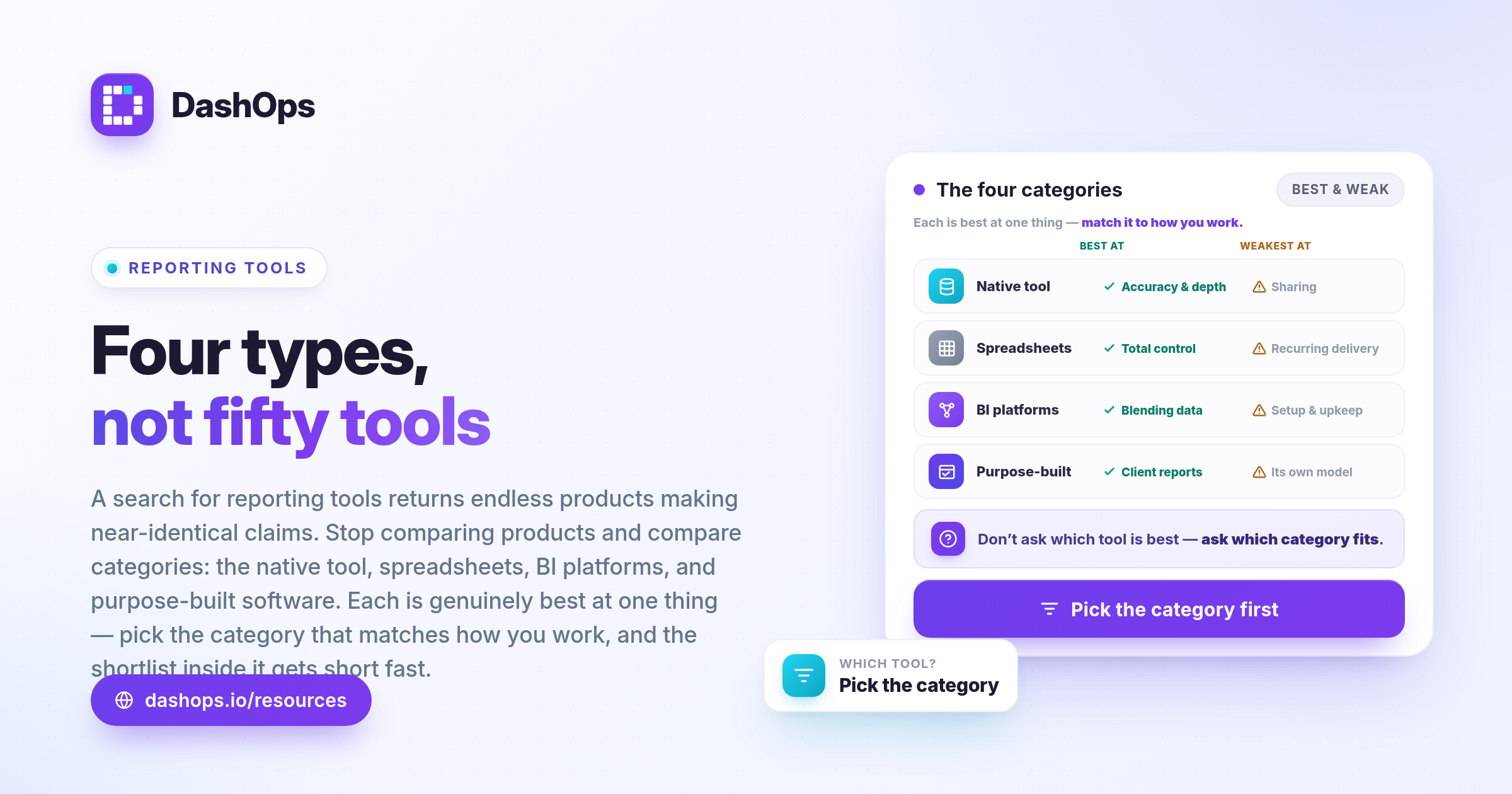
The way through that is to stop comparing products and start comparing categories. There are broadly four kinds of ads reporting software options, and each one is genuinely better than the others at something specific. Pick the category that matches how you actually work, and the shortlist inside it gets short fast.
Category one: the native tool
Meta Ads Manager is where the data originates. Nothing else can be more current or more complete, because everything else is downstream of it. It exposes every breakdown Meta offers, every column, and it lets you change what you are looking at while you are looking at it.
What it is not is a reporting surface for other people. It assumes the reader knows what an ad set is, which attribution setting is in play, and why a delivery status says what it says. Column layouts belong to you, not to each client. Sharing means a screenshot, a manual export, or partner access to an account the recipient will find bewildering. It also stops at the boundary of one account, so anything across several clients means switching, exporting and stitching.
Use it when you are optimising, diagnosing or verifying something. It stays the source of truth. It is a reporting tool for the person running the ads, not for the person paying for them.
Category two: spreadsheets
Almost everyone starts here, and for a good reason: a spreadsheet does exactly what you tell it to. You control the layout, the wording, the order, the formulas and the branding. If a client cares about a metric nobody else cares about, you add a column. Nothing is locked.
The costs arrive later, and they are structural rather than obvious.
- Every cycle begins with a manual export, which is the step that quietly consumes the most time.
- Copy and paste is where errors enter. A row shifted by one, a stale date range, a formula that did not extend to the new rows.
- The template drifts. Each client’s sheet gets tweaked for that client, and eventually you maintain several near identical templates instead of one.
- Only the person who built it fully trusts it. Handing over the monthly reporting means teaching someone a private system.
Spreadsheets are excellent for one-off analysis, custom modelling and anything genuinely bespoke. They are a poor fit for an obligation that repeats on the same days every month. If you are stuck in that loop, reducing the time you spend on Facebook Ads reporting is mostly a question of removing the export and paste step, not of finding a prettier template.
Category three: general business intelligence platforms
BI tools are built to connect many data sources, model them, and let you build any visualisation you can imagine. If you need Meta spend sitting beside revenue from your own database, or beside offline conversions, or beside a channel Meta knows nothing about, this is the category that can do it.
The trade is setup and ownership. Someone has to connect the source, define the schema, decide how each metric is calculated, and maintain all of that when Meta changes something. Someone has to build every dashboard from primitives. Ad platform semantics are unusual: attribution windows, deduplicated results, and action types that mean different things depending on the campaign objective. A general purpose tool does not know any of that for you, so the knowledge lives in whoever built the model, and leaves when they do.
Use it when reporting on ads is part of a wider data project and you have a person to own it. Do not use it when the actual need is a clean monthly report for a client who wants to know whether their money worked.
Category four: purpose-built ad reporting tools
The fourth category is software built specifically to take ad platform data and turn it into something a client or a manager can read. This is where Meta ads reporting tools as a product category really sit. The defining quality is that the platform already understands the shape of the data. It knows a campaign contains ad sets which contain ads, that cost per result depends on the objective, and that a report usually covers one account over one date range compared against the period before.
That prior knowledge is what removes the setup work. You connect an account and the structure is already there. In DashOps, connecting a Meta account by OAuth gives you the dashboard, the drill-down from campaign to ad set to ad, and PDF or Excel reports without configuring anything first, plus scheduled client reports that go out by email on their own.
The trade-offs are real and worth stating plainly:
- You inherit the tool’s model of the world. If it does not support a metric or a layout, you cannot invent it the way you can in a spreadsheet.
- It is another subscription and another login.
- Coverage is bounded. A product built around Meta will do Meta well. If a large share of your reporting is another channel, check what is supported before you commit.
Comparing the four honestly
| Category | Strongest at | Weakest at |
|---|---|---|
| Native tool | Accuracy, depth, live editing | Sharing with non-specialists |
| Spreadsheets | Total control and customisation | Repeatable, recurring delivery |
| BI platforms | Blending ads with other data | Time and expertise to set up |
| Purpose-built | Fast, repeatable client reporting | Working outside the tool’s model |
How to work out which category you are in
Ask a few blunt questions and the answer usually falls out.
- Who reads the report? If it is only you, stay in the native tool. If it is a client, you need something built for a reader who has never opened Ads Manager.
- How often? A one-off deserves a spreadsheet. A fixed monthly commitment deserves automation.
- How many accounts? One account rarely justifies new software. Several, each needing its own branded output, changes the maths.
- Does anyone else need access? Roles are the difference between emailing files and giving people somewhere to look. DashOps separates owner, manager and client roles, so a client sees only the ad accounts assigned to them and spend can be hidden from them entirely.
- Is Meta the whole story? If most of the budget sits there, a Meta-focused tool is the efficient answer. If not, be honest about that before you buy.
If you land in the fourth category, the next decision is what the deliverable actually is. A live dashboard the client can open, a PDF that arrives in their inbox, and a short recurring summary are three different habits, and they are not interchangeable. Settling what goes in the monthly report first, with a client report template, makes the tool choice much easier.
Do not confuse the tool with the reporting
Whichever category you choose, the tool does not decide whether the report is good. A dashboard carrying every available metric with no commentary is worse than a single page holding the few numbers that matter, each with a sentence explaining it. The tool’s job is to remove the assembly work so that the thinking is the only work left. That is the honest test for any option on your shortlist: does it hand back the part of the process where you add value?
What to do next
Pick the category before you pick a product.
- Write down who reads your reports, how often, and across how many accounts.
- Match that to one of the four categories above.
- Shortlist inside that category only, then test with a live account and a real client report rather than a demo dataset.
- If you land on purpose-built, start by automating one recurring report instead of moving everything at once.
You can see what DashOps includes on each plan, including the scheduled client report, on the pricing page. Whichever route you take, the goal is the same: stop rebuilding the same report, and spend that time on what the numbers are telling you.
Frequently asked questions
What is the best Facebook ads reporting tool?
Can I just use Meta Ads Manager for client reporting?
Are spreadsheets still a reasonable choice for Meta ads reporting?
Do I need a business intelligence platform to report on Meta ads?
How should I compare ads reporting software options fairly?
See it in your own dashboard
DashOps brings Meta Ads reporting, campaign management, and white-label client portals into one place. Pick the plan that fits how you run ads.