What to Look For in an Ads Reporting Tool
You have demos booked with reporting tools this week, and by the last one they all sound identical. Every vendor says the same words: real-time data, beautiful reports, white label, save time. Nothing in those words tells you whether the tool will still work on the Tuesday morning your biggest client emails asking why last month’s lead numbers moved. That question, not the feature grid, is what you are actually evaluating.
What follows is a checklist built around the parts of a reporting tool that quietly decide whether you keep it, and that are invisible on a landing page.
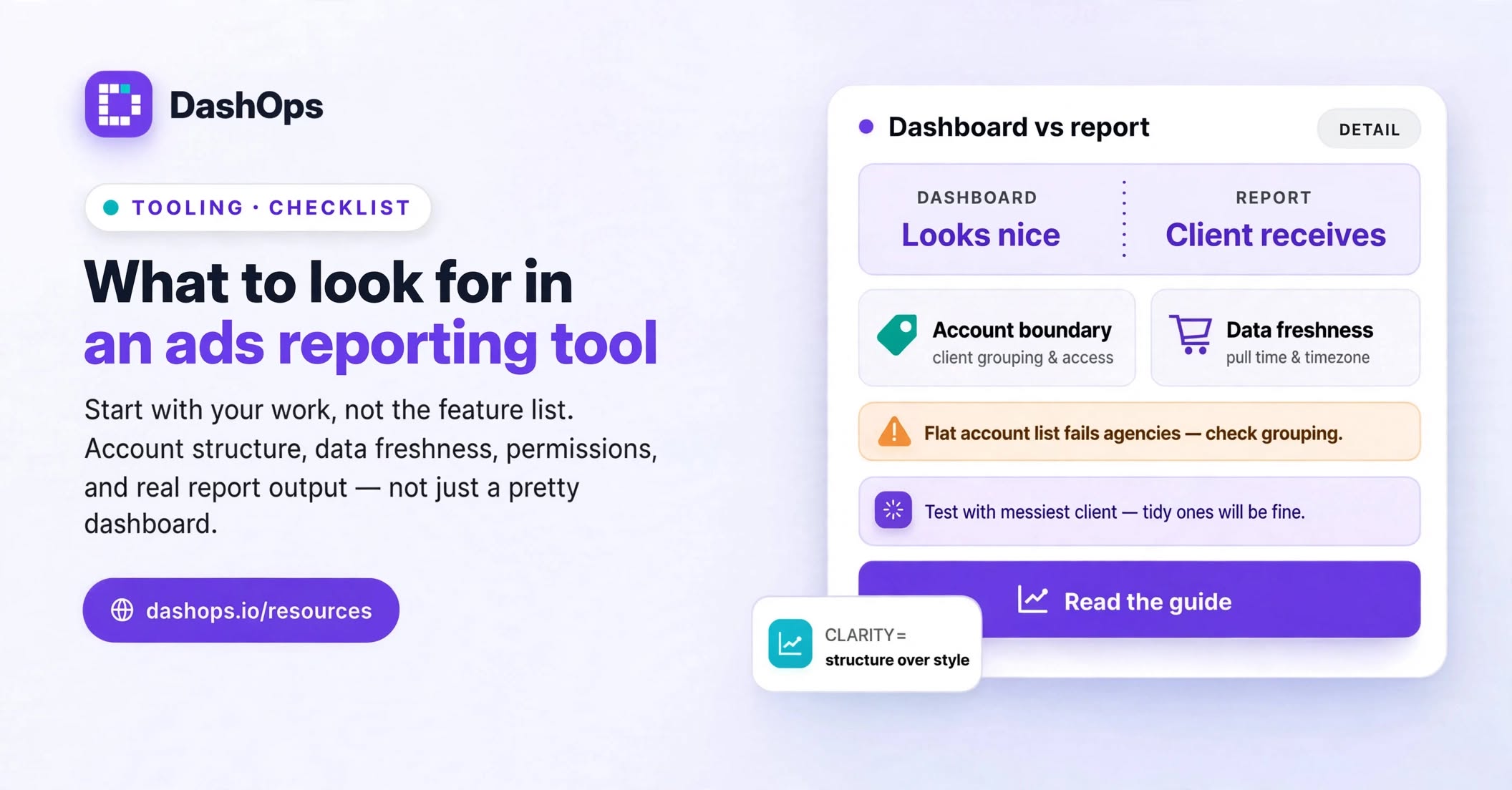
Start with the shape of your work, not the feature list
Before you look at any tool, write down what you actually do each month. Not aspirationally. Actually.
Answer these on paper first:
- How many ad accounts do you manage, and are they spread across several Business Managers?
- How many people need a login, and what should each of them be allowed to see?
- Do any clients get a login of their own, or do they only ever receive a file?
- How often does a report go out, and in what format: a PDF attachment, a live link, a spreadsheet a client’s analyst opens?
- Which numbers does each client actually read, and which ones do you include out of habit?
- When a client asks a follow-up question, where do you go to answer it?
That list is your requirements document. Everything below is easier to judge once you have it, because “does it do reporting” becomes “does it handle a client who owns several ad accounts spread across separate Business Managers, with read-only client logins and a monthly PDF.” One of those is answerable. The other is not. The broader guide to Meta Ads reporting software covers how the category fits together if you are still mapping it.
Check what happens at the account boundary
This is the single most common place a reporting tool disappoints an agency, and it almost never appears in marketing copy.
Ask specifically: when you add an ad account, does it slot into a structure you control, or does it just pile onto a flat list? If you manage Acme and Northwind, and each of them owns more than one ad account, can you group them so a report covers the client rather than one account? Can you assign a team member to Acme’s accounts only, so they genuinely cannot see Northwind’s spend?
Then ask about the reverse case. A client is offboarded. What happens to their historical data, their logins, and any scheduled reports still queued up? A tool that makes it easy to add accounts and awkward to remove them will slowly fill with clutter you have to work around.
DashOps was built around this shape, because it is a multi-tenant product rather than a single-account dashboard: agencies group ad accounts under clients, assign team members to specific accounts, and give clients read-only access with the option to hide spend entirely.
Understand where the numbers come from and when
Every tool shows you a number. Fewer tools tell you honestly what that number is.
The questions worth asking:
- Does the tool pull from Meta on a schedule, or on demand when you open a page?
- What is the schedule, and can you force a refresh yourself?
- Which timezone defines “today”? Meta reports in the ad account’s timezone, and a tool that uses the server’s day boundary will show you a different today than Ads Manager does.
- Can you see when the data was last pulled, or do you have to guess?
That last one matters more than it sounds. If a client questions a figure and you cannot say when it was fetched, you cannot resolve the disagreement. A tool that surfaces its own freshness expects to be checked. One that hides it is asking you to trust it blindly. There is more on why this trips people up in data freshness in ads reporting.
Also worth confirming: how far back does history go, and does it go back that far for you specifically, or only for accounts connected since day one? Some tools only hold data from the moment you connected, which means your earliest reports have no comparison period at all.
Test the report itself, not the dashboard
Demos show you dashboards. Clients receive reports. These are different artefacts, and a tool can be good at one and poor at the other.
Get an actual report out during your evaluation and look at it the way a client would:
- Does it open cleanly on a phone, since plenty of clients will read it there?
- Are the metrics labelled in plain language, or does it assume the reader knows what CPM means?
- Can you remove a metric a particular client does not care about, or is the layout fixed?
- Does your logo and colour scheme appear, or is the vendor’s branding on a document you are charging for?
- Can it be scheduled to go out on its own, or does someone have to remember?
Then check the awkward cases. What does the report look like for an account that spent nothing last month, or a campaign that was paused halfway through? A tool that renders a clean empty state has thought about real accounts. One that shows a broken chart has not.
White label matters here in a practical rather than cosmetic way. In DashOps that covers your logo, colours and favicon across the dashboard and the reports, and on the top plan your own domain and email sender, so what lands in the client’s inbox carries your name.
If you want the report to arrive without anyone touching it, look specifically at how the scheduling works. Automating Facebook Ads reports covers what that setup involves in practice.
Look at permissions like someone who has been burned
You will eventually give a client a login. The moment you do, permissions stop being a nice to have.
Check whether the tool distinguishes between someone who runs the ads, someone who works for you but only on certain accounts, and the client, who should see results without seeing another client’s data. Check whether spend can be hidden from a client view, since some agencies bill a flat management fee and do not want the media cost itemised in front of the client.
Check whether there is a record of who changed what. When a campaign gets paused and nobody remembers doing it, an audit log turns a long argument into a quick lookup.
And check the read-only path more generally. If a client only ever needs a snapshot, can you send a share link rather than provisioning an account for them? Sometimes the lightest option is the right one.
Consider what leaving costs before you arrive
The best time to think about exit is before you commit, because it is the only moment you are still objective.
Ask what you can export, in what format, and whether historical data comes with you. Ask whether reports you have already sent remain accessible. Ask what happens to client logins if you stop paying.
None of this means you expect to leave. It means you want the decision to stay reversible, and a tool that makes export easy is more confident in itself than one that does not. If you are already thinking about a move, migrating ads reporting to a new tool covers the sequence that keeps client reporting uninterrupted through the switch.
What to do next
Take the list you wrote in the first section and turn it into a single test scenario: connect your most complicated client, invite one team member with restricted access, invite one read-only client viewer, and generate the report you actually send. Do that in every tool you are considering, with the same account, in the same week.
That one scenario will separate the shortlist faster than any feature comparison, because it exercises the account structure, the permissions model, the data pull and the output format at once. If a tool handles your messiest client cleanly, the tidy ones will be fine.
Then read how to trial an ads reporting tool before you begin, so the evaluation produces a decision rather than a vague impression.
Frequently asked questions
What should I look for in an ads reporting tool first?
Why does account structure matter more than dashboard design?
How do I judge whether a tool's data is trustworthy?
Should I evaluate the dashboard or the report?
Why think about exporting data before signing up?
See it in your own dashboard
DashOps brings Meta Ads reporting, campaign management, and white-label client portals into one place. Pick the plan that fits how you run ads.