How to Migrate Meta Ads Reporting Without the Chaos
You have picked a new reporting tool for your Meta Ads work. Now comes the part nobody talks about: the awkward middle where the old spreadsheet is still the source of truth, some of your clients have seen the new report format, and you are quietly running both systems in parallel because you are afraid to let go of the old one. Migration is where good tool decisions go to die, not because the new tool is wrong, but because the switch was never given a shape.
This post is about that shape. Not which tool to pick, that is covered in the guide to Meta Ads reporting software, but how to actually move from whatever you have now to whatever you chose, without breaking client trust or losing your history.
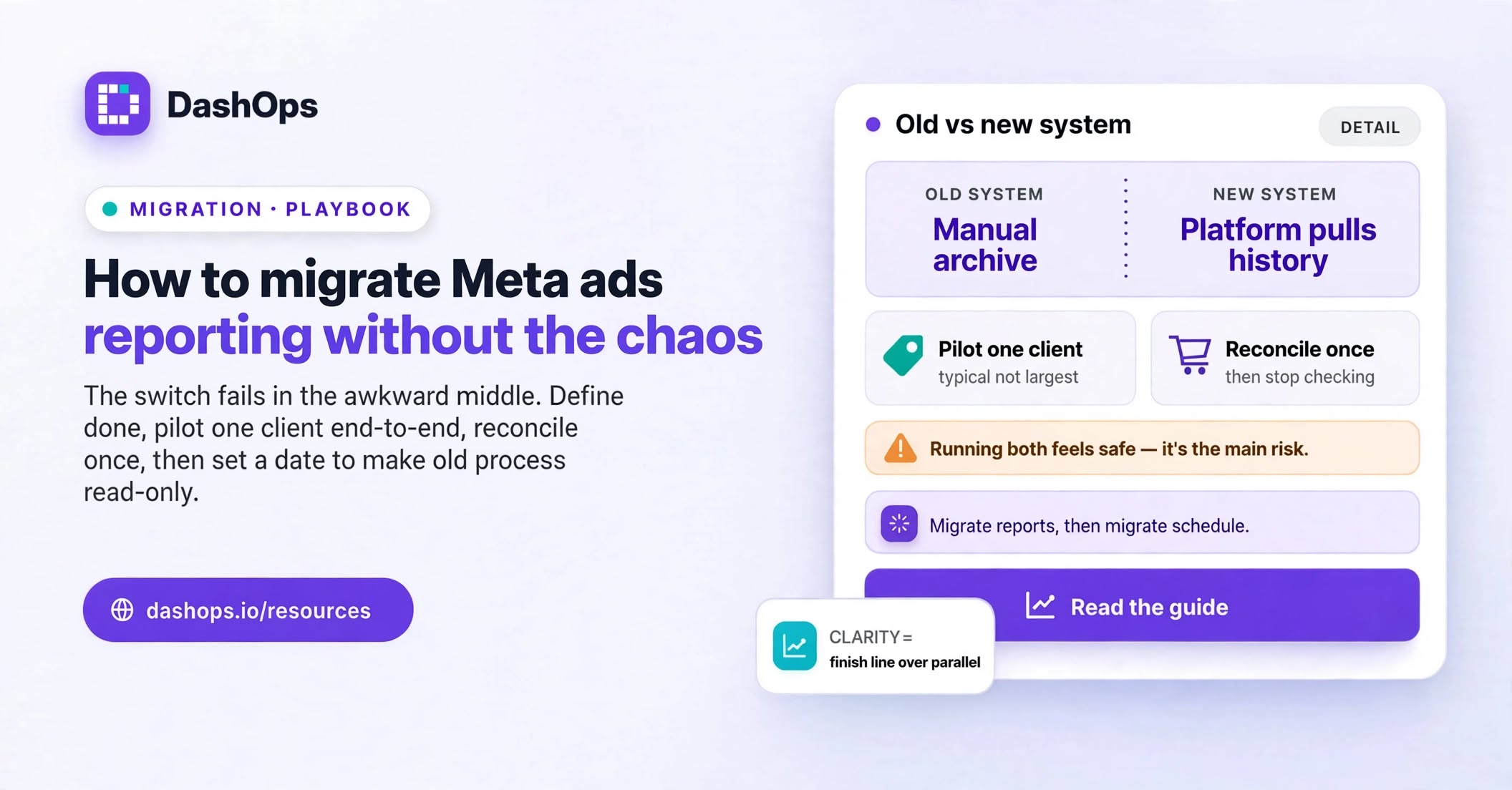
Decide what “migrated” actually means before you start
The most common reason a migration drags on with no end in sight is that nobody defined the finish line. “We use the new tool now” is not a finish line. It has no test.
Write down the specific conditions that will let you delete the old process. Something like: every active client receives their monthly report from the new tool, no report is assembled by hand, and the old spreadsheet has not been opened in a full reporting cycle. That is testable. You will know when you are done.
Write it before you touch anything. Once you are mid-migration you will be tempted to move the line, because moving the line feels like progress.
Accept that historical data usually does not come with you
This is the hardest thing to hear and the thing most people spend the most wasted effort on.
Ad platform reporting tools pull from the platform. When you connect a Meta ad account to a new tool, that tool fetches history from Meta, not from your old tool. So your campaign, ad set and ad performance history comes across, because Meta still has it. What does not come across is everything you added on top: your notes, your custom groupings, your client-specific labels, the commentary you wrote explaining why the cost per lead spiked.
There are three sane options and you should pick one deliberately:
- Leave the old data where it is. Keep the old spreadsheets in a read-only folder as an archive. Cheapest option, and honestly the right one most of the time.
- Re-enter only what is still referenced. If you quote last year’s numbers in quarterly reviews, put just those summary figures into a single archive document. Not every row, just the ones anyone actually looks at.
- Export a full flat archive. Pull everything to CSV and store it. You will almost certainly never open it, but it is a single bounded job and it removes the anxiety that is otherwise making you delay the switch.
What you should not do is try to reconstruct every manual annotation you ever wrote inside the new tool. That is a great deal of work to preserve context that mostly lives in your head anyway.
Run one client through end to end before you run any others
Pick a single client. Ideally one who is patient, whose account is not the largest, and whose reporting needs are typical rather than exotic.
Connect their ad account. Build their report. Send it. Then wait for the reporting cycle to complete and see what breaks. What usually breaks is not the data, it is the shape of the output: a metric the client always asks about is missing, the date range convention is different, the breakdown they care about lives somewhere unexpected.
Fix those things once, on one account, before every account you manage shares the same problem. If you are still evaluating rather than committed, the process for trialling a reporting tool properly covers what to test before you get to this stage at all.
Reconcile the numbers once, properly, and then stop
You will notice differences between the old numbers and the new ones. Almost always the cause is one of a small handful of things:
- Different date ranges. Meta reports in the ad account’s own timezone. If your old spreadsheet was built in your timezone, the day boundaries do not line up and totals near the edges of a month will differ.
- Different attribution settings. Conversions can be counted under different windows. If the two systems are asking Meta for different windows, they will get different answers and both will be correct.
- Data still settling. Recent numbers move for a while after the fact. Comparing a report you pulled yesterday against one pulled today will show drift on the most recent days. This is normal platform behaviour, not a tool defect, and it is worth understanding how data freshness works in ads reporting before you conclude something is broken.
- Different definitions of the same word. “Leads” can mean website form fills, Instant Form submissions, or both combined. If the two tools use different definitions you get different totals from identical underlying data.
Do this reconciliation once, on your pilot account, for one closed month. Write down what the differences are and why. Then stop reconciling. If you keep checking every month, you are still running both systems, and you will never finish.
Migrate the reports, then migrate the schedule
There are two things to move and they are separate jobs.
First, the reports themselves: the document or dashboard your client actually receives. Rebuild that in the new tool and make sure it says what the old one said, in a form your client recognises.
Second, the delivery: who receives what, when. This is the part that quietly makes the migration real. As long as you are the one remembering to send things, you have not migrated, you have just changed which window you copy from. Moving delivery onto a schedule is what removes you from the loop, and it is worth reading how to automate Facebook Ads reports rather than treating scheduling as an afterthought.
In DashOps this splits the same way: you set up the report and its contents, then separately set up scheduled client reports and email digests per ad account, so delivery runs whether or not you remember it is Monday.
Bring your team and your clients across on purpose
Two groups need handling, and they need different things.
Your team needs to know who has access to what before they need it, not after. In DashOps that means assigning each team member the specific ad accounts they work on, and inviting clients as read-only users on just their own accounts, with the option to hide spend if your commercial arrangement calls for it. Do this in the same session you connect the accounts. Access requests that arrive piecemeal in the days afterwards are how migrations stall.
Your clients mostly need warning. One short message before the first report from the new system, saying the format is changing and the numbers may look slightly different for reasons you have already worked out. Clients do not mind change. They mind unexplained change, and they especially mind spotting it before you mention it.
If you are giving clients direct access rather than sending documents, tell them what they can now see for themselves. That is a genuine upgrade for them and it is worth framing as one.
Set a date to switch off the old process
Pick a specific date. Put it in the calendar. On that date, the old spreadsheet becomes read-only.
Running two systems in parallel feels prudent and is actually the main risk. Every week you run both, you are maintaining both systems, and that duplicated effort is exactly what you were trying to escape. It also gives you an easy retreat every time something in the new tool is mildly unfamiliar, which prevents you from ever getting fluent in it.
A reasonable rule: once one full reporting cycle has completed cleanly in the new tool, the old one goes read-only. Not deleted, read-only. You keep the archive, you lose the option to keep leaning on it.
What to do next
Work through it in this order and it stays manageable:
- Write down your finish line, in one sentence, with a test in it.
- Decide today what happens to your historical data, and pick the cheapest option you can live with.
- Connect one pilot client and take them all the way through a complete report.
- Reconcile that one account against the old numbers once, note the reasons for any gaps, then stop.
- Roll out the remaining accounts, moving delivery onto a schedule as you go.
- Set team and client access in the same session you connect each account.
- Put the switch-off date in the calendar and honour it.
The migration itself is rarely the hard part. The discipline to stop running the old system is. If you are doing this specifically to get your evenings back, the thinking in reducing time spent on Facebook Ads reporting is worth reading alongside this, because the time saving only arrives once the old process is genuinely switched off.
Frequently asked questions
Will my historical Meta Ads data come across when I switch reporting tools?
Why do the numbers in my new reporting tool not match my old spreadsheet?
How long should I run my old reporting process alongside the new one?
What should I tell clients before switching their reports to a new tool?
Which client should I migrate first?
See it in your own dashboard
DashOps brings Meta Ads reporting, campaign management, and white-label client portals into one place. Pick the plan that fits how you run ads.