How to Evaluate Meta Ads Reporting Software
You have shortlisted three tools to run your Meta Ads reporting through, and every one looks capable on the marketing page. Then you sign up, connect a client account, and discover that yesterday’s numbers are not there yet, that the client seat you promised costs a slot you do not have, and that the PDF export carries someone else’s logo. None of that was hidden. It just was not on the page you read.
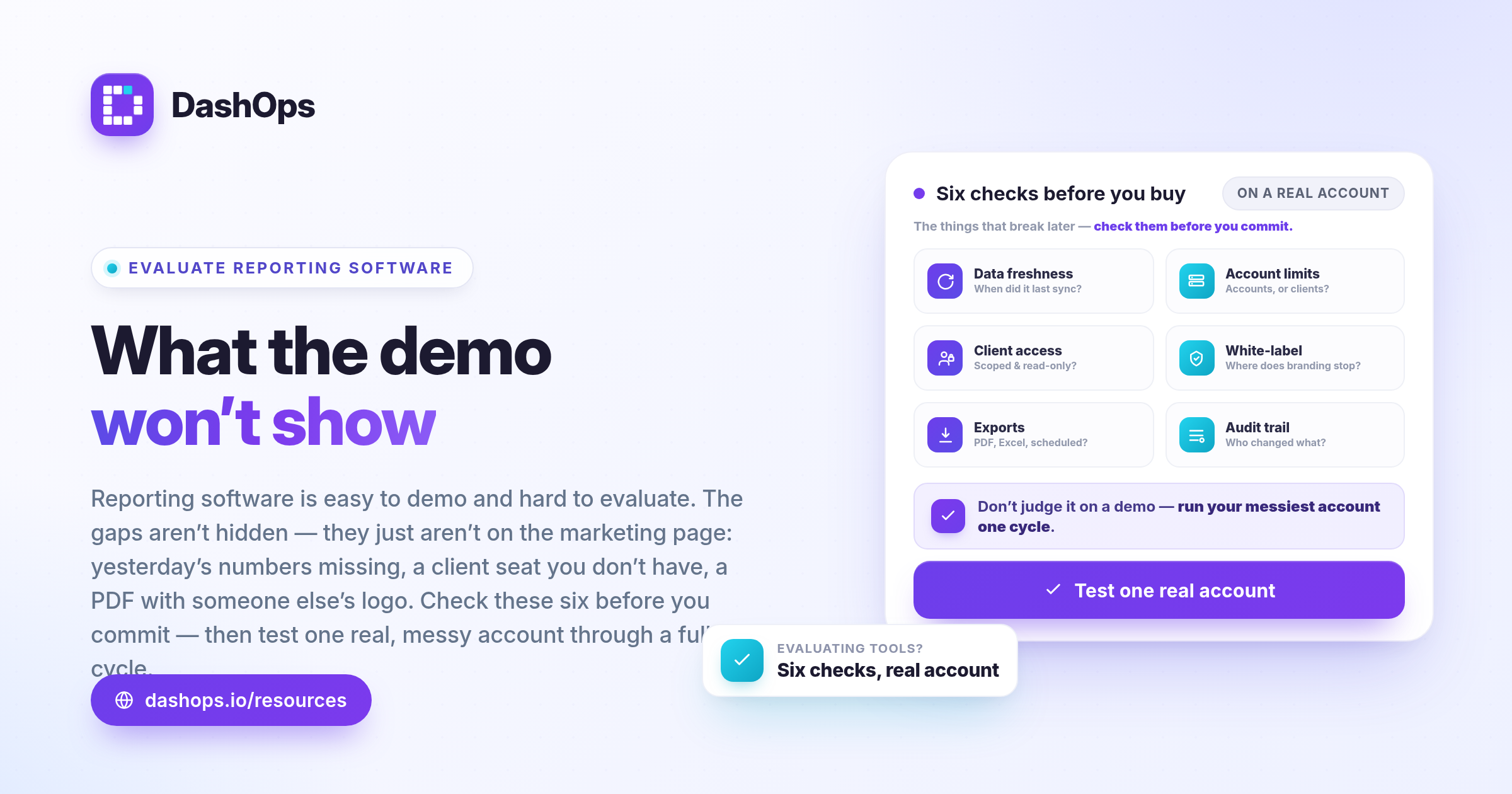
Reporting software is easy to demo and hard to evaluate. What separates tools is what happens once you are running eleven ad accounts, three staff with different permissions, and a client who wants to log in and see their own numbers without touching anything. Work through the checklist below before you commit, and you will find the gaps while switching is still cheap.
Start with data freshness, because everything else depends on it
The first question to ask any Meta ads reporting software is not what it can show you. It is when it last spoke to Meta. Every tool here pulls from the Meta Marketing API on a schedule, so nothing is truly live. What differs is the schedule, whether you can force a refresh, and whether the tool is honest about the state of the data. Ask:
- How often does it sync on its own? Hourly, daily, or only when someone clicks a button? A tool that syncs once a day means your Monday check-in shows Sunday’s world.
- Can you trigger a sync, and does the interface show it running? A refresh button with no feedback is worse than no button, because you will click it again and again and assume it is broken.
- What timezone does “today” mean? A Meta ad account has its own timezone, and the reporting tool’s server has another. If the tool resolves “today” in server time, your early-morning numbers read as zero and you go hunting a problem that does not exist.
- How far back can it pull history? Some tools cap the backfill at a short window. Onboard a client mid-year, try to show a full-year trend, and that cap decides the answer for you.
DashOps syncs Meta insight data hourly, resolves the today and yesterday presets in the ad account’s own timezone rather than the server’s, and lets you trigger a full refresh yourself. If a tool cannot answer these four questions clearly, that is your answer.
Count the ad accounts, then count them again
Ad account limits deserve more scrutiny than any other line on a pricing table. It is the ceiling you are most likely to hit while you are still growing. Agencies do not grow the way pricing tables assume: you win a retainer that arrives with four ad accounts, or a client restructures and splits one account into three. The number in the plan description matters less than these answers:
- Is the limit on ad accounts or on clients? An agency with few clients can still have far more ad accounts than the plan expects.
- What happens when you hit the ceiling? Does the tool block you, silently stop syncing the extra accounts, or let you choose which stay active?
- Can you turn accounts off and on without losing their history? Client work is seasonal, and you will want to park an account and reactivate it later.
- Is there a path beyond the largest listed plan, or does the product simply run out?
Also check accounts held under different Business Managers. Agencies routinely have client accounts under the client’s own BM, and a tool that reads only your own misses a large part of your work.
Client access is a permissions question, not a login question
Almost every ads reporting platform says it supports client access. What that phrase covers varies enormously, and the difference matters the day a client clicks something they should not. Work out what a client seat can actually do:
- Can they see only the ad accounts assigned to them, and nothing else in your workspace? That should be enforced by the server, not merely hidden in the interface.
- Can you hide spend while still showing performance? Some agencies bill on a fee basis and do not want media spend exposed. Others do the opposite.
- Can they trigger a sync, edit a campaign, or change anything at all? For a client seat the answer should be no, and the control should not appear on their screen.
- Is there a read-only link for a stakeholder who will never log in? A snapshot they can open without an account is often the difference between a report being read and ignored.
Then check the layer above. A staff member who works on three accounts should see three accounts, not eleven. DashOps separates Owner, Manager and Client roles, with Managers restricted to their assigned ad accounts and Clients read-only on theirs, plus optional spend hiding and read-only share links. If a tool has only two levels, admin and viewer, you will end up giving people more access than you meant to.
More on that relationship: presenting Facebook Ads results to clients.
White label: find out where the branding stops
White label is a term that stretches. Ask exactly which surfaces carry your brand and which still carry the vendor’s, one at a time:
- The dashboard. Logo, colours, and the favicon in the browser tab, which matters more than it sounds: a client who pins your dashboard sees that icon every day.
- The exported PDF and spreadsheet. This is where white label most often breaks. A branded dashboard that exports a vendor-branded PDF defeats the purpose.
- Scheduled emails. Does the report land from your domain or the vendor’s? If a client replies, where does the reply go?
- The domain. Is the dashboard on your own subdomain, or the vendor’s with your logo pasted on top?
- The footer. Is there a “powered by” line, and can you remove it?
Not every agency needs all of this, and it is usually a higher-tier capability. Know which pieces you have before you show a client. DashOps supports your own logo, colours and favicon, with your own domain and email sender on the top plan.
Export formats: know what leaves the tool
Some clients will never log into a dashboard. Others want the raw rows for their own analyst. A reporting tool needs to serve both. Check for:
- PDF, for the client who wants a document to forward and file.
- Excel or CSV, for anyone who wants to pivot the data themselves.
- Scheduled delivery, so reports go out without you remembering. A tool that only exports on demand leaves the recurring work with you.
- Exports that respect the same filters and permissions as the screen. Filter to one ad account, export, and the file should hold that account and be named accordingly.
- Lead data specifically, if you run lead generation. Exporting Meta Instant Form leads as a file is a different capability from exporting performance metrics, and not every tool does both.
Permissions and the audit trail
Once more than one person touches the account, you need a record. Ask whether the tool logs who changed what and when: who invited a team member, who connected or disconnected an ad account, who edited a campaign. That log is what lets you answer a client asking why something changed. Check that it is scoped to your agency, that it covers every role rather than just admins, and that you can export it.
Check the security basics too: two-factor authentication, a real password policy, and the ability to remove a departing team member’s access immediately.
A quick way to run the evaluation
Do not evaluate on a demo account. Connect one real client account, ideally your messiest, and run a full reporting cycle before deciding. During that cycle:
- Check the dashboard first thing in the morning: are yesterday’s numbers complete and correct?
- Invite a colleague as a restricted user, log in as them, and confirm they see only what they should.
- Invite yourself as a client-level user from a separate email and look at what that view shows.
- Export a PDF and a spreadsheet. Check the branding, the file name, and whether the numbers match the screen.
- Set up one scheduled report and wait for it to arrive.
Five steps, one cycle, and you will know more than any feature comparison can tell you. Most of what goes wrong with reporting software goes wrong once the novelty has worn off, and this finds it before you have committed.
If the bottleneck is hours rather than capability, reducing time spent on Facebook Ads reporting is the companion piece.
Frequently asked questions
What should I look for first in Meta Ads reporting software?
How do ad account limits usually catch agencies out?
What does client access actually need to include?
Where does white label usually fall short?
How should I actually test a reporting tool before committing?
See it in your own dashboard
DashOps brings Meta Ads reporting, campaign management, and white-label client portals into one place. Pick the plan that fits how you run ads.