What Clients Actually Want in an Ads Report
Your client opens the report you put together by hand, scrolls once, and replies “thanks, looks good.” You have no idea whether they read it. Next month they ask a question the report already answered on page two. Something is wrong, and it usually is not the data. It is that the report answers questions the agency finds interesting rather than the questions the client is actually carrying around.
Clients almost never say what they want from a report. They say “just send me something monthly” and then judge what arrives against a mental checklist they never told you about. This post is that checklist: the things clients want in an ads report, why they want them, and what to put on the page instead of what most reports lead with.
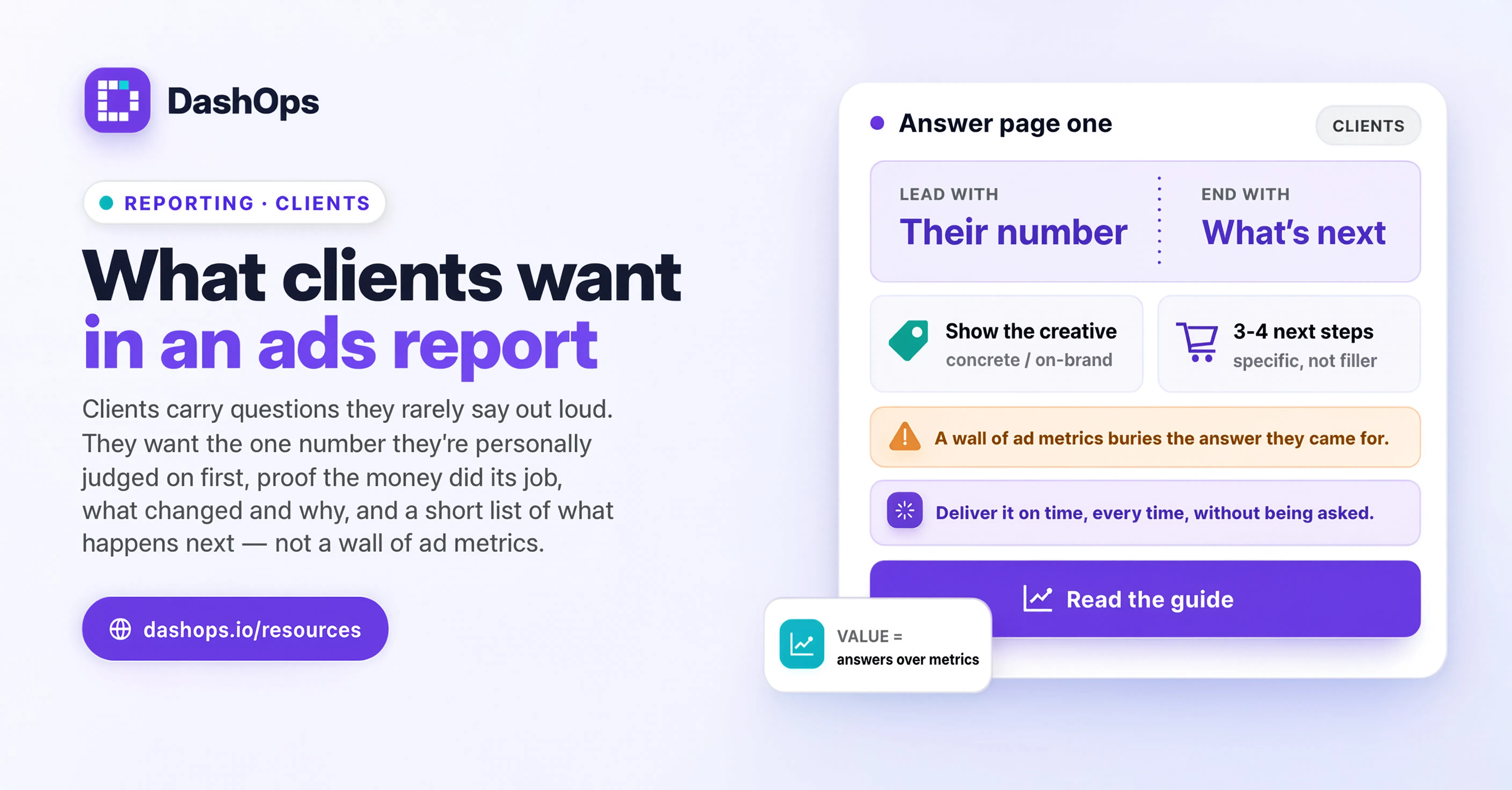
They want to know whether the money did its job
Before anything else, a client wants to answer one question for themselves or for their boss: was this spend worth it. That is the whole report in a sentence, and it belongs at the top, in words, before a single chart.
The mistake is answering it with the metric you find most interesting rather than the one they signed up for. An e-commerce owner is asking about revenue against spend. A dentist is asking how many people booked. A B2B founder is asking how many of the leads were the right kind of people. Same platform, same report template, three completely different opening sentences.
Write the answer as a plain statement, not a metric. “You spent your budget and the enquiries went up on last month” is a sentence a client can repeat to someone else. A ROAS figure sitting in a box is not. If you are unsure how to phrase the return side of that, how to explain ROAS to a client covers the wording in detail.
They want the number they are personally judged on
Every client is accountable to someone: a board, a partner, a bank, or just their own bank balance. There is one number that person asks about, and if your report does not contain it, the client has to do a translation step before they can use anything you sent.
Find out what that number is and put it first. Ask directly, at kickoff and again a few months in, because it changes. Common versions:
- Cost per booked call or booked appointment, not cost per lead, when a sales team is involved
- Revenue attributed to ads, when the client reports to a partner who thinks in sales
- Number of qualified leads after their own filtering, which is always lower than the raw form count
- Spend against a fixed monthly budget, when cash flow is tight and overspend is the real fear
- Cost per acquisition against a figure they already have in their head from another channel
You will not always be able to report on their number directly. Meta cannot see what happened in the client’s own records after the lead landed. Say so plainly, give them the closest thing you do have, and offer to reconcile against their records on the call.
They want to know what changed and why
A static snapshot invites the question “is that good?” A comparison answers it before it is asked. Clients want to see this period against the last one, and they want a human explanation attached to any movement large enough to notice. Period-over-period comparison sits on the DashOps dashboard by default, so you start from a change rather than assembling one by hand.
The explanation matters more than the arrow. “Cost per lead rose” is a fact that makes a client anxious. “Cost per lead rose because we moved budget onto the new offer and it is still in its early days, here is what we expect next week” is a fact plus a reason plus a plan, which is a completely different conversation. When the movement is bad, explaining a bad month of ads to a client walks through how to open that conversation without either panicking or minimising.
Comparison also protects you. When you show every month against the last, a single weak month reads as a dip in a line rather than as a verdict on your work.
They want to see what the ads actually looked like
This one is easy to leave out, because it feels like decoration rather than reporting. It is not. Clients want to see the creative. The ad is the part of the campaign that touches their brand, that their customers and their mother-in-law might see, and they are quietly nervous about it.
Showing the ads alongside their results does three useful things. It reassures the client that their brand is being represented properly. It makes the numbers concrete, because “this image did better than that image” is a comparison anyone can hold. And it turns the report into a creative brief, since the client can see which angle is working and often has an idea for the next one.
If you can only add one thing to your current report, add the creatives with their headline results underneath.
They want to know what happens next
A report that ends with a table ends with a shrug. Clients want a short, specific list of what you are doing next and, if applicable, what you need from them.
Keep it to three or four items and make each one an action rather than an intention. “Testing a new hook on the top-performing audience this week” is an action. “Continuing to optimise” is not, and clients have heard it enough times to recognise it as filler. If you need something from them, put it in its own line so it cannot be missed: a new set of photos, an updated offer, a decision on budget.
This is also where you set expectations for the next report. If you are launching something new, say that early results will look unsettled for a while. Saying it in advance turns next month’s dip into a prediction you made rather than a problem they discovered.
They do not want everything, and that is the hard part
The instinct when a client seems unengaged is to send more. More metrics, more breakdowns, more detail, to prove the work is happening. It reliably backfires. A longer report gives the client more places to get lost and more chances to find a number they do not understand and worry about it.
Most clients do not want a placement breakdown, a device split, or a frequency figure in the main report. They are not hiding an interest in these things. They will ask if they need them. Keep the depth available for when a question comes up, and keep the report itself to the layer they actually use. Why clients ignore ads reports goes further into what pushes a client to stop opening them.
There is a related trap: sending a raw export from the platform because it contains everything. It does contain everything, which is precisely the problem. The client has to become an analyst before they can get value out of it, and they will not.
They want it on time, every time, without asking
Reliability is a feature, and it is one clients notice mostly by its absence. A report that arrives on the same day every month, without them chasing you, signals that the account is being looked after even in the months when the numbers are flat.
This is where reporting tends to break down, because building each report by hand competes with the actual campaign work, and the campaign work wins. In DashOps you can set a client report to go out on a schedule, branded with your logo and colours, so the client gets a consistent PDF without you assembling it. You can also give the client a read-only login scoped to their own ad accounts, with spend hidden if your commercial arrangement calls for that, so they can look between reports instead of emailing you. If scheduling is the piece you are missing, how to automate Facebook ads reports covers the setup.
What to do next
Take your most recent client report and read it as the client. Ask three questions of the first page: does it say whether the money did its job, in a sentence; does it contain the one number this specific client is judged on; does it say what happens next. Plenty of reports fail at least one of those, usually the first.
Then fix the opening, not the whole document. Rewrite the top of the report as a short plain-language summary aimed at the client’s own accountability. Move the creatives up. Cut one section nobody has ever asked about. Send that version and watch what they reply to.
For the full structure around this, including how to run the call itself, start with the guide on how to present Facebook Ads results to clients.
Frequently asked questions
What should go at the very top of a client ads report?
How much detail should a client report include?
Should I show clients the actual ad creatives in the report?
What if I cannot report on the number my client actually cares about?
How often should client ads reports be sent?
See it in your own dashboard
DashOps brings Meta Ads reporting, campaign management, and white-label client portals into one place. Pick the plan that fits how you run ads.