How to Standardise Meta Ads Reports Across Every Client
Your reporting hour is not slow because building a report is hard. It is slow because every client’s report is slightly different. Acme’s monthly deck opens with lead volume. Globex wants purchases first because that is what their finance team asks about. Northwind’s contact insists on seeing every ad set individually, and somewhere along the way you agreed to it. So you are not producing the same report repeatedly, you are producing a different report for every client, and each version lives in your head rather than in a system. The moment you hire someone, that becomes a real problem: nobody else can produce a Globex report the way you produce a Globex report.
Standardising is the fix, but most people attempt it backwards. They try to force every client onto one identical report, hit the first genuinely different case, and abandon the whole thing. The version that works is layered: a fixed core that never changes, a small set of approved variations, and a very short list of things a client can genuinely have bespoke.
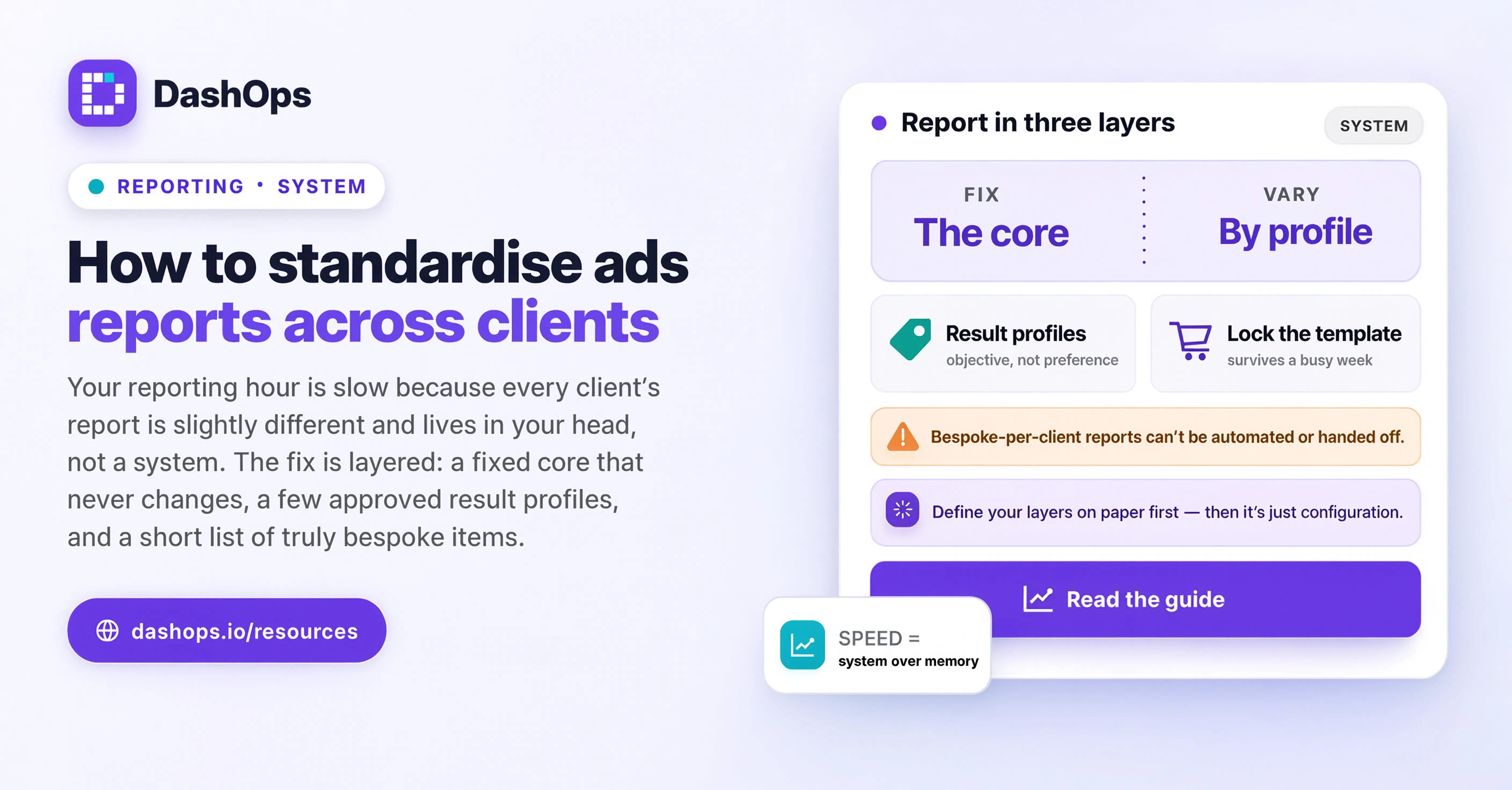
Separate the report into three layers
Before you touch a template, decide what belongs in each layer. Do this once, on paper, for your whole book of clients.
- The core. Metrics that appear in every report, in the same order, regardless of what the client sells. Spend, impressions, reach, clicks, CTR, CPM, CPC. These are account hygiene numbers. They belong in every report because they explain why the results layer moved.
- The results layer. This is where legitimate variation lives, and it is driven by the campaign objective, not by client preference. A lead generation account reports leads and cost per lead. An ecommerce account reports purchases, conversion value, and ROAS. An account running both reports both. You do not need a separate template per client here, you need a small set of result profiles and a rule for which one applies.
- The commentary. The part only a human can write. What changed, what you did about it, what you are doing next.
Once the split is explicit, most of the “every client is different” feeling evaporates. Clients are not different. Objectives are different, and there are only a few objectives.
Write the rule that decides which profile a client gets
The reason standardisation collapses is that nobody wrote down how to choose. Someone joins the team, looks at Contoso’s account, and guesses. Write the rule instead, in one sentence per case.
Something like: if the account’s active campaigns are predominantly lead generation, use the leads profile; if predominantly sales or catalog, use the ecommerce profile; if genuinely both, use the combined profile and put the larger spend first. That is it. It fits on an index card, and it removes the judgement call that was making every report a small negotiation.
DashOps takes care of the mechanics underneath that rule. Every ad account you connect sits in the same dashboard, with the same headline metrics and the same period-over-period comparison, so the core layer is identical everywhere without anyone maintaining it. You choose which KPI cards appear and in what order, save that arrangement as a view, and generate the PDF or Excel report from there. The index card still decides which profile a client gets, but nobody has to rebuild a layout from scratch to apply it.
Fix the period, the comparison, and the timezone
Three quiet inconsistencies do more damage to comparability than the metric list ever does.
The period. Decide whether your monthly report covers the calendar month or a rolling month ending on the day you send, then apply that choice to everyone. Mixing the two across clients means you can never put two reports side by side and reason about them, and a client who switches between them sees a step change that has nothing to do with performance.
The comparison. Every metric should be shown against the equivalent previous period, always the same way. Without a comparison a number is trivia. With an inconsistent comparison it is worse than trivia, because it invites the wrong conclusion.
The timezone. This one bites hardest and gets noticed last. Meta reports in the ad account’s timezone, so a client account set to a different timezone from yours will show a different figure for “yesterday” than your own account does. If your clients sit in different timezones and you report all of them against your local day, your numbers will not reconcile with what the client sees in their own Ads Manager. Pin the reporting day to the ad account’s timezone and stop arguing about a discrepancy that was never a discrepancy.
Standardise the delivery, not just the document
A standard report delivered ad hoc is still ad hoc. If Acme gets theirs early in the month and Globex gets theirs whenever you remember, the clients experience inconsistency even though the document is identical.
Pick a fixed cadence and hold it. A short digest that lands automatically keeps the client informed between the real conversations, and a monthly report carries the analysis. The digest should require no work from you at all: it is a status update, not an argument. DashOps sends scheduled client reports by email, and a separate daily, weekly or monthly digest per ad account, so the send happens whether or not your week went to plan. There is more on that pattern in automating your Meta Ads reports and in the weekly digest walkthrough.
Give clients a live view so the report can stay short
A lot of report bloat is defensive. You add the ad set breakdown because one client asked for it, then you add it for everyone in case they ask too, and now every report is long enough that nobody reads the part that matters.
Give the client somewhere to go instead. A read-only login scoped to their own ad accounts, or a share link to a snapshot, means the person who wants to see every ad set can go and see every ad set, and your standard report can stay at the level a decision maker actually reads. If a client should not see cost figures, that can be switched off for them without changing the report you produce.
This also settles the “can you add just one more column” conversation permanently. The answer becomes: that view already exists, here is the link, and the monthly report stays as it is.
Lock the template so it survives contact with a busy week
A standard only holds if deviating is harder than complying. In practice that means:
- One saved report configuration per profile, not per client. If you find yourself creating a saved view named after a company, ask what is genuinely different about it and whether it belongs in the profile instead.
- The same metric names everywhere. If one report says CPL and another says cost per lead, someone will eventually build a summary that treats them as two things.
- A short written definition of every metric on the report, kept in one place, so a new team member and a new client read the same explanation.
- A record of who changed a client’s setup and when, so a variation that crept in can be traced and either adopted properly or removed.
- A defined exception process. Bespoke requests are allowed, but they get written down and reviewed, not absorbed silently.
The exception list is the part people skip and the part that matters most. Every non-standard report you produce today started as a reasonable one-off.
Do it in the right order
Standardising all your clients at once is a project nobody finishes. Do it in the order that costs least.
Start with new clients. Anyone you onboard from today gets the standard immediately, because they have no expectations to unwind. Our client onboarding checklist covers where the reporting agreement fits in that first week, so you never have to migrate that client later.
Then move your existing clients one at a time, at a natural boundary such as the start of a quarter or a renewal conversation. Frame it as an upgrade, because it is one: a consistent report, on a fixed schedule, plus a live view they can check any time.
What to do next
Open the last few reports you sent and lay them next to each other. Mark every difference. Then sort those differences into the ones driven by campaign objective, which are legitimate and belong in a profile, and the ones driven by an old conversation, which are the ones to retire. That list is your standardisation plan, and it will be shorter than you expect.
Once you have it, decide your period, your comparison, and your timezone rule, write the profile rule on an index card, and apply all of it to the next client you onboard. For how reporting sits alongside onboarding, account structure, and client communication, see the agency workflow guide.
Frequently asked questions
Should every client really get the same report?
How do I standardise reporting for clients in different timezones?
What is the fastest way to roll a standard out to existing clients?
What should I do about a client who wants extra detail in every report?
How does DashOps help with standardising reports?
See it in your own dashboard
DashOps brings Meta Ads reporting, campaign management, and white-label client portals into one place. Pick the plan that fits how you run ads.