Meta Ads Manager Alternative: What It Cannot Do For You
You open Ads Manager, set the date range, pick your columns, and read the numbers for one account. Then you switch accounts and do it again. Then a client emails asking what happened last week, and you cannot simply send them a link, because that would hand them a view of an interface built for people who run ads, not for people who pay for them. So you screenshot, paste into a slide, and retype the figures by hand. This is the moment most people start searching for a Meta Ads Manager alternative, and the honest answer is more specific than “use a different tool”.
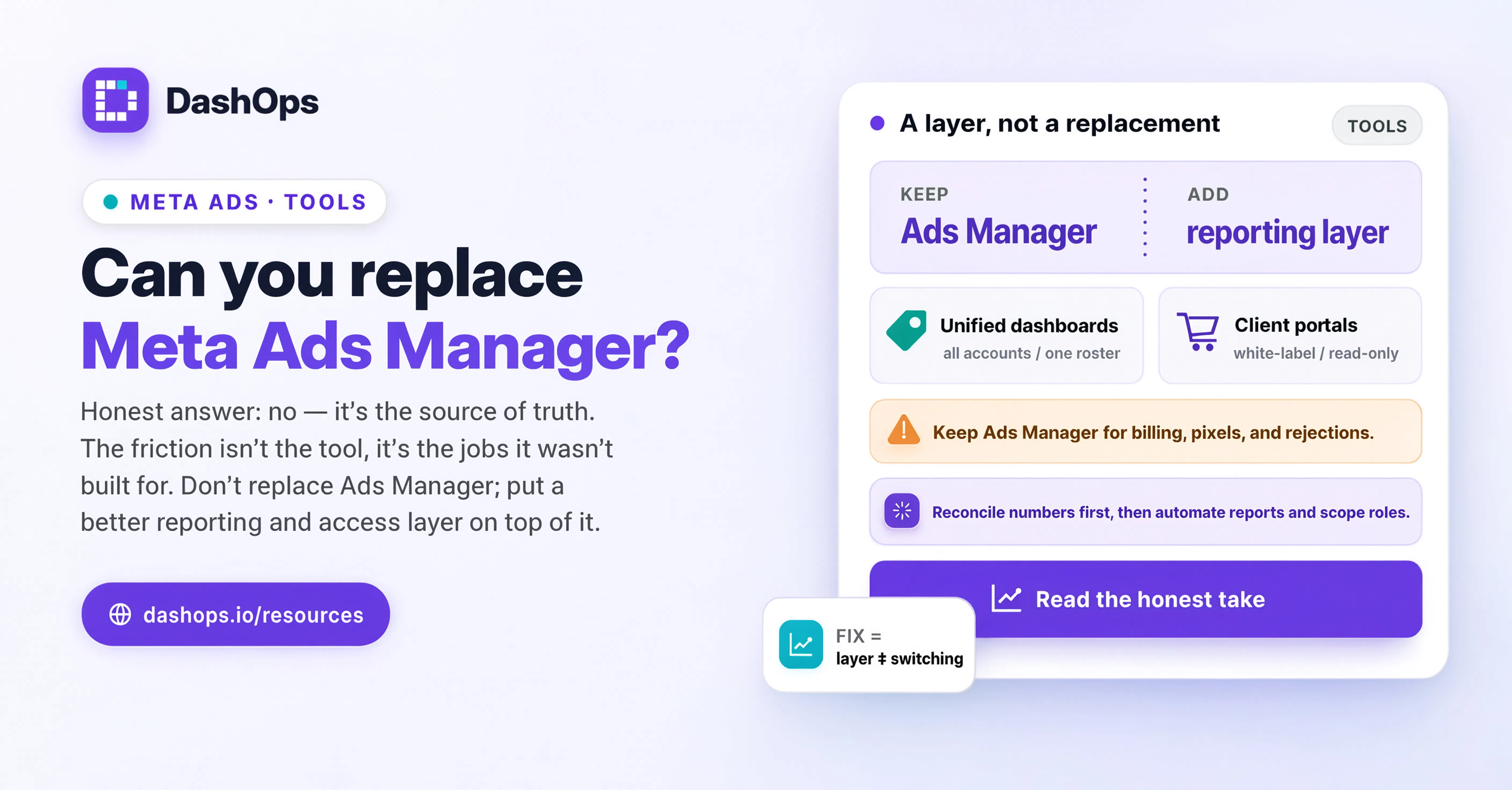
Ads Manager is not the problem, and swapping it out is not the goal
Meta Ads Manager is the source of truth. It is where campaigns are created, where budgets actually change, where Meta’s own delivery diagnostics live, and where a rejected ad tells you why. It is free, it is maintained by the platform itself, and every number it shows is first-hand. Nothing that reads the Marketing API can be more accurate than the thing generating the data.
It is also built to do one job extremely well: give an advertiser deep control over one ad account at a time. Almost every complaint about it is really a complaint about being asked to do a different job with it. Client reporting is a different job. Giving a client limited read-only visibility is a different job. Looking across a portfolio of accounts in one view is a different job. Keeping a team of three people each restricted to their own accounts is a different job.
So when people search for alternatives to Ads Manager, most of them do not want to stop using it. They want a second surface that sits beside it and handles the parts it was never designed for. That framing matters, because it changes what you should be evaluating.
The specific jobs Ads Manager is not built for
Here is where the friction actually shows up, in the order agencies tend to hit it.
- Client-facing reporting. Ads Manager shows Meta’s interface, Meta’s terminology, and every account the logged-in user can reach. There is no way to hand a client a clean, branded view of their results and nothing else.
- Multi-account overview. You can move between ad accounts, but the mental model is one account at a time. If you manage several, building a picture of the whole book means repeated manual passes.
- Granular access for people who are not advertisers. Business Manager permissions are built around advertising roles. Giving a client a read-only window on their own results, with the option to hide spend, is not a role that exists.
- Scheduled reports. There is no built-in way to say “email this client a PDF every Monday morning” and have it arrive without you.
- A consistent report format over time. Column sets, date ranges and comparison periods have to be re-selected each session, which is exactly how two consecutive monthly reports end up not being comparable.
- A record of who changed what across your team. Meta keeps its own logs, but they are not shaped around an agency wanting to see a member’s activity across the accounts assigned to them.
None of these are flaws. They are simply outside the remit of a campaign management interface.
What a genuine alternative should mean
Two very different things get filed under the same search term, and it is worth separating them.
The first is a replacement for campaign management: something you use instead of Ads Manager to build and edit campaigns. This is a high bar. Whatever you use has to keep pace with Meta’s own feature set, or you end up going back to Ads Manager for the one thing your tool cannot do, which is the worst of both worlds.
The second is a reporting and access layer: something that reads your Meta data, presents it for the people who are not advertisers, and controls who sees what. This is where most of the pain actually is, and it is a far more solvable problem.
DashOps sits mostly in the second camp, with a real slice of the first. It connects to your Meta ad accounts by OAuth, syncs the data, and gives you a dashboard, drill-down from campaign to ad set to ad, and reports you can send to clients. It also lets you create, edit, duplicate, pause and delete campaigns, ad sets and ads, build audiences, and manage Instant Forms, so routine changes do not force a context switch. But the campaigns still live in Meta. Anything you do in DashOps is a change made through the Marketing API to the same objects Ads Manager shows.
The reporting gap, in concrete terms
The gap is easiest to see in the difference between the two audiences.
An advertiser wants delivery diagnostics, audience overlap, learning phase status, and the ability to change a bid strategy at two in the morning. Ads Manager gives them all of it.
A client wants to know what was spent, what it produced, whether that is better or worse than last month, and what you are doing about it. They want it in a format they can forward to their own boss. They do not want to learn what a learning phase is.
Trying to serve the second audience out of the first interface is why so many agencies end up with a manual reporting routine: export, paste, format, annotate, send. That routine is not just slow, it is fragile. It breaks when someone is on holiday, and it produces slightly different output every month depending on who built it.
A reporting layer closes that gap by holding the format constant. You define the view once, saved KPI cards in the order that matters, the comparison period you always use, and it renders the same way every time. From there you can generate a PDF or Excel on demand, schedule a client report to go out by email, or send a read-only share link if the client would rather look than read. If you want the mechanics of that, automating your Facebook Ads reports walks through it, and reducing the time spent on reporting covers where the hours actually go.
The access gap
This one gets less attention and causes more awkwardness.
Adding a client to Business Manager so they can “just look at the numbers” means giving them an account in a system designed for advertisers. Adding a junior team member means either trusting them across everything or maintaining permissions by hand as clients come and go.
What most agencies actually want is three levels: full control for the owner, restricted access for staff limited to the accounts they work on, and read-only visibility for clients on their own account only, sometimes with spend hidden entirely because the client is billed a flat retainer and the media cost is not their business. DashOps models exactly those roles, with per-member ad-account assignment and an audit log so you can see who did what. If you are thinking through how that fits day to day, the Meta Ads agency workflow is the companion piece.
How to evaluate any alternative
Whatever you look at, including DashOps, put it through the same questions.
- Does it read from the Marketing API, and how often does it refresh? If the numbers can drift from Ads Manager without an obvious reason, you will spend your time reconciling instead of reporting.
- Can a client be given access safely? Restricted to their own accounts, read-only, and with the option to hide spend if that matters to your commercial model.
- Can a report go out without you? Scheduled delivery is the difference between a tool that saves you time and a tool that adds a task.
- Does it look like your business or like someone else’s? If clients see another company’s branding on your reports, you are advertising for a vendor.
- Does it force a context switch for routine changes? Pausing an underperformer should not require opening a second interface.
- What happens when Meta changes something? Meta ships changes constantly. Ask how quickly the tool follows.
And one honest caveat: Meta is currently the only live channel in DashOps. Other platforms are on the roadmap, nothing more than that. If you need several ad platforms in one report today, say so up front rather than discovering it later.
What to do next
Do not start by looking for a replacement. Start by writing down the three tasks that annoy you most this week and marking each one as either “campaign work” or “reporting and access work”.
Campaign work stays in Ads Manager, or in whatever you use that reaches Meta’s API directly. That is where the platform is strongest and where you want first-hand control.
Reporting and access work is what a second surface is for. Pick one client, build the report you would actually be happy to send, and see whether it holds up next month without you rebuilding it. If it does, roll it out to the rest. If you want a starting point for the report itself, a Facebook Ads client report template will save you the blank-page problem.
The best outcome is not that you stop opening Ads Manager. It is that you stop opening it to do things it was never built to do.
Frequently asked questions
Is there a real Meta Ads Manager alternative that replaces it completely?
Why can I not just give my client access to Ads Manager?
Does using a tool like DashOps mean my numbers will differ from Ads Manager?
What is the difference between a Facebook Ads Manager alternative and a reporting tool?
Can I still create and edit campaigns outside Ads Manager?
See it in your own dashboard
DashOps brings Meta Ads reporting, campaign management, and white-label client portals into one place. Pick the plan that fits how you run ads.