How Many Ad Accounts Can One Person Manage?
A client asks whether you can take on their second brand next month. A teammate says they are “at capacity” but cannot explain what capacity means. You look at the calendar, feel a knot in your stomach, and say yes anyway. Weeks later something small slips: a budget left running through a weekend, a report sent with stale numbers in it, a creative approval that sat unread until the launch date had passed. The question underneath all of that is easy to ask and genuinely hard to answer. How many ad accounts can one person manage before the work starts leaking?
Why nobody can hand you a number
Every published answer to this question is really an answer about somebody else’s book of business. An account running two evergreen lead campaigns, with one decision maker who replies the same day, is not the same object as an account launching a seasonal push across many creative variants with a committee attached. Both show up as one row in your account list. They are not one unit of work.
So treat any confident number with suspicion, including a number you gave yourself back when you had a different mix of clients. The useful version of the question is narrower: how many of the accounts I actually have, with the commitments I have actually made, can I hold to my own standard? That one you can work out.
The ad account is the wrong unit to count
What eats a working day is not the account, it is the recurring commitments attached to it. Two accounts with identical spend can differ enormously once you write down what you have promised to do for each of them every week.
Before you decide whether you have room for another, inventory what each existing account already demands:
- Reporting cadence. Weekly, monthly, or on request. A promised weekly report is a fixed recurring block whether or not anything changed.
- Approval chain. A founder who decides in an afternoon, or a marketing manager who has to route every creative past a brand team.
- Creative throughput. How many new ads go live in a normal month, and who produces them. Editing an existing ad is not the same job as launching a new concept.
- Structural size. The campaigns, ad sets and ads you are responsible for reading, not just the ones you personally built.
- Lead handling. Whether leads sit in Instant Forms waiting for someone to export them, or land somewhere the client already watches.
- Account separation. Different Business Managers, currencies, time zones and login paths each add friction that has nothing to do with strategy.
- Relationship load. Standing calls, message threads, the client who sends a screenshot late in the evening asking why a number moved.
Score your accounts against that list honestly and the question of whether you can take another one usually answers itself before you reach the bottom.
The two costs that scale worst
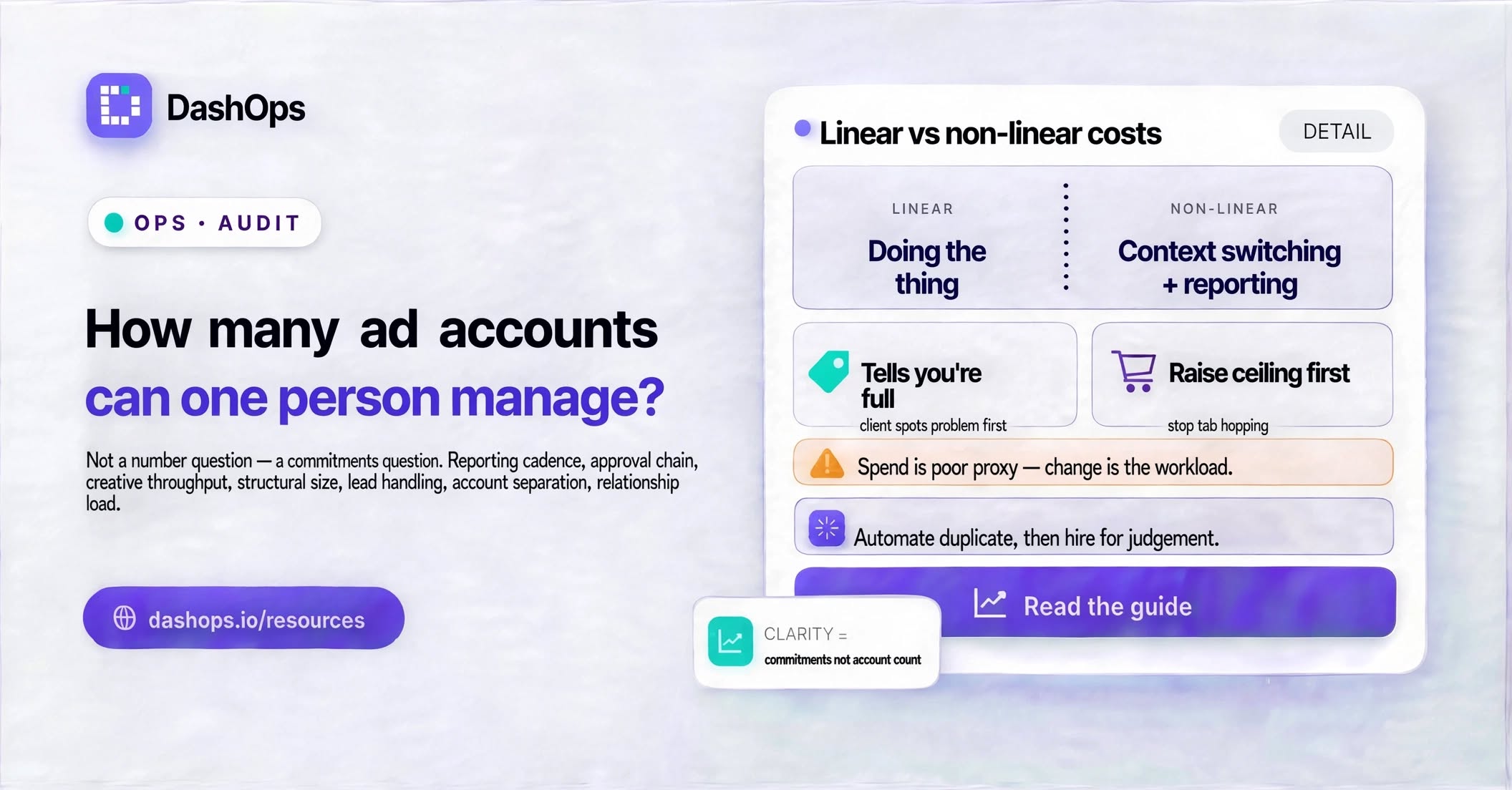
Most of the work inside a single account is roughly linear. You do the thing, it takes what it takes. Two costs are not linear, and they are the ones that actually break people.
The first is context switching. Every time you leave one account and enter another you reload a mental model: what the objective is, which campaigns are the current bet, what you promised last week, which numbers this particular client cares about. That reload is paid per switch, not per account, so it grows with how fragmented your day is rather than with your client count. A day spent deep in one account is a completely different kind of tired from a day spent dipping in and out of every account in turn.
The second is reporting. Reporting scales the most cruelly because it is the part of the job that is duplicated exactly. Every account needs the same shape of update, on a cadence somebody agreed to, whether or not anything interesting happened. Pull the numbers, paste them somewhere, write a paragraph, send it. It does not get easier with practice, and it all lands at the same point in the month. If you want the longer treatment of what that pressure does over time and how to climb back out of it, start with the guide to reducing Meta Ads management burnout.
Signs you have already passed your own limit
You usually feel this before you can name it. The common tells:
- You find out about a problem because the client mentions it, not because you spotted it.
- Reporting reliably happens late at night or at the weekend.
- You have stopped opening the accounts that are fine and only open the ones that are on fire.
- Optimisations you know you should make keep sliding to next week.
- You cannot answer “how is Northwind doing” without logging in first.
None of that means you have too many accounts in the abstract. It means you have too many for the way the work is currently arranged. The distinction matters, because rearranging is cheaper than hiring.
Raise the ceiling before you raise the headcount
The number of accounts one person can hold is not fixed. It moves as soon as you remove duplicated work, and a few changes move it more than others.
Stop tab hopping to see the state of things. If checking on every account means logging into each one in turn, your ceiling is set by that loop rather than by your judgement. Reading spend, results and cost per result across your accounts in one place, with the previous period already sitting beside the current one, turns a morning sweep into something you do over coffee. That is the shape DashOps is built around: many Meta ad accounts in one dashboard, with drill down from campaign to ad set to ad reserved for the moments when a number looks wrong.
Make reporting stop being a task. A report you assemble by hand is a recurring commitment. A report that arrives on its own is a background process. Scheduled email digests per ad account, plus PDF and Excel reports generated on demand rather than assembled by hand, take the worst recurring block off the calendar. That is how DashOps treats reporting, and the mechanics are covered separately in how to automate Facebook Ads reports and in setting up an automated Meta Ads email report.
Let clients read for themselves. Part of your reporting load is really an availability problem. A read-only client login limited to the ad accounts assigned to them, or a share link to a snapshot, answers the “how are we doing” message before it gets sent.
Separate the accounts you own from the accounts you merely watch. If you have teammates, assigning specific ad accounts to specific people, with an audit log of who changed what, stops anyone having to hold the whole book in their head. Capacity is a per person number, and it only behaves like one when each person knows which accounts are theirs.
Work out your own number
Do this instead of hunting for a benchmark:
- List your accounts and score each one against the commitments above.
- For a couple of full working weeks, log what you actually do, tagged by account and by type of work.
- Separate the tasks only you can do from the tasks that repeat identically across every account.
- Automate or delete the second group before you decide you are full.
Whatever number you land on is yours, it is honest, and it will move as your mix of clients moves. Recheck it when you win a client, when you lose one, and any time reporting starts happening on a Sunday. If reporting is the block that keeps growing, the fastest place to start is cutting the time you spend on Facebook Ads reporting.
Frequently asked questions
Is there a standard number of ad accounts per account manager?
Does spend level decide how many accounts one person can manage?
What should I fix first when I am at capacity?
How do I know whether to hire or to automate?
Can one person manage accounts across several Business Managers?
See it in your own dashboard
DashOps brings Meta Ads reporting, campaign management, and white-label client portals into one place. Pick the plan that fits how you run ads.