Best Meta Ads Tools for Freelancers Working Solo
You are one person. You write the ads, build the creative, pull the numbers, answer the client emails, chase the invoice, and try to find time to sell the next retainer. Nobody hands you a reporting analyst on Friday afternoon. And yet the client who pays you every month expects the same standard of communication they would get from a ten person shop: a clear report, a straight answer about what happened last week, and the sense that someone is watching the account.
That gap is what your tool stack has to close. Agencies buy software to coordinate people. As a freelancer, you have no coordination problem. You have a presentation and consistency problem. Once you see that difference clearly, a lot of the software that gets recommended to you stops making sense, and a much shorter list starts to.
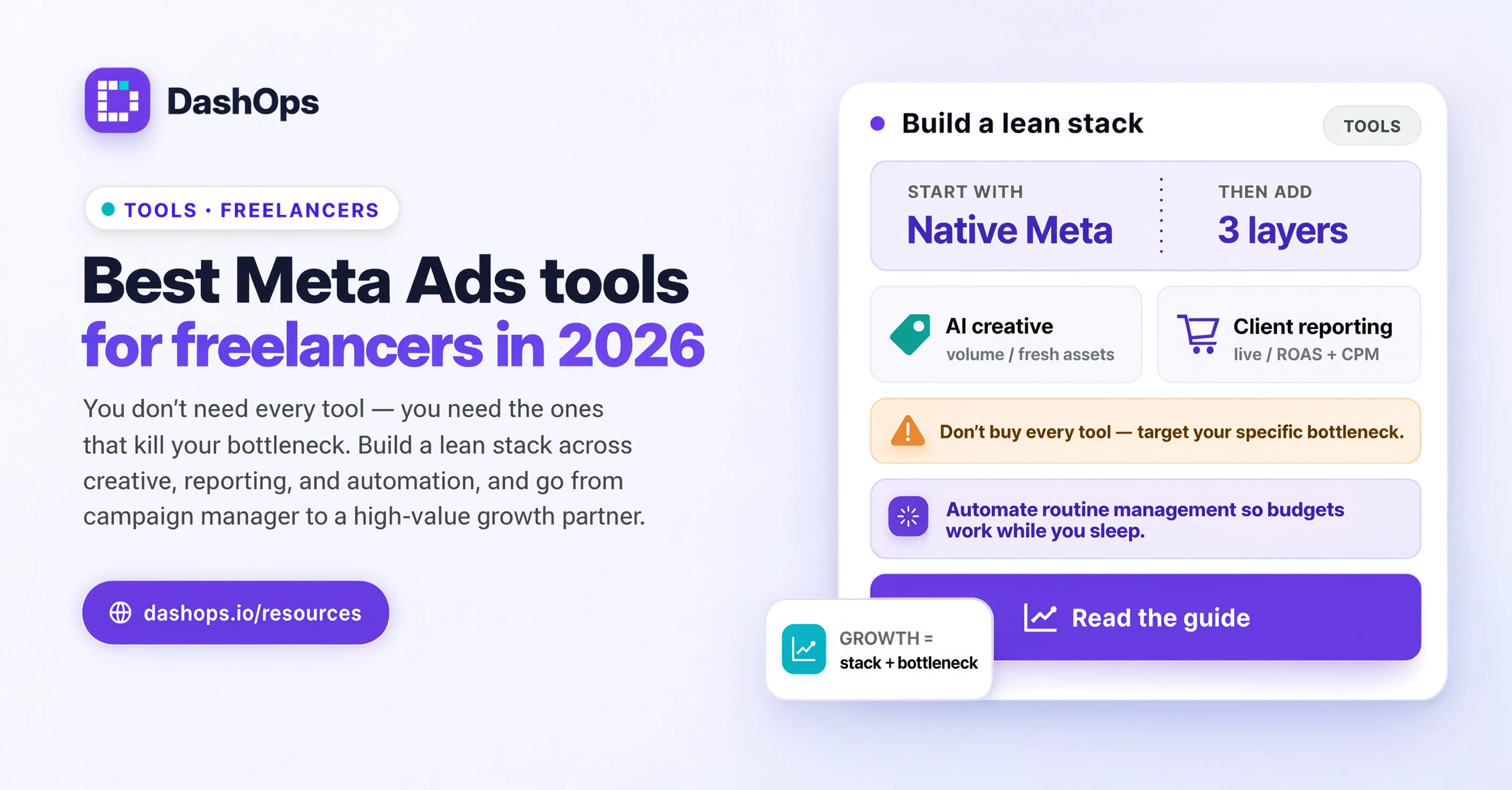
What agencies buy and why it does not apply to you
Walk through a typical agency stack and you find a lot of tooling that exists purely because more than one person touches the work.
- Project management with task assignment, so a strategist can hand a build to a media buyer
- Permission layers, so a junior buyer cannot delete a campaign in the wrong ad account
- Time tracking, so profitability per account can be worked out across staff
- Approval chains, so nothing goes live without a second pair of eyes
- Internal documentation and onboarding processes, so the next hire can pick up an account
None of that solves a problem you have. You are the strategist, the buyer, the reviewer and the account manager. Every one of those tools adds a step to a process that currently has no handoffs in it at all. Adopting them because a bigger operation uses them is how solo operators end up spending their Monday updating software instead of working.
What agencies buy that does transfer is the client-facing layer. A polished report, a live dashboard the client can open, consistent branding on everything that leaves your desk. That part is not about team size at all. It is about looking like a serious operator, and it applies just as much when the operation is one person at a kitchen table.
The categories that actually matter for a solo operator
Think in categories rather than product names. Products change. The jobs do not.
A place the numbers live outside the platform. Meta Ads Manager is a management surface. It is very good at letting you build and change campaigns, and it was never designed to be the thing a client looks at. It does not know your branding, it does not know which of your clients should see which accounts, and it will happily show a client figures you did not intend them to see. Anything you want a client to look at needs a layer between them and the raw platform.
A reporting output you can produce on demand. Not a screenshot, not a hand-built slide deck. A repeatable export you can generate when a client asks how last month went, without rebuilding it by hand, and that looks the same every month so the client learns to read it. That repeatability is what makes it feel professional rather than improvised.
Something scheduled, so you are not the trigger. The single biggest workload difference between a freelancer who feels in control and one who feels buried is whether the routine communication goes out without them starting it. A weekly digest or a scheduled monthly report removes a recurring decision from your week. It also removes the awkward gap where a client has not heard from you in three weeks because you were busy on a different account.
A way to control what each client can see. As soon as you have more than a couple of clients, you need read-only access that is scoped to the accounts that belong to that client, and the option to hide spend if you bill on a flat retainer and would rather not itemise the media cost. That is not paranoia, it is basic account hygiene.
Creative production and storage. Whatever you already use is probably fine. This is the one category where solo operators tend to be well equipped, because it is the part of the job most people started with.
A light record of what you changed and when. You will be asked why performance shifted in the second week of the month. Six weeks later you will not remember. Even a simple audit trail of edits saves you from guessing in front of a client.
Notice what is not on that list. No task board, no time tracker, no approval workflow, no team chat. Add those when you hire, not before.
Client-facing polish without the overhead
The specific thing a freelancer needs, and the thing most tooling advice misses, is polish without process. You want the output to look like it came from a well run agency. You do not want the internal machinery that agencies built to produce it.
In practice that means a small number of decisions, made once:
- Pick one dashboard your clients can be pointed at, and use the same one for every client. Consistency is most of the perceived quality.
- Put your own logo and colours on it. A branded reporting surface reads very differently to a client than a raw platform screenshot, and it costs you a one time setup.
- Decide the cadence per client, then automate it. Some accounts want a weekly note, some want a monthly report and nothing in between. Set it once and let it run.
- Standardise the metrics you lead with per client type. A lead generation client should be looking at cost per lead and lead volume. An ecommerce client should be looking at purchases and return on ad spend. Do not send the same metric set to both and hope they work it out.
This is where DashOps fits for a solo operator. You connect the Meta ad accounts you manage, and each client gets a read-only view of only their accounts, under your branding, with spend hidden if that suits how you bill. Reports export to PDF or Excel when you need one on demand, and client reports and digests can be scheduled so the routine communication leaves without you. The team features are there if you ever hire, and they sit out of your way until then. If you want the mechanics of setting that up, how to automate Facebook Ads reports walks through the reporting side, and the automated Meta Ads email report covers what a recurring email actually contains.
Where freelancers usually overbuy
Three patterns come up again and again.
Buying for the client roster you want, not the one you have. If you manage four accounts, tooling designed for forty will make everything slower. You can always move up. Moving up is a smaller cost than a year of friction.
Adding a tool to fix a habit. If you are not reviewing accounts regularly, no dashboard will make you. Set the routine first, then buy the thing that makes the routine cheaper to keep. Reducing the time you spend on Facebook Ads reporting is mostly a question of which steps you have automated, not which product you bought.
Stacking overlapping tools. Two reporting products, one for you and one the client sees, means you maintain two sets of definitions and eventually they disagree. Then you spend a call explaining why two of your own numbers do not match. One source, presented two ways, is far safer.
What to do next
Sit down once and write down, per client, three things: what they receive from you, how often, and who produces it. For a solo operator the answer to the third column will be you, every time. That is fine. The question is how many of those rows could go out without you starting them.
Then pick the single most repetitive row and automate that one first. It is usually the weekly update, because it recurs most often and carries the least strategic weight. If you want a model for what to say in it, the Facebook Ads weekly digest covers the shape. Once one client is running on a schedule, extending it to the rest is mostly copying a setting.
Everything else can wait. You do not need an agency stack. You need one dashboard your clients trust, one report you are not embarrassed to send, and a schedule that runs whether or not you remembered it was Friday.
Frequently asked questions
What are the best Meta Ads tools for freelancers who work alone?
Is Meta Ads Manager enough on its own for a freelancer?
When should a freelancer upgrade to agency-level tooling?
How do I look professional to clients without an agency behind me?
Do freelancers need separate tools for each Meta Ads client?
See it in your own dashboard
DashOps brings Meta Ads reporting, campaign management, and white-label client portals into one place. Pick the plan that fits how you run ads.