8 Common Ads Reporting Mistakes That Cost You Clients
You send the monthly report, the client skims it, and replies with a question you cannot answer from the document you just sent. Or worse, they do not reply at all, and a few months later they leave saying they never really understood what they were paying for. The report was not late. The numbers in it were correct. The reporting itself was the problem.
Most reporting mistakes are not arithmetic errors. They are choices about what to include, what to compare against, and how often to send, and they get made once at the start of a client relationship and then repeated every month without anyone questioning them. Here are the ones worth fixing first, and what to do instead.
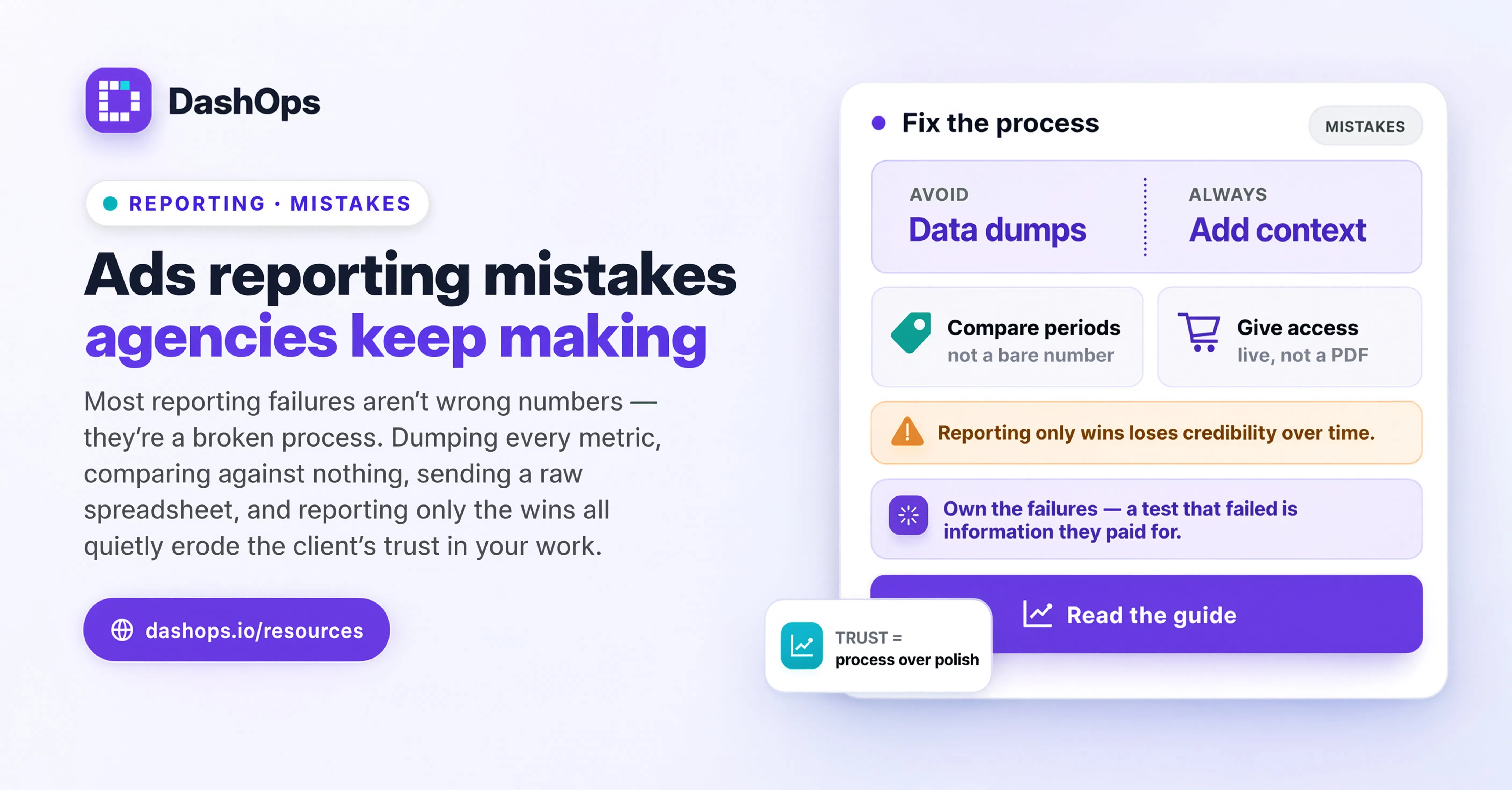
Reporting on every metric Meta gives you
Meta Ads Manager exposes an enormous number of columns. It is tempting to pull them all in, because a dense report looks like proof of work. It is not. A client scanning a wall of numbers has no idea which ones matter, so they anchor on whichever one they recognise, which is usually spend.
Pick the metrics that connect to what the client is actually buying. For a lead generation account that is leads, cost per lead, and lead quality signals you can defend. For ecommerce it is purchases, return on ad spend, and average order value. Everything else is diagnostic: useful to you when something breaks, noise to them when it does not.
Keep the diagnostic layer available rather than deleted. Frequency, CPM and click-through rate are how you explain a change in cost per lead, so you want them one click away when the client asks why. In DashOps the KPI cards on the dashboard are customisable per user, so the client-facing view can carry the headline metrics while your own view carries the full set.
Comparing against nothing
A report that says cost per lead was a certain amount last month, with nothing beside it, asks the client to do the analysis you were hired to do. Every headline number needs a comparison next to it, and the comparison needs to be a fair one.
The three comparisons that are genuinely useful:
- The previous equivalent period. Last month against the month before. Not last month against a random slice, and not a partial month against a complete one, which is the most common way a report accidentally lies.
- The same period last year, if the account has that history and the business is seasonal. A retailer in a slow quarter looks broken against last month and healthy against last year.
- The target the client agreed to. If nobody set a target, that is a conversation to have before the next report, not a gap to paper over.
Set the comparison once and use the same one every month. A report where the comparison basis changes depending on which version tells a better story stops being a report.
Sending a spreadsheet and calling it a report
Exporting the campaign table and attaching it is not reporting, it is data transfer. The work is in the interpretation: what changed, why it changed, and what you did about it. That interpretation is the reason the client pays a retainer rather than running the ads themselves.
A few sentences at the top of the document do most of the job. What moved, the likely cause, the action taken, and what you expect next month. Attach the detail underneath for anyone who wants it. In practice, the summary is the part that gets read and the part that gets forwarded internally when your client has to justify the budget to their own boss.
Rebuilding the same report by hand every month
If your reporting process starts with opening Ads Manager, setting a date range, choosing columns, exporting, pasting into a template and reformatting, then you are paying for that process every single month, per client, forever. It also introduces errors, because a manual process has a step someone eventually skips.
Reporting should be a template you configure once and a schedule that runs itself. That is the difference between reporting being a fixed cost of the account and reporting being an expanding tax on your capacity. The mechanics of getting there are covered in how to automate Facebook Ads reports, and if reporting is currently eating your week, the broader guide to cutting time spent on Facebook Ads reporting works through the whole process rather than just the reports themselves.
Reporting monthly and nothing else
A monthly report is a poor early warning system. If something breaks early in the month, the client hears about it after the month has already closed, by which point you are explaining a problem instead of flagging one.
Split the cadence by purpose:
- A short weekly digest that keeps the client oriented and surfaces problems while they are still small. It does not need commentary every time. It needs to arrive reliably. A weekly digest done well removes most of the “how are we doing?” messages that interrupt your week.
- A monthly or quarterly report that carries the analysis, the decisions, and the plan.
- An alert when something crosses a line you care about, so nobody finds out about a stalled campaign from the report.
The weekly digest also changes the tone of the monthly one. When the client has been watching along, the monthly report is a conversation about strategy rather than a reveal.
Not naming which ad account the numbers came from
This one is quiet and it is expensive. An agency running several ad accounts for the same client, or several clients with similar names, eventually sends the wrong numbers to the wrong person. Once that happens, everything you have ever sent them becomes suspect.
Every report should state the ad account it covers, the exact date range, and the currency, on the first page. If you manage accounts in more than one currency, never present a combined total unless you can explain the conversion, because a sum across currencies is a number that means nothing. Contoso Retail and Contoso Wholesale as separate accounts under one client is a genuinely easy mistake to make at the export step.
Giving the client a PDF when they wanted access
Some clients want a document. Some want to look at the numbers themselves, late at night, without emailing you first. Assuming everyone is in the first group creates a permanent stream of ad hoc requests that never appears on any invoice.
Offering a read-only dashboard view costs you nothing and removes most of the interruptions. In DashOps a Client role sees only the ad accounts assigned to them, read-only, with the option to hide spend entirely if you bill on a flat retainer and would rather not show media cost line by line. Share links do the same job for a one-off snapshot when someone internal to the client needs to see it without being given a login.
Reporting only what worked
The most damaging habit is the most understandable one. A report that only contains wins reads well the first time and worse with every repeat, because the client can tell the numbers are not moving in the direction the narrative claims.
Say what did not work, say what you concluded from it, and say what you changed. A test that failed is information you paid for, and presenting it as such is what makes you sound like a practitioner rather than a salesperson. It also protects you: when a campaign genuinely underperforms, a client used to honest reporting gives you the benefit of the doubt, and one used to a run of triumphant ones does not.
What to do before your next report goes out
Pull up the last report you sent and check it against this list. You will probably find a few of these, not all of them.
Then fix them in this order. First, cut the metric list down to the ones tied to the client’s outcome. Second, add a fair comparison beside every headline number and write the short summary at the top. Third, turn the whole thing into a template that goes out on a schedule instead of being rebuilt by hand. Fourth, add a weekly digest so the monthly report stops carrying every piece of news at once.
The first two make the report better. The last two make it repeatable, which is the part that survives you taking on more clients. If you are standardising this across a growing roster, the agency workflow guide covers how reporting fits alongside everything else you owe each account.
Frequently asked questions
What are the most common ads reporting mistakes agencies make?
How many metrics should a client-facing ads report include?
How often should I send Meta Ads reports to clients?
Why does naming the ad account and date range matter so much?
Should I report on campaigns that did not work?
See it in your own dashboard
DashOps brings Meta Ads reporting, campaign management, and white-label client portals into one place. Pick the plan that fits how you run ads.