How to Write an Ads Report Executive Summary
Your client opens the report on their phone, between meetings. They see a page of charts, scroll past a table of ad sets, and close it. Later they email you: “How are the ads doing?” That email is the sign that your report has no working executive summary. Everything they needed was in the file, but nothing in the file told them what it meant.
The executive summary is the part of the report that carries the whole thing when nobody reads the rest. And most of the time, nobody reads the rest. This post is about writing that section specifically: what belongs in it, what quietly ruins it, and how to draft one in a few minutes rather than avoiding it until the last moment. For the structure of the full report around it, see the Facebook Ads client report template.
What an executive summary is actually for
It is not an abstract of the report. It is the answer to the question the client would ask if they could only ask one: is this working, and what are you doing next.
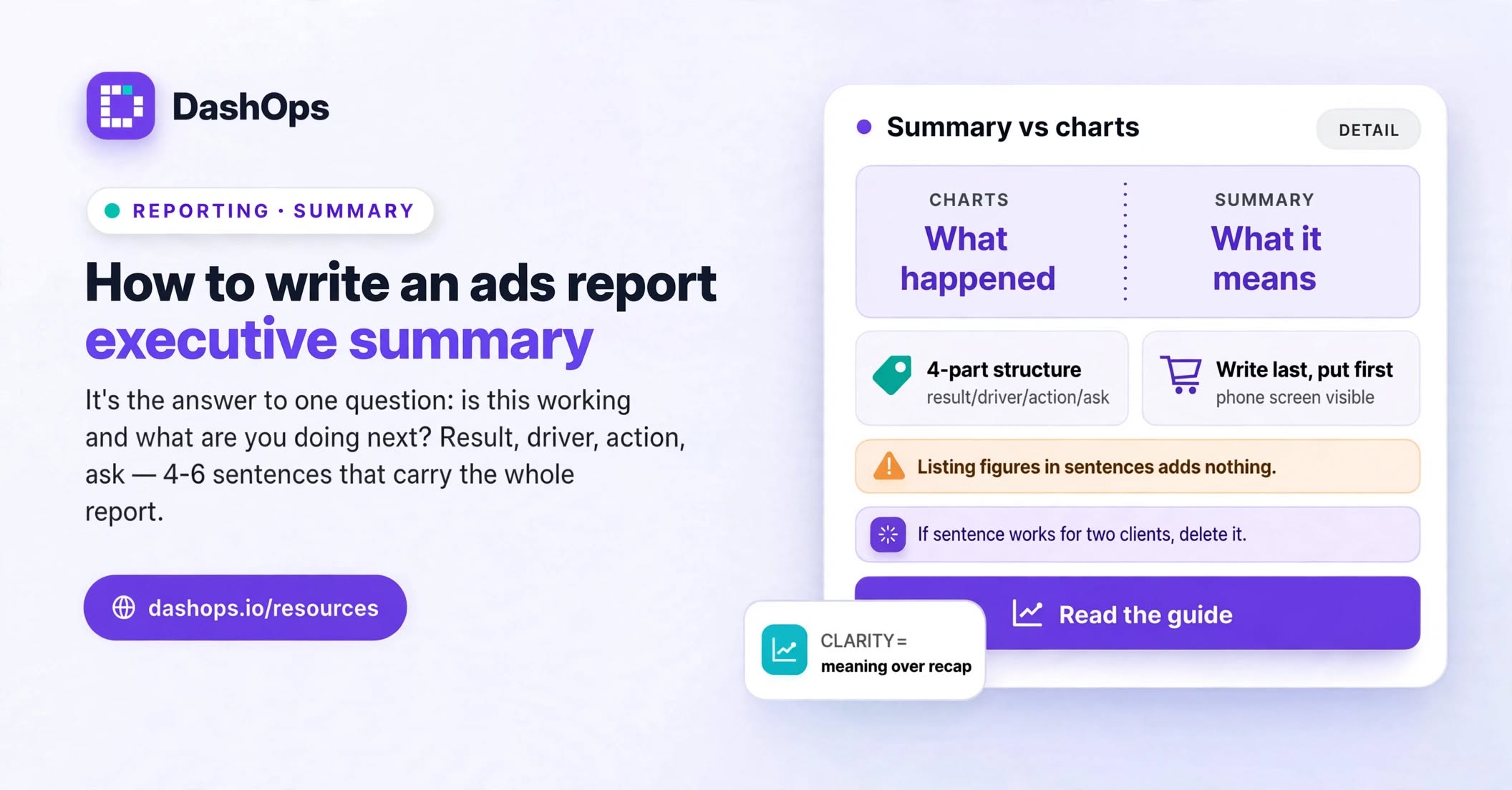
That means the summary is not a compressed version of the charts. It is a different kind of writing entirely. The charts show what happened. The summary says what it means and what follows from it. A summary that lists the same figures as the dashboard, in sentence form, has added nothing, and the client learns that the top of the report is skippable. The same goes for sending a live dashboard link, such as the read-only share link you can generate in DashOps: it shows the numbers accurately and says nothing at all about what they mean.
Three things the summary is not:
- A recap of your activity. “We launched new ad sets and refreshed the creative” describes your effort, not the client’s outcome. Effort goes in the commentary, not the summary.
- A hedge. If you are not sure whether the period went well, the summary is where you say so directly, not where you reach for softer words to avoid saying it.
- A place for jargon. If your summary needs the client to know what an optimisation event is, rewrite it.
The four-part structure
Every executive summary can be written as four short pieces, in this order. Keep the order fixed month to month so the client learns where to look.
The result. One sentence on how the period went, in the client’s terms. Not impressions or reach. Whatever they actually buy from you: leads, bookings, purchases, revenue. Compare it to the previous period, because a figure on its own means nothing to someone who does not stare at the account daily.
The driver. One or two sentences on why. This is where you earn your fee. Anyone can report that leads went up. Saying which campaign, which audience, or which creative moved them is the part the client cannot work out from a dashboard on their own.
The action. What you are doing next as a result. Not a wish list. Specific, and tied to what you just said in the driver. If the driver was a single strong creative, the action is probably to build variants of it before it tires.
The ask. Anything you need from them. Approval on a budget shift, new product photography, a decision on a landing page. Put it here rather than burying it at the end, because the end is where requests go to die.
Four parts, and often four to six sentences in total. If it runs longer, some of it belongs in the commentary next to the relevant chart instead.
A worked example
Here is a summary for a fictional client, Northwind Solar, on a lead generation account:
Lead volume was up on last month and cost per lead came down, so the account is in a better position than it was in September. That came from the new “Home Survey” campaign, which is now the main source of leads and is bringing them in at a lower cost per lead than the older prospecting campaign. That older campaign has been paused and its budget moved across. Next month I want to test two more variants of the survey creative before it starts to tire. One thing from you: the sales team says some leads are arriving with the wrong postcode format, so I need a short call with whoever set up the lead form to check how the fields are set.
Notice what that does. It never states a figure, and it still tells the client exactly where they stand. Direction and cause carry the meaning. The actual values sit in the charts below, where they belong, and any client who wants them will find them there.
Notice also that the ask is concrete. “Let me know if you have any questions” is not an ask. “I need a short call with whoever set up the lead form” is.
The sentences that quietly ruin a summary
Some phrases show up in almost every weak summary. They share a property: they take up space without transferring any information.
- “Performance was mixed.” Every period is mixed. Say which part went well and which did not.
- “We continued to optimise the campaigns.” This says you did your job. It does not say what changed.
- “Results were in line with expectations.” Whose expectations, and were they written down anywhere the client could see?
- “We saw some good engagement.” Engagement is not what they are buying unless you have agreed that it is.
- “Moving forward, we will continue to monitor.” Monitoring is not an action. Name the change you are making.
The test for any sentence in the summary: could you delete it and lose nothing? If yes, delete it. A four-sentence summary that says something specific beats a twelve-sentence one that circles.
Write it last, put it first
Draft the summary after you have looked at the numbers, not before. Writing it first turns it into a prediction you then defend, and you will unconsciously pick the charts that support it.
The workflow that works: pull the period’s data, look at what actually moved, decide what you would tell the client if you caught them on the phone for a moment, then write that down. The spoken version is almost always the right summary. Formal writing tends to add hedging that a phone call does not have.
Once written, it goes at the very top, above the first chart, under the client name and the reporting period. On a phone, that means it is the only thing visible without scrolling, which is precisely the point.
Fitting it into a report you send every period
Writing a fresh summary each time is not much work, but it is only sustainable if everything around it is not also manual. If you are still rebuilding charts by hand, the summary becomes the thing you rush at the end, and it is the one part you should not rush.
The fix is to make the data assembly repeatable so the writing is the only creative work left. In DashOps you set up a client report once, with the metrics and date range you want, and generate it as a PDF or Excel file whenever you need it, or schedule it to arrive by email on a set day. The figures, charts and campaign breakdown are assembled for you; your job each period is to read them and write the summary at the top. If assembly is currently eating your reporting time, the piece on automating Meta Ads reports covers how to get there.
How much sits underneath the summary is a separate decision, and one worth making deliberately rather than by default. The post on how much detail belongs in a client ads report works through where to draw that line.
What to do next
Open the last report you sent. Read only the top section, as if you were the client, on a phone, in a hurry.
Ask three questions. Does it say whether the period went well or badly, in words the client uses about their own business? Does it explain why, specifically enough that they could not have worked it out themselves? Does it say what you are doing next, and what you need from them?
If any answer is no, rewrite that section using the four-part structure above, and keep the rewritten version as your template. The next report will take a fraction of the time, because you will be filling known slots instead of starting from nothing.
Frequently asked questions
How long should an ads report executive summary be?
Should the executive summary go at the top or the bottom of the report?
What do I write in the summary when the period went badly?
Can I reuse the same executive summary structure every month?
Does every client need an executive summary, or only the big ones?
See it in your own dashboard
DashOps brings Meta Ads reporting, campaign management, and white-label client portals into one place. Pick the plan that fits how you run ads.