How Much Detail to Include in a Client Ads Report
You have finished the month on a client account, the numbers are all in front of you, and the only thing you cannot settle is how far down to go. Send the headline and nothing under it, and the client comes back with a list of questions you could have answered up front. Send everything, every ad set, every placement, every creative variant, and the one line that actually mattered sits buried in the middle where nobody reaches it. Either way, the days that follow go on email instead of on the account.
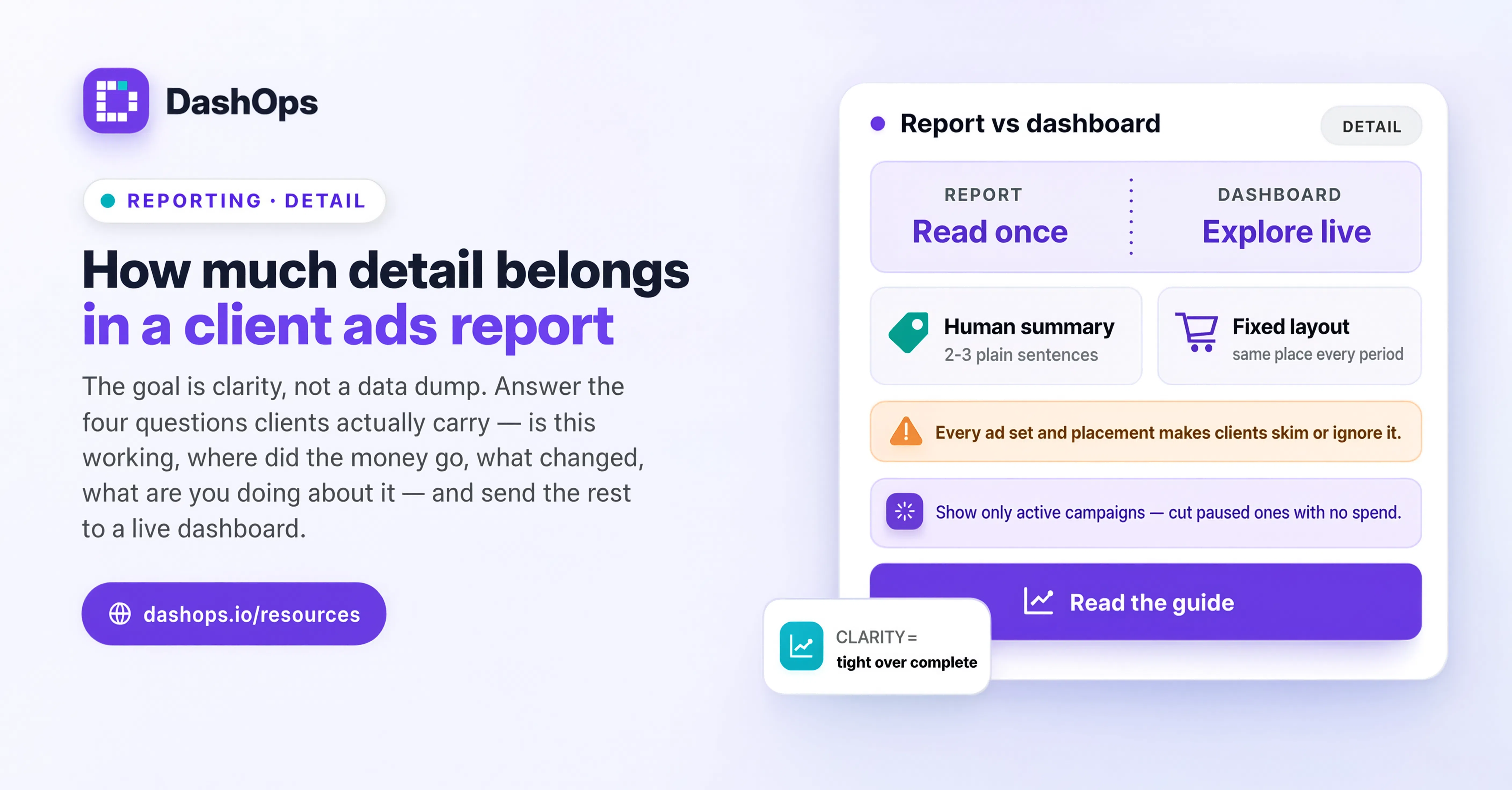
Detail is an audience decision, not a thoroughness contest
When you are unsure, the instinct is to add more, because more looks like more work. That instinct is exactly what produces reports clients skim and abandon. A report is not evidence that you did the job. It is a document that has to move one specific person to one specific conclusion, and every line that does not help them get there is competing with the lines that do.
So before you decide how much detail to include in a client ads report, answer three things:
- Who actually opens the file? The owner who signs the invoice, or the marketing manager who has to forward it to someone else?
- What do they decide after reading it? Keep spending at this level, increase it, pull back, or approve something specific?
- How much Meta Ads vocabulary can you assume? Do they already know what a lookalike audience is, or will the word cost you a paragraph of explanation on the call?
The answers give you a level. They are also client by client, not agency wide. The same monthly template can carry very different depths without you rebuilding anything.
Three levels of detail, and who each one is for
Level one, the owner view. Short enough that nothing on the page competes with the conclusion. Money in, results out, cost per result, direction of travel against the last period, and your recommendation. No ad set tables. No placement breakdown. Metric names translated into their language: leads, bookings, purchases, calls, whatever they actually count. This client is deciding whether the channel keeps its budget, and nothing else in the report changes that decision.
Level two, the marketing manager view. Everything from level one, plus campaign level performance so they can see where the money went and which campaign is carrying the account. Add the changes you made during the period and why. This person has to answer questions internally, so give them the evidence they will be asked for: which campaign improved, which one you paused, what you tested.
Level three, the in-house specialist view. Campaign, ad set and ad level detail, plus the breakdowns you actually used to make decisions. This client reads Ads Manager themselves and will notice if you smooth something over. Here, holding detail back reads as evasion rather than editing.
Level three is the one you should be able to justify before you commit to it, and it is usually obvious which clients it applies to, because they ask specific questions unprompted. Everyone else is better served by level one or level two.
What stays in the report at every level
Whatever depth you land on, some things never get cut, because without them the numbers cannot be interpreted at all:
- The exact period covered, and the previous period you are comparing against
- Which ad accounts are included, if the client has more than one
- Spend, and how it sits against whatever budget was agreed
- The result the client is paying for, named in their words rather than Meta’s
- Cost per that result, and whether it moved up or down
- What you changed during the period, in plain language
- What you intend to do next, stated as a recommendation rather than a menu
That last one is the part people skip when they are rushing, and it is the part that makes the report feel like advice instead of a data export. If you want help writing that layer well, the executive summary guide covers how to open a report so the rest of it lands, and the commentary guide covers how to explain a movement without either overclaiming or hedging into meaninglessness.
What to cut first when the report runs long
When a report has swollen, the extra weight is almost always in the same places. Cut in roughly this order:
- Ad level tables for campaigns that barely spent during the period
- Metrics the client has never once asked about or acted on
- Placement and demographic breakdowns for a client who does not choose placements
- The same number repeated in a chart, a table and a sentence
- Screenshots of Ads Manager, which just move the interpretation problem to the reader
Cutting a metric is not hiding it. It stays in the account, and you can bring it into the report the moment it becomes relevant to a decision. A number that appears only when it matters carries far more weight than a number that appears every month regardless.
The signs you picked the wrong level
You went too shallow if the client keeps asking follow up questions that have the same shape every month, if they ask which campaign the number came from, or if they seem surprised by a change you already made. Their questions are effectively a request for the next level up, so answer them in the report rather than in the reply.
You went too deep if the client only ever comments on the first section, if they ask you to just tell them whether it is working, or if they forward the report to someone else with a summary written in their own words. That last one is the clearest tell of all. They are doing the editing you should have done.
Put the extra detail somewhere else, not in the report
The false choice is between a short report and a complete one. You can have both, by separating the document from the access.
A read-only client login solves this cleanly. In DashOps you can invite a client to only the ad accounts they should see, decide whether spend is visible to them at all, and let them open campaign, ad set and ad level data whenever they are curious. A public share link covers the person who should not have a login at all, such as a client’s own investor or an internal stakeholder who just wants a read-only snapshot. The report then carries the interpretation, and the dashboard carries the depth.
This also defuses the client who says they want to see everything. That request is often about the option rather than the obligation. Give them the door, and whether or not they walk through it every month, the trust it buys is real.
Decide once per client, then stop deciding
The reason this question keeps costing you time is that you are answering it fresh every cycle. Set the level once when a client is onboarded, write it into their account notes, and build the report around it. If you are working from a repeatable structure, such as the one in the client report template, you only need to record which sections that client gets.
Saved views in DashOps help here, because the filters and columns you chose for that client are waiting the next time you open the account. Scheduled client reports help more, because once the shape is settled you can have the report go out by email on its own and spend your time on the commentary instead of the assembly.
What to do next
Open the last report you sent to your most demanding client and read only their reply. The questions they asked are the sections you owe them. The parts they never mentioned are the sections you can drop. Adjust once, note the level in that client’s record, and use the same structure next cycle. Do that on your next few accounts and the reporting week stops being a judgement call and starts being a routine.
Frequently asked questions
Should the level of detail be different for every client?
How long should a monthly Meta Ads client report be?
Should I include ad level data in a client report?
The client says they want to see everything. What then?
Does a weekly report need the same detail as a monthly one?
See it in your own dashboard
DashOps brings Meta Ads reporting, campaign management, and white-label client portals into one place. Pick the plan that fits how you run ads.