Signs You Have Outgrown Ads Manager Reporting
You know the feeling before you have a name for it. It is another Monday where you open Ads Manager, switch to the first client’s ad account, rebuild the same column set because the default one came back, screenshot a couple of charts into a doc, write a few sentences of context, then start again on the next account. Nothing is broken. Meta is reporting accurately. The campaigns are fine. What has quietly changed is that the reporting side of your week keeps growing while the media buying side stays about the same size.
That gap is the signal worth paying attention to. Ads Manager is a buying and management tool that also shows you numbers, and it is genuinely good at that job. Its centre of gravity is one advertiser working inside one business, looking at their own results. The moment reporting becomes a recurring deliverable owed to somebody else, on a schedule, in a format they can read without you, the tool is being asked to do something it was not shaped around. Below are the specific signs, roughly in the order they tend to show up.
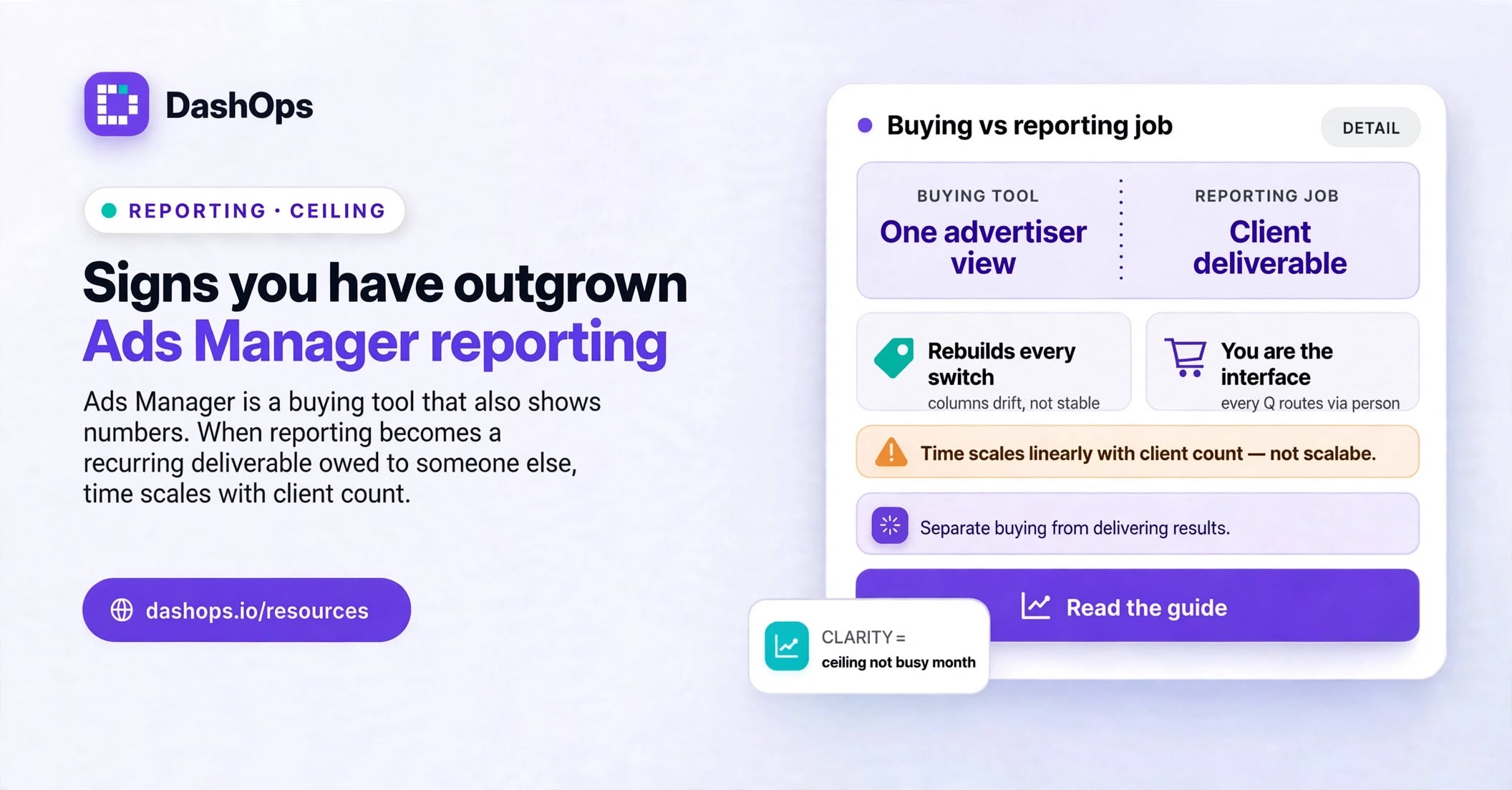
You rebuild the same view every time you switch accounts
The first sign is small and easy to wave off. You switch from one ad account to the next and the columns are not what you left them as, or the date range snapped back, or the breakdown you had applied is gone. So you set it up again. It barely registers. Then you do it again on the next account, and again next week.
The cost is not the setup itself. It is that your reporting view is not a stable object that exists somewhere. It is a sequence of steps you perform from memory, which means it drifts. Two people on your team looking at the same campaign will not necessarily be looking at the same columns, and the report you sent in March is not cleanly comparable to the one you are about to send, because you cannot be sure the setup was identical.
Your reporting time scales with your client count
Here is the clearest test in the whole list. Think about what happens to your reporting workload when you win one more client. If the answer is that it goes up by roughly one client’s worth of work, your reporting does not scale, and every account you add makes the end of the month worse rather than better.
This is often the point where teams start quietly rationing without calling it that. Reports move from weekly to monthly. The smaller accounts get a shorter version. Someone junior inherits the copy and paste. None of those are bad calls in isolation, but they are all workarounds for a process that grows in a straight line with the business.
You clean up an export before anyone else can read it
Watch what you actually do with the file. If the export lands in a spreadsheet where you rename headers, delete columns, add a formula, and paste in a chart, then you have already built a reporting layer. It just lives in a file, gets rebuilt by hand every cycle, and has no owner.
The exports themselves are accurate. The problem is that they come out shaped like an ad platform, in the platform’s own vocabulary, and the person you are sending them to does not speak it. That translation step is real work, and it is easy to underestimate because it never appears on anyone’s task list. There is more detail on where those gaps sit in this breakdown of the reporting limitations you run into.
Nobody outside the ads team can look at the numbers themselves
Ask what happens when a client emails on a Wednesday asking how last week went. If the honest answer is that somebody has to open the platform, pull the range, and write a reply, then you are the interface. Every question routes through a person, and that person is often the one you least want doing admin.
You can grant access to the account, but that access is account-shaped rather than client-shaped. The client lands in the full buying interface with everything it can do and everything it exposes, and precisely controlling what they see is not really what those permissions are for. Plenty of agencies decide, sensibly, that this is not what they want to hand a client, so they keep answering by hand instead. This is the sign a dedicated client view is meant to solve, and it is a large part of why DashOps exists: a read-only dashboard scoped to the ad accounts assigned to that person, carrying your branding, with the option to hide spend where the relationship calls for it.
You cannot answer “what changed” without doing the work twice
Comparison is where a manual process gets expensive. Pulling this month is one job. Pulling last month is a second job. Lining the two up and working out which direction each metric moved is a third. Because it is all by hand, you tend to compare only the headline figure, so the more useful question, which campaign or ad set actually caused the move, goes unanswered.
If your reports reliably state what happened but rarely explain what changed, and you know the reason is that comparison is simply too much extra effort, that is a structural limit rather than a discipline problem.
You have started keeping a shadow record of changes
Look for the private doc. The spreadsheet where someone notes that the budget on the Northwind account went up mid-month, or the Slack thread that is the only surviving record of why an ad set got paused. Teams build these because the platform shows you the state of things now and the results over a period, but the story of who changed what, and when, is exactly what explains an odd week.
Once a shadow log exists, you have already outgrown the tool. You built the missing piece yourself, in the least durable place available.
The quick self-check
Read these and count. If more than a couple are true in a normal month, this is not a busy season, it is a ceiling:
- You could not hand your reporting process to a new hire without sitting beside them
- The same client asks the same question every cycle and you answer it manually every cycle
- You have shortened or skipped a report for lack of time, not because the client stopped wanting it
- Two people on the team produce visibly different reports for similar accounts
- You check numbers on your phone inside the buying app because there is nowhere simpler to look
- Your month end is defined by reporting rather than by anything strategic
- You already know the export needs cleaning before you open it
What to do next
Do not start by shopping for tools. Start by writing down the report you actually want to send, once, for one client. Which metrics, at which level of detail, over which period, compared against what, and who reads it. That document is your spec, and plenty of people discover their real report is smaller and sharper than the one they have been assembling out of habit.
Then separate the two jobs that got tangled together. Buying, testing and troubleshooting campaigns is one job, and Ads Manager remains a strong tool for it, which is worth saying plainly. Delivering results to someone who is not you is a different job with different requirements: stable views, comparison built in, a link a client can open, and something that arrives without a person assembling it first.
With the spec written, the tooling decision gets much easier. For the wider comparison of your options, including the option of changing nothing, start with the guide to Meta Ads Manager alternatives. If your immediate pain is the hours rather than the format, the more targeted read is how to cut the time spent on Facebook Ads reporting.
And if the part you need solved is the client-facing one, that is the shape DashOps was built around: connect the Meta ad accounts you already manage, keep the campaign work wherever you prefer to do it, and give each client a branded dashboard plus a scheduled report they can read without asking you first.
Frequently asked questions
How do I know this is a real ceiling and not just a busy month?
Can I not just save column presets in Ads Manager and be done?
Should I give clients direct access to the ad account instead?
Does moving reporting elsewhere mean I stop using Ads Manager?
What is the single first thing to change?
See it in your own dashboard
DashOps brings Meta Ads reporting, campaign management, and white-label client portals into one place. Pick the plan that fits how you run ads.