Ads Manager Reporting Limitations: What It Cannot Do
It is reporting week and you have several clients waiting. You open Meta Ads Manager, switch to the first ad account, set the date range, remember which saved column preset you actually need, export to CSV, then repeat the whole sequence for the next account. By the time there is a folder of spreadsheets on your desktop, you still have not written a single sentence a client would want to read.
That friction is not a sign you are using the tool wrong. It is the predictable result of asking a campaign management tool to do client reporting. This post covers the specific ads manager reporting limitations that surface once you are reporting on behalf of other people, why each one exists, and what is worth doing about it.
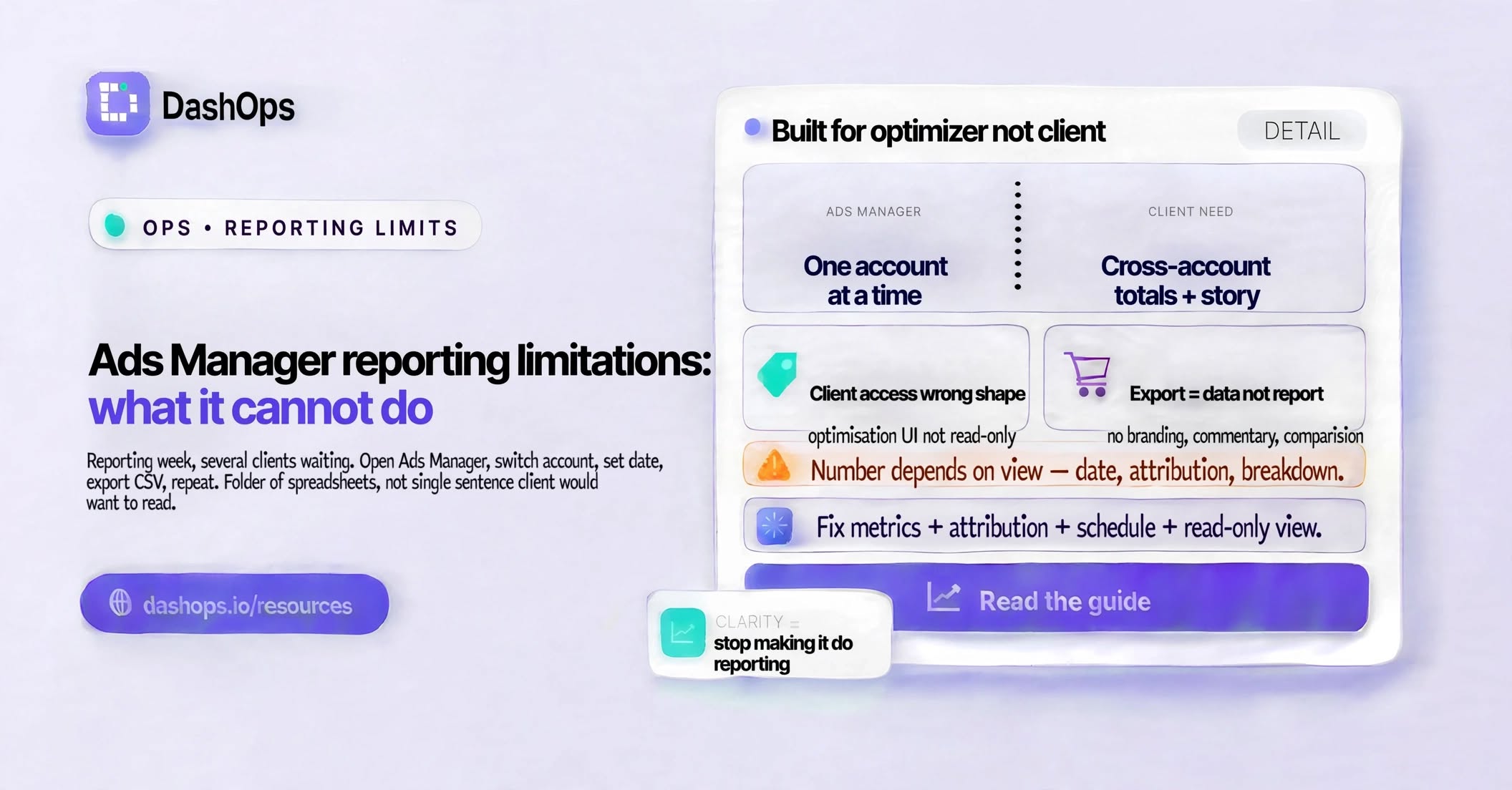
The root cause: it was built for the person optimising
Everything below follows from one design decision. Meta built Ads Manager for someone sitting inside a single ad account, making changes to campaigns in that account, and checking whether those changes worked. For that job it is genuinely good, and it deserves credit for it. New campaign features land there first, the data is Meta’s own, and it is hard to beat when you are diagnosing a single campaign.
Reporting to a third party is a different job with different requirements. The reader is not logged in. The reader does not know what an attribution window is. The reader wants to know whether this month was better than last month and what you are doing about it. Ads Manager has no reason to solve for that reader, so it does not.
Limitation one: the ad account boundary is hard
Ads Manager shows you one ad account at a time. There is no view that adds up spend across every account you manage, and no view that puts two clients next to each other.
Manage a couple of accounts and this is an annoyance. Manage a portfolio and it becomes the job itself:
- Every cross-account figure has to be exported and combined by hand
- A mistake in the combining step is invisible, because nothing inside Meta can verify your total
- You cannot answer “how much are we spending across everything this month” without doing the work first
- A quick sanity check before a client call stops being quick
Business Manager gives you a list of accounts. It does not give you a total.
Limitation two: client access is the wrong shape
When a client wants to see their numbers you have two options. Give them access to the ad account, or send them something.
Giving access means giving them the optimisation interface. They can see the budget field. They can see every campaign you paused and every ad that was rejected while it sat in review. They will ask about things that are not problems. Meta’s permission levels are organised around what someone is allowed to change, not around what a client should be allowed to see about their own spend, so there is no setting that means “read only, no spend figures, only the campaigns that belong to them”.
That is why the usual alternative is to send something instead, which walks straight into the next limitation.
Limitation three: the export is data, not a report
Exporting is easy. What comes out is the problem. You get every row at whatever level you selected, with whatever columns your view happened to have, under Meta’s own column names, with your agency’s name nowhere on it.
Turning that into something a client reads means doing the work again somewhere else. Pick the numbers that matter. Add the comparison to the previous period. Strip the rows that are noise. Write the explanation. Apply your branding. The export saved you typing, not thinking.
And because it is a manual rebuild every time, two consecutive months rarely come out looking the same. That is what makes a client ask why the format changed instead of asking about the results. Standardising which Ads Manager columns you actually use is the cheapest fix available here, and it costs nothing but a decision.
Limitation four: the number depends on the view that produced it
This one causes the most awkward conversations. A figure in Ads Manager is a function of the date range, the attribution setting, the breakdown, and the column preset that were active when you looked. Change any of those and the same campaign reports a different result. Both results are correct.
So you export on Monday with the attribution setting you prefer, someone on the client’s side exports on Wednesday with the default, the two files disagree, and neither of you can explain why from the files alone. Nothing on the export announces the setting in a way a non-specialist would notice.
Ads Manager is not doing anything wrong here. It is exposing a genuine property of ad measurement to a user it assumes is an operator. A client report has no such user, which is why the setting has to be fixed and stated by you rather than left to whoever pulled the file.
Limitation five: scheduling exists, but it delivers the wrong artifact
Meta’s Ads Reporting section does let you save a report and have it emailed on a schedule. More people should know that. The limitation is not the timing, it is what arrives.
What lands is a spreadsheet export of one ad account, in Meta’s column names, sent from Meta, with no branding, no commentary, and no comparison written into it. Each client’s report has to be built and maintained on its own. So the scheduled export becomes an input to the real report rather than the report itself, and the assembly work stays exactly where it was. If the goal is that a finished, branded report reaches the client without you touching it, that is what automating the reports properly is for.
Limitation six: there is nowhere to record what happened
Numbers move because of things you did. You refreshed the creative, widened the audience, paused the ad set that was not working, or the client quietly changed the landing page. None of that lives in Ads Manager in a form that survives to the next report.
Months later you are looking at a dip and reconstructing the reason from memory, and so is your client. The reporting value of a note that reads “creative refreshed here” is high and the storage cost is nothing, but there is no field for it, so it ends up in a chat thread nobody can find.
What to do about the ads manager reporting limitations
None of this means abandoning Ads Manager. You still need it to build and manage campaigns, and nothing replaces it for that. What you can do is stop making it responsible for the reporting layer.
In practice:
- Decide once which metrics your clients see, write that list down, and stop changing it
- Fix your attribution setting and state it on anything you send outside the agency
- Give clients a read only view of their own results instead of ad account access
- Put recurring reports on a schedule so sending them is not a decision you make each month
- Keep a short written record of what changed and when, stored next to the numbers
DashOps was built around exactly that split. It connects your Meta ad accounts by OAuth and keeps every client’s results in one place with period-over-period comparison, gives each client a read only login scoped to the ad accounts you assign them with the option to hide spend, and sends client reports on a schedule under your own logo and colours, with PDF and Excel available on demand. Ads Manager carries on doing the part it is good at, which is running the campaigns.
If you want the fuller version of this decision, including when it is worth changing anything at all, the guide to Meta Ads Manager alternatives covers the whole picture rather than this one slice of it.
Frequently asked questions
Can Ads Manager show results across several ad accounts at once?
Does Meta Ads Manager have scheduled reports?
Why do my Ads Manager numbers change between exports?
Should I give a client access to their own Meta ad account?
Do I still need Ads Manager if I use a reporting dashboard?
See it in your own dashboard
DashOps brings Meta Ads reporting, campaign management, and white-label client portals into one place. Pick the plan that fits how you run ads.