Can You Replace Meta Ads Manager? An Honest Answer
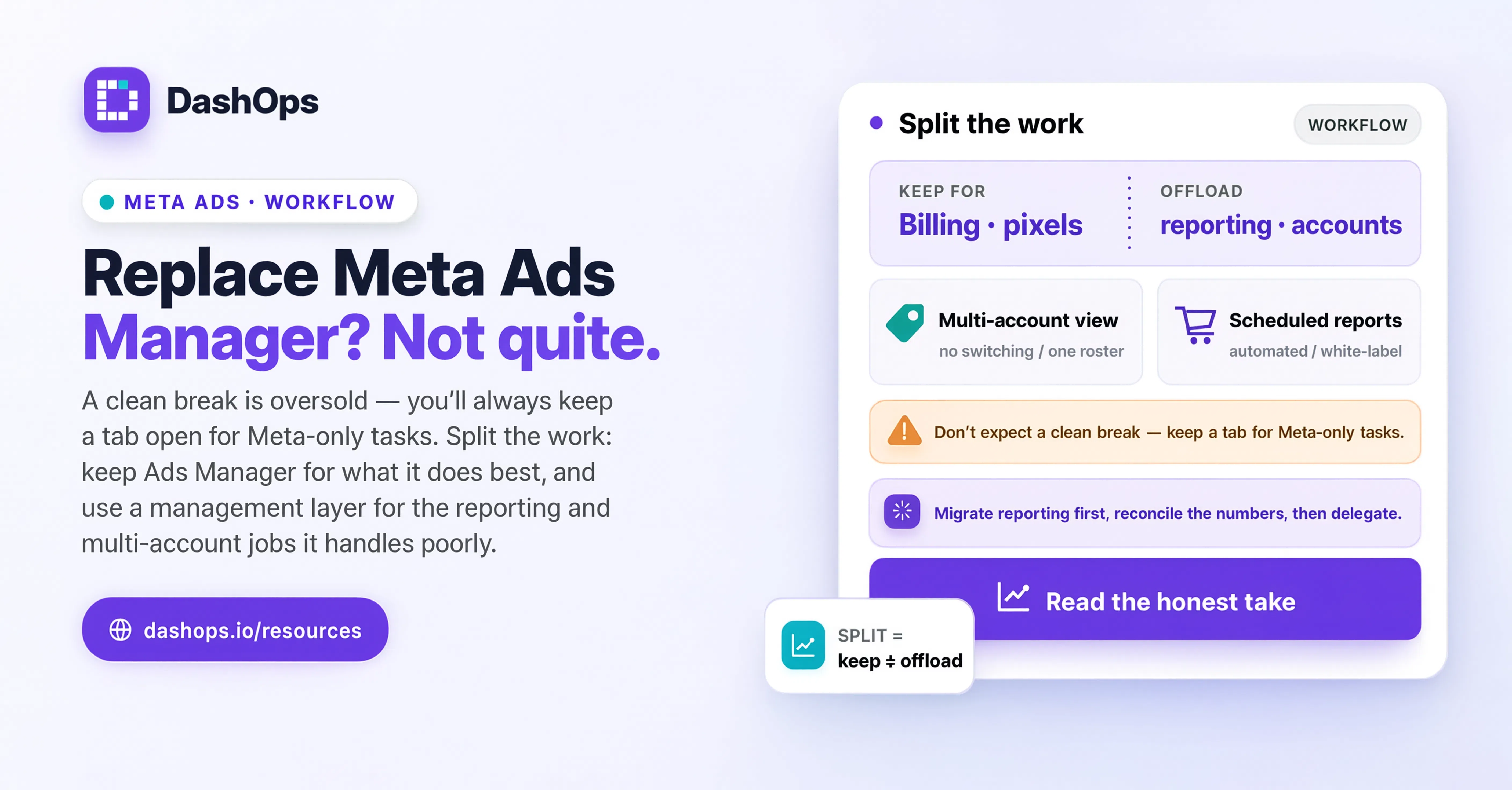
You do not really replace Meta Ads Manager. You put something better on top of it for the jobs it handles badly, and you keep using it for the jobs only it can do.
That distinction matters, because the promise of “replace Ads Manager” is usually oversold. Every tool in this category says it, and then you sign up and find you are still opening Ads Manager for the things nobody warned you about. The honest version is more useful: there is a set of tasks Ads Manager is genuinely good at, a set it is genuinely bad at, and a clean line between them. Once you know where that line sits, you can stop treating “get off Ads Manager entirely” as the goal and start moving the right half of your week somewhere sane.
What Ads Manager is actually good at
Give it credit. Ads Manager is the source of truth. It is built by the people who own the auction, it exposes every setting the platform supports, and it shows you things nothing else can:
- Ad review and rejections. The policy detail, the appeal button, and the account-level review history live there. That is Meta’s own compliance surface.
- Billing, payment methods, and spend limits. Account-level financial settings belong to Meta.
- Business Manager plumbing. Pixel setup, domain verification, page and Instagram asset assignment, catalog connection, partner access.
- Brand-new campaign types. Meta ships new objectives, placements, and betas into its own console first, so testing something the week it launches happens there.
- Deep diagnostic views. Delivery diagnostics, auction overlap, learning phase status, and the obscure breakdown combinations go further than any layer on top will mirror.
None of that is a weakness of other tools. It is what an owner-operated platform console is for.
What Ads Manager is genuinely bad at
The trouble starts the moment you are running ads for more than one business at a time.
It is built around one ad account, not around a client roster. The account switcher is a dropdown. There is no concept of “my client Acme, who has three ad accounts and a person on their side who wants a weekly update.” You hold that mapping in your head, or in a spreadsheet only you understand.
Client access is all or nothing, and it is awkward. Showing a client their own numbers means adding them to Business Manager with a role, walking them through a console built for advertisers, and hoping they change nothing. Most agencies decide it is not worth it and go back to sending screenshots.
Reporting is a task, not an output. You can build a custom report in Ads Manager, save it, and schedule it. But what lands in your client’s inbox is a Meta-branded CSV of columns. It is not something you would put your own logo on, and it does not read like a marketing partner produced it. Turning it into that is the manual work nobody scheduled and everybody does. More on the mechanics in how to automate your Facebook Ads reports.
Nothing carries between accounts. The columns you configured, the date comparison you like, the breakdown you always check: you set them up per account. Switch clients and you reconfigure, and that repetition is a real tax.
There is no team layer that matches how agencies work. You want a junior to see only the accounts they run. You want a client to see spend, or not, depending on the contract. You want a record of who changed what. Business Manager roles are a blunt instrument for all three.
That list is the shape of the problem. None of it is about the auction, the targeting, or the ad review. It is about the layer around the ads: who sees what, how the numbers get in front of a human, and how you avoid repeating the same setup for every account.
The split, drawn clearly
Here is the division that holds up in practice.
Stays in Ads Manager
- Appealing a rejected ad and reading the policy that was cited
- Payment methods, invoices, billing thresholds, spend limits
- Pixel and Conversions API setup, domain verification, events
- Assigning pages, Instagram accounts, catalogs, and partner access
- Testing an objective or placement Meta shipped last week
- Chasing a delivery problem down to auction-level diagnostics
Moves to a layer on top
- The daily and weekly read, across every account at once
- Client-facing reporting, in your branding, sent on a schedule
- Giving a client a read-only view without a Business Manager seat
- Routine campaign, ad set, and ad edits: renaming, pausing, budget changes, duplicating what works
- Team permissions scoped to specific ad accounts
- A record of who changed what and when
- Lead retrieval from Instant Forms, in a file your client can open
What that looks like day to day
This is where DashOps sits. You connect your Meta ad accounts once by OAuth, and the accounts you manage become a roster rather than a dropdown. The dashboard shows headline metrics with period-over-period comparison and trend charts, and you drill from campaign to ad set to ad without leaving the view. You pick which KPI cards you want and in what order, and save the views you return to, so the setup happens once instead of once per account.
The campaign work is there too: create, edit, duplicate, pause, and delete campaigns, ad sets, and ads, with a builder wizard for new ones and support for single image or video, per-placement multi-size creative, carousels, and catalog ads. Custom audiences, lookalikes, and saved audiences sit in the same place, and Instant Forms can be browsed, built, and their leads exported as CSV or Excel.
The client-facing half changes your week most. Reports come out as PDF or Excel on demand, or go out on a schedule under your own branding. Email digests can be daily, weekly, or monthly, per ad account, with a spend chart. There is a public read-only share link for a dashboard snapshot when someone just needs the numbers. And roles match how agencies are structured: an Owner with full control, a Manager restricted to assigned ad accounts, a Client with read-only access and an option to hide spend entirely. Changes are written to an audit log.
Be honest with yourself about the migration
Two failure modes to avoid.
The first is expecting a clean break. If you decide you are never opening Ads Manager again, you will be annoyed the first time an ad is rejected. Expect to keep a tab open. What changes is why you go there: not to read the numbers or assemble a report, but to handle the things only Meta can handle.
The second is moving everything at once. Start with the piece that costs you the most time, usually reporting, and leave the rest alone. Get one client’s weekly report onto a schedule and confirm it looks right. Then bring the daily read across. Then move routine edits over as you get comfortable. Campaign structure and creative decisions need not change at all. If reporting is your starting point, setting up an automated email report is the narrowest first step.
Also worth saying plainly: DashOps is Meta only right now. If you run Google Ads or TikTok for the same clients, that work stays where it is. Other channels are on the roadmap, but plan around what exists today, not what is coming.
What to do next
Pick one client. Not your biggest one, and not your most fragile one. Something in the middle where a week of friction would not be a crisis.
- Connect that client’s Meta ad accounts and check the dashboard numbers match what Ads Manager shows for the same date range. Do this before anything else. If the reconciliation is clean, you can trust everything downstream.
- Build the report you currently produce by hand, and send yourself one on a schedule. Read it as if you were the client.
- Give one internal person a Manager role scoped to those accounts, and see whether the permission model matches how you delegate.
- Keep a note for two weeks of every time you had to open Ads Manager, and why. That list is your real answer. If it is mostly rejections, billing, and pixel work, the split is working. If routine reporting or day-to-day checking is still on it, something is not set up properly yet, and worth fixing before you move a second client.
The goal was never to stop using Ads Manager. It was to stop using it for the work it was never designed to do.
Frequently asked questions
Can you fully replace Meta Ads Manager?
What does DashOps actually do that Ads Manager does not?
Will I lose access to any Meta features by using a dashboard on top?
How should I start moving off Ads Manager without breaking anything?
Does DashOps work with Google Ads or TikTok as well?
See it in your own dashboard
DashOps brings Meta Ads reporting, campaign management, and white-label client portals into one place. Pick the plan that fits how you run ads.