Meta Lead Ads Conversion Rate: What It Measures
You pulled up two lead campaigns this morning. One shows a lead ads conversion rate that looks healthy, the other looks broken, and the client is asking why. Before you touch a single ad set, there is a harder question: are those two numbers even measuring the same thing? Usually they are not, and the gap says more about the offer and the audience than about anything you did wrong.
This post covers how the Meta lead ads conversion rate is actually calculated, why comparing it across accounts misleads you, and which levers genuinely move it. It deliberately does not give you a benchmark, and that refusal is the useful part.
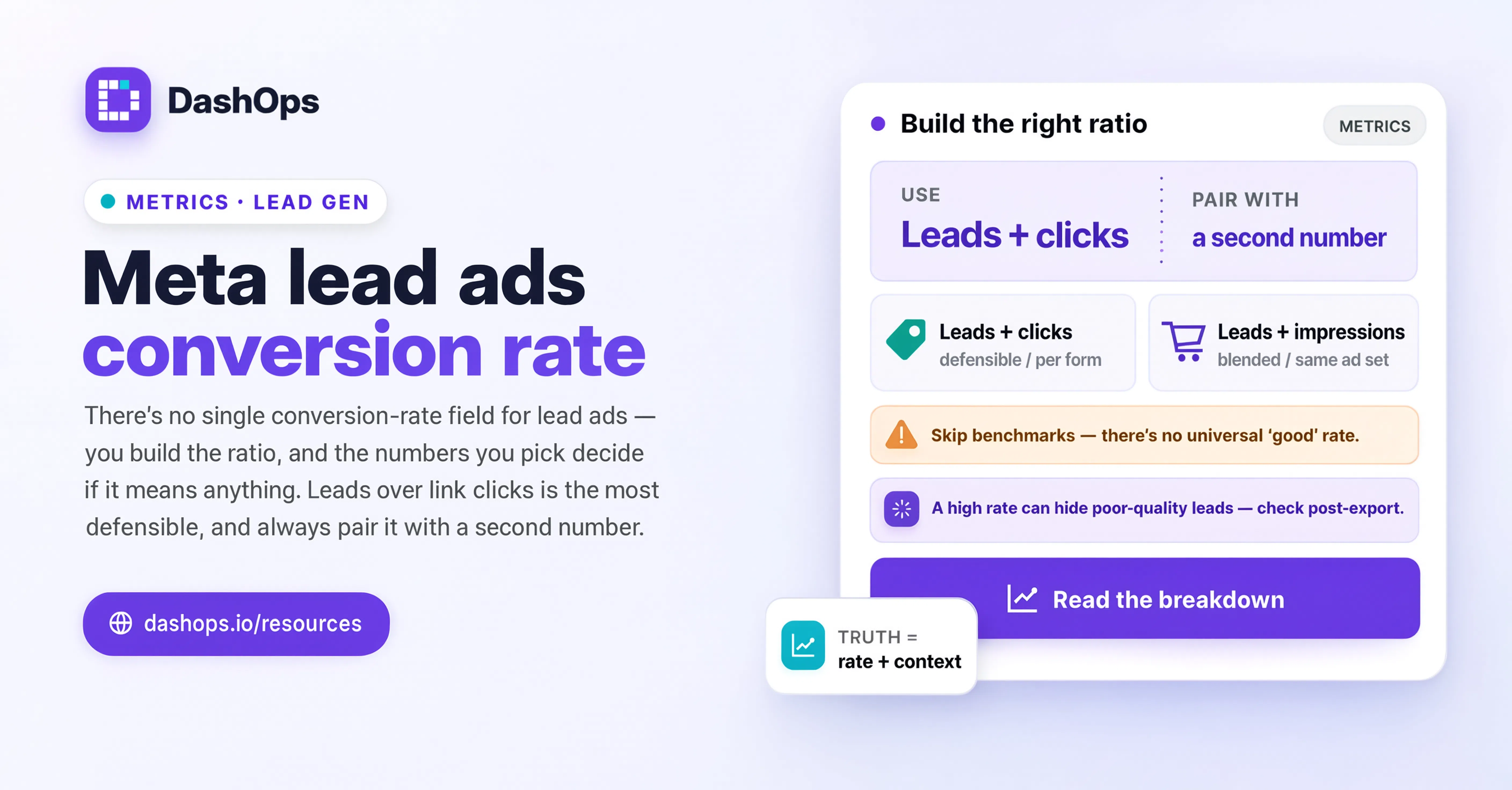
What Meta is actually dividing by what
There is no single field in Meta called “conversion rate” for lead ads. What people mean by the phrase is a ratio they construct, and it depends which two numbers they picked.
The three most common versions:
- Leads divided by link clicks. The closest thing to a form completion rate. Someone tapped through, saw the form, and submitted it. Of those who reached the form, how many finished it?
- Leads divided by impressions. A blended number mixing creative appeal, targeting quality and form friction. Useful for comparing two ads in the same ad set, close to meaningless across accounts.
- Leads divided by landing page views. Only relevant when the campaign sends people to your own site rather than an Instant Form. Different mechanic, different number.
For an Instant Form, the second and third behave very differently from the first, because the form opens inside Facebook or Instagram. No page load, no cookie banner, no separate site to be slow, which removes several failure points a website form has. That is why lead ads look strong on one ratio and unremarkable on another.
A second split catches people out. Meta counts leads from Instant Forms separately from leads captured on your own site through the pixel. Run both, add them together without noticing, and you are computing a rate from two mechanisms with different behaviour. DashOps shows the split on the Leads card, so a lead-generation account sees web leads, Instant Form leads and the total stacked separately rather than one merged figure that hides the difference.
Why I am not giving you a benchmark
You can find a number for this in seconds of searching. Do not trust it, including anything quoted confidently to a decimal place. The rate depends on:
- What you are asking for. A form wanting a name and an email is a different ask from one wanting budget, timeline, company size and a phone number. Both are lead ads, they will not produce comparable rates, and the higher one is not automatically the better campaign.
- How much the thing costs. A free checklist and a quote request on commercial equipment sit at opposite ends of commitment.
- Whether Meta prefilled the fields. Instant Forms can populate name, email and phone from the profile. That cuts effort sharply, and has nothing to do with your ad.
- Whether you added friction on purpose. A review screen, a custom question, or the higher-intent form type all lower the completion rate deliberately, to raise lead quality. That is the trade working.
- Which audience Meta found. A retargeting audience of previous site visitors behaves differently from a cold interest audience.
- The country and the vertical. Regional norms around sharing a phone number vary enormously.
Any published figure averages across accounts differing on every one of those axes. Applying it to yours is like being told a country’s average temperature and deciding what coat to wear. If whoever hands you a target rate cannot name the offer, the form type, the audience temperature and the market it came from, the number is decoration.
The comparison that works: your account against itself
The honest replacement for a benchmark is your own history. It controls for almost everything an industry average cannot, because the offer, the market and the form are all yours.
The same form, week over week. If nothing about the form changed and the rate moved, the cause is upstream: audience, creative, frequency, or a seasonal shift in who is seeing the ad. A regular weekly digest makes that drift visible without you having to remember last week.
Two forms in the same campaign, same period. The only clean read you get on form friction. Same traffic source, same creative, different form. The difference is the form.
Before and after a deliberate change. Change one thing, note the date, and read the rate on either side. Without the date, you are guessing at attribution weeks later.
The levers that genuinely move Facebook lead ads performance
Roughly in order of how much they tend to matter, though this differs by account:
The number and type of questions. Every field you add is a place to stop. Prefilled fields cost far less effort than typed ones, and typed ones less than a dropdown someone has to think about. If a field is not used by the team who follows up, it is pure friction.
Whether the intro screen sets expectations. The intro is where someone decides whether the exchange is fair. A vague intro after a specific ad creates a mismatch, which shows up as an abandoned form.
Ad to form continuity. If the ad promises a price guide and the form asks about staffing levels, people leave. Easy to miss, because both halves look fine in isolation. Open the ad, then the form, and read them in sequence.
Audience temperature. Warm audiences complete forms at a different rate than cold. Not a lever you pull once, but a structural fact about which ad set you are looking at, and one of the most common reasons two ad sets in one campaign differ.
Creative that filters rather than maximises reach. Creative stating who the offer is for gets fewer clicks and often a better completion rate, because the people who click know what they are in for.
Form type. Meta offers a higher-intent variant that adds a review step. It lowers the rate. Whether that is good depends on what happens to the leads afterwards.
Placement. A form behaves differently in a Reel than in a feed. Read one rate across all placements and you are averaging over different experiences.
The number this metric hides
A conversion rate tells you how many people finished the form. It tells you nothing about whether those people were worth reaching. An account can push its rate up by stripping the form to an email field and running the broadest audience available, then wonder why the sales team stops answering the leads.
So carry a second number alongside it. Cost per lead is the obvious partner, but the more revealing one is what happens after the export: how many leads got a reply, how many became a conversation, how many closed. That lives in the client’s system, not in Meta, which is why the lead export matters. DashOps lets you pull the leads from any form as CSV or Excel, so the follow-up team gets them in a workable shape and you can later ask which campaign produced the leads that converted.
When you report on this, show both sides. A rate that fell while lead quality rose is a win, and it reads as a failure if you present the rate alone. More on that in how to present Facebook Ads results to clients.
What to do this week
- Write down which ratio you are using. Leads over link clicks is the most defensible for Instant Forms. Whatever you pick, use it everywhere.
- Check whether that number mixes Instant Form and web leads. If it does, split them before computing anything.
- Open the ad and the form back to back and fix any mismatch in the promise.
- Count the fields and cross out every one nobody uses. Usually the fastest improvement available.
- Set a baseline and a date. Note today’s rate per ad set and what you changed, then compare against yourself in two weeks rather than against a number you read somewhere.
- Get the leads to the follow-up team in a usable format, then ask in a month which campaign sent the good ones.
If step five keeps slipping because pulling the numbers is a chore, that is a reporting problem, not a discipline problem. Automating the report so the comparison arrives without you assembling it is what makes the habit survive a busy month.
Frequently asked questions
How is the Meta lead ads conversion rate calculated?
What is a good conversion rate for Facebook lead ads?
Why do two ad sets in the same campaign show very different lead ad conversion rates?
Does making a lead form shorter always improve lead ad conversion?
Should I count Instant Form leads and website leads together?
See it in your own dashboard
DashOps brings Meta Ads reporting, campaign management, and white-label client portals into one place. Pick the plan that fits how you run ads.