Meta Instant Forms: A Guide to Lead Capture on Facebook and Instagram
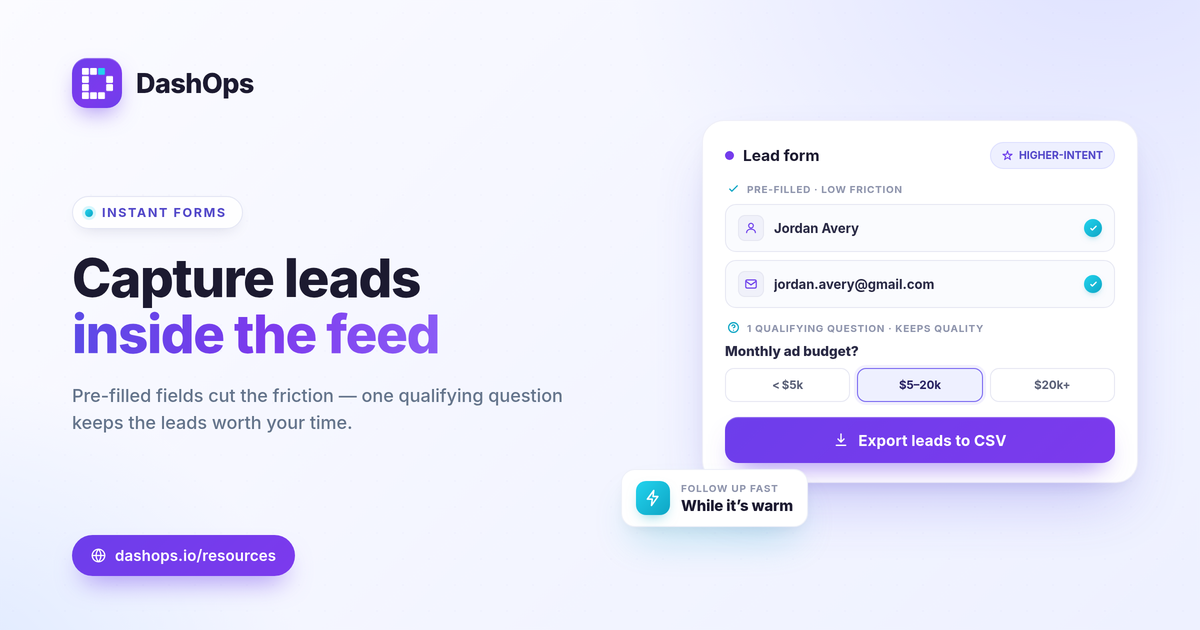
When someone taps a lead ad and a form opens right inside Facebook or Instagram, already filled in with their name and email, that is a Meta Instant Form. Because the person never leaves the app and barely has to type, Instant Forms remove a lot of the friction that loses leads on a slow landing page. Used well, they are one of the most efficient ways to capture leads on Meta.
Why Instant Forms work
The strength of an Instant Form is friction. There is no page to load, no form to fill from scratch, and no leaving the feed. Meta pre-fills the fields it already knows, so a tap or two completes the form. Lower friction usually means a lower cost per lead.
That same strength is also the risk. A form that is too easy can attract people who were not really interested, which is why quality, not just cost, has to be part of how you judge it.
Build a form that gets useful leads
A few choices make the difference between a flood of weak leads and a steady stream of good ones.
- Choose the right intent. Meta offers a higher-intent form type that adds a review step. If quality matters more than raw volume, use it.
- Ask one qualifying question. A single multiple-choice question, like budget, timeline, or role, filters out casual taps without adding much friction.
- Keep fields to what you need. Every extra field lowers completion. Ask for what your follow-up actually requires and nothing more.
- Write a clear intro and a real privacy link. People share details when they understand what they are getting and trust where it goes. Meta also requires a privacy policy link.
Speed of follow-up is everything
A lead form only matters if the lead reaches a human while the interest is fresh. The slow part is usually getting the leads out of Meta. If you are checking Lead Center by hand, leads go cold waiting.
Plan for export from the start. The faster a new lead lands in your follow-up process, the better it converts.
How DashOps helps with Instant Forms
DashOps brings your Instant Forms into the same place as the rest of your Meta Ads work. You can see the forms across your connected Pages, including how many leads each has collected and which campaigns use them, so nothing gets lost. On the plans that include the full Meta module you can build new forms with question types, conditional logic, and a custom privacy notice, right from the dashboard.
When it is time to act on the leads, you can export them as CSV or Excel so they move quickly into your CRM or follow-up flow. The pricing page shows which plans include form building and lead export, and the help center walks through it. If lead generation is your goal, also see our breakdown of ROAS, CPL, and CPA so you measure the right thing.
Frequently asked questions
What is a Meta Instant Form?
Are Instant Form leads lower quality?
How do I get the leads out of Meta?
See it in your own dashboard
DashOps brings Meta Ads reporting, campaign management, and white-label client portals into one place. Pick the plan that fits how you run ads.