Marketing Analytics Software: Turning Meta Ads Data Into Decisions
Marketing analytics software gets sold as charts and dashboards, but the charts are not the point. The point is decisions. The right software takes your Meta Ads data and helps you answer what is working, what is not, and what to change, faster than you could by staring at Ads Manager. Here is how to think about it, and how to get value from it.
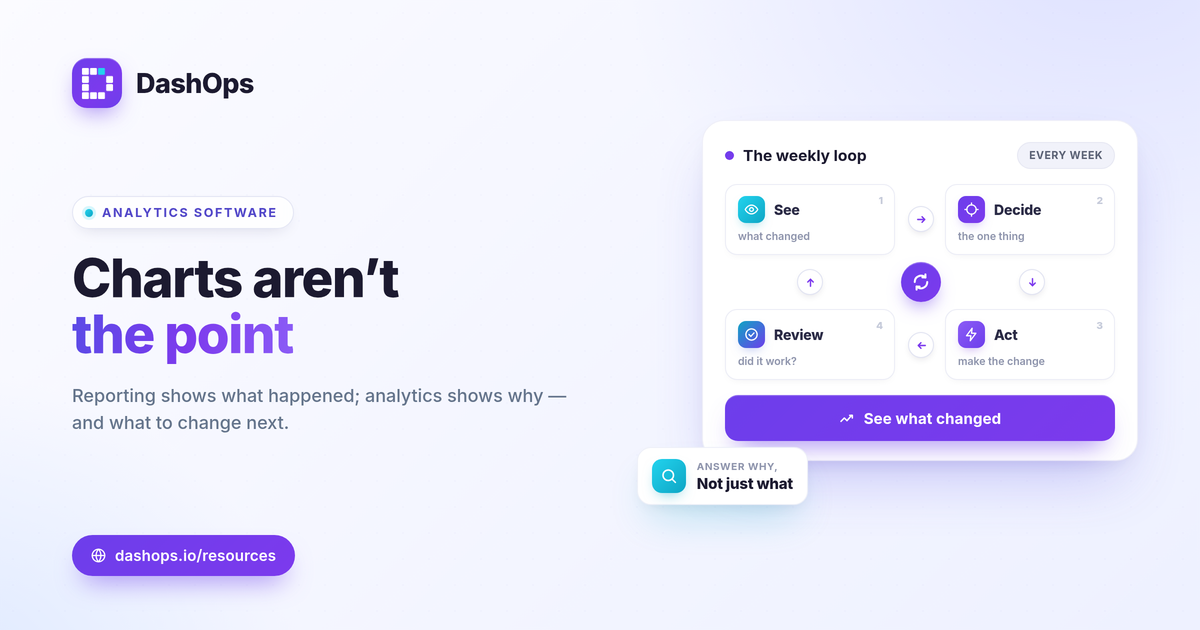
Reporting tells you what, analytics tells you why
It helps to separate two jobs that often get lumped together.
- Reporting answers what happened. Spend was this, leads were that, here is the trend.
- Analytics answers why it happened and what to do. Cost per lead rose because frequency climbed on a tired creative, so refresh it.
A lot of tools stop at reporting and call it analytics. The value lives in the second job, so look for software that helps you get to why, not just what.
What good analytics software does
Whatever the brand on the box, useful marketing analytics software for Meta Ads does a few things well.
- Pulls data automatically from every ad account, so you are never exporting by hand.
- Compares over time, because a number without a trend is hard to judge.
- Breaks down the why, with views by campaign, demographic, and placement so you can trace a change to its source.
- Adapts to the goal, showing lead metrics for a lead-gen account and revenue metrics for an e-commerce one, instead of one rigid template.
- Makes the output portable, so you can share or export what you find.
Use it to make decisions, not just dashboards
The most common mistake is building a beautiful dashboard nobody acts on. Analytics earns its keep when it changes behavior. A simple habit helps: each week, let the software surface what changed, pick the one change that matters most, decide a single action, and note it. Next week, check whether it worked.
That loop, see, decide, act, review, is what separates teams that improve from teams that just report. The software’s job is to make each step fast.
How DashOps fits
DashOps is marketing analytics software built specifically for Meta Ads. It pulls every connected ad account into one dashboard, leads with the KPIs that match each account’s objective, shows period-over-period change, and lets you drill into trends, demographics, placements, and top campaigns to find the why. You can export what you find to PDF, Excel, or CSV, share a read-only link, or schedule a report to go out on its own.
Because it is focused on Meta Ads rather than trying to be everything, the view stays relevant to the decisions you actually make. See the pricing page for what each plan includes, the help center to get started, and our guide to the Meta Ads KPIs that matter for choosing what to track. Data is only worth collecting if it changes what you do. Good analytics software makes that the easy path.
Frequently asked questions
What is the difference between reporting and analytics?
Do I need separate analytics software for Meta Ads?
Can analytics software work across multiple ad accounts?
See it in your own dashboard
DashOps brings Meta Ads reporting, campaign management, and white-label client portals into one place. Pick the plan that fits how you run ads.