Facebook Lead Gen Form Best Practices That Actually Work
A lead form that is quick to fill and asks for nothing you can act on is not a win. Neither is one so long that people abandon it halfway. Most of the friction in Meta lead ads comes down to a handful of decisions made inside the form builder in a single sitting: how many fields you asked for, whether you used the intro screen, whether you added a qualifying question, and what happens on the thank-you screen. Those decisions then determine what your sales team receives for every campaign that runs on that form. This post walks through each of them, specific to Meta Instant Forms, so the form you ship is one you can actually work.
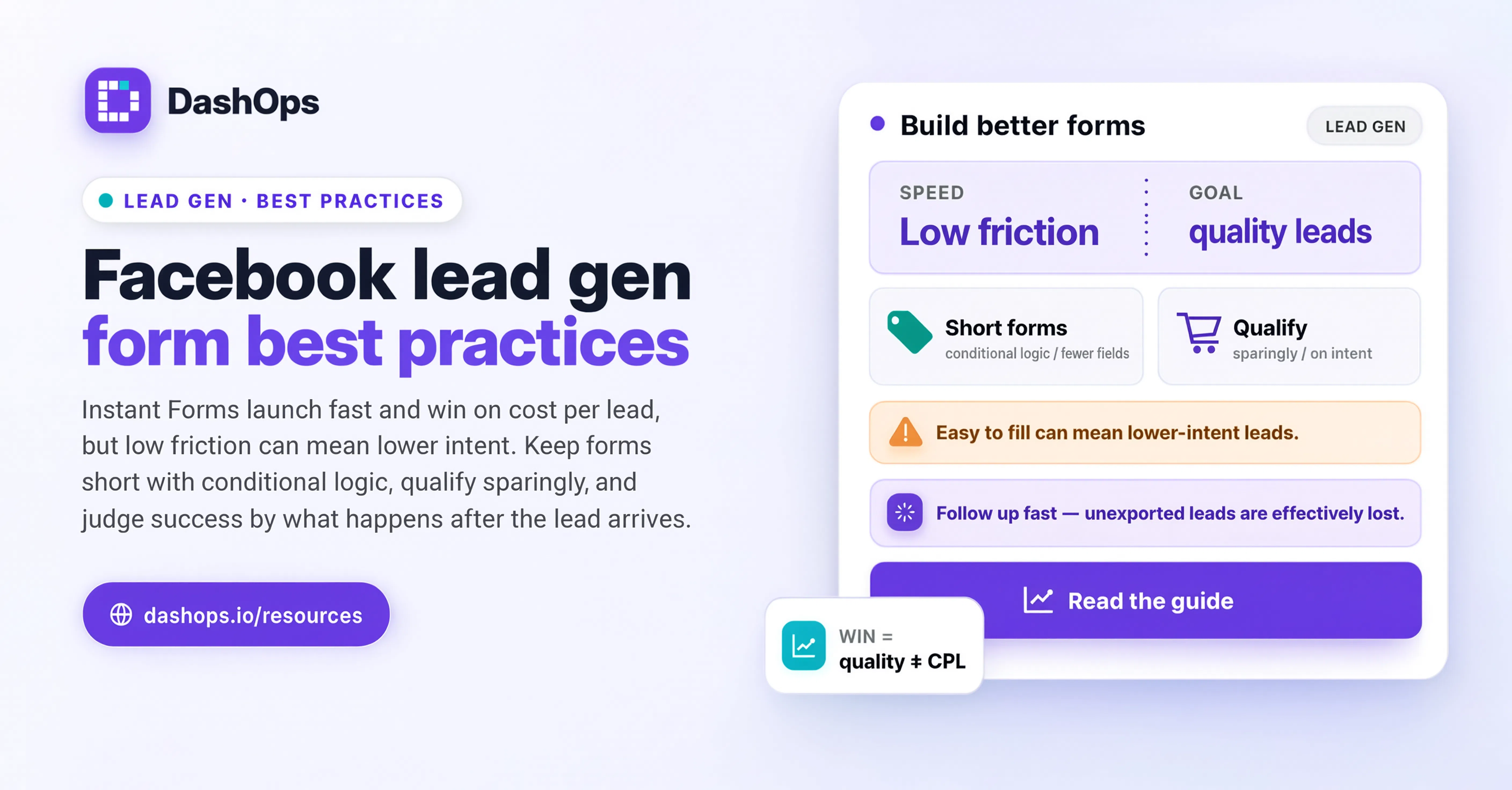
Start with the field count, and be honest about what you need
The single biggest lever in a lead form is how many things you ask for. Every field is a small tax on the person filling it in, and Instant Forms already pre-fill name, email and phone from the person’s Facebook or Instagram profile, which means those three are close to free. Anything you add beyond the pre-filled set is a field the person has to type on a phone.
So the working rule is: separate what you need to make the first contact from what you need to close. The first contact usually needs a name and one way to reach them. The rest can come from the conversation.
Before you add a field, ask three questions about it:
- Will someone on the team read this answer before they pick up the phone? If nobody reads it, delete the field.
- Does it change what happens next? A field that routes a lead to a different person or a different pitch earns its place. A field that gets stored and never queried does not.
- Can we find it out ourselves? Company size, industry and website can often be found without asking. Do not make the prospect do work you can do yourself.
There is a real trade-off here and it is worth naming plainly. Fewer fields means more leads and less information per lead. More fields means fewer leads and more information per lead. Neither is universally right. A high-ticket service where every conversation costs real time from a senior person can carry more fields. A low-friction newsletter or guide download cannot. Decide which side of that trade you are on before you open the builder, not after you see the results.
Use the right question type for the job
Instant Forms give you short answer and multiple choice, plus conditional logic that shows a follow-up only when a particular answer is selected. The choice between them is not cosmetic.
Multiple choice is almost always better than short answer when the set of valid answers is knowable. It is one tap instead of typing, it gives you clean values instead of free text, and it means your team is not reading a pile of different spellings of the same thing. Use short answer only when the answer is genuinely open, such as a description of the problem the person is trying to solve.
Conditional logic is where a form gets smart without getting long. Meta lets you group questions so that a follow-up only appears based on a previous answer. A person who selects one service never sees the questions relevant to the others. The form feels short to every individual person while still collecting what you need across the range of people who fill it.
Two practical notes on multiple choice. Keep the option list short enough to read on a phone without scrolling, and always include a sensible catch-all so someone who does not fit your categories is not forced into a wrong answer. Then actually look at how often the catch-all is chosen. If it is being picked constantly, your options are wrong and the form is quietly mislabelling your leads.
The intro screen is optional, and that is the point
Meta lets you add an intro screen before the questions. Many advertisers skip it to reduce steps, and sometimes that is right. But the intro screen is the only place in the form where you can set expectations, and expectations are what stop a lead going cold.
If you use it, use it to say three things: what they will get, roughly when, and from whom. “A member of the Contoso team will call you within one working day to talk through options” does more work than a paragraph of marketing copy, because it tells the person what the ring on their phone will be tomorrow morning.
The intro screen is also where you filter, gently. If your service only covers certain areas, or starts at a certain commitment level, saying so here costs you a lead you were never going to close and saves your team a call. A form that filters at the top is kinder than one that filters at the sales call.
Skip the intro screen when the offer is genuinely self-explanatory and the ad has already done the explaining. Adding a screen that repeats the ad is friction with no payoff.
Qualifying questions, used sparingly
A qualifying question is one whose answer determines whether you follow up at all, or how fast. Timeline, budget band, location, current situation. These are the questions most worth spending a field on, and they are also the ones most often skipped in favour of collecting a job title nobody will read.
Two things to get right. First, phrase the qualifier as a choice, not as a number the person has to invent on the spot. People will guess, and a guessed answer is worse than no answer. Second, do not ask a qualifying question you are not prepared to act on. If every lead gets the same follow-up regardless of what they answered, the question is decoration and it cost you completions.
Meta also gives you a higher-intent form option that adds a review step before submission. It is designed to reduce accidental submissions from people who tapped through without reading. If your problem is volume of unusable leads rather than volume of leads, that option is worth testing against your current form.
Privacy, consent and the disclaimer
This is the part people rush, and it is the part that can get a form rejected or a business into trouble. Instant Forms require a link to your privacy policy, and that policy has to actually exist at that URL and actually describe what you do with the data.
You can also add custom disclaimers with your own consent checkboxes, and you can mark each one required or optional. Use this properly rather than as a formality. If you intend to send marketing email, say so in plain language and get a specific tick for it. If you intend to pass the lead to a partner, say that too. Bundling everything into one vague statement is both worse for the person and weaker if anyone ever questions your basis for contacting them.
Keep the wording human. A consent line that reads like a contract gets ignored, and an ignored consent line is not really consent. One sentence, plain words, one checkbox per thing you are asking permission for.
If you are running forms across several clients, this is somewhere a shared review step pays off. In DashOps you can browse every Instant Form on your connected Pages in one place rather than opening each ad account in turn, which makes it far easier to spot the form still pointing at a privacy URL that moved and nobody updated.
The follow-up screen is a real piece of the funnel
The screen after submission is treated as an afterthought by most advertisers, and it is the only moment where you have someone’s full attention immediately after they raised their hand.
Use it for one of three things, not all three:
- A direct next step. A booking link, a phone number to call now, a link to the thing you promised. This is usually the strongest option because it captures the people who are ready right now.
- A specific expectation. Repeat what will happen and when, in the same words as the intro screen so it feels consistent.
- Something genuinely useful. A guide, a pricing page, a short video. Only if it is relevant to what they just asked for.
Whatever you choose, set the button label to match. A button that says “View website” gets ignored. A button that says “Book a time this week” gets pressed.
Speed of follow-up beats almost everything else in the form
You can get every decision above right and still lose the lead by leaving it days before you call. Meta lead ads are a warm-intent moment: someone tapped a form while scrolling, which means they were interested for about as long as it took to fill it in. The gap between submission and first contact is the part of this process most agencies control least well, and it is worth more attention than another round of field tweaking.
Two things fix most of it. The first is knowing a lead exists. Leads sitting inside Meta that nobody has exported are leads that do not exist as far as the sales team is concerned. DashOps lets you pull the leads from a form as CSV or Excel, and see every Instant Form across your connected Pages on one screen, so checking what has come in is a single look rather than a tour of ad accounts and someone remembering to do it on Thursday.
The second is a defined owner. “Someone will get to it” is not a process. One named person, one agreed window, and a way to see whether that window is being met. If you run this for clients, agreeing the follow-up window at the start of the engagement is worth more than most of the optimisation work that follows, and it belongs in the same conversation as how you report results back to them.
Reviewing forms as part of your normal routine
Forms rot quietly. A privacy URL changes, an option list stops matching the services actually sold, a qualifying question becomes irrelevant when the client changes their offer. Nothing breaks, so nobody notices.
Put a form check into whatever recurring review you already run. If you have a weekly digest habit or a monthly client review, add a short slot for it: open the live forms, read them as a stranger would, and confirm the leads from the last period actually reached the person who was meant to call them. If you are running this across a lot of accounts, the same workflow discipline that keeps reporting sane applies here.
What to do next
Pick your worst-performing lead form and go through it once with this list:
- Count the fields. Delete every one nobody has read since the form went live.
- Convert any short answer with a knowable set of answers into multiple choice.
- Decide whether the intro screen is earning its step. Add one if expectations are vague, remove one if it just repeats the ad.
- Add one qualifying question you will genuinely act on, and remove any that you will not.
- Read the disclaimer out loud. If it does not sound like a person, rewrite it.
- Give the follow-up screen one job and label the button to match.
- Check when the last batch of leads was contacted, and by whom.
That is one form, in a single sitting, and it addresses the parts that actually change outcomes. Do it on the next form after that, and you will have a house standard worth applying to every new campaign.
Frequently asked questions
How many fields should a Facebook lead gen form have?
Should I use an intro screen on a Meta Instant Form?
What are qualifying questions and how many should I add?
What should the follow-up screen say after someone submits?
How do I make sure leads get followed up quickly?
See it in your own dashboard
DashOps brings Meta Ads reporting, campaign management, and white-label client portals into one place. Pick the plan that fits how you run ads.