Automated Marketing Reports: Stop Building the Same Report Every Week
If your reporting process involves opening Ads Manager, exporting a few CSVs, pasting them into a spreadsheet, and reformatting it all into something presentable, you are doing a job a computer should do. Automated marketing reports take that repetitive assembly off your plate so you can spend your time on the part that needs judgment.
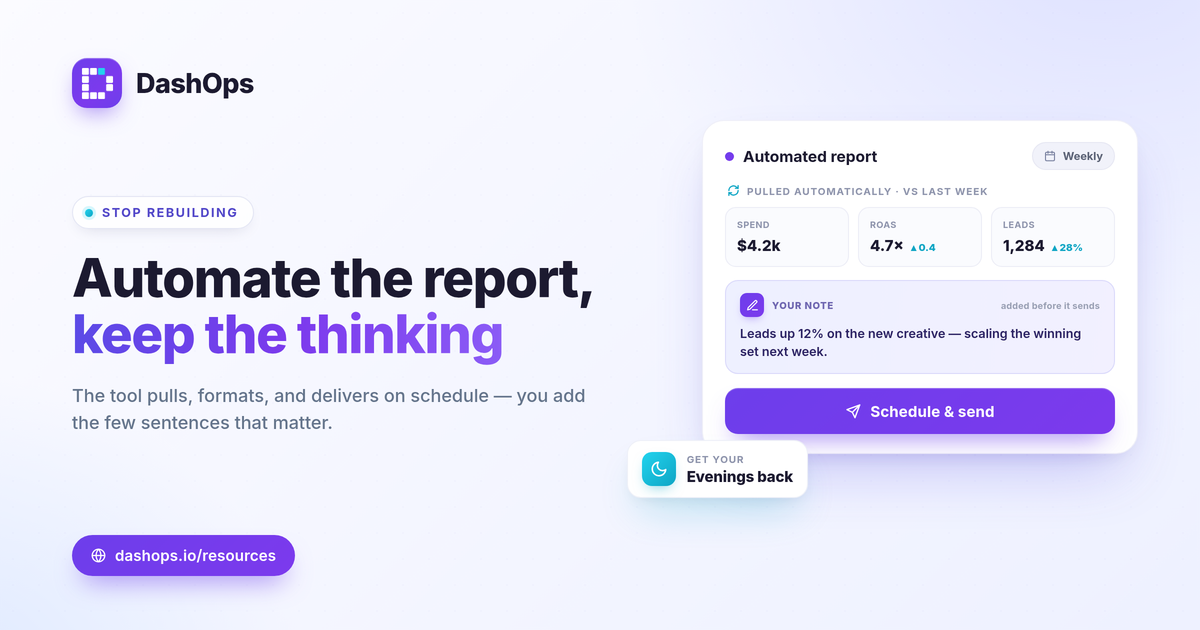
What you are really automating
The valuable part of a report is the thinking: what changed, why, and what you are doing about it. The tedious part is everything around it, which is the exporting, the formatting, and the delivery. Automation targets the tedious part.
A good automated report pulls live data from your ad accounts, lays it out in a consistent format, compares it to the previous period, and delivers it to the right people on a schedule. You stop rebuilding the same thing every week and start reviewing it.
What to automate first
You do not have to automate everything at once. Start where the repetition hurts most.
- The weekly or monthly summary. The recurring report you build by hand is the obvious first win.
- Period comparisons. Automating this-period-versus-last-period removes the most error-prone manual step.
- Delivery. Scheduling the report to land in the right inbox means you never forget to send it, and nobody has to ask for it.
Keep a human in the loop
Automation is not the same as hands off. The numbers can be automatic, but the interpretation should not be. The best practice is to let the tool assemble the report, then add two or three sentences of context before it goes out, or alongside it. That short note is what turns a data dump into a report someone values.
Do not over-report
A common mistake is automating a report that includes everything. More metrics do not make a clearer report, they make a noisier one. Decide on the small set of KPIs tied to each goal and automate that. If you are not sure which to include, our guide to the Meta Ads KPIs that matter is a good starting point.
How DashOps automates reporting
DashOps pulls every connected ad account into one dashboard automatically, so the data is always current without a manual export. From there you can automate the delivery.
Scheduled email digests send a performance summary to you or your team on a daily, weekly, or monthly cadence. Scheduled client reports send a polished, branded PDF to a client’s recipients on the cadence you choose. You can also export to PDF, Excel, or CSV on demand, and send a read-only share link for a quick look. The pricing page shows which delivery options are on each plan, and the help center covers setup.
Set it up once, add your context when it matters, and get your evenings back.
Frequently asked questions
What does it mean to automate a marketing report?
Will an automated report still let me add context?
Can reports go straight to clients or my team?
See it in your own dashboard
DashOps brings Meta Ads reporting, campaign management, and white-label client portals into one place. Pick the plan that fits how you run ads.