The Agency Reporting Tool Checklist: 10 Things to Look For
If you run Meta Ads for clients, your reporting tool shapes how clients perceive your work as much as the results do. A clear, branded, on-time report builds trust. A messy spreadsheet undercuts good work. Whether you are a freelancer or a larger team, here is a checklist for choosing a tool that earns that trust.
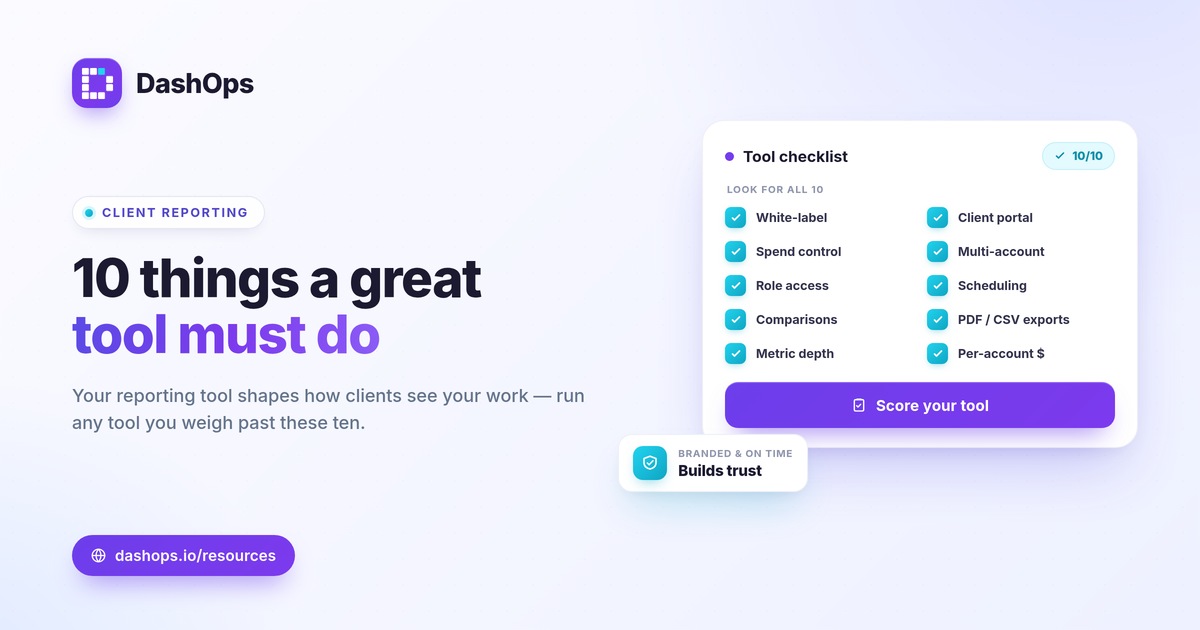
1. White-label branding
Reports should look like they came from you, not from a tool. Look for the ability to add your logo, colors, and ideally your own domain, so the client experience is yours end to end. Availability varies by plan, so confirm it before you commit.
2. Clean client access
Clients want their numbers without a learning curve. A simplified, read-only client view with plain labels beats handing them the full dashboard. The option of a scheduled report or a share link, for clients who do not want a login, is just as important.
3. Spend visibility control
If you bill a retainer rather than passing through ad spend, you need to control whether cost figures show in the client view. This is a small setting that protects your pricing model.
4. Multi-account support
You manage many accounts, so the tool has to as well. One workspace that holds every client account, with fast switching, beats a separate setup per client.
5. Role-based access
Team members and clients should see only what they should. Look for roles that scope access to specific accounts, so the right people see the right data and nothing more.
6. Automation and scheduling
The recurring report is where time disappears. Scheduled, automatic reports that deliver on their own, on a daily, weekly, or monthly cadence, are the single biggest time saver.
7. Period comparisons
A number without context is hard to act on. This-period-versus-last-period comparisons should be built in, not something you assemble by hand.
8. Flexible exports
Different clients want different formats. PDF for the polished summary, Excel or CSV for the ones who want to dig in. A good tool does all three.
9. The right depth of metrics
The tool should cover the KPIs that matter, including breakdowns like demographics and placements, without burying the headline numbers. Our guide to the Meta Ads KPIs that matter is a useful reference for what to expect.
10. Pricing that scales with you
Per-account pricing means you pay for the accounts you actually manage and add more as you grow, instead of jumping between rigid tiers.
How DashOps measures up
DashOps was built for everyone who runs Meta Ads, and client work is a core use case. It covers white-label branding, a read-only client portal with spend control, many ad accounts in one workspace, role-based access, scheduled branded reports, period comparisons, and PDF, Excel, and CSV exports, all priced per ad account. See the pricing page for what each plan includes and the help center to get set up.
Use this checklist on any tool you evaluate. The right one makes your reporting feel effortless to the client and quick for you.
Frequently asked questions
What is the most important feature in an agency reporting tool?
Do I need a separate tool for each client?
Is this only for large agencies?
See it in your own dashboard
DashOps brings Meta Ads reporting, campaign management, and white-label client portals into one place. Pick the plan that fits how you run ads.