Ads Dashboard Features That Matter (And Which Don't)
You sat through a run of demos last week. Every one of them looked good. Every one of them showed you a wall of charts, a slick dark mode, a “powered by AI” badge, and a dashboard so dense you could not tell what you would actually click on a Tuesday morning. And now you cannot separate the tools, because they all demo the same way.
That is the real problem with evaluating an ads dashboard. The features that win demos and the features that survive daily use are almost entirely different sets. The demo rewards visual density and novelty. Daily use rewards the boring thing that removes a task you currently do by hand.
This post is the filter. It covers the ads dashboard features that matter in practice, the ones that quietly go untouched once the novelty wears off, and how to tell them apart while you are still evaluating. If you want the wider comparison of tools and how to run the evaluation end to end, that lives in our guide to choosing a Facebook Ads dashboard. This one stays on features.
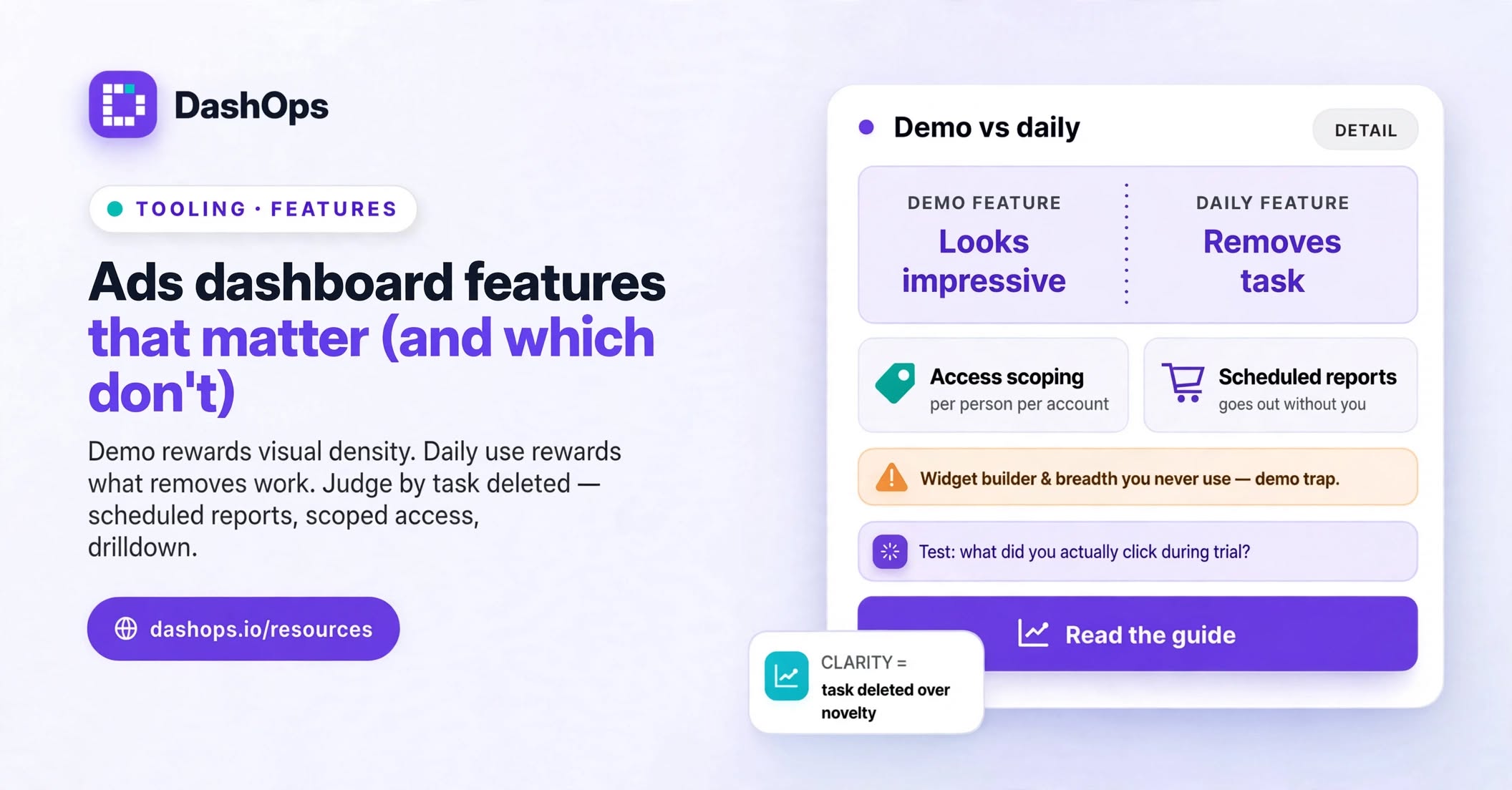
The test: does it remove work you currently do by hand?
Here is the one question worth asking of every feature on a pricing page.
What task does this delete from my week?
A feature that deletes a task is worth paying for. A feature that shows you something new but adds no time back is a nice-to-have, and nice-to-haves are exactly what you stop opening once the novelty wears off.
Run it on a few examples:
- A scheduled client report deletes the email you write every Monday. Real.
- A saved view deletes re-applying the same filters every time you open the campaigns page. Real, and smaller than it sounds until you count how often you do it.
- Per-account access for a client deletes the screenshot-into-a-slide ritual. Very real.
- A visually impressive live counter of impressions deletes nothing. You have never once made a decision on impressions as they tick up.
Novelty is not the enemy. Novelty that survives contact with a normal working week is fine. Novelty that only exists to look good in a sales walkthrough is the thing to strip out of your evaluation.
The features that actually earn their place
These are the ones that hold up when the trial excitement has worn off.
Access scoping, per person, per ad account. This is the least exciting item on the list and the most important. Can you give a freelance media buyer access to exactly the two accounts they work on, and nothing else? Can you give a client a read-only view of their own account, with the option to hide spend if you bill on a retainer and would rather not itemise media cost? If the answer is no, you are back to screenshots, and the dashboard has not solved your actual problem. In DashOps this is the Manager and Client role split, with ad accounts assigned per person.
Drill-down that does not lose your place. You should be able to go from a headline number to the campaign, to the ad set, to the individual ad, and back, without re-selecting the date range or the account each time. This sounds trivial. It is the difference between investigating a problem and giving up on investigating it.
Period-over-period comparison as a default, not a toggle you have to find. A number on its own means nothing. Spend for the period you are looking at tells you nothing until you see it against the period before. If the comparison is buried, people stop using it, and then they are reading raw numbers and drawing bad conclusions.
Scheduled reports and digests that go out without you. The moment reporting depends on you remembering, it becomes the thing that slips when you are busy. Reports that leave on their own are the single biggest time recovery most agencies get from a dashboard. We wrote up the mechanics of that in how to automate your Facebook Ads reports.
Choosing which metrics show, and in what order. Different clients care about different things. A lead-gen client wants cost per lead front and centre. An ecommerce client wants ROAS. If your dashboard fixes the layout, one of those clients is always reading past three cards they do not care about to reach the one they do. There is more on which metrics to actually pick in choosing metrics for an ads dashboard.
An audit log. Nobody wants this until the week they need it, and then they want it very badly. “Who paused that ad set on Thursday” is a question you will eventually have to answer, and answering it with certainty is worth a lot more than answering it with a guess.
Editing, not just viewing. A read-only dashboard means you still keep Ads Manager open in another tab for every change. That is not consolidation, that is an extra tab. Being able to pause, adjust and duplicate from the same place you spotted the problem is what makes the dashboard the place you work rather than the place you look.
The features that quietly go unused
Not bad features. Just ones that rarely justify their weight in a decision.
Platform breadth you do not use. This is a common evaluation mistake. Someone picks the tool with the longest list of supported ad networks because it feels future-proof, then runs Meta and only Meta from that day on, paying for breadth they never touch and living with shallower Meta coverage as the trade. Pick for the channels where your spend actually sits today. Revisit when a second channel becomes real rather than hypothetical.
Anything described as predictive or automated optimisation. Be sceptical here, and be specific in your questions. Ask exactly what it does, on what data, and what happens when it is wrong. Some tools describe a simple threshold alert in language that implies far more. A tool that clearly tells you what changed is worth more than one that vaguely promises to know what will change.
Custom dashboard building with a wall of widgets. Highly seductive in a demo. In practice most people build one layout, use it, and never open the builder again. That is fine, but it means the builder is not the reason to buy. Judge the default layout, because that is what you will live in.
Vanity metric surfaces. Impressions and reach have their uses in awareness work, but a dashboard that leads with them is optimised for looking busy rather than for deciding anything.
Deep historical comparison you will never scroll to. Ask yourself honestly how often you look back beyond the last quarter. For most agency work the answer is rarely, and paying for long lookback windows you do not open is money spent on reassurance.
How to test features properly during a trial
Demos are performances. Trials are evidence. Use the trial differently.
- Connect a real ad account, not a sandbox. Your own data, with its own mess, is the only honest test. Sandbox data is always tidy and always makes the tool look better than it is.
- Do one real week of work in it. Not exploration. Actual work: your Monday review, your mid-week check, the report you would have sent anyway.
- Write down what you clicked. At the end of the week, look at your list. The features you kept coming back to are the ones you are buying. Everything else was decoration.
- Deliberately try to break the access model. Log in as the client role. Can you see accounts you should not? Can you see spend when spend is meant to be hidden? This is the check most people skip and the one with the worst consequences.
- Send one real report to one real client. Not a test to yourself. A real one, to a real person, who will tell you if it reads badly.
That last step catches the problems the first four cannot, because a report is where the dashboard meets someone who did not choose it.
What to do next
Take the shortlist you have and score each tool on only the features you confirmed you used during a real working week. Ignore the feature comparison table on the pricing page entirely, because it is written to make every tool look complete.
If your evaluation is still at the shortlist stage rather than the trial stage, start with the full dashboard comparison guide and come back here when you have two or three candidates to test properly.
And if the main thing you are trying to recover is the hours going into client reporting rather than the dashboard itself, reducing time spent on Facebook Ads reporting tackles that directly. DashOps was built around that specific problem: connect your Meta ad accounts, give each client their own scoped view, and let the reports go out on their own.
Frequently asked questions
What is the single most important ads dashboard feature for an agency?
Do I still need Meta Ads Manager if I use a dashboard?
How do I tell a useful dashboard feature from a demo feature?
Does a white label dashboard actually matter to clients?
Should I choose a dashboard based on the number of platforms it supports?
See it in your own dashboard
DashOps brings Meta Ads reporting, campaign management, and white-label client portals into one place. Pick the plan that fits how you run ads.