How to Offboard a Facebook Ads Client Without Losing Data
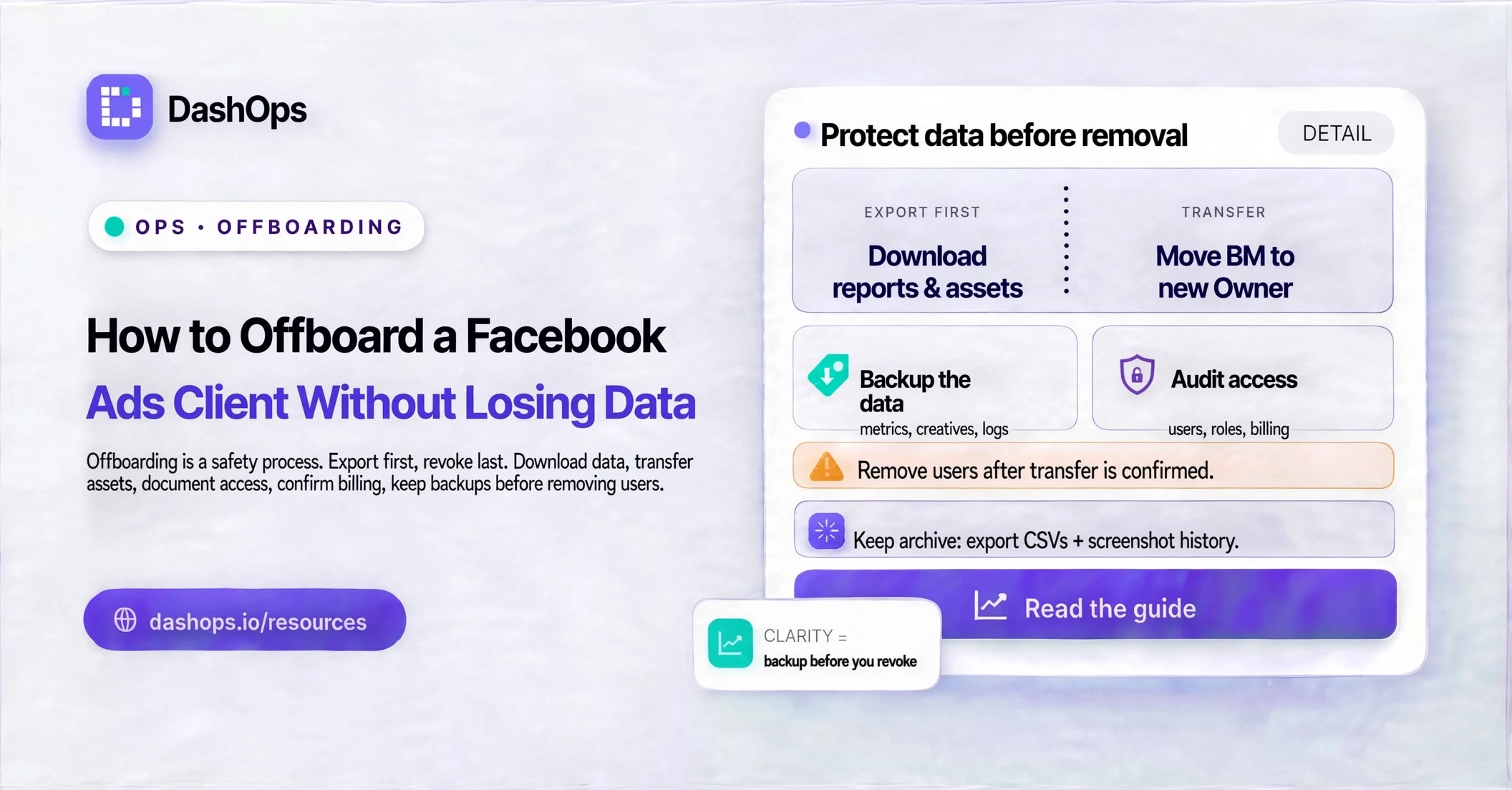
The client sends the email on a Thursday. The contract ends at the end of the month, everyone is polite about it, and then nothing actually happens, because neither side wants to be the one who starts pulling things apart. Meanwhile the campaigns are still running, your agency card is still attached to the ad account, and the leads from last month’s Instant Form are sitting somewhere nobody has downloaded from. Offboarding a Facebook Ads client is not a single button. It is a sequence, and doing it in the wrong order is how agencies end up paying for a departed client’s ad spend, or handing over an account stripped of the audiences it took the whole engagement to build.
Start with the ownership question, because it decides everything else
There are really only two versions of this handover, and which one you are in depends on a single fact: whose Business Manager owns the ad account.
If the client owns the ad account and gave your agency partner access, offboarding is comparatively clean. You are a guest. You leave, the account stays, the history stays, the pixel keeps firing, and nothing the client cares about moves.
If your agency owns the ad account and ran the client’s ads inside it, the client is not just losing a vendor. They are losing the account, the campaign history, the custom audiences built inside it, and every report that was ever generated from it. That is a much bigger conversation, and it has to happen before the last invoice rather than after.
Check it rather than assuming. Open Business Settings, find the ad account, and look at which business owns it and which businesses hold partner access. Run the same check on the Page, the pixel, the catalog and the verified domain, because they are frequently not all in the same place. It is common to find the Page owned by the client, the pixel owned by the agency that came before you, and the ad account owned by you.
If you are unclear on how ownership and permissions stack up in Meta, the full breakdown is in our guide to Meta Ads team permissions.
Agree the end date and the money in writing first
Two things cause almost every offboarding dispute, and one email prevents both.
The first is live spend. Campaigns do not stop because a contract ends. Somebody has to pause them, and if each side assumes the other is doing it, the ads keep delivering into a month nobody is being paid for. Name a date, name the person who pauses, and confirm once it is done.
The second is the payment method. If your agency card is attached to the ad account, it stays attached and keeps being billed for as long as anything delivers, whatever the contract says. Removing a card from an account with an outstanding balance is not always immediate, so start this early rather than on the final day. Where the client is taking the account over, the cleanest move is for them to add their own payment method and make it primary before you remove yours.
Export everything before your access disappears
Once your partner access is removed you cannot go back for anything. Not the report, not the leads, not the audience definitions. Everything you will ever want out of that account has to leave before the door closes.
Pull all of this while you still have permission:
- The final performance report. A full period breakdown down to ad level, in a format the client can open without a Meta login. This is usually the last thing you hand over and it tends to get forwarded internally, so make it presentable.
- Every Instant Form lead. Meta does not keep form leads available for download indefinitely, and the incoming team will not thank anyone for a gap in the record. Export each form and send the files across.
- A written asset inventory. Ad account, pixel, catalog, Page, connected Instagram account, verified domain, and the owning business named against each one. Boring to write, invaluable to whoever picks the account up.
- The creative files themselves. Images and videos live inside the ad account, and a Meta creative cannot be edited in place once published, so what sits in the account is effectively a frozen copy. Send the originals from your own storage instead of treating the ad account as an archive.
- Audience definitions in plain language. Not the audiences, the recipe. “Website visitors from the recent window, excluding anyone who purchased” written out means the next team can rebuild it even when the audience object itself cannot travel.
- Anything you built off-platform that the account depends on: naming conventions, UTM conventions, the report template, the lead routing.
Doing this from a dashboard that already holds the client’s history is easier than doing it from Ads Manager one export at a time. In DashOps the final report generates as a PDF or Excel file for whatever period you choose, and Instant Form leads export to CSV or Excel per form, so the whole export step happens in one place instead of across a scattered run of downloads.
Remove access in the right sequence
Order matters, because each step removes some of your ability to do the next one. Work from the outside in.
- Individual people first. Your media buyer, your designer, the freelancer who touched one campaign back in the spring. Each is a separate person with separate access, and they are the ones most often left behind.
- Then system users and app integrations your agency connected. These do not appear in the people list and they outlive everything else.
- Then the client’s users in your own systems. If they had a login to watch their numbers, it should stop working on the agreed date rather than whenever somebody remembers.
- Your agency’s partner access last. Ad account, Page, pixel, catalog. This is the door closing behind you, so nothing else can be pending when you do it.
If it is a person leaving your agency rather than a client leaving your roster, the sequence and the risk are different. We covered that case separately in removing ad account access when someone leaves.
The things that quietly break
A few consequences catch people out, and none of them announce themselves.
Custom audiences built from a pixel belong to the business that owns the ad account they were created in, and the pixel feeding them belongs to whoever owns the pixel. If your agency owns either, the audience does not follow the client home by itself. Saved audiences are per ad account and simply stay where they are.
A lookalike is derived from a source audience. Lose access to the source and the lookalike stops being something anyone can refresh, even when the object still exists somewhere.
Domain verification sits with one business. If your agency verified the client’s domain, the client may need to reclaim it, and until they do it can affect how they configure web events.
Page roles and Business Manager asset access are two different systems. Removing your business from the Page does not necessarily remove a person who was added to the Page directly, long before your business was ever involved, and removing that person does not remove your business. Check both lists.
Close your own side properly
The client work ends but the record should not. Questions arrive after a relationship is over, and “who paused that campaign on the final day” is something you want to answer from a log rather than from memory. That is exactly what an audit log on an ad account is for, and it is worth keeping that history rather than wiping your own side clean the moment the invoice clears.
Then do the internal cleanup that has nothing to do with Meta. Remove the client’s logins, take that ad account off any team member who no longer needs it, and switch off the scheduled reports, email digests and alerts pointed at it so nothing keeps landing in an inbox after you have parted ways. In DashOps that means removing the client’s users and turning off the scheduled report and the digest for that ad account, which stops the outbound side while the record of who changed what stays where it is.
What to do next
Write the sequence down once and reuse it on every contract that ends. Before you touch a single permission, do three things in order: confirm in writing who pauses what and on which date, sort out the payment method on the ad account, then export the final report, every lead and the asset inventory. Only after all of that has landed do you start removing access, people first and your agency’s partner access last.
Worked as a checklist, it is orderly and it finishes. Worked as a series of emails, each problem discovered only when it bites, it drags, and somewhere in the drag a card gets charged for ads nobody is being paid to run.
Frequently asked questions
Who owns the ad account after a Facebook Ads client leaves?
Should I pause campaigns before or after removing access?
Can the client take their custom audiences with them?
How do I make sure I stop being charged for their ads?
What should the final handover document contain?
See it in your own dashboard
DashOps brings Meta Ads reporting, campaign management, and white-label client portals into one place. Pick the plan that fits how you run ads.