The Monthly Ads Reporting Checklist: Four Passes Before You Send
The report is due tomorrow and you are staring at a blank document, trying to remember what you checked last month. Somewhere in there was a note about a campaign you paused mid-month, a creative swap you made on a Thursday, and a spike in cost you promised to explain. None of it is written down. So you rebuild the whole thing from memory, miss something, and the client asks about the one thing you skipped.
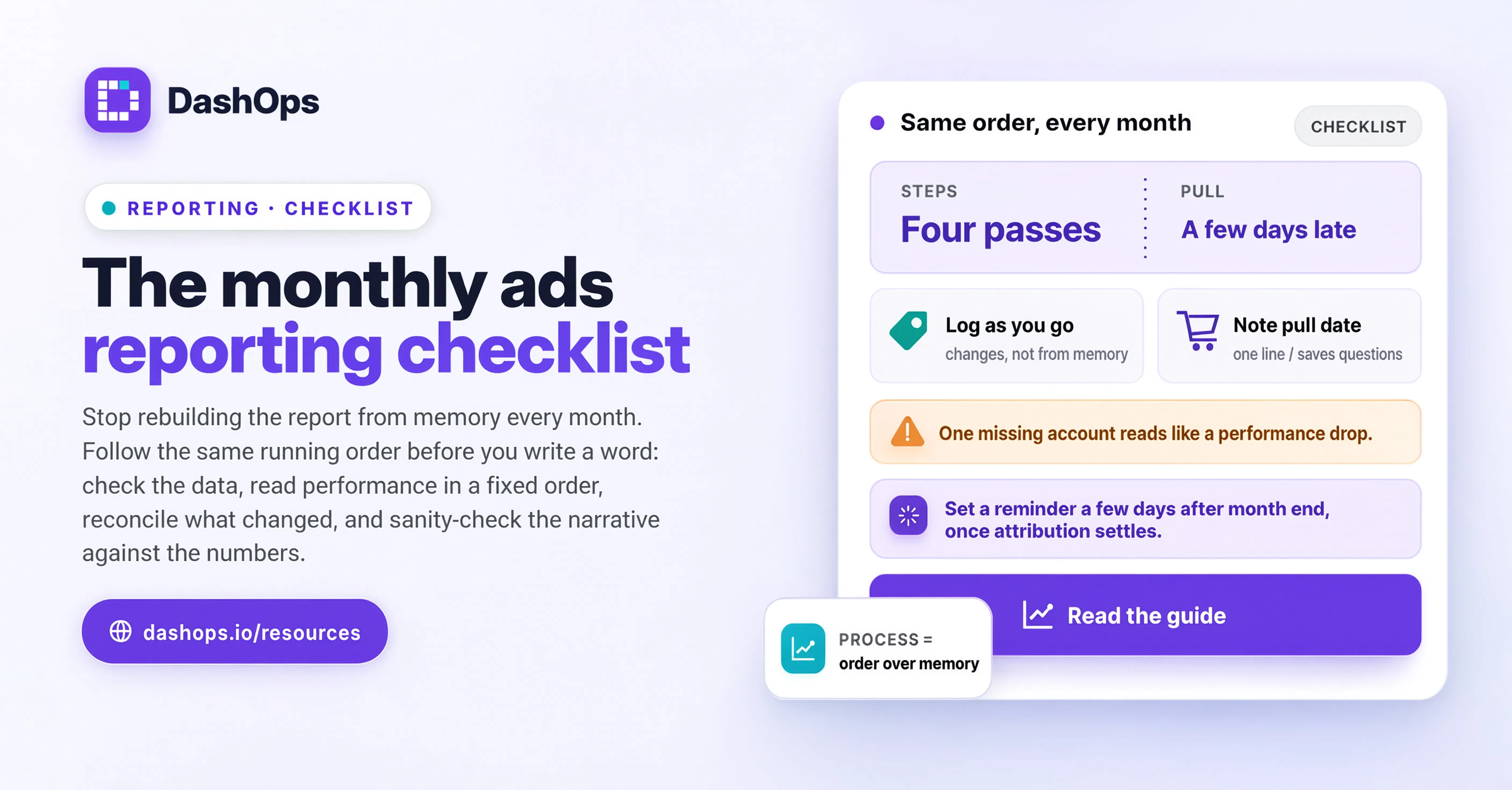
A monthly ads reporting checklist fixes that. Not a template for the report itself, but the running order you follow before you write a word. Same steps, same order, every month. This post is that checklist, broken into the four passes that matter: data integrity, performance, account changes, and delivery. If you want the full picture of what goes into the finished document, the complete guide to the Meta Ads monthly report covers structure and narrative. This one is the pre-flight.
Pass one: check the data before you read it
Every month somebody publishes a report built on numbers that were never going to be right. Do this pass first, because everything downstream depends on it.
- Confirm the date range is the calendar month, not a rolling window. A “last 30 days” preset selected partway into the following month quietly includes days that belong to the month before. Set explicit start and end dates.
- Check the time zone the numbers are reported in. Meta reports in the ad account’s time zone, not yours and not the client’s. If the account is set to a different zone than you assume, your month boundary sits in the wrong place and the first and last days will not match what the client sees elsewhere.
- Confirm every ad account is included. If the client runs more than one, a report built from one account looks like a performance drop rather than a missing account.
- Give attribution windows time to settle. Conversions attributed to clicks earlier in the month keep landing for days afterward. A report pulled on the first of the following month will understate results, especially for longer consideration purchases. Wait a few days, or state the pull date on the report so the client knows what they are looking at. The mechanics of this are worth understanding properly, and delayed conversions in ads reporting walks through why the same month can report differently depending on when you look.
- Note the pull date on the report itself. One line. It saves an awkward conversation when the client checks the account later and sees different figures.
- Check for tracking gaps. If the pixel broke or a conversion event stopped firing partway through the month, the drop in results is a measurement problem, not a performance problem. Catch it now, not in the meeting.
Pass two: read the performance, in a fixed order
Reading in a fixed order stops you from anchoring on whichever number happens to look dramatic. Work top down.
- Spend against budget. Did the account spend what it was meant to spend? Under-delivery is a finding in itself and usually has a cause worth naming.
- The primary result and its cost. Whatever the account is actually for: leads, purchases, conversations. One headline number and its cost per result. Everything else is context for these two.
- The same figures for the previous month. Not because month over month is the only comparison that matters, but because it is the one the client will make in their head anyway. Have the number ready.
- The delivery metrics underneath. Impressions, reach, frequency, CTR, CPM. These do not go in the summary, but they explain the summary. If cost per result moved, the reason is usually visible here.
- Campaign level, then ad set, then ad. Drill down only where the account level raised a question. Do not export every ad in the account into the report. Nobody reads it.
- Your best and worst performer, named. Two specific campaigns or ads, with the numbers that make them best and worst. Concrete beats comprehensive.
Resist the pull to explain every fluctuation. Small movements in a small account are noise, and treating noise as signal trains the client to worry about the wrong things.
Pass three: reconcile what actually changed in the account
This is the pass most people skip, and it is the one that turns a data dump into a report. Numbers moved because someone did something. Your job is to connect the two.
- List every campaign launched, paused or ended during the month, with dates. A campaign that ran for only part of the month is not comparable to one that ran the whole of it, and the report should say so.
- List creative changes. New ads, swapped images, rewritten copy. If performance shifted after a creative refresh, that is the story.
- List audience and targeting changes. New lookalikes, added exclusions, expanded geography.
- List budget changes, including any mid-month increase or pullback the client requested.
- Note anything outside the account that affected results. A promotion, a website change, a stock issue, a seasonal event, a press mention.
Keep this log as you go rather than reconstructing it at month end. An audit log that records who changed what and when turns this pass from archaeology into reading. In DashOps, campaign and ad changes are recorded automatically with the team member who made them, so the log is already written by the time you need it.
Pass four: sanity-check before it leaves your hands
- Does the report answer the question the client actually asks? Usually a version of “was this worth it and what happens next?” If your report answers “here is a lot of data”, rewrite the top section.
- Does every figure in the summary match the figure in the detail tables? Rounding and different date ranges cause more credibility damage than a bad month does.
- Is spend visible to the right people? Some clients see spend, some see only results. If a client is on a read-only view where cost is hidden, the report they receive should match.
- Is the branding right? Your logo or the client’s, depending on the arrangement. A report that arrives with the wrong branding undermines everything inside it.
- Are the next steps specific? “Continue optimising” is not a next step. “Pause the Contoso retargeting set, test new hooks on the top-performing audience, and increase budget on the Northwind prospecting campaign” is.
- Is it going out on the same date it went out last month? Predictability is most of what a client means by reliable.
Where the checklist should live
The checklist only works if it is not in your head. Put it somewhere you cannot avoid it: a recurring task, a template document you copy each month, or a shared doc your team ticks through together.
The passes that are pure data assembly are also the ones worth taking off your plate entirely. Pulling the same figures into the same layout every month is exactly the kind of work that should be scheduled rather than performed, and automating your Facebook Ads reports covers how to get there. What automation cannot do is pass three. Nobody but you knows why the account changed shape in the second week, and that is the part clients pay for.
DashOps generates the report itself, in PDF or Excel, on a schedule and with your branding, so the assembly passes stop being manual work. What arrives on your desk is a finished document waiting for the commentary only you can add.
What to do next
Take this month’s report and run pass three on it retrospectively. List every change made to the account during the month and see how many of them you had forgotten. That gap is the argument for keeping the log as you go.
Then set the checklist up properly for next month: a recurring reminder a few days after month end, so attribution has settled before you pull anything, and a place to log account changes as they happen rather than at the end. Run it once and you have a checklist. Run it twice and you have a process, with pass three already written before you sit down to write.
Frequently asked questions
When in the month should I pull the data for a monthly ads report?
What is the most commonly skipped step in a monthly reporting checklist?
Should the monthly report include every campaign and ad in the account?
How do I make sure the numbers in my report match what the client sees in their ad account?
Can any of the monthly reporting checklist be automated?
See it in your own dashboard
DashOps brings Meta Ads reporting, campaign management, and white-label client portals into one place. Pick the plan that fits how you run ads.