How to Request Access to a Facebook Ad Account
To request access to a Facebook ad account, open Settings in Meta Business Suite, go to Accounts, then Ad accounts, click + Add and choose Request access to an ad account in another business portfolio. Enter the ad account ID, pick partial access or full control, and click Confirm. You get in once the owner, or someone with full control of their portfolio, approves.
That route needs your own business portfolio, which is Meta’s current name for Business Manager, and the account’s ID, so start by messaging the owner. The steps follow Meta’s page on adding ad accounts and its partner pages as of 5 November 2026, so follow the nearest label if yours differ.
A message to send the owner
Send this first. It tells the owner a request is coming and gives them a way to skip it. It also finds the right person, because on its page about approving Page requests Meta says it cannot tell a requester who is able to accept. Swap in your own names and ID.
Subject: Access to the Acme Apparel ad account
Hi,
To start on your ads I need access to your ad account. There are two ways to do this, and you only need one.
Option 1, you share it with us. In Meta Business Suite, go to Settings, then the Ad accounts tab. Click Assign partner and enter our business portfolio ID: (your ID here). This works if your ad account is in a business portfolio.
Option 2, I request it and you approve. For this, please send me your ad account ID. You can see it in Ads Manager, in the account menu at the top of the page, or after act= in the address bar.
I am asking for the Manage campaigns task, which lets me view and edit ads and read reports. It does not let me change your billing, your account settings or who has access.
I also need your Facebook Page with partial access and the Ads task, because Meta requires that before I can run ads for it. In Settings, click Partners, click Add, choose Give a partner access to your assets, and enter the same ID.
The account stays yours, and you can remove our access whenever you like.
Thanks, Contoso Studios
If you only need to read results, change the task in that message to View performance, say it lets you view ads and read reports, and delete the paragraph about the Page.
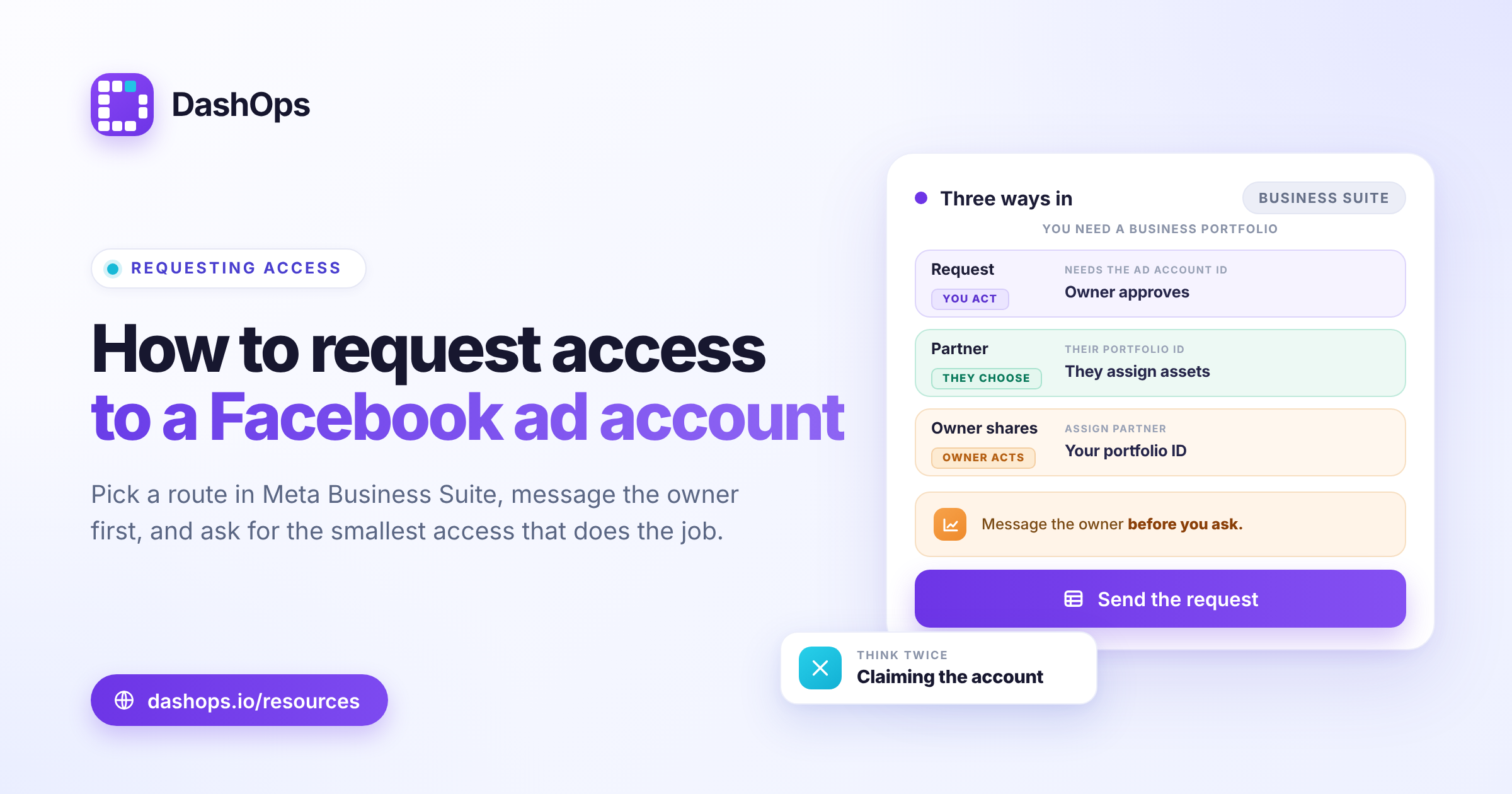
Three ways in
| Route | Who clicks | What you need | Good for |
|---|---|---|---|
| Request the ad account | You, then the owner approves | Your portfolio and the ad account ID | One ad account |
| Ask a partner for assets | You, then the partner chooses | Your portfolio, plus their portfolio ID, name and email | Several assets, such as a Page as well |
| Owner assigns you as a partner | The owner alone | Your portfolio ID | An owner who would rather do it from their side |
No portfolio yet? Create one first, because all three routes depend on it. Your own ID is in Settings, under Business portfolio info, right below the portfolio’s name. Meta also has a page on finding the ad account ID if the owner gets stuck.
Route 1: request the ad account
- Go to Settings in Meta Business Suite.
- In the side menu, open Accounts, then Ad accounts.
- Click + Add at the top right.
- Select Request access to an ad account in another business portfolio.
- Type the ad account ID.
- Choose partial access or full control. For partial access, select the tasks you want.
- Click Confirm to send it.
You can use the account once its owner, or someone with full control of the portfolio it sits in, approves. If you own the account or already have full control of that portfolio, Meta needs no approval. Meta’s page also covers an account owned by a person outside any portfolio. To see where a request stands, look under Requests in Settings, which Meta describes as the place to manage invitations you have sent.
Watch out for the option beside it. Add an ad account claims the account, and Meta warns that a claim may move it into your portfolio permanently. Never pick it for a client’s account unless the client has agreed to the move.
Route 2: ask a partner to assign assets
Use this when you want more than the ad account. You need full control of your own portfolio and two-factor authentication turned on. The other side needs a portfolio, and only someone with full control of it can agree. Steps from Meta’s page on asking a partner to share assets:
- In Settings for your portfolio, click Partners in the Users section.
- Click Add, then Ask a partner to assign you their assets.
- Read the information and click Get started.
- Enter the partner’s email address and their business portfolio ID.
- Select your business’s role and the partner’s role, then click Next.
- Choose the asset types and permissions you want, then click Next.
- Check the details and click Send request.
The partner can approve, deny, or change what gets shared. Meta notifies you when they act, and the Partners tab shows the status and lets you cancel.
Route 3: let the owner share it
This is the shortest for you, because you send one number and wait. Someone with full control of the owner’s portfolio opens the Ad accounts tab, clicks Assign partner and enters your business portfolio ID. If they want every click spelled out, send them these steps for giving access.
If you work for the same business
Then you are not asking another portfolio, and the Meta pages read for this guide describe no request form for your case. Someone with full control has to invite you or assign you the account. If you are already in the portfolio with basic access, you can see who has full access, so you know who to ask. Give them the email on your Facebook account, because the invitation has to match it.
If neither of you uses a portfolio, ask an admin on the account instead. The admin adds you in Ads Manager, under Ad account roles, and Meta says the two of you must be Facebook friends. Ask for the advertiser role to run ads, or the analyst role to read reports. Freelancers can read more in this guide to freelancer client onboarding.
What the owner sees, and how to accept
This part is for the owner, and it comes with a gap. Meta’s ad account page says who can approve but does not show the approval screen, and no live request was sent to see one for this guide.
Only the account’s owner or someone with full control of its portfolio can approve. The closest screen Meta documents is the one for a Page: in Settings, below Requests, Other requests lists the businesses asking for access, with details about the requester, and each has Approve and Decline. Start there for an ad account too, and expect the words to differ. A partner request from Route 2 can be approved, denied or narrowed by the partner.
Before you accept, check three things: you know the business asking, the ad account is the one you expected, and the level matches the job. If the person you contacted cannot find anything to approve, they may not have full control. Either way, someone with full control can use Route 3 and skip the request.
Which level to ask for
Ask for the least that does the job, because a narrow request is easier for an owner to accept and can be widened later. View performance covers viewing ads and reports. Manage campaigns adds creating and editing ads. Manage ad accounts is full control, which also covers settings, finances and permissions, so ask for it only if you are taking those on.
Think about the Page too. Meta requires full control of a Page, or partial access with the Ads task, to manage ads for it. The message above asks for it, or you can request the Page yourself: in Settings, open Accounts, then Pages, click + Add, select Request shared access to a Facebook Page, enter its name or URL, choose the access and click Confirm. Meta says your portfolio needs a primary Page before you can do this.
After the owner says yes
- Confirm the share. Shared assets appear in the Settings of both portfolios, so check that the account is listed in yours.
- Assign your staff. A share does not put the account in front of each person. Someone with full control of your portfolio has to assign it to them. If your business was given partial access, only those tasks can be passed on.
- Finish the setup. Access is one step in a longer job, covered in this guide to onboarding a new Facebook ads client.
DashOps has its own version of this step. On Growth and Enterprise you can invite team members and choose which ad accounts each one can work on.
Frequently asked questions
How do I request access to an ad account in another business portfolio?
How do I accept an ad account request on Facebook?
What is the difference between requesting access and claiming an ad account?
Can I request access without a business portfolio?
What should I do if my request is not approved?
See it in your own dashboard
DashOps brings Meta Ads reporting, campaign management, and white-label client portals into one place. Pick the plan that fits how you run ads.