Client Reporting Software for Freelancers: A Practical Guide
For a freelancer, reporting is the part of the job that quietly eats your evenings. You finished the work, the campaigns are performing, and now you owe three clients a clear picture of what happened this month. Doing that by hand in a spreadsheet is slow, error prone, and easy to put off. Client reporting software fixes that, and you do not need an agency-sized budget to use it.
What client reporting software actually does
At its simplest, it connects to your ad accounts, pulls the numbers automatically, and turns them into something a client can understand at a glance. Instead of exporting columns from Ads Manager and reformatting them, you get a clean view with the metrics that matter, the trend over time, and a comparison to the previous period.
The goal is not to show every number. It is to answer the question every client really asks: is my money working, and what did you do about it.
What to look for as a freelancer
You have different needs than a large agency, so focus on these.
- Automatic data, no manual export. The tool should pull from Meta directly so your report is always current.
- A clear client-facing view. Plain labels, the headline metrics, and a trend chart beat a dense table of jargon.
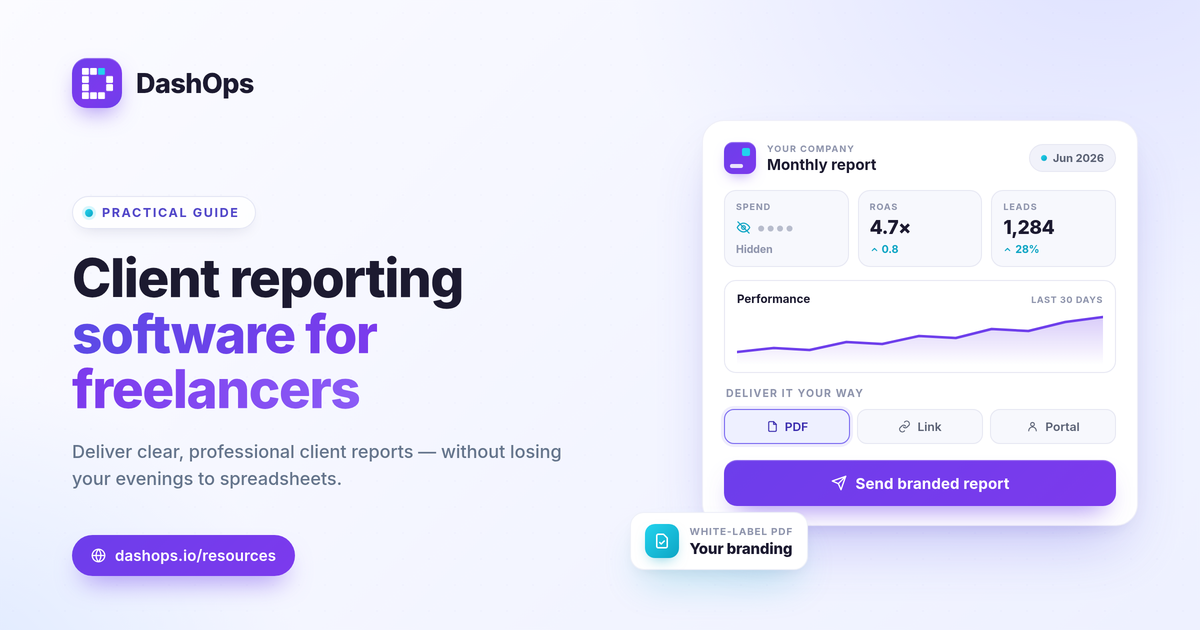
- Flexible delivery. Sometimes a client wants a scheduled PDF in their inbox, sometimes a link they can open anytime, and sometimes their own read-only login. Pick a tool that does all three.
- Spend visibility control. If you bill a flat retainer, you may not want to show raw ad spend. The ability to hide cost figures from the client view keeps your pricing your business.
- Your brand, not the tool’s. White-label reports with your logo and colors make you look established.
How DashOps fits
DashOps was built for everyone who runs Meta Ads, and that includes solo freelancers. You connect a client’s ad account through secure sign-in, and their dashboard fills in automatically.
When it is time to report, you have options. Send a scheduled, branded PDF report on a weekly or monthly cadence. Generate a read-only share link for a quick check-in. Or, on the plans that include client logins, give the client their own simplified portal with the jargon dialed down. You control whether spend is visible, and white-label branding is available so the whole experience looks like yours. The pricing page shows what each plan includes, and the help center walks through setup.
A simple monthly routine
Once it is set up, your reporting routine can be five minutes instead of an afternoon.
- Let the dashboard sync the month automatically.
- Add one or two sentences of context, like which test won or what you are changing next.
- Send the branded PDF, or point the client at their portal.
That short note matters more than people expect. The data shows what happened, but your interpretation is what clients are paying for. Good software gives you the time to write it.
Frequently asked questions
Do I need to give clients a login to share reports?
Can I hide my costs from the client?
Can I put my own brand on the reports?
See it in your own dashboard
DashOps brings Meta Ads reporting, campaign management, and white-label client portals into one place. Pick the plan that fits how you run ads.